Solopreneur Automation: Run a One-Person Company Without Drowning
Published 2026-09-14 · Updated 2026-10-14 · 7 min read · ShooWork (FREECO CO., LTD.)
Order alerts, the same five customer questions, monthly reconciliation — what a one-person company should automate first, and what you should never build.
If you run a one-person company and you're asking what to digitize first, the honest answer is boring: automate the work that happens every day, follows fixed rules, and creates a mess when it goes wrong. Order notifications. Shipping info and tracking numbers. The same five questions customers ask before they buy. Monthly reconciliation. Start there, not with whatever demos well on a conference stage.
Here is why this matters more for you than for a thirty-person company. A one-person business has the most expensive labor structure on earth, because every hour you spend has no substitute. Nobody covers for you. Get the flu for three days and the company stops for three days — orders don't ship, questions go unanswered, and that revenue never comes back. Automation isn't a productivity flex at your size. It's the only redundancy you can actually afford.
We run our own AI tool platform at ShooWork — a video-editing engine, an ads tool, a writing tool, and all the unglamorous plumbing behind them — and for a long stretch that meant a very small group doing exactly the juggling act you're doing now. What follows is what genuinely moved the needle, including the piece of advice that costs us money to give: for most of what you need, don't build anything.
First, Do the Math on What an Hour of Yours Is Worth
Take your monthly revenue target and divide it by the hours you can realistically work — not the hours in the day, the hours you actually have after sleep, family, and the admin of being alive. Call it 120 hours a month. A $12,000 target puts your floor rate at $100 an hour. That single number is the argument behind everything below.
Now keep an honest log for one week, with two buckets. Bucket A is work only you can do: building the product, closing partnerships, handling the customers who fund half your revenue, deciding what to make next. Bucket B is work anyone or anything could do: answering the delivery-time question for the ninth time, copying order details into a spreadsheet, matching payouts against invoices, printing labels.
Most solo operators who run this exercise get an unpleasant surprise — more than half of their week has been eaten by Bucket B. At $100 an hour, sixty hours a month of Bucket B is $6,000 of value you set on fire every month while telling yourself you were busy. The point of digitizing isn't to be modern. It's to buy back that half.
Automate in This Order: Frequency Times Mental Load
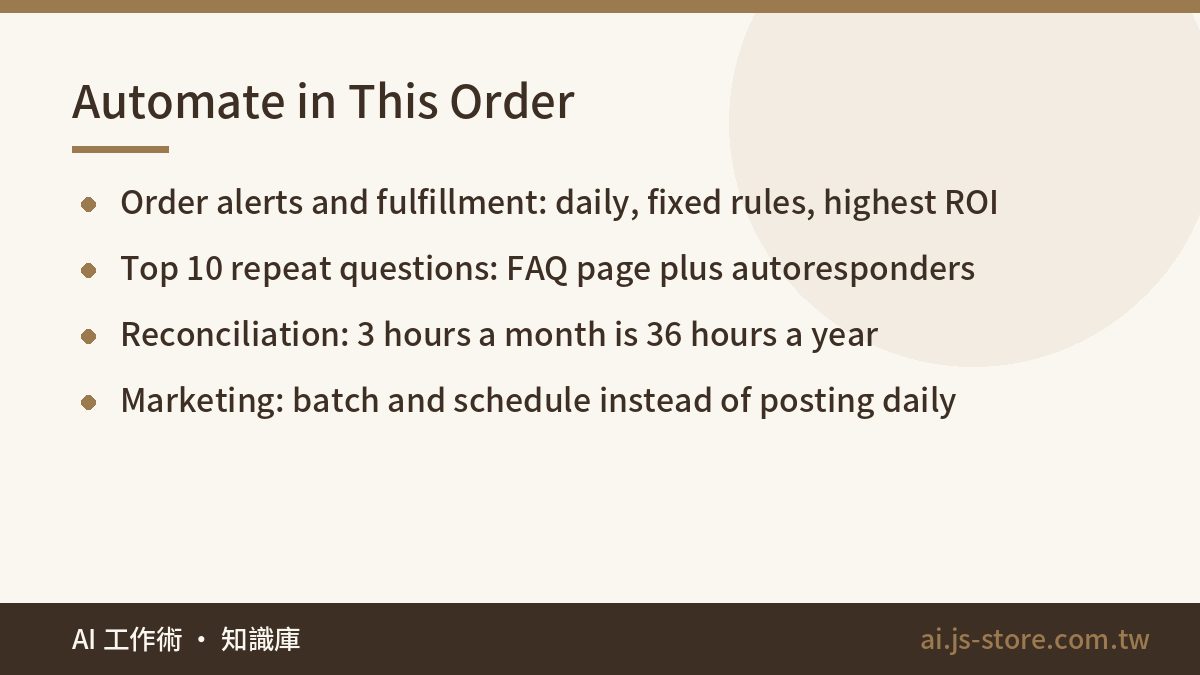
Don't start with the most exciting thing. Start with the most irritating thing. Rank every candidate by how often it happens multiplied by how much headspace it steals, then work straight down the list.
- Order notification and fulfillment. Order lands, confirmation goes out, shipping details generate, invoice issues. It happens daily, the rules never change, and mistakes cost you money plus an apology email. Highest return on automation, full stop.
- Your top ten questions. Pull your last 200 customer messages and count them. It will be shipping cost, delivery time, and returns, in some order. Write a real FAQ page, wire up autoresponders, and get roughly 80% of repeat questions handled before they reach your inbox. You don't need AI for all of it — see how to tier support so bots take 80% and you take the 20%.
- Reconciliation and reporting. Three hours a month of manual matching is 36 hours a year. That's a full working week, spent on something a scheduled export could do, instead of on the only work that grows the company.
- Marketing cadence. Produce in batches, schedule, then stop thinking about it. "I have to post today" is a mental tax you pay 365 times a year for something you could settle in one afternoon a month. This is where tools like ShooWork Clip and ShooWork Write earn their keep — not by making you more creative, but by collapsing a daily obligation into a monthly one.
Digitizing a one-person company has exactly one goal: make sure the only person in the company only does the things a person has to do.
Buy Off the Shelf. Don't Build. (Yes, We Build Software.)
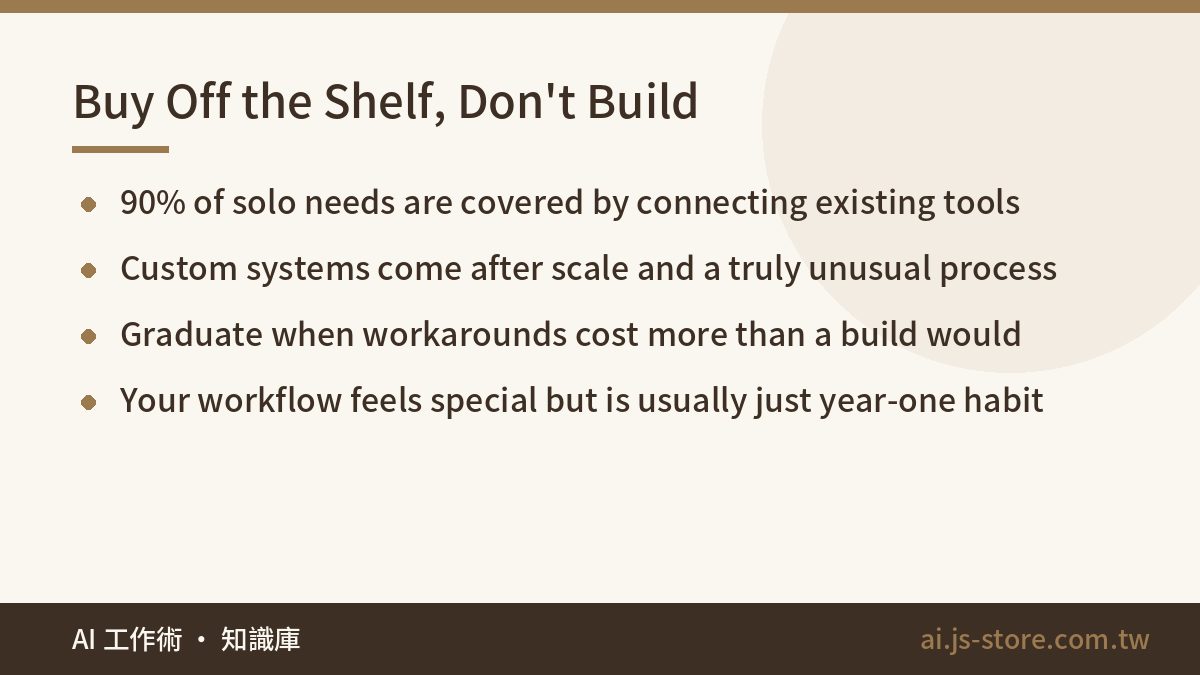
This should carry some weight coming from a team that makes its living building systems: for roughly 90% of what a one-person company needs, stitching together off-the-shelf tools is enough, and a custom system is a mistake. Custom belongs to companies that already have scale and a genuinely unusual process. Before that, your scarcest resource is time, and off-the-shelf starts saving it this week instead of next quarter.
The usual objection is "but my workflow is special." At one person, it almost never is. What feels special is usually just habit — the way you happened to set things up in year one, now calcified into a requirement. Bend your habit to the tool before you bend a tool to your habit. If you're weighing subscribe versus buy versus build on the API, we worked through that decision in this breakdown of AI tool selection.
There is a real moment when you graduate from off-the-shelf, and it has a clear tell: you're spending more on workarounds — manual re-entry, exports that need cleaning, a spreadsheet that exists only to reconcile two tools that refuse to talk — than a custom build would cost to run. Until that's true on paper rather than in your gut, keep buying. Pricing changes constantly, so check the official pricing page of anything you're considering rather than trusting a number you read in a blog post.
Fewer Tools, Chosen for Exactly Two Things
The trap that follows "use off-the-shelf tools" is collecting them. A one-person company cannot afford seven tools that don't talk to each other. Every addition is another login, another invoice, another island where your data sits alone, and another thing that quietly breaks while you're busy shipping orders.
Two criteria, and say no to everything that fails either. First: can it connect to what you already run — a native integration, a usable API, or at minimum a webhook? Second: can you export your data as a clean file, on demand, without filing a support ticket? A tool that holds your customer list hostage is a liability wearing the costume of convenience.
Be realistic about where no-code glue stops working, too. It is excellent at moving records between systems on a fixed rule and poor at anything with genuine conditional logic or volume. We mapped the boundaries in no-code AI limits. Knowing the ceiling before you start is how you avoid building the same automation three times. One more thing worth five minutes of thought: every connection you create hands customer data to another service, so know what each one stores and where before you click authorize.
Two Hours a Week Is the Entire Plan
There is a canyon between knowing what to automate and actually doing it, and it's paved with "I'll sort that out after this batch of orders." The batch never ends. That's not a discipline problem, that's the nature of the job.
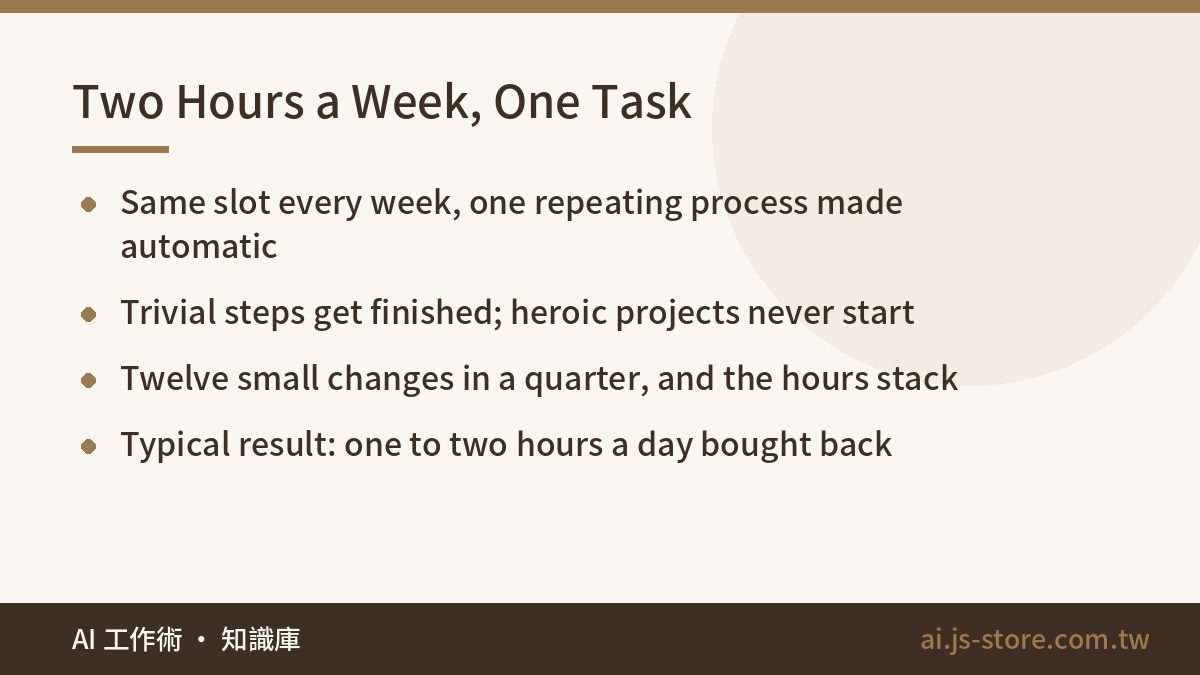
So put the improvement itself on the calendar. Two hours, the same slot every week, one task only: take a repeating process and make it either automatic or shorter. This week, set up order notifications. Next week, write the FAQ page. The week after, work out how to export the report you've been assembling by hand. Each step looks trivial in isolation — that's the feature, not the bug. Trivial steps actually get finished, and heroic ones never start.
Compounding does the rest. Three months of holding that slot is twelve small changes, and the hours they return stack on top of each other. Most people who keep the appointment find they've bought back one to two hours a day by the end of a quarter. If you want to test whether any of this changes your week before it costs you anything, start with the free tools and automate one thing.
The Honest Ending
Automation will not make running a one-person company easier. It moves your time from chores to hard problems, and hard problems are more tiring than chores. Chores are comfortable precisely because they're solvable — you can finish a day having shipped forty orders and feel productive without having decided a single thing.
But that's the entire point. Chores don't grow the company; hard problems do. Get the shipping paperwork off your desk first, and you'll still have energy left to think about what comes next. That trade is the only reason to do any of this, and it's reason enough.
FAQ
Q: What should a one-person company automate first?
Order notification and fulfillment. It happens every day, the rules are fixed, and errors cost you money plus customer trust. Once that runs itself, move to the top ten repeat customer questions, then monthly reconciliation, then your marketing schedule. Rank by frequency times mental load, not by how interesting the project sounds.
Q: Should I build a custom system for my business?
Almost certainly not, not yet. Around 90% of what a solo operator needs is covered by connecting existing tools. Build custom when you're demonstrably spending more on workarounds — manual re-entry, cleaning exports, maintaining a reconciliation spreadsheet — than a custom system would cost to run and maintain. Until that math works on paper, buying is faster and cheaper.
Q: How many tools is too many?
The number matters less than whether they connect. If you're manually copying data between two tools, you effectively have one broken tool. Judge each candidate on two questions: does it integrate with what you already run, and can you export your own data cleanly whenever you want? Anything that fails either one is a future migration you'll pay for.
Q: Do I need AI for customer support, or is a FAQ page enough?
Start with the FAQ page and autoresponders — they're free, instant, and handle the bulk of repeat questions. Add AI when you've proven the same questions keep arriving in forms a static page can't match. The goal isn't AI coverage, it's keeping routine questions away from your inbox so you only handle the ones that need judgment.
Q: How long before automation actually saves me time?
The first order-notification setup pays for itself within days. The compounding effect takes about a quarter. Two focused hours a week for three months is roughly twelve improvements, and operators who hold that appointment typically recover one to two hours per day. The failure mode isn't picking the wrong tool — it's never scheduling the time in the first place.