AI Annual Review: Turn a Year of Records Into Growth and Goals
Published 2026-10-04 · Updated 2026-10-13 · 7 min read · ShooWork (FREECO CO., LTD.)
Stop reviewing your year from memory. Use AI to sort a year of calendar events and notes into wins, lessons, blind spots and 3 checkable goals in 30 minutes.
You sit down for your year-end review, stare at a blank page for 20 minutes, and all you can remember is the last three months plus one bad week in July. That isn't laziness. Reviewing a whole year from memory just doesn't work, and trying harder won't make it work.
Here's the fix. You already left a year of evidence behind: calendar events, notes, project boards, chat threads. You just don't have the energy to read 12 months of it. An AI model does. Export your records, give them to the AI with a structured prompt, and in about 30 minutes you'll have a list of what you actually finished, what you actually learned, where you kept getting stuck, and three concrete goals for next year.
Below is the process we use on our own team, a prompt you can copy, and the parts you should never hand off to a machine.
Why Most Annual Reviews Fail
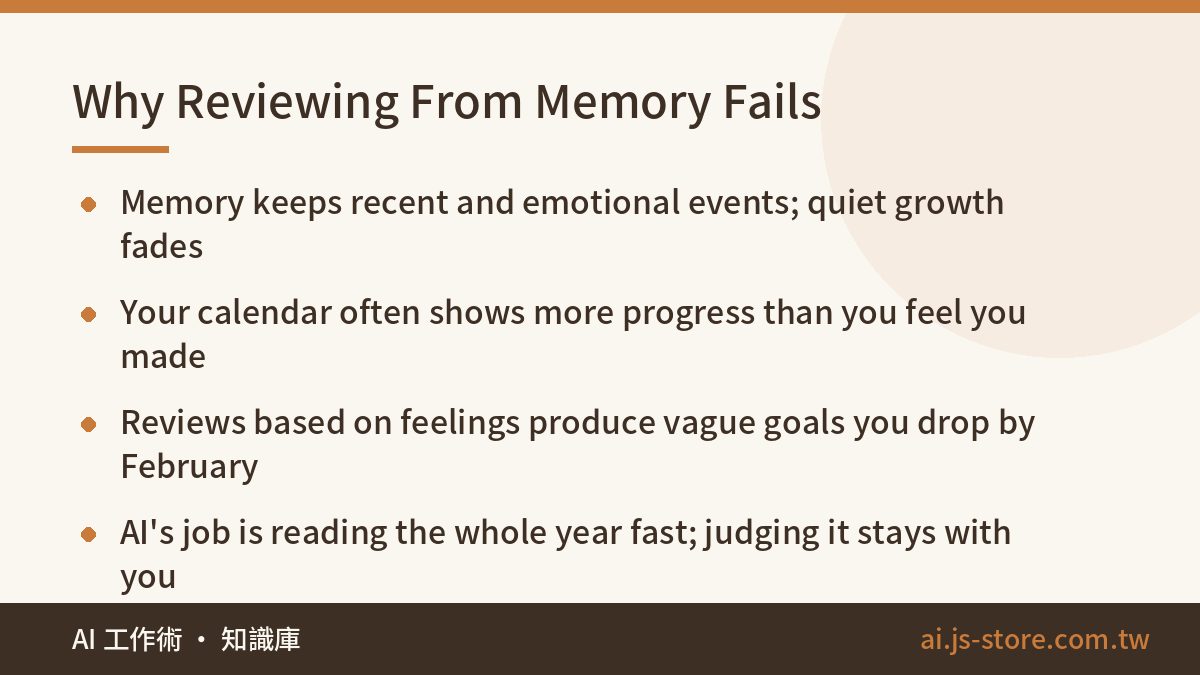
Memory keeps two kinds of events: recent ones and ones with strong emotions. Everything else fades. But real growth usually comes from small, boring things that add up: the skill you picked up in March without noticing, or the kind of invitation you turned down all year. You won't remember those by thinking hard. They are sitting in your records, though.
Here's a common case. You feel like you didn't grow much this year. Then you open your calendar and count 14 webinars you thought you only half-watched, two projects you took on even though they scared you, and a study block every Thursday that you kept for most of the year. Put together, that's a clear line of growth. A review from memory would give you a vague passing grade and quietly write off all of that work. That's not a pep talk. It's what the data says once you actually look at it.
The opposite happens too. One big win can color the whole year, so you never notice the bad habit that ate six months. Either way, a review based on feelings gives you goals based on feelings, like "be more productive" or "focus on what matters." Those goals can't be checked, so you'll drop them by February.
What AI really adds here is speed. Reading a whole year is a slog, and AI turns it into a few minutes. You still do the judging. You just aren't the one slogging through the reading.
What to Gather Before You Start
You don't need a perfect archive. You need whatever you already have, exported to files the AI can read:
- Your calendar. Export it as an .ics file from Google Calendar or Outlook. It's the most honest record you have, because it shows where your hours actually went, not where you meant them to go.
- Your notes. Copy them out of Notion, Apple Notes, Obsidian or wherever they live. Meeting notes, journal entries and half-finished ideas all count.
- Your task or project lists. Completed tasks are a great record of output. Most task managers can export them.
- Key conversations. Pick a handful of threads that marked a real decision. Don't paste every chat you had all year.
- Optional extras. Things you published, subject lines from sent emails, a list of courses you took. Anything with a date on it helps.
Two rules before you upload anything. First, strip out sensitive material: passwords, account numbers, other people's private details, and confidential company information. A review is about events and patterns. It doesn't need personal data. Second, if your exports are huge, split them by quarter and run the review four times before a final summary pass. Long context windows are good now, but a year of raw notes can still swamp a free-tier chat. If your files are messy to begin with, a quick cleanup pass first is worth it. We cover that in batch-cleaning your digital clutter with AI.
The 3-Step AI Annual Review
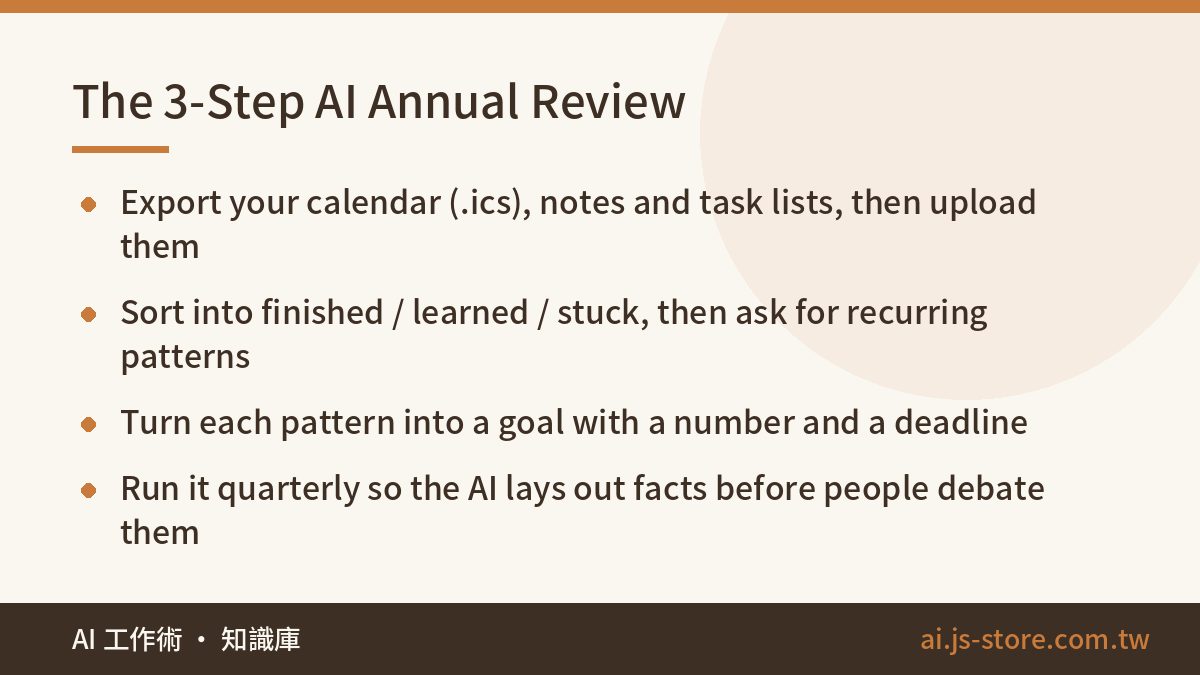
The whole process has three steps. Don't skip any of them.
- Export and upload. Get your calendar, notes and task lists into files, then upload or paste them into Claude, ChatGPT or any assistant that takes long inputs. You don't need code or tools beyond the regular chat interface.
- Ask for three piles plus patterns. Have the AI sort everything into what you finished, what you learned, and where you got stuck or avoided things. Then ask it to name the patterns that keep coming back: where your time actually went, what you kept putting off, which kinds of work drained you. The patterns are where the value is. A list of events is just a diary.
- Turn patterns into goals. Ask for three goals for next year, each built on a pattern it found, and each one specific enough that you could check it on a random Tuesday in June.
Here's what checkable means. "Get better at video" is a wish. "Publish two edited videos a month, 24 by December" is a goal: in any given month you either hit it or you didn't. "Learn Google Ads" is a wish. "Run one small search campaign for 60 days and review the search terms report weekly" is a goal. If the AI hands you something vague, push back and ask it to rewrite the goal with a number and a deadline.
We run this every quarter on our own team. We build and operate the ShooWork platform, including our video-editing engine and ads tooling, so there's always more going on than anyone can keep in their head. We used to hold a two-hour retro where people argued from memory. Now the AI lays out the facts first, and the humans only interpret and decide. The meeting got shorter, and the arguments moved from "what happened" to "what do we do about it," which are the arguments worth having. This is the same thinking behind auditing your processes before you buy any AI tool: get the facts on the table before anyone forms an opinion.
The Prompt You Can Copy
Once your files are uploaded, paste this:
"These are my calendar and notes from this past year. Run an annual review for me: (1) Sort everything into three groups: things I completed, skills or abilities I gained, and things I got stuck on or avoided. (2) Identify 3 recurring patterns, such as where my time actually went and what I repeatedly avoided. Cite specific entries as evidence. (3) Based on those patterns, draft 3 specific, checkable goals for next year, each with a number and a deadline. Use bullet points, plain language, no flattery."
The "cite specific entries" part matters. Without it, the AI will happily invent a pattern that sounds right. With it, you can check every claim against your own records. That's a habit worth building for any AI output. We wrote about it in how to check claims with four questions.
After the first answer, follow up with these:
- "Which of these patterns would I be most likely to deny? Why?"
- "What did I spend significant time on that produced nothing visible?"
- "What did I start at least twice and never finish?"
- "Turn goal #2 into monthly checkpoints I can put in my calendar."
The last one closes the loop. Your goals end up in the same calendar you'll export next year, so next year's review has better material to work with.
Where to Draw the Line: What Not to Hand to AI
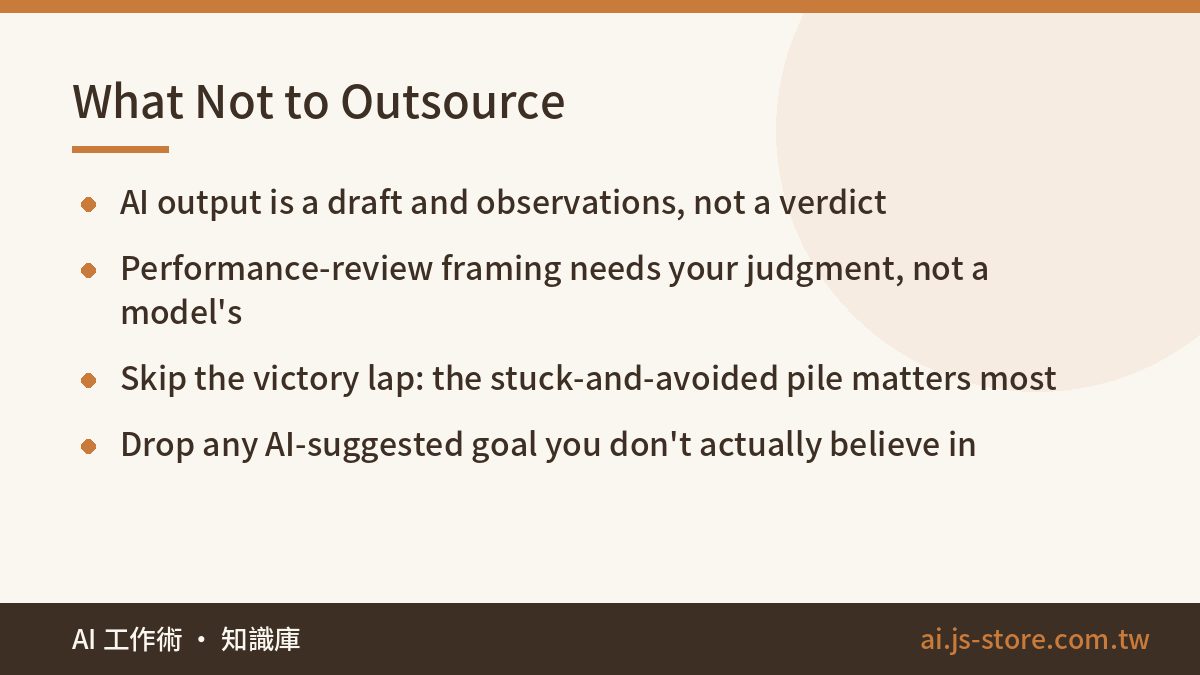
What the AI gives you is a draft and a set of observations, not a verdict. It infers from text. It doesn't know about the decision you made in the car and never wrote down, the setback that cost you more than your notes show, or the breakthrough that looks like one ordinary line in your calendar. Only you know those things. Read the output as a starting point and correct it wherever it gets your year wrong.
Don't outsource the political parts either. If this review feeds into a performance conversation, the AI can list your accomplishments with dates and evidence, and that's genuinely useful prep. But how you frame your year to your manager, which wins you emphasize, and how you position yourself for next year all take judgment and depend on relationships. Let the AI handle the facts. You make the calls.
The most common mistake is running a victory-lap review: listing only the good stuff, then asking the AI to make it sound impressive. Don't. The pile that actually changes next year is the stuck-and-avoided one. The AI won't be awkward about it. It just points out that you postponed the same task 11 times, or that every project you dreaded took twice as long as planned. Seeing the holes you keep falling into usually tells you more about what to change than reliving your wins. Treat the AI as an emotionless mirror, not an awards ceremony.
One last thing: don't adopt goals you don't believe in. If the AI suggests something that's technically logical but makes you groan, cut it. A goal you resent is just next year's avoided pile.
FAQ
Q: I didn't keep good records this year. Is there enough material to work with?
Your calendar is usually enough. It shows where your time actually went, and that's more honest than anything you'll remember afterward. Start with that alone, then use this year's goals to build a light note-taking habit so next year's review has more to work with.
Q: Is it safe to upload a full year of personal records to an AI?
Remove sensitive content first: account details, other people's private information, and anything confidential from work. The review only needs events and patterns, not personal data. If your company has rules about which AI tools can see work material, follow them and run the work part of your review separately.
Q: How is this different from just reflecting on my own?
It's more objective. When you reflect alone, recent memories and strong emotions steer you. The AI reads the whole year evenly, so it surfaces patterns you'd forgotten or would rather not admit. You still interpret them. You just start from evidence instead of a feeling.
Q: Can I do this with a free AI plan?
Yes. Uploading a calendar export and some notes, then asking for categories and goals, works fine on most free tiers. Paid plans mostly help with very large inputs, like a year of notes spread across many files. If you hit limits, split the review by quarter. You can also browse our free tools to see what's available without paying.