AI Knowledge Base: One Build That Fixes Onboarding and Support
Published 2026-09-16 · Updated 2026-10-14 · 8 min read · ShooWork (FREECO CO., LTD.)
An AI knowledge base solves new-hire training and customer support on one foundation. Here's the build path we use, and the step you can't skip.
Every company has the same scene. A new hire asks, “How does this process work?” A veteran says, “There’s a doc on the shared drive.” The new hire opens the drive and finds “SOP_final_v3 (REAL final) (updated 0412).docx” buried eight folders deep, next to three sibling versions that contradict each other. So they give up on searching and ask the veteran again. That is the most expensive way a company can transfer knowledge.
An AI knowledge base — your documents plus AI-powered retrieval — is the most practical AI project most companies can take on right now, because one build fixes two chronic problems at once: new-hire training (answering the same questions over and over) and customer support (the answer exists, but finding it is slow). Both sit on the same foundation. Build it once and both sides benefit.
We run our own AI tool platform at ShooWork, and we’ve built this kind of system for ourselves and for clients. This is the path we actually walk — including the unglamorous first half most people want to skip, and the three design decisions that separate a real enterprise knowledge base from a weekend demo.
The hard truth first: AI can’t rescue bad documents
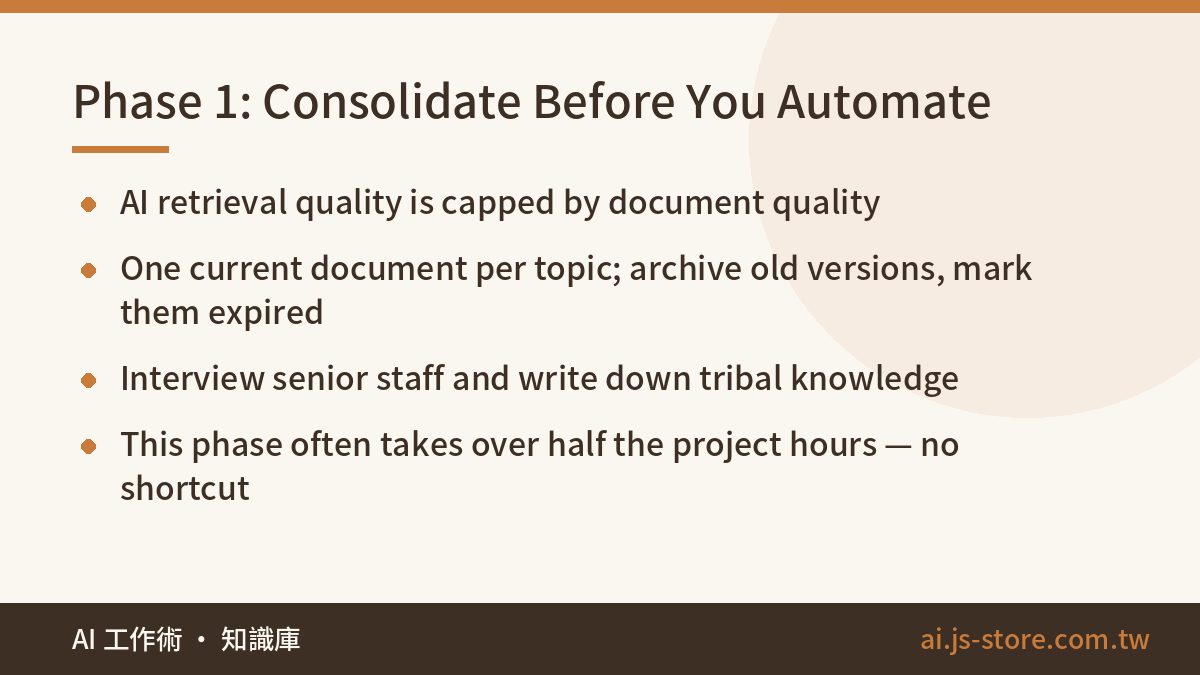
A lot of owners expect AI to work like magic: point it at a mess of scattered files and it “organizes everything automatically.” It won’t. AI retrieval — the technical term is RAG, retrieval-augmented generation — has a quality ceiling, and that ceiling is the quality of your documents. Feed it three contradictory versions of an SOP and the AI will simply serve the contradiction to your users more efficiently.
So phase one is always knowledge inventory and consolidation, and there is no shortcut:
- Name a single source of truth. One current document per topic. Archive old versions — don’t delete them — but mark them clearly as expired.
- Capture tribal knowledge. The most valuable knowledge usually isn’t in any document; it lives in the heads of senior staff. Interview them and write down the judgment calls: “When X happens, ask this person first, and here’s why.” This part is often worth more than all the existing documents combined.
- Give every document a minimum structure. Who it applies to, effective date, owner. It doesn’t have to be perfect. It has to be maintainable.
Our first-hand experience: this phase routinely eats more than half of the total project hours, and it has to be led by someone who understands the business. An outside team can only run alongside. When a prospect wants to skip this step, we tell them not to build the project at all — what they’d get is a chatbot that confidently quotes the wrong version.
Phase two: structure and the retrieval layer
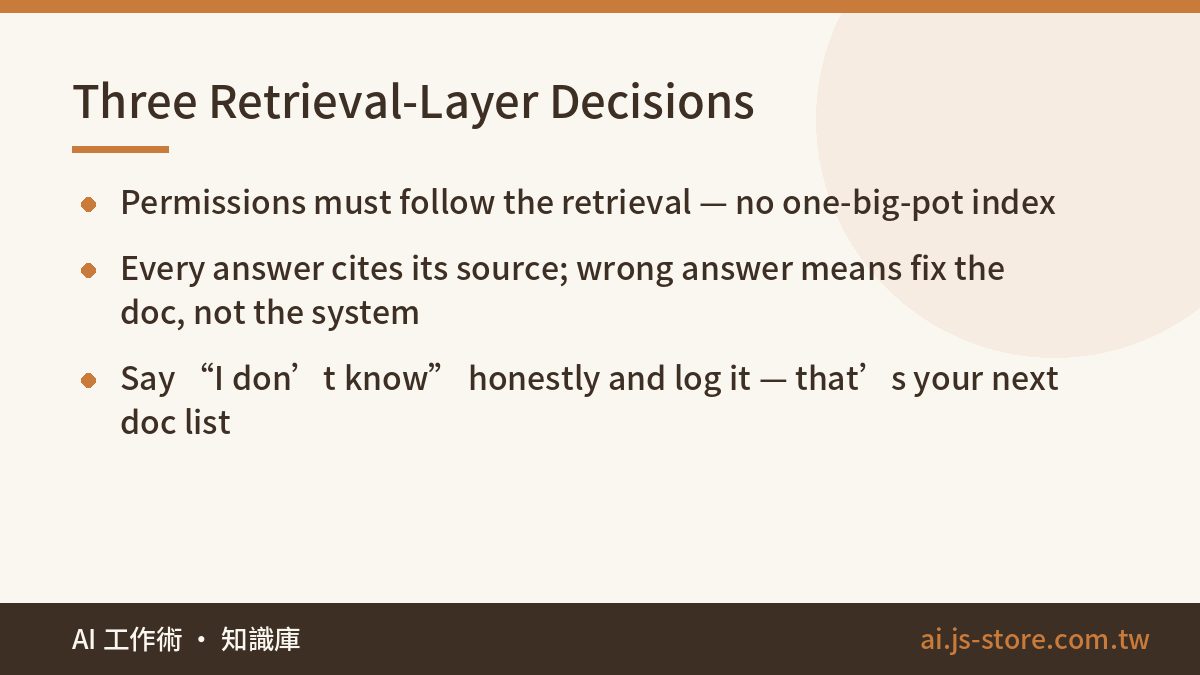
Only after the documents are consolidated do you move into the technical build: chunking documents, building a vector index, wiring up an LLM question-and-answer interface. This is mature technology now — the tooling is not where projects fail. What actually requires judgment is three design decisions.
Permissions must follow the retrieval. Everyone can ask about the vacation policy. Only sales managers can ask about client contracts. The retrieval layer has to respect the access rules your documents already have, instead of boiling the whole company into one big pot. This is the single biggest difference between an enterprise knowledge base and a toy demo — and it’s worth running through AI Security Basics before you let any vendor tell you it’s “handled.”
Every answer must cite its source. Each response links back to the exact passage it came from. Two reasons. Users can verify. And when an answer is wrong, you fix the document, not the system. That is what puts the knowledge base into a virtuous cycle — it gets more accurate the more people use it.
Build an “I don’t know” exit. When retrieval finds no supporting passage, the system should say so honestly and route the person to the right owner — not fabricate something plausible. Then log those unanswered questions. That list of “questions nobody has written an answer for” is your next batch of documents to write, and it’s more accurate than any consultant’s audit.
The real deliverable of a knowledge base project isn’t the Q&A bot. It’s a company habit: every piece of knowledge has an owner, and stale knowledge gets updated. The bot is just the reason the habit is worth keeping.
How onboarding and support share one foundation
On the new-hire side: instead of handing someone a stack of documents and telling them to read it, give them a place to ask questions any time without feeling like they’re bothering anyone. The change we notice most isn’t speed — it’s the quality of the questions. New hires throw the basic stuff at the system, and what reaches their mentor is the stuff that genuinely needs experience and judgment. Mentors stop being human search engines.
Something else worth measuring: how often the same question gets asked. In one team we worked with, the same five onboarding questions accounted for roughly a third of all interruptions to senior staff. Don’t quote that as a universal number — count your own. Once those five had solid, cited answers in the system, the interruptions dropped off a cliff.
On the support side: start with an assistant for your support agents, not a bot facing customers. The person on shift uses it to look things up; the customer still talks to a human. Only after answer quality has been validated internally and you have real numbers on the error rate should you evaluate opening specific scenarios directly to customers. Do it in the reverse order and one public mistake can cost you the trust of the entire project — and possibly a customer. We break down that staged approach in AI Customer Support Tiers.
Three ways these projects quietly die
We’ve seen enough of these to know the failure modes. None of them are technical.
- Nobody owns the documents after launch. Six months in, half the answers point at policies that changed. Fix: every document has a named owner and a review date, and someone actually reads the unanswered-questions log every month.
- The pilot was too broad. Trying to load the entire company on day one means the consolidation phase never finishes. Fix: one department, one quarter.
- Success was defined as “the bot works.” The bot always works in a demo. Measure instead: what share of questions get answered with a source, how many hit the “I don’t know” exit, and how many repeated questions still reach senior staff.
Where to start
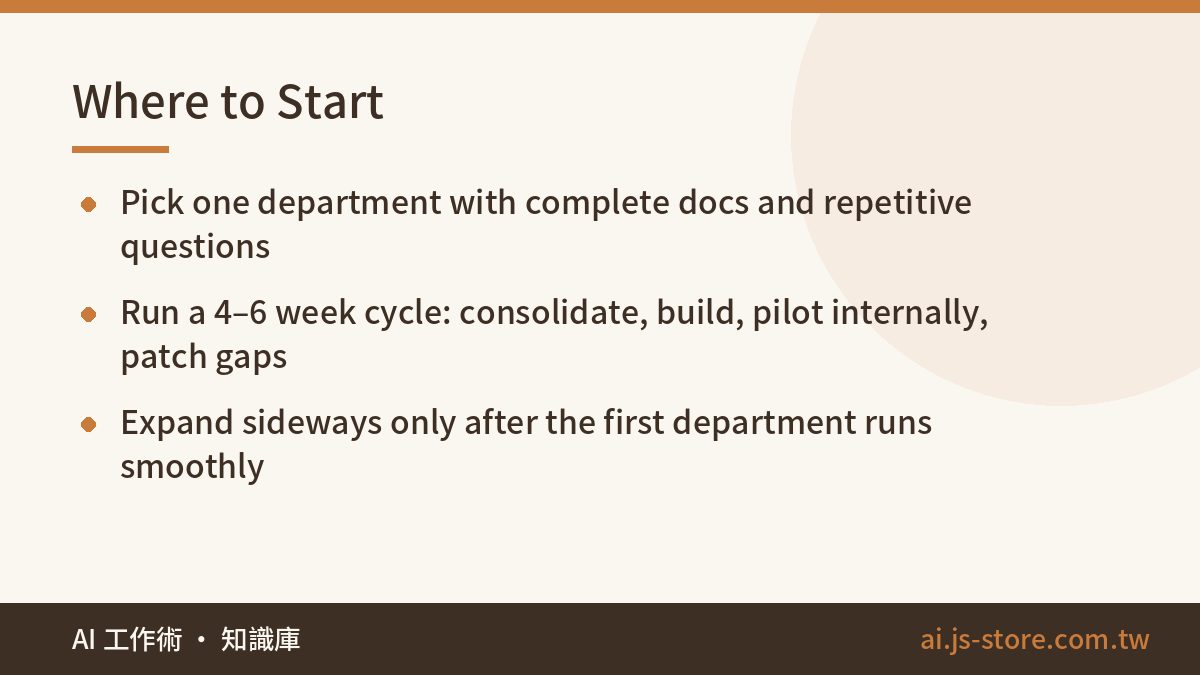
Pick one department where the documents are relatively complete and the questions are highly repetitive. That’s usually customer support or HR. Run a first cycle of four to six weeks:
- Weeks 1–2: consolidate documents, pick a single source of truth per topic, interview senior staff.
- Week 3: build the retrieval layer with permissions and citations from day one — don’t bolt them on later.
- Weeks 4–6: internal pilot. Log every real question, patch the gaps, repeat.
Once it runs smoothly, expand sideways to other departments. You’ll reuse the same retrieval layer and the same document habits, so the second department is faster than the first. If you’d like to see how AI tools fit into a real daily routine before committing to a project, How We Actually Use AI at Work is our own team’s honest breakdown. And if you want a no-cost read on whether your documents are ready, that assessment doesn’t require any development spend — most of it is answering the question “does each topic have exactly one current owner?”
FAQ
Q: What’s the difference between an AI knowledge base and just uploading files to a chatbot?
Uploading files gives you a demo. A knowledge base adds three things a demo lacks: permissions that follow the retrieval, citations on every answer, and an honest “I don’t know” path with logging. Without those, the bot will cheerfully leak a contract to the wrong person or invent a policy.
Q: How long does it take to build an AI knowledge base?
Plan four to six weeks for the first department, and expect more than half of that to be document consolidation rather than engineering. The technical build is the fast part. Companies that skip consolidation don’t finish faster — they just launch something wrong.
Q: Can the AI make up answers?
Yes, if you let it. That’s why the system must refuse to answer when retrieval finds nothing and must cite a source when it does. Treat every uncited answer as a bug, and treat every logged “no answer found” as a document you need to write.
Q: Should customers be able to use it directly?
Not at first. Start with an internal assistant for your support agents, measure the error rate on real questions, and only then open narrow, well-covered scenarios to customers. Reversing that order is the fastest way to lose trust in the whole project.
Q: What does it cost to run?
Pricing depends on document volume, users, and the platform you choose, so check the official pricing page of whatever you evaluate. The bigger cost is usually people-time in the consolidation phase and ongoing document ownership — budget for that first.