AI Event Organizer: Plan a Group BBQ, Shopping List & Timeline
Published 2026-10-05 · Updated 2026-10-13 · 7 min read · ShooWork (FREECO CO., LTD.)
Let AI organize your next group event. Give it headcount, budget and diets, and get a shopping list, task split, timeline and cost share in minutes.
If you're always the one who organizes the cookout, the group dinner or the weekend trip, you know the job isn't hard. It just never ends. AI can take most of it off your plate. Give a chatbot your headcount, budget, occasion and any dietary needs. In about three minutes it hands back four things: a shopping list with quantities, who brings what, a timeline for the day and a per-person cost. It can also format all of it as a message you paste straight into the group chat.
It helps to know what you're actually handing off. Organizing doesn't wear you out because of the decisions. It wears you out because every decision turns into a pile of small tasks to carry out. "Let's do a BBQ on Saturday" takes five seconds to decide. Turning it into pounds of chicken, bags of charcoal, a cleanup time and a fair cost split takes an evening. That kind of work has a right answer and mostly just takes time, which is exactly what AI handles well.
Below: why organizing is so draining, a 4-step method, a copy-paste prompt for a backyard BBQ, how to use the same chat to chase people before the event and settle money after it, and where you shouldn't trust it.
Why Organizing a Group Event Wears You Out
Look at what one cookout actually involves. You confirm who's really coming, not just who left a thumbs-up. You turn that headcount into how much meat, vegetables, bread and drinks to buy. You decide who brings the grill and who handles the vegetarian option. You set a start time and a cleanup time and have a plan if it rains. Then, when it's over, you figure out who owes whom.
None of these tasks is difficult. Together they're a part-time job that one person quietly takes on. They're also all connected. If two people drop out the day before, the shopping quantities change, the per-person cost changes, and you might need one grill instead of two. Doing the math once by hand is fine. Redo it three times as people change their RSVPs and you'll see why organizers stop organizing.
That's exactly the kind of work AI is good at: clear rules, lots of tedious arithmetic, and inputs that keep changing. We see the same thing building our own products. At ShooWork, whether it's the editing engine behind ShooWork Clip or the campaign checks in ShooWork Ads, the parts that automate best are never the creative judgment calls. They're the fiddly, rule-based steps between a decision and getting it done. Event planning fits that perfectly. You keep the decisions: whether to host, who to invite, where to go. The AI does the recalculating.
The 4-Step Method: Turn AI Into Your Event Assistant
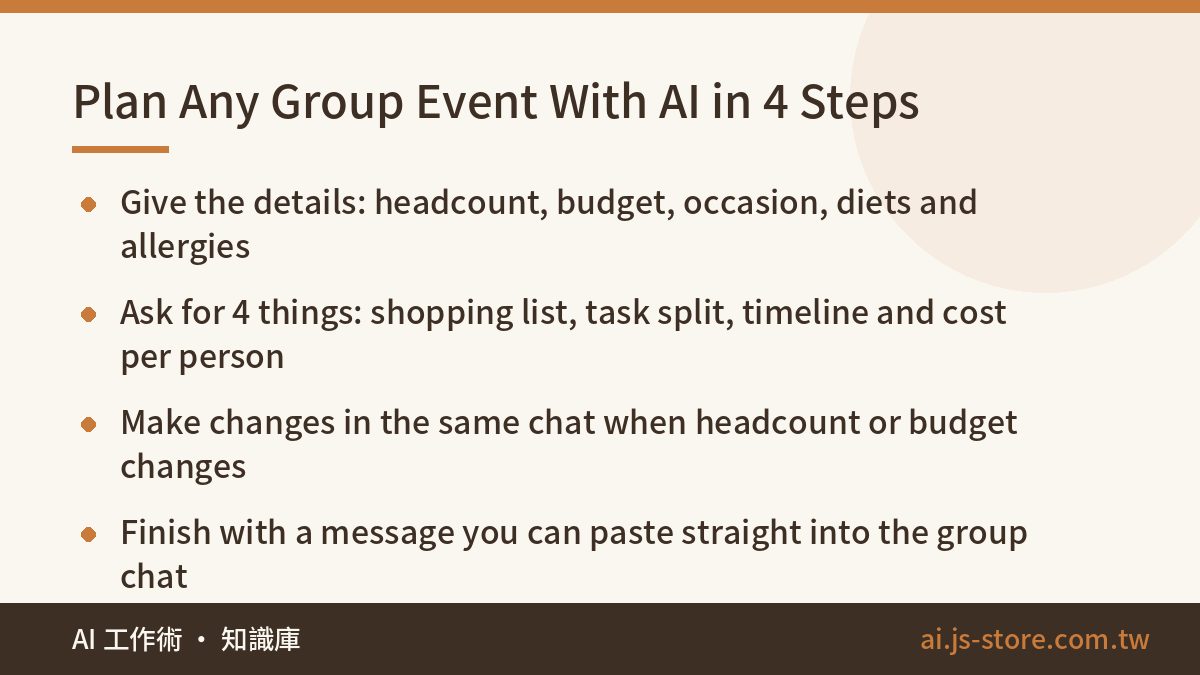
- Give it the constraints. Headcount (adults and kids separately), budget per person, the occasion, and anything that changes the menu: vegetarians, allergies, someone who doesn't drink. The more specific you are here, the less you'll have to fix later.
- Ask for all four deliverables at once. A shopping list with quantities grouped by category, a task split showing who brings what, a timeline from setup to cleanup, and a cost-per-person breakdown. Asking in one prompt matters because the AI keeps the four consistent, so the shopping list and the budget actually match.
- Make changes in the same chat. Headcount changed? Type "Now it's 12 adults, recalculate quantities and cost." Over budget? Type "Cut this to fit my per-person budget and tell me what you removed." Don't open a new conversation. The AI only remembers your plan within the same chat.
- Turn it into a message you can post. Ask for a short, friendly announcement for your group chat with each person's job clearly listed. People skim, so ask for each name in bold next to its job.
One rule from experience: don't skip step 1 and just type "plan a BBQ for my friends." You'll get a generic listicle with quantities for some imaginary group of six and no idea who's vegetarian. Vague input is the main reason people decide AI is useless for this. The output is only as specific as what you give it. For more ready-made helpers like this, browse the ShooWork tools page.
A Copy-Paste Prompt for a Backyard BBQ
Here's the prompt we'd use. Change the numbers and it works for almost any group cookout:
"I'm organizing a backyard BBQ for 8 adults and 2 kids (ages 6 and 9). Budget is about $25 per person, and one adult is vegetarian. Please give me: (1) a shopping list with quantities based on headcount, grouped into meat, seafood, vegetables, carbs, drinks and supplies (charcoal, foil, plates, trash bags); (2) a task split: who brings the grill, who buys the meat, who handles the vegetarian food; (3) a timeline from setup to cleanup, starting at 4 p.m.; (4) the cost per person. Flag anything people probably already own so we don't buy duplicates. Finally, write it all up as one message I can paste into our group chat."
The $25 is just an example. Use your own number. What you get back is a full draft announcement. You can post it as is, or ask for one more pass: "Make it more casual and add a joke about whoever always burns the burgers." Going from one sentence to a plan you can actually send takes about three minutes. That's far faster than opening a blank note and trying to remember whether anyone bought foil last time.
A few details make the output noticeably better. Give kids' ages, because a 4-year-old and a 12-year-old eat very different amounts. Say whether anyone is driving, so the drinks list makes sense. And if your group always over-orders or always runs out, say so. "We're big eaters, scale up 20%" is a perfectly good instruction.
Let AI Chase Follow-Ups So You Don't Have To
The plan is only half the job. The real headache is whether everyone actually does their part. You can use the same chat to make that part almost automatic.
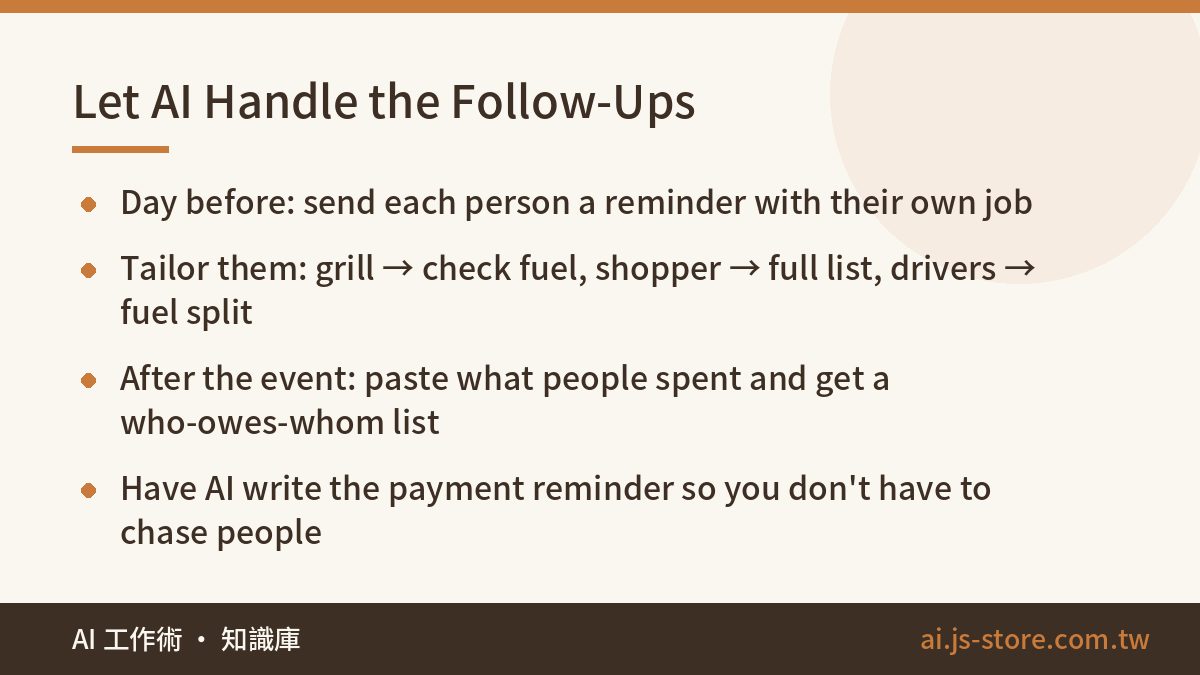
The day before, paste the final task split back into the conversation and ask for a reminder that names each person and lists their job. Then go further and ask for personal reminders. The person bringing the grill gets a note to check their charcoal or gas. The person doing the shopping gets the full list. The drivers get a heads-up about how fuel costs will be split. One round of name-by-name reminders prevents most "I thought you were bringing it" disasters.
Afterwards, paste in what everyone actually spent and ask the AI to work out who owes whom with as few transfers as possible. Then have it write a friendly message asking people to pay. If your group does this often, we cover the money side in more detail in how to split shared expenses with AI. The point is that the organizer gets to enjoy the event. On the day, your jobs are keeping the fire going and the mood good, not playing the bad cop chasing people for tongs and money.
Where AI Event Planning Falls Short (and What Not to Do)
AI is a great planning assistant, but it has limits. Here's where to stay in charge:
- Quantities are estimates. AI works from typical portion sizes, and your friends aren't typical. Use its list as a checklist that won't forget anything, then adjust the amounts from what you know about your group.
- It can't touch your accounts. A regular chat assistant can't book anything, add events to your calendar or put items in a shopping cart. It gives you lists and text. You still do the buying and booking. What you save is the effort of working out the plan.
- Don't trust it on weather or opening hours. Check the forecast and the venue yourself. What AI can do well is write a rain plan, such as moving the grill under a carport or shifting to an indoor menu, so you're not improvising at the last minute.
- Don't paste more personal data than you need. First names and roles are plenty. Leave out phone numbers, home addresses and anyone's medical details beyond "no nuts."
- Don't hand over the parts that matter. Who to invite, how to handle the friend who never pays back, and whether this is the right weekend are your calls. AI can draft the awkward message, but you decide whether to send it.
If you're wondering whether you need a paid AI plan for this: you almost certainly don't. One event is a short conversation. Paid plans only matter when you're planning several events at once or pasting in a long guest list with everyone's preferences. If you want to understand why longer inputs cost more, read what an AI token is.
FAQ
Q: Are AI-calculated shopping quantities accurate?
They're usually close for a typical group of that size and occasion, but appetites vary a lot. Treat the AI's list as a complete checklist and adjust the final amounts yourself. If you know your crowd eats more, tell it to scale up by a percentage.
Q: Do I need a paid AI plan to organize an event?
No. A free plan handles a single event easily. You'd only benefit from a paid plan if you're planning many events in one go or pasting in very long guest lists and preference notes. For current options, check the official pricing page of whichever tool you use.
Q: Can the AI add things to my calendar or order the groceries?
A regular chat assistant can't access your calendar or shopping accounts. It produces lists and messages. You still copy the timeline into your calendar and do the shopping yourself. The time you save is the hour you'd have spent working out the plan.
Q: Someone dropped out last minute. Do I have to redo the whole plan?
No. In the same chat, give it the new headcount and say "recalculate the shopping quantities and cost per person." It updates everything at once and can rewrite the group announcement too.