How to Split Shared Expenses With AI (Without Chasing Friends)
Published 2026-10-03 · Updated 2026-10-13 · 7 min read · ShooWork (FREECO CO., LTD.)
Use AI to turn scattered receipts into a clean ledger, settle group debts in 2-3 transfers, and send a reminder nobody takes personally. Prompt included.
Four friends go away for a weekend. One person puts the cabin on their card, another pays for gas, and someone else picks up breakfast for everyone. Three weeks later, nobody has mentioned money in the group chat, but everyone is quietly keeping score. That's the part that hurts friendships. The amount isn't the issue. The issue is that there's no record everyone agrees on: who owes whom, and how much.
Here's the short answer. AI won't get your money back. What it can do is turn the whole thing from a relationship problem into a bookkeeping problem. You do three things. First, give the scattered receipts and chat messages to an AI model and have it build a structured ledger. Second, have it work out net balances so the group settles up in as few transfers as possible. Third, have it write a neutral summary you can paste into the chat. People look at the numbers and pay, and nobody has to play debt collector.
Below you'll find the full workflow, a prompt you can copy, an honest comparison with splitting apps and spreadsheets, and the mistakes we made so you can skip them. One rule matters more than the rest: AI gets arithmetic wrong, so every number it gives you has to trace back to an original receipt. If you're not willing to check that, don't use this method.
Why Fronting Money Turns Into Resentment
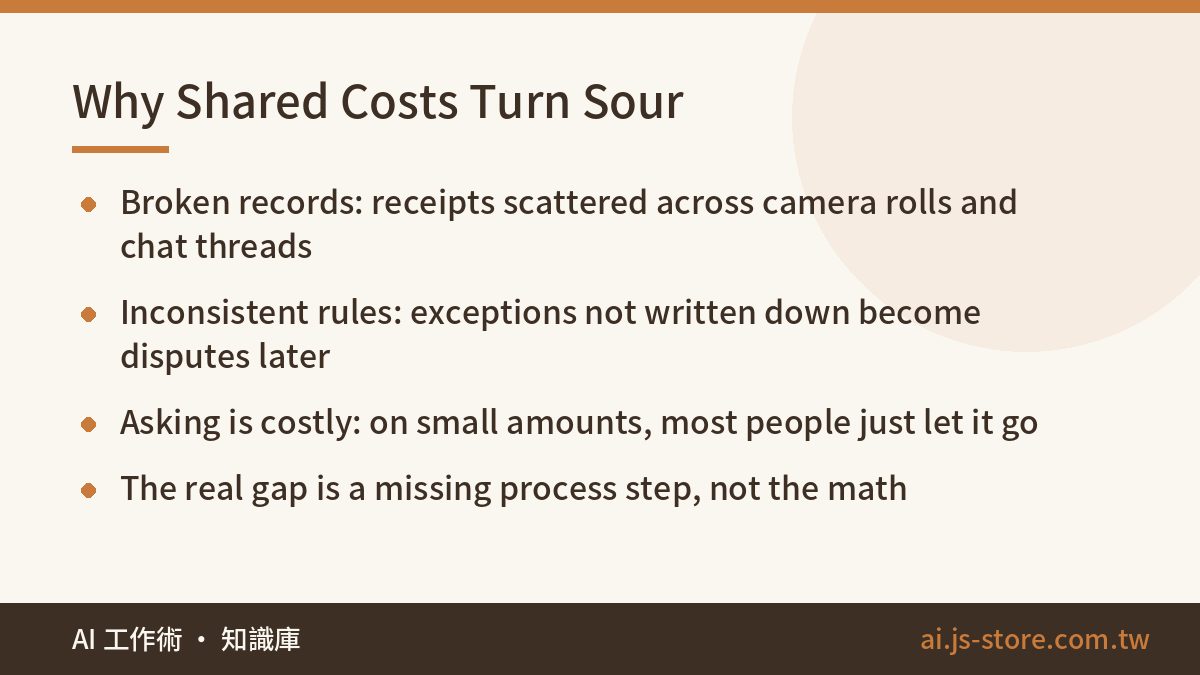
Most people assume splitting costs is hard because the math is annoying. It isn't. Three structural problems are what actually break it:
- Broken records. Money gets spent at different times, by different people, through different channels. One receipt sits in someone's camera roll, one amount is buried 200 messages up in the group chat, and one purchase never got mentioned at all. Afterward nobody has the full list, so everyone goes from memory, and memories never match.
- Inconsistent rules. The cabin is split four ways, except one person missed a night. Two people skipped breakfast. The driver shouldn't pay for gas. If nobody writes these exceptions down when they happen, explaining each one later costs you a bit of goodwill.
- Asking is expensive. When the amount is small, the awkwardness of asking outweighs the money. Is $30 worth bringing up? Most people decide it isn't, and then quietly remember that friend as someone who doesn't pay people back.
None of these problems calls for a better calculator. They call for a complete process. It's the same logic we lay out in auditing your processes before you buy an AI tool: find where the process breaks, then decide which step AI should handle.
The 4-Step Workflow for Tracking Shared Costs With AI
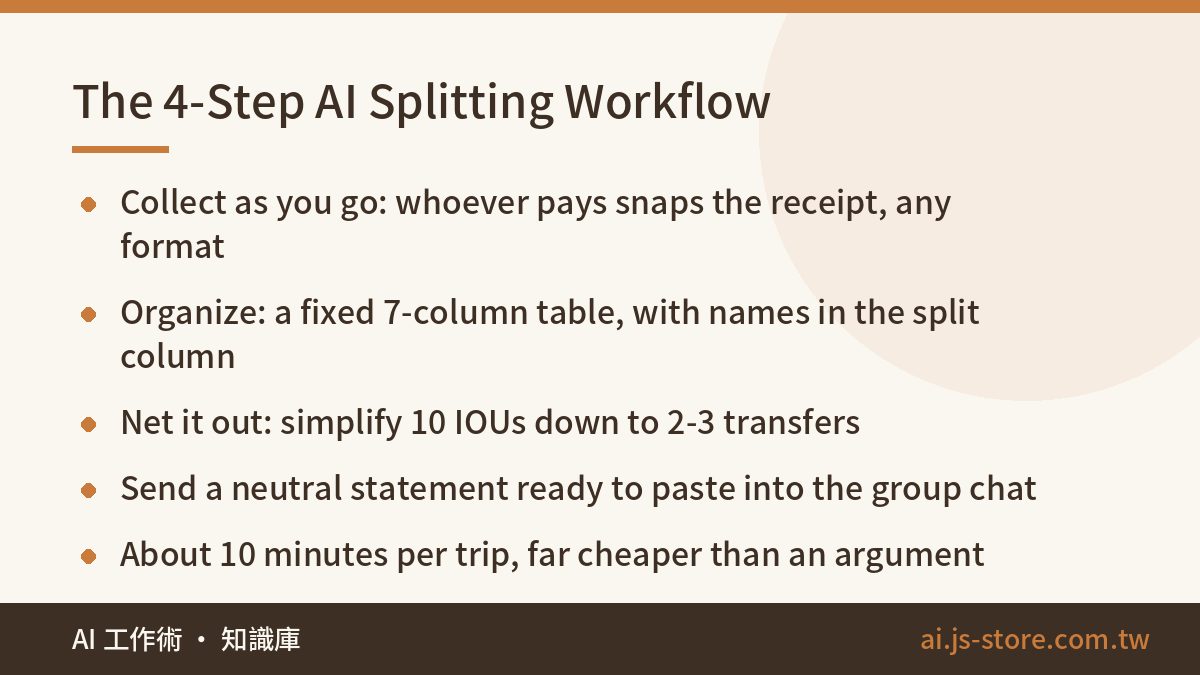
A whole trip takes about 10 minutes of your time. That's much cheaper than an hour-long argument later.
- Collect as you go, calculate later. Set up a shared album or cloud folder with one rule: whoever pays adds a photo of the receipt and types one line in the chat, like "I paid the cabin, 840, split four ways." Don't ask for any particular format. Making it easy matters more than keeping it tidy. Forgot the receipt? A typed line is still far better than nothing.
- Let AI organize it. Give all the receipt photos and chat screenshots (or pasted text) to a model that can read images, and ask for a table. This step is where most of the value is. AI isn't especially good at math, but it is very good at turning messy, unstructured input into clean columns.
- Settle net balances, not every transaction. Ask the model to simplify the debts. With four people paying for each other, you can easily end up with 10 separate IOUs. Simplified, it's usually 2 or 3 transfers. In our experience, fewer transfers is the biggest single factor in whether people actually pay.
- Generate the statement and the reminder. Have AI write a message you can paste straight into the group: total spent, each person's share, and the final list of who pays whom. Ask for a flat, factual tone with no apologies and no softening.
For step two, use the same columns every time so you can reuse the setup on every trip:
| Column | What it means | Example |
|---|---|---|
| Date | Day of purchase | Oct 12 |
| Item | Anything recognizable | Cabin, night 1 |
| Amount | Total actually paid | 840 |
| Paid by | Who fronted the money | Alex |
| Split among | Names, never "everyone" | Alex / Sam / Jordan / Ken |
| Split method | Equal or custom ratio | Equal |
| Proof | Photo filename or link | IMG_2043 |
Never write "everyone" in the split column. List the names. This was our most painful lesson. Two weeks later nobody remembers who was actually at that dinner, and the AI has no way of knowing either.
A Copy-Paste Prompt for Splitting Expenses
The prompt doesn't need to be clever. It needs to spell out the role, the input, the output format and, most importantly, what to do when the model isn't sure. Replace the bracketed parts and use it as is:
- You are a careful accountant splitting group expenses. Below are receipts and chat messages from a trip taken by [4] people: [Alex, Sam, Jordan, Ken].
- First, put every expense in a table with these columns: date, item, amount, paid by, split among (list names), split method, proof source.
- Next, calculate each person's total paid and total owed, and show the difference for each person.
- Then simplify the debts and output the smallest possible number of transfers, formatted as "A pays B [amount]."
- Rules: round to [whole units / cents]; any leftover remainder goes to the person who paid. If the data doesn't show who an expense should be split among, do not guess. List it separately under "Needs confirmation" and say what information is missing.
- Show your working for every total. End with a message I can paste into our group chat, with a neutral tone, no emojis and no apologies.
The instruction not to guess, and to flag unclear items instead, is the most important line in the prompt. Without it, the model will make up a plausible-looking split whenever information is missing, and you'll never notice. Explicitly allowing the model to say it doesn't know is a safeguard we build into our own product pipelines at ShooWork, and it works just as well for small personal jobs like this one.
Asking it to show its working matters almost as much. A total with no breakdown can't be checked. A total with every line listed can be checked in two minutes with your phone's calculator.
AI vs Splitting Apps vs Spreadsheets: Which to Use
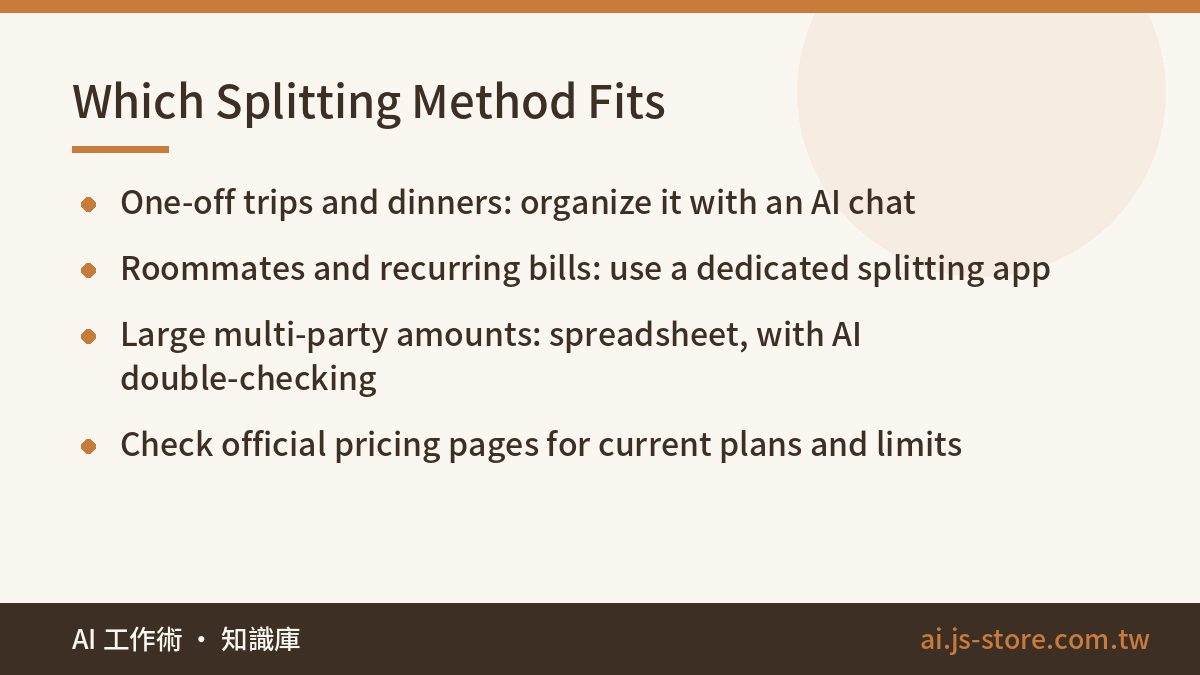
To be honest, AI isn't the best option every time. Each approach has a situation where it wins:
| Approach | Best for | Strengths | Weaknesses |
|---|---|---|---|
| AI chat | One-off events, messy receipts, tallying up after the fact | Reads photos and chat logs, handles exceptions, nothing to install, friends don't need accounts | Makes math mistakes, so you have to check it; no built-in reminders |
| Splitting app | Roommates, recurring groups, ongoing shared bills | Running ledger, history, push reminders | Everyone has to install it and keep using it; advanced features are often paid (check the official pricing page) |
| Shared spreadsheet | Large amounts, a need for an audit trail, people who like tables | Formulas anyone can inspect and edit | Nobody wants to type everything in by hand, so it's the most likely to be abandoned |
Our recommendation is simple. For a one-off trip or dinner, use AI. For roommates or recurring shared costs, use an app. For large sums involving several parties, use a spreadsheet and have AI double-check it. To get started, pick any model that can read images from our AI tools directory. Don't start paying for a subscription just to split a bill.
How to Ask Without Becoming the Debt Collector
Getting the numbers right is only half the job. Most of the awkwardness happens when someone has to actually ask. What works is to stop chasing people and send a statement instead. You're not asking for money. You're sharing a record everyone can check.
- Post the full version once. Include total spend, every line item, each person's share and the final transfer list. A complete message reads like a wrap-up report, not a demand for money.
- Set a neutral deadline. "Let's settle up by Sunday so I can close the ledger" works far better than "whenever you get a chance." The deadline is about the process, not the person.
- Include your payment details. Plenty of people aren't avoiding you. They just can't be bothered to ask where to send the money. Every bit of friction you remove raises the payback rate.
- Set a reminder for yourself. Put a calendar alert seven days out. Let the calendar keep track of it instead of carrying it around in your head all week.
Three Mistakes to Avoid (We Made All of Them)
- Don't trust AI's totals. Language models make mistakes with long lists of numbers, and the mistakes look completely believable. Always add up the grand total yourself before going further. For larger amounts, have the model show every step, or ask it to write a short script to do the calculation. That's far more reliable than letting it do the math in its head.
- Don't upload sensitive information. Receipts often show card digits, full names and addresses, and chat screenshots often include phone numbers. Crop and redact before uploading, or just type out the amounts and items. Running our own AI tool platform has taught us one consistent rule: if data doesn't need to be uploaded, don't upload it. Convenience should never come before privacy.
- Don't let AI decide who absorbs the remainder. Split $100 three ways and there's a cent left over. If you leave it to the model, it will pick someone at random, and the answer may change every time you run it. Agree on a rule in advance (usually the person who paid absorbs it), put it in the prompt, and the argument never starts.
Once this runs smoothly, you'll notice it looks a lot like the content automation we run every day: collect messy raw material, let a model organize it, have a human check the key steps, then produce something usable. The same structure works in many other settings, which is the main point of our piece on building an AI content pipeline. AI is most useful when it connects the steps of a broken process, not when it does one clever trick.
FAQ
Q: Is it a privacy risk to upload receipt photos to AI?
Yes, so deal with it before uploading. Receipts can show partial card numbers, loyalty account details, and even your name and address. Group chat screenshots often contain phone numbers. Crop out anything you don't need, or just type in the amounts and items. Data policies differ between consumer AI services, so read the provider's official terms for the details.
Q: What if the AI gets the math wrong?
Assume it will, and set things up so you catch the mistake. Ask it to list every line and show its working, then check the grand total yourself with a calculator. For larger amounts, ask it to write and run a short script instead of doing the arithmetic directly. And always record where each expense came from, so any number that doesn't add up can be traced back to its receipt.
Q: Who should absorb the leftover cents when an amount doesn't divide evenly?
Agree on a rule before you calculate anything, not after. The most common choice is that the person who paid absorbs it, since they carried the cost upfront. Some groups take turns instead. Which rule you pick matters less than putting it in the prompt and applying it the same way every time, so nobody feels singled out.
Q: Is a free AI plan enough, or do I need a paid subscription?
For splitting expenses, a free plan is usually fine as long as it can read images. If you have a lot of receipts and want to upload a dozen or more at once, a paid plan handles more files more reliably. Still, subscribing just to split a bill rarely makes sense. Check the official pricing page for current limits, and see our guide to AI tokens if you want to understand how image uploads use up your quota.
Q: I sent the statement and a friend still hasn't paid. Now what?
At that point it's not a tool problem anymore. Once everyone has agreed the numbers are right, send one private message with a clear date, and then stop bringing it up. Remember the lesson for next time. On your next trip, split costs on the spot or collect a shared kitty upfront. Fixing the process up front works much better than chasing money afterward.