AI Images With Chinese Text: Fix Wrong Characters and Numbers
Published 2026-10-07 · Updated 2026-10-13 · 8 min read · ShooWork (FREECO CO., LTD.)
AI image models still botch Chinese text: changed dates, missing strokes, ghost characters. Why it happens, prompts that help, and the fix that works.
Here's the short answer. By 2026, the major image models no longer turn Chinese into pure gibberish. A short headline of three to eight characters usually comes out right. The trouble starts when you ask for a graphic packed with information, like a course schedule, an event run-of-show, a price list or a summary slide. At that point errors are close to guaranteed, and they're hard to spot. You won't get an obvious smudge. You'll get a deadline of 9/18 quietly redrawn as 9/13, a surname missing one stroke, or footer text that's half real and half invented, all on an image that otherwise looks polished.
We make dozens of social graphics every week for our own AI tool platform, and after a lot of testing we split the work the same way every time: the AI draws the background and the overall layout, and we set every word ourselves afterward. That's not laziness. We did the math. A card with 50 to 60 Chinese characters usually took us six to ten regenerations to get fully correct through prompting alone, and every regeneration moved the layout around. A text-free background with the copy placed on top from a template takes about three minutes. For the next campaign, you only change the words.
Below we cover why Chinese is so hard for image models, the four errors we see most, the prompt rules that actually cut the error rate, and a two-minute checklist to run before you publish anything. If you're short on time, skip to the checklist. Most of this also applies to Japanese, Korean, and any image with more than a line of text in any language.
Why Image Models Struggle With Chinese Far More Than English
The model isn't typing. It's painting shapes that look like characters. The output is pixels, not text, so a character comes out right only if the model has memorized its exact shape.
- The character set is huge. English needs 26 letters, ten digits and some punctuation. Everyday Chinese needs around 3,000 characters, plus a long tail of rare ones used in names and places. Each individual shape gets far less exposure in training.
- There's almost no room for error. In Chinese, two characters can differ only in which horizontal stroke is longer, and they mean completely different things (one means “not yet,” the other means “the end”). In English, a sloppy letter is still recognizably the same letter.
- Nothing protects the numbers. A model that draws 9/18 as 9/13 sees nothing wrong, because both look plausible. Words have context that nudges them toward the right form. Digits have none.
- Errors grow faster than the text does. In our tests, anything under about 20 characters is mostly manageable. Past 40, the error rate jumps noticeably. Past 80, we have never once gotten a clean first pass.
- Small text breaks first. Footnotes, footers and labels are where fake characters appear first, and they're exactly the text nobody proofreads.
Models do differ, but only in how often they make mistakes. None of them can be trusted with dense text, and no vendor guarantees correct Chinese. When you hand a paragraph of Chinese to a generative model, you're gambling on the result.
The Four Errors We See Most
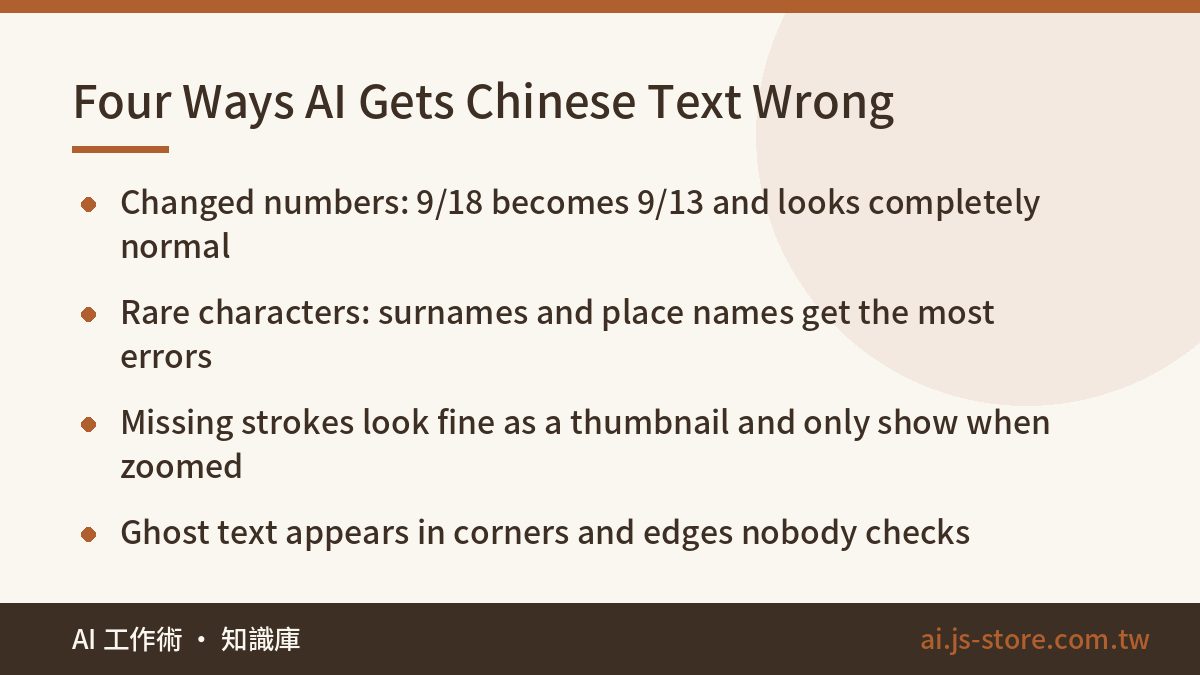
They're ranked by how hard they are to spot. The further down the list, the more likely one gets published.
| Error | What it looked like | Why you miss it |
|---|---|---|
| Changed numbers | A registration deadline of 9/18 came out as 9/13; a price of 1,280 became 1,230 | The digits look perfect. Unless the source document is next to you, you won't see it. |
| Rare characters garbled | Less common surnames and place names come out with one half replaced by a part no real character uses | Most readers don't know these characters well either, so they read as “probably right” |
| Missing or extra strokes | A component loses a stroke; the dense corner of a complex character melts into a blob | Looks fine as a thumbnail, and only shows up when zoomed in or printed |
| Ghost text and duplicates | Meaningless fake characters in a corner; the headline printed twice | Everyone looks at the headline. Nobody checks the edges. |
Two more are worth flagging. The first is mixed punctuation: Chinese uses full-width commas and brackets, and an image that mixes them with Latin ones looks amateurish to native readers. The second is the boundary where Chinese meets English and numbers. A string like “from $1,280” is a classic: the currency sign and the thousands separator often turn into something unreadable.
Prompt Rules That Cut the Error Rate
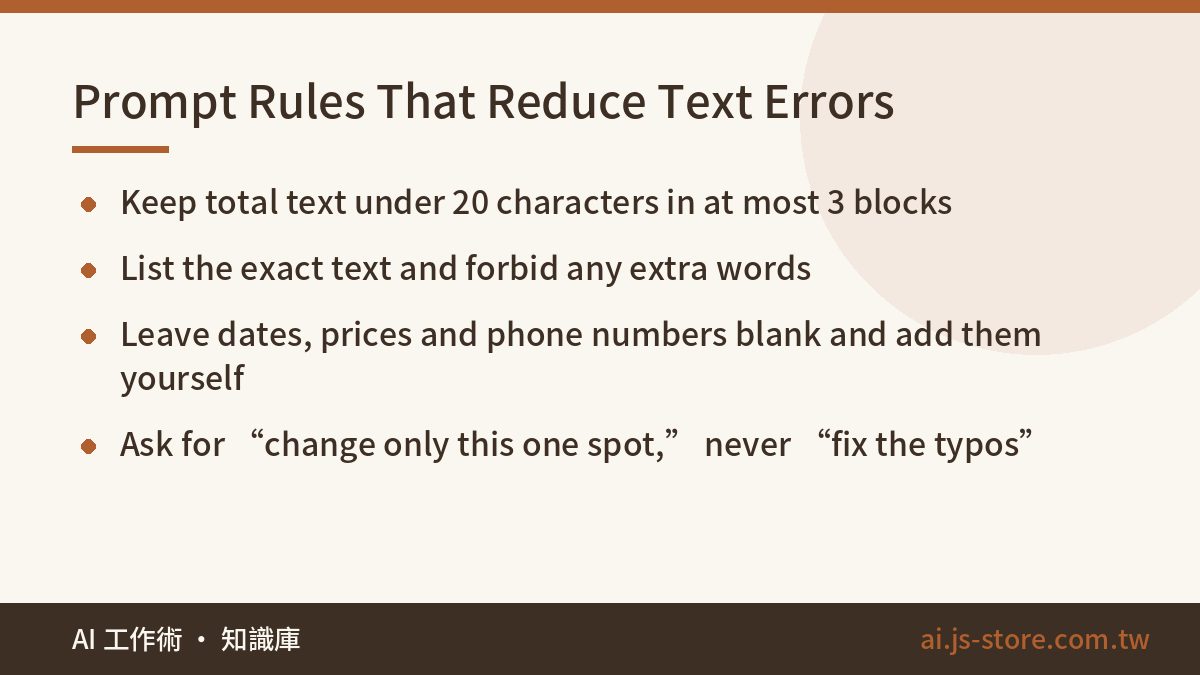
To be clear, these rules lower the error rate. They don't make it zero. Use them if you can live with the occasional regeneration. If the content can't be wrong, go straight to the next section.
- Limit the text. Use no more than three text blocks and fewer than 20 characters in total. If you need more than that, don't let the AI draw the text at all.
- List every character. Quote the exact text and say: “Only this text may appear on the image. Do not add, translate, or invent taglines.”
- Leave numbers blank. Never let the model draw dates, prices, phone numbers or discounts. Ask for an empty solid-color block in that spot and add the numbers yourself. This one rule saved us more regenerations than all the others combined.
- Ask for a bold sans-serif. Avoid calligraphy, handwriting and decorative lettering. The more a style lets strokes vary, the more the model makes things up.
- Put text on flat color. Don't put text over photos or gradients. Busy backgrounds swallow strokes.
- Ask for one specific change. Say “keep the layout, colors and composition exactly the same; change only the 9/13 in the top-left to 9/18.” Don't say “fix the typos.” That usually makes the model redraw the whole image.
- Request one image at a time. When you ask for four variants, each one gets less of the model's attention and the error rate goes up.
Here's a prompt template you can adapt. It's five sentences, in this order:
- Purpose and size: “A square 1:1 info card for an Instagram post.”
- Style: “Flat design, navy and white, bold sans-serif type.”
- Allowed text: “The only text on the image is these five characters: [your exact text]. No other text anywhere.”
- Blank area: “Leave the bottom third as a plain solid-color area with no text or graphics.”
- Exclusions: “No watermark, no signature, no English slogans, no repeated text.”
For more reusable prompts built this way, our prompt templates for work use the same exact-text-plus-constraints pattern for other jobs.
The Workflow That Actually Works: AI Background, Real Type on Top
Our internal rule: if other people will see an image and it contains specific information, the AI doesn't draw the text. It takes four steps:
- Generate a background with no text. Say explicitly “no text of any kind on the image,” and say where to leave empty space for the copy.
- Open it in Canva, Figma, Keynote or Google Slides and add the text in a real font.
- Save it as a template. For the next campaign, change the words and colors and keep the background.
- For high volume, lay out the card in HTML and CSS, then export it as an image. The text can't come out wrong, and you can produce hundreds in one batch.
| Approach | Text accuracy | Time per image | Best for |
|---|---|---|---|
| AI draws the image and the text | Unreliable; wrong once there's real copy | Repeated regenerations, often 10+ minutes | Decorative hero images with almost no text |
| AI background + text added by hand | 100% | About 3 to 5 minutes | Most social graphics |
| Template + code batch | 100% | Slow first setup, then seconds each | High-volume, fixed-format images |
This rule goes beyond still images. When we built ShooWork Clip, our video-editing engine, we never let the model generate subtitles. They're rendered onto each frame as real text. Generated text jitters and changes shape from frame to frame; rendered text stays put. That rule is non-negotiable in the ShooWork Clip subtitle pipeline, and the reasoning is the same as for image cards: the model handles the pixels, real fonts handle the words.
The Two-Minute Checklist Before You Publish
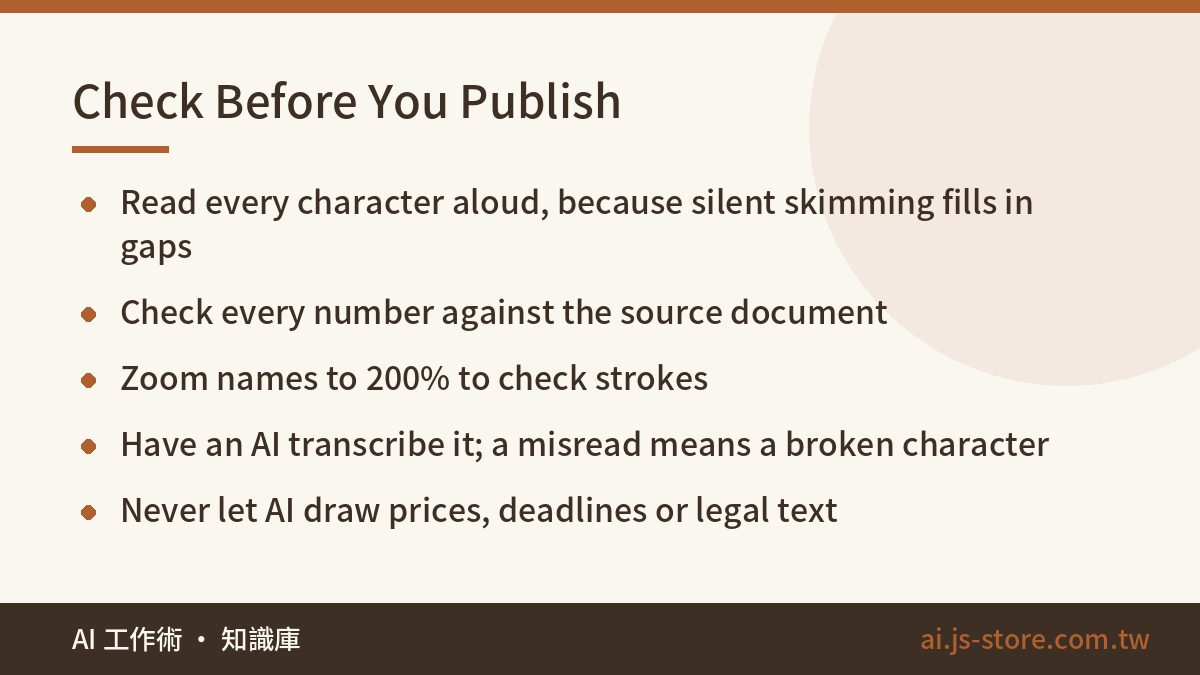
Run these eight checks in order. They take about two minutes, and whichever one you skip is usually where the mistake gets through.
- Read every character aloud. When you skim silently, your brain fills in what should be there. Reading aloud catches missing strokes.
- Check the numbers on their own. Compare every date, time, price, phone number and discount against the source document. These errors cost the most.
- Zoom names to 200%. People's names, place names and brand names are where most rare characters show up.
- Shrink it to thumbnail size. Check that small text is still readable and no strange blocks appear.
- Check the punctuation. Full-width and half-width marks shouldn't be mixed, and every quote mark and bracket should have its pair.
- Check the edges. Corners and borders are where ghost text usually hides.
- Have an AI read it back. Give the image back to an AI model and say: “Transcribe every character on this image exactly. Do not correct or guess.” If it can't read a character, or reads it as a different one, that character is broken. For the time it takes, this check catches the most problems on our list, especially missing strokes.
- Never let the AI draw high-stakes information. Set deadlines, prices, legal disclaimers and anything medical yourself. Those mistakes aren't just embarrassing; they cost money.
The same habit of verifying instead of trusting applies to everything AI produces, not just images. Our guide on how to spot BS with AI applies it to claims and vendor quotes.
FAQ
Q: Which AI image generator is most accurate with Chinese text?
Every vendor is improving, none guarantees correct Chinese, and the same tool can change from one version to the next, so we don't name a winner. Test it yourself instead: give it a 30-character Chinese sentence, generate three images in a row, and count the wrong characters. Ten minutes of your own testing tells you more than any review.
Q: If only one character is wrong, can I ask the AI to fix just that one?
You can try, but it often fixes that character and breaks three others nearby. A better approach is to require that the layout stay identical and that only the specified text be replaced, then run the checklist again. If it really is just one character, covering it in an image editor is fastest.
Q: Is it faster to generate the image with English text and replace it with Chinese later?
Yes, because models draw English letters much more reliably. Faster still is asking for no text at all and adding the type to the clean background yourself. That usually saves five or more regenerations per image.
Q: Why does the same prompt get the text right one time and wrong the next?
Image generation involves randomness. Each run draws the image from scratch instead of copying the last result. Getting it right last time tells you nothing about this time, so check every image, even when the template is identical.
Q: Can AI clean up Chinese text in a scan or screenshot?
It depends on what you ask for. Brightening and removing noise are fine. But if the model redraws the text area, it will fill in strokes it isn't sure about and may produce a different character. For documents where the exact wording matters, extract the text with OCR, proofread it, and don't let a model redraw it.