AI Project Costs: The One-Time Build vs. the Monthly Model Bill
Published 2026-09-21 · Updated 2026-10-14 · 7 min read · ShooWork (FREECO CO., LTD.)
AI projects come with two invoices: a one-time build and a model usage bill that never stops. Here's how to budget both before you sign anything.
AI projects come with two invoices, and most proposals only show you one. The first covers the build — scoping, data plumbing, prompt and retrieval design, integration, evaluation, deployment. The second shows up every month after launch and never goes away: model usage. Teams that sign off on the first number alone are the ones who get an unpleasant surprise in month three, when the usage bill quietly passes what they'd budgeted for the entire year.
So price an AI project as two separate lines from day one. Treat the build as a one-time cost you can scope, negotiate and cap. Treat model usage as an operating cost you have to engineer down, the same way you'd engineer down hosting or payment processing fees. And before either number means anything, spend a small amount on a proof of concept that tells you whether the thing works at all on your actual data.
We run our own subscription AI platform — ShooWork Clip for video editing, ShooWork Write for SEO articles, ShooWork Ads for Google Ads campaigns — so we pay that second invoice every single day, out of our own P&L. Everything below is how we budget and cut costs for ourselves first and for clients second. We're not going to quote exact figures here, because scope and region move them too much; for our own tools, the numbers live on the pricing page.
Invoice one: what the build actually costs
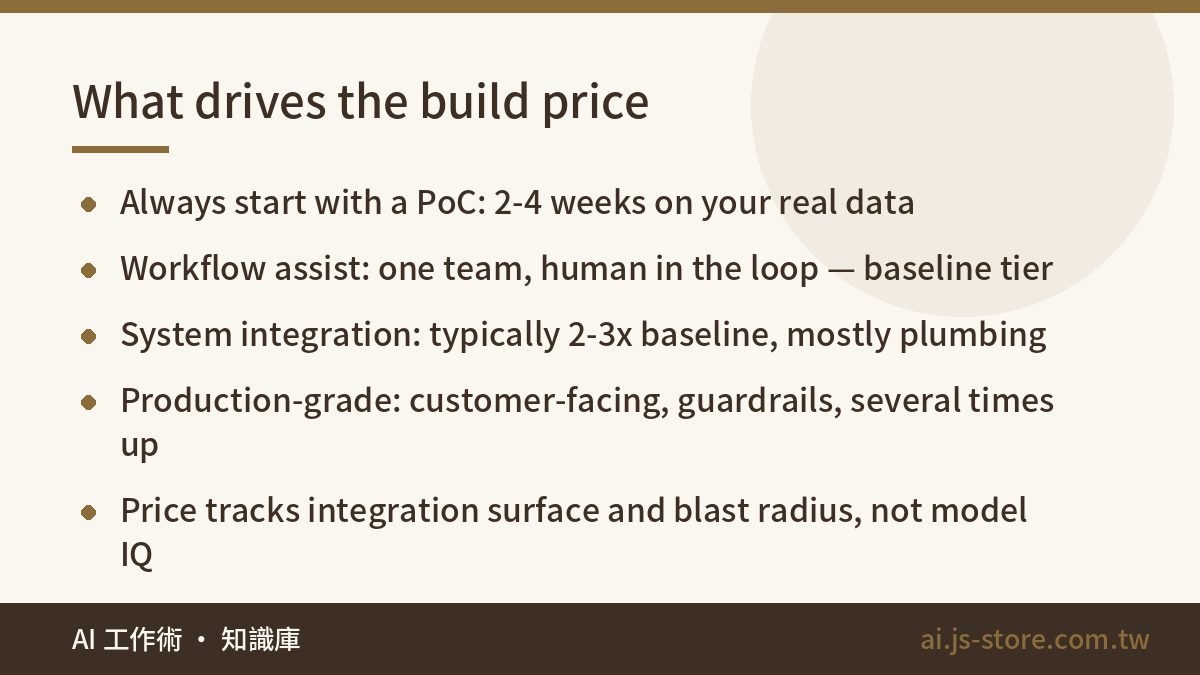
Start with a proof of concept. Always. Two to four weeks, your real data, your real scenario, and three answers at the end: how accurate is it, what does one task cost to run, and is it worth scaling. A PoC is a small fraction of a full build, and it is the cheapest insurance you will ever buy on an AI budget.
Why does AI need this when a CRM build doesn't? Because with normal software you know what "done" looks like before anyone writes a line of code. With AI, output quality depends on your data, and your data is messy in ways nobody can predict from a spec document. Anyone who guarantees you an accuracy number before touching your files is guessing, and charging you for the guess.
Once the PoC clears, the full build scales with scope. Three tiers cover most of what we see:
- Workflow assist. Support reply drafting, document summarization, report interpretation. One workflow, one team, a human still in the loop. This is your baseline tier.
- System integration. Hooks into internal systems, multi-step agents, retrieval over your own knowledge base. Typically two to three times the baseline, because most of the work is integration and edge cases, not the AI part.
- Production-grade. Customer-facing, high concurrency, guardrails, abuse protection, audit logging, an actual SLA. Several times baseline and up, and the gap widens the more the thing costs you when it's wrong.
Notice what drives that ladder. It isn't model sophistication — all three tiers may call the same model. It's integration surface, data cleanliness, and blast radius.
Invoice two: the model bill that never stops
Your monthly model cost is one piece of arithmetic: calls per month × tokens per call × price per token. That's it. And all three factors are design decisions, not facts of nature.
Calls is how often you fire the model. Do you run it on every page load or once per completed record? Do failed requests retry three times silently? Does a background job re-process everything nightly when only 4% of rows changed?
Tokens per call is how much you stuff in and let out. Pasting an entire 40-page policy document into every request instead of retrieving the three relevant chunks is the single most common way teams multiply their bill without noticing. Uncapped output length is a close second.
Price per token is which model tier you route to, whether your input is cached or fresh, and whether the work runs in real time or in a batch queue. Providers price all three differently, sometimes by a factor of several.
Same feature, two engineering teams, a tenfold difference in the monthly bill. That's not a scare story — it's the gap we measured between our first working version of a feature and the tuned one, in our own codebase.
Four levers that cut the monthly bill
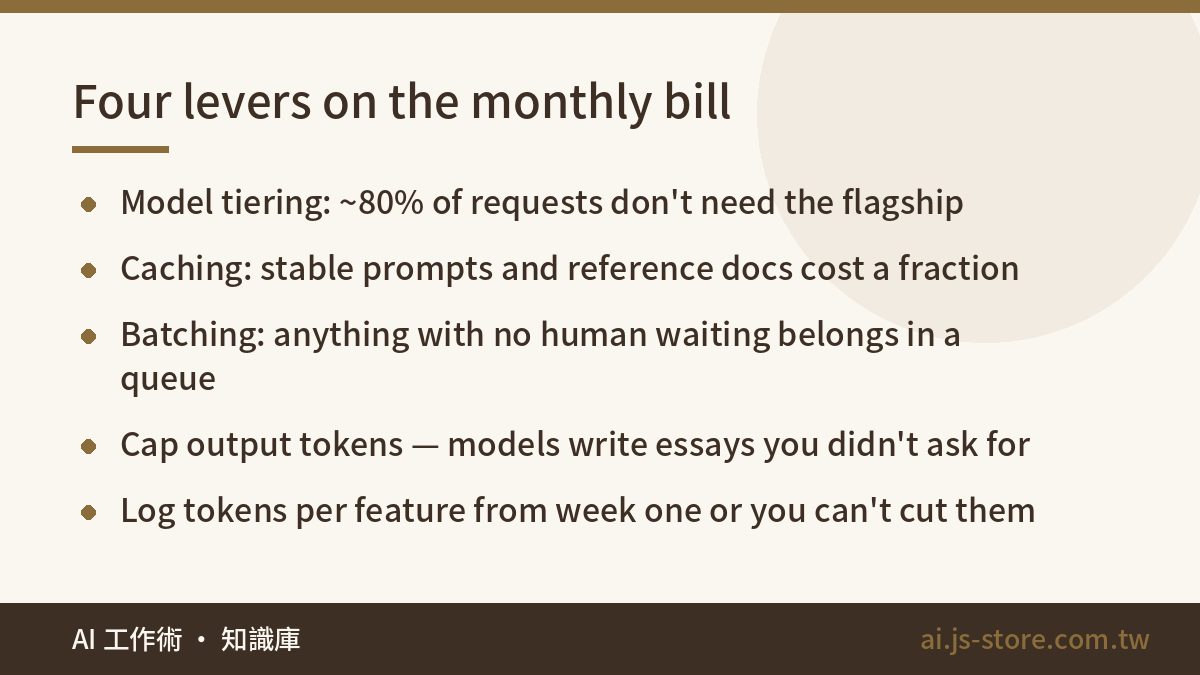
- Model tiering. Roughly four out of five requests in a typical app don't need the flagship model. Classification, extraction, formatting and routing run fine on a small cheap model. Save the expensive one for genuinely hard reasoning. You need an evaluation set to prove the downgrade is safe — build that during the PoC.
- Caching. If your system prompt and reference material are stable across calls, cached input costs a fraction of fresh input. This is usually a few hours of work for a permanent discount.
- Batching. Anything that doesn't need an answer in two seconds — nightly summaries, backfills, bulk tagging, report generation — belongs in a batch queue at a lower rate. Half our internal AI workload has no human waiting on it.
- Prompt and output discipline. Trimming a thousand tokens from a prompt sounds trivial. Multiply it by a million calls a month and it's a line item. Cap max output tokens explicitly; models will happily write you an essay you didn't want and then charge you for it.
There's a fifth, unglamorous one: instrument it from week one. Log tokens by feature, by day, with a name attached. You cannot cut what you cannot attribute, and "our AI bill went up 40%" is useless without knowing which feature did it. We covered how we keep that visible day to day in our honest AI routine.
The most expensive thing in an AI project isn't the model. It's building big before you've validated small.
The result that should make you stop
Here's the uncomfortable part: about three in ten of our proofs of concept conclude "don't scale this." That isn't failure. That's a small spend buying you out of a large mistake, and it's the single highest-return outcome a PoC can produce.
Two reasons dominate. Either accuracy plateaus below what the business actually needs — 82% is impressive in a demo and useless if every error means a refund — or the savings don't clear the running cost. Do that arithmetic honestly: hours saved per month × fully loaded hourly cost, versus the model bill plus maintenance plus human review time.
Review time is the line everyone forgets. If a person has to check every output before it ships, you haven't automated anything; you've built a slower process with an extra invoice attached. The break-even question isn't "does the AI work" but "can we trust it enough to stop checking."
And before you commission anything custom, check whether the workflow is actually specific to you. Cutting video, drafting articles, writing ad variants — these are solved, and a subscription tool will beat a custom build on both invoices. Run ShooWork Clip or any comparable tool for a month and measure. Build custom only for the part that's genuinely yours: your data, your rules, your systems.
Three questions to ask before you sign
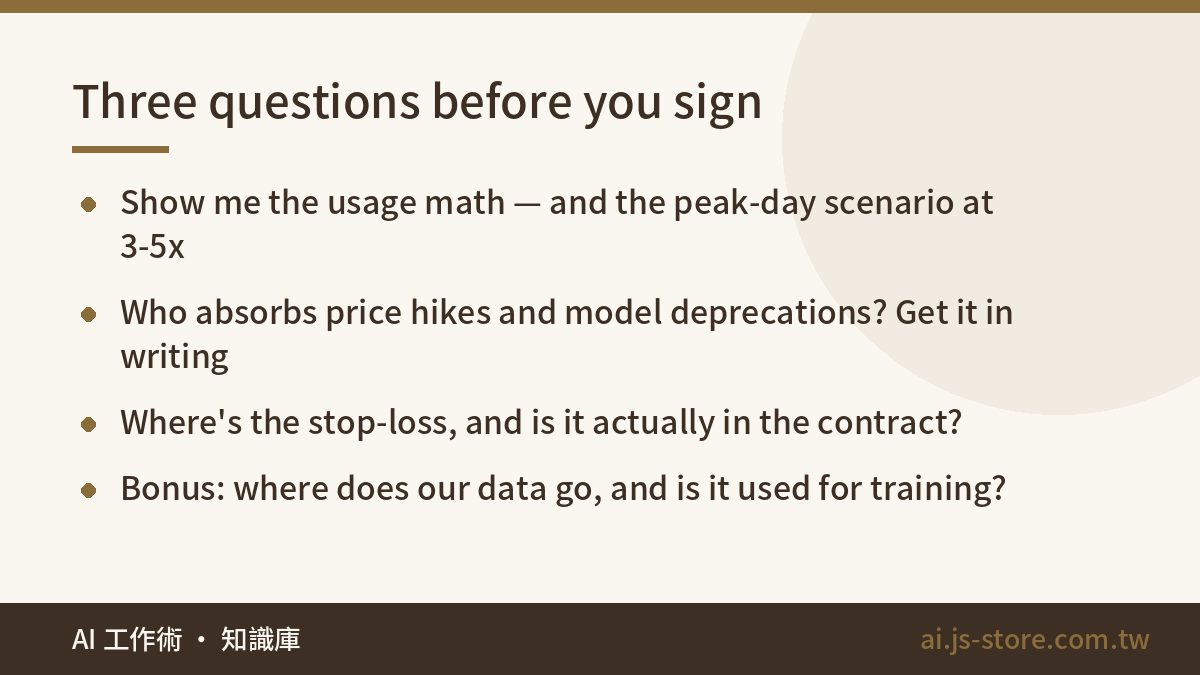
- What's the basis for the monthly usage estimate, and what happens at peak? Ask for the actual arithmetic: assumed calls per day, average tokens in and out, which model handles what share of traffic. Then ask for a peak scenario at three to five times normal volume. A vendor who can't produce this either hasn't run an AI product in production or would rather you found out in month three.
- Model prices and versions change — who absorbs that, and what's the migration plan? Providers deprecate models and shift pricing regularly. You want the code written against an interface, not hard-wired to one model name, and you want an evaluation suite you can re-run the day you swap. Get both in writing.
- Where's the stop-loss, and is it in the contract? Define the accuracy threshold and the date by which it must be met, and what happens if it isn't. A project with no defined failure condition never officially fails; it just keeps billing.
A fourth, if your data is sensitive: where does it go, is it retained, is it used for training, and who on the vendor's side can read it. We put the full checklist in AI security basics — worth reading before procurement, not after.
A budget that survives month three
Write your budget as four lines, not one:
- Build — one-time, scoped, with the PoC as a separate gated phase before it.
- Model usage — monthly, with roughly three times headroom over your estimate for the first quarter, because your estimate is wrong.
- Maintenance — an annual percentage of the build. Prompts drift, models get deprecated, your data schema changes. Budget it or it comes out of someone's evenings.
- Human review — the hours people spend checking output, valued at real salary cost. This line should shrink over time. If it doesn't, that's your signal.
Then set a hard spend alert and a kill switch. Rate-limit per user and per endpoint. A runaway retry loop can burn a month's budget over a weekend, and the first sign is usually the invoice. Review the numbers monthly for the first quarter, then quarterly once the curve flattens.
The teams who do well with AI aren't the ones who spend the most. They're the ones who validated small, instrumented everything, and were willing to kill the project when the arithmetic said no.
FAQ
Q: How much does an AI project actually cost?
Two numbers, not one: a one-time build and a recurring monthly model bill. The build scales with integration complexity, not with how clever the AI is — a customer-facing production system runs several times what an internal workflow assistant costs. Any vendor quoting you a figure before seeing your data and scope is guessing. Start with a proof of concept and get a real number from it.
Q: Why won't vendors commit to a fixed monthly model fee?
Because usage is driven by your traffic, not theirs. What they can and should commit to is the arithmetic behind the estimate, a peak-load scenario, and alerting plus rate limits so you're never surprised. If they'll quote a flat fee with no usage assumptions attached, they've either padded it heavily or they'll come back to renegotiate later.
Q: Can we skip the PoC if we already know exactly what we want?
You can, and sometimes it's right — if the workflow is well-trodden and the cost of being wrong is low. But knowing what you want isn't the same as knowing whether it works on your data. The PoC doesn't validate your idea; it validates your data. Those are different risks.
Q: Does the monthly model bill go down over time?
Per-token prices have trended downward for years, and tuning usually cuts our own costs meaningfully in the first few months. But usage tends to grow faster than prices fall once people start actually using the thing. Plan for a flat-to-rising bill and treat any reduction as upside.
Q: Is it cheaper to build custom or subscribe to an existing tool?
Subscribe, for anything common — video editing, content drafting, ad copy, meeting notes. You get someone else's optimization work included in the price. Build custom only where the value comes from your own data and systems, and where no tool can reach. The mistake we see most often is paying for a custom build of something that already exists as a product.