AI Resume Writing: Quantify Your Wins, Match the JD, Hide the AI
Published 2026-11-04 · Updated 2026-11-04 · 7 min read · ShooWork (FREECO CO., LTD.)
How to use AI for your resume the right way: let it question you to find your numbers, map every line to the job description, and remove the AI tells.
If you're using AI to write your resume, only two things really make a difference: putting numbers on what you did, and matching each line to the job description. The least useful thing you can do is type “write me a professional resume” and hit enter. You'll get smooth, polished filler that reads like the hundred other resumes in the pile, and nobody reading it will be able to tell it's yours.
We hired video editors and marketers for ShooWork this year, and one change stood out. Resumes got prettier, and at the same time it got harder to tell who had actually done the work. We read paragraph after paragraph of “excellent communicator” and “passionate about driving team growth” with no numbers at all. In the interview, two follow-up questions were usually enough to see that the candidate couldn't back any of it up. So this guide won't teach you to let AI ghostwrite your resume. It shows you how to use AI as an editor that also acts like an interviewer and keeps asking follow-up questions. Let it dig up material, pull out keywords and tighten sentences. You supply the facts and the numbers, and you're the one who answers for them.
Here's the order: what to hand off and what to keep, the follow-up method for finding your numbers, the JD mapping table, the AI tells recruiters spot right away, and a 30-minute workflow for finishing one resume.
What to Hand to AI and What You Must Do Yourself
| Task | Give it to AI? | Why |
|---|---|---|
| Digging up details and asking you for numbers | Great fit | It asks questions you'd never ask yourself, like “how many people did this affect?” |
| Breaking down JD keywords | Great fit | It sorts must-haves, nice-to-haves and the requirements the posting implies but never states |
| Rewriting sentences and fixing formatting | Good fit | Only if you supply the raw material |
| Translating or polishing a resume in a second language | Good fit | Very useful for international roles, but check industry terms yourself |
| Making up numbers or experience you don't have | Don't | It falls apart at the first follow-up question, and a background check makes it worse |
| Writing your whole cover letter or personal statement | Don't | These sections sound the most like AI, and recruiters read them most closely |
| Which companies to apply to, what salary to ask for | You decide | AI doesn't know your bottom line or today's market rates |
The rule is simple: AI handles how you say it. You decide what you say. True content with sentences polished by AI is completely fine. Content invented by AI is a liability no matter how good the sentences sound.
Step 1: Quantify Your Experience With the Follow-Up Method
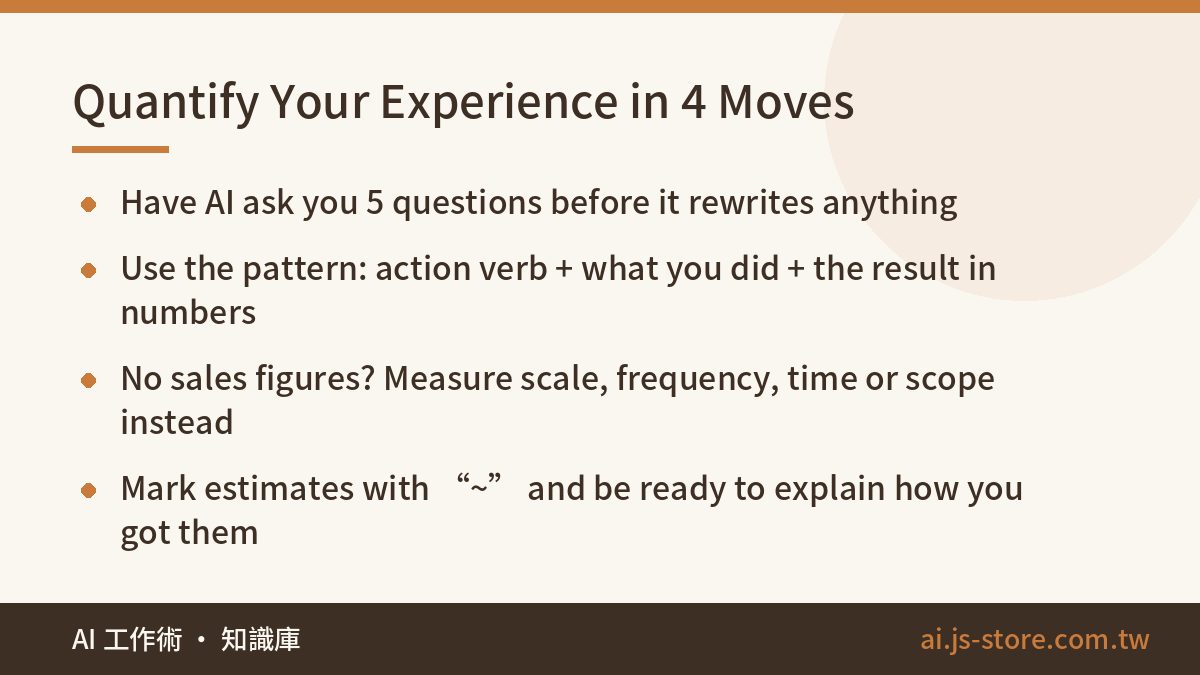
Most resumes have no numbers. That's usually not because the person had no results. It's because nobody ever asked them. So your first move isn't “write this for me.” It's “question me.” Paste this:
I'm rewriting my resume. I'll paste one job's experience next. Acting as a senior recruiter, ask me 5 questions at once to uncover results I can put numbers on: headcount, money, time, percentages, scale, frequency. Don't rewrite anything yet. Wait until I've answered.
Answer messily. Casual is fine: “the page had maybe 3,000-something followers when I took it over, and about six months later we passed 10K.” AI needs that raw material to write anything worth reading.
Once you have the material, ask AI to rewrite each line as action verb + what you did + the result in numbers. The difference looks like this (numbers are illustrative):
| Before | After |
|---|---|
| Responsible for company social media | Ran the brand's Instagram and Facebook; grew followers from 3,200 to 11,000 in 8 months and lifted average engagement from 1.2% to 3.5% |
| Involved in back-end development | Rewrote the order-lookup API, cutting response time from ~2s to under 0.3s and reducing order-status support tickets by ~40% a month |
| Helped handle customer complaints | Handled ~120 complaints a month; turned the most common ones into an FAQ, cutting repeat questions by ~30% |
Even if your job has no obvious sales figures, you can still use numbers by measuring something else:
- Scale: how many clients you served, how much budget you managed, how big a team you led
- Frequency: videos shipped per week, events run per month
- Time: a process cut from 5 days to 2, how far ahead of deadline you delivered
- Scope: how many departments you coordinated, how many product lines you owned
Estimates are fine, but mark them with “~” or “about,” and be ready to explain how you got them in the interview. AI loves round, impressive numbers like “improved efficiency by 50%.” If you can't say where a number came from, delete it. This is the same trap we cover in our piece on AI hallucination: a confident number from AI is not evidence of anything.
Step 2: Break Down the JD Into a Mapping Table
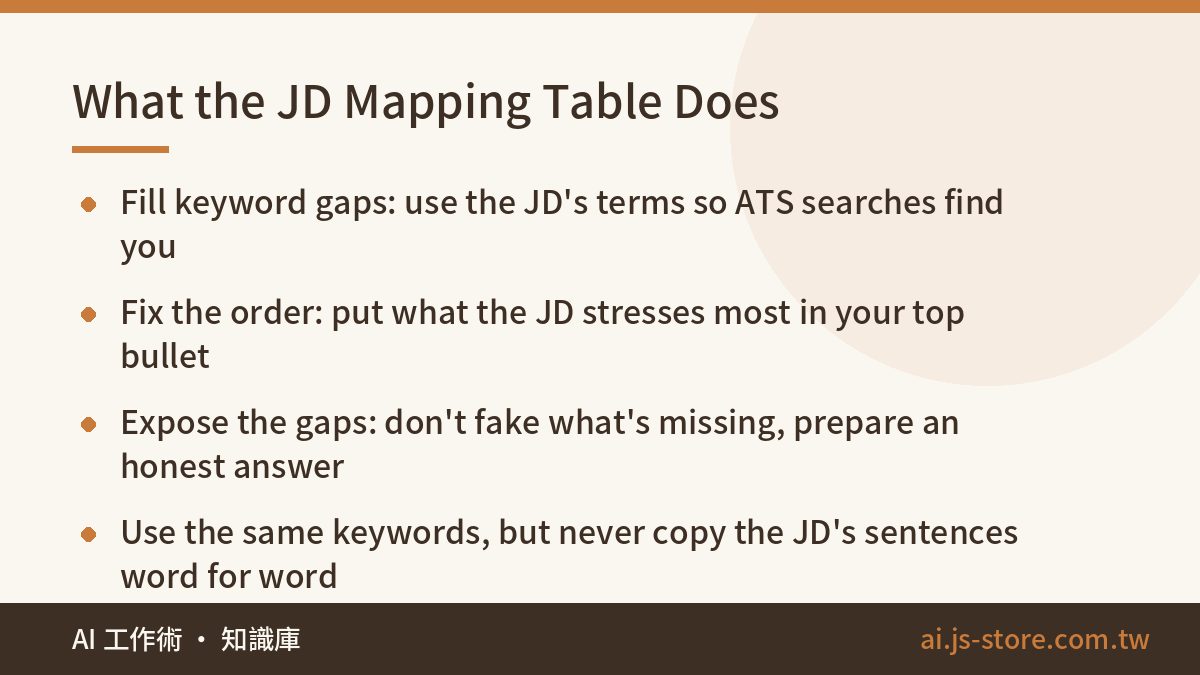
Sending one resume to 50 companies does worse than tailoring it for 10. You don't need to rewrite the whole thing. What changes is the order and wording of your top 3 to 5 bullet points. Give AI the job description and your resume together:
Below are a job description and my resume. Build a table. Left column: the JD's required and preferred qualifications. Middle column: the matching experience from my resume (write “missing” if there isn't one). Right column: how to adjust my wording. Then tell me which 3 bullets should go at the very top. Do not invent experience I don't have.
The table does three jobs:
- Fill keyword gaps. If the JD says “GA4” and you wrote “website traffic analysis,” a person will understand you, but an applicant tracking system or a recruiter's keyword search may not. A lot of screening starts with a keyword filter, so using the same words as the JD is basic hygiene.
- Fix the order. Put the skill the JD stresses most in the first bullet of your most recent job. When we screen resumes, the first things we look at are the top two bullets of the latest role and the portfolio link. Everything below that usually gets read only after you're on the interview list.
- Expose the gaps. For anything marked “missing,” add it if you really have related experience. If you don't, leave the gap, and prepare an honest answer for when the interviewer asks about it.
One warning: don't paste sentences from the JD straight into your resume. The recruiter often wrote that JD, and they'll recognize their own sentence immediately. It tells them you copied and pasted. Use the same keywords, but describe your own experience in your own sentences.
7 AI Tells Recruiters Spot Instantly
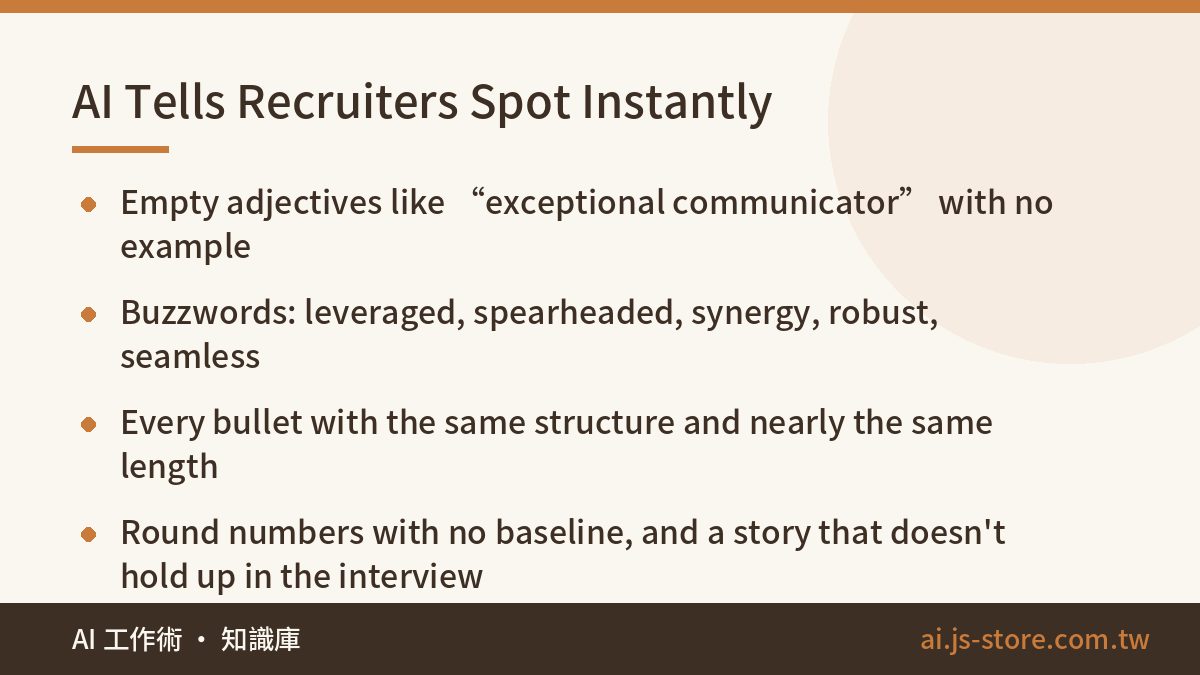
Recruiters read a lot of resumes, and unedited AI output follows a recognizable pattern. If two or more of these show up, your resume will probably go on the “didn't put in the effort” pile:
- Stacked empty adjectives: “exceptional communication skills and a strong team player,” “passionate about my work.” An adjective without an example behind it says nothing.
- Overused AI vocabulary: “leveraged,” “spearheaded,” “synergy,” “robust,” “seamless,” “dynamic fast-paced environment,” “proven track record.” Hiring managers have learned to read these as autopilot.
- Every bullet built the same way: five bullets that all say “Leveraged X to successfully achieve Y, driving Z,” at nearly the same length. Bullets written by a person vary.
- A summary that goes in circles: “In today's rapidly evolving landscape…” or “I have always believed…” Recruiters want to see what you've done, not a motivational opener.
- Numbers that are too round or don't add up: “boosted performance 50%,” “cut costs 30%,” with no baseline, or two figures that contradict each other.
- Formatting leftovers: stray Markdown asterisks, too many em dashes, Title Case Every Other Line, a mix of US and UK spelling.
- A resume that doesn't match the interview: the resume says “led a cross-functional initiative,” but you can't name the budget or what went wrong. This one does the most damage.
The fix: once you've edited, read the resume out loud. Replace every adjective with a specific thing you did, and every buzzword with a word you'd actually say. You can also turn AI into the reviewer: “Read this resume as a skeptical recruiter. Point out every sentence that sounds AI-written and explain why.” The same split of work applies to reports and proposals. Our guide to AI report writing goes into more detail.
The Workflow: One Resume in 30 Minutes
- Remove personal details (2 min). Before pasting anything into AI, delete your ID numbers, home address and phone number, plus any former employer revenue or client lists that aren't public. On the resume itself, “a publicly listed e-commerce company” can replace the company name if needed. Also check your tool's settings to see whether your chats can be used to train its models.
- Collect material with follow-up questions (10 min). Use the prompt above and answer at least 5 questions for each job.
- Rewrite with numbers (5 min). Have AI rewrite each line as verb + task + result, then check every number yourself.
- Match the JD (8 min). Build the mapping table, then reorder and reword your top 3 to 5 bullets.
- Remove the AI tells (5 min). Ask AI to flag what sounds AI-written, then read the resume aloud yourself, cut adjectives and replace buzzwords.
The first resume takes longer. After that, each new application only needs steps 4 and 5, about 10 to 15 minutes. For tools, any general-purpose model like ChatGPT, Claude or Gemini can do this well. For resume work the gap between them is small. What matters is your prompt and how specific your material is. If you want to compare what each tool is good at, browse our AI tools directory.
FAQ
Q: Will recruiters know I used AI on my resume? Will it count against me?
Recruiters don't mark you down just for using AI. They mark you down when the resume shows you didn't put in the effort. Empty adjectives, buzzwords and bullets that all look the same are the easiest tells to spot. If the content is your real experience and you can explain every number, using AI to polish sentences is completely fine.
Q: My job doesn't have clear metrics. How do I add numbers?
Measure something else: scale, frequency, time or scope. An admin role might say “processed ~200 expense claims a month” or “cut the reimbursement cycle from 5 days to 2.” Reasonable estimates are fine, but mark them with “~” and make sure you can explain how you got them.
Q: Can AI help with a resume in a second language?
Yes. It's one of the most useful things AI does for resumes, because its grammar and choice of action verbs usually sound more natural than what you'd force out yourself. Still, check industry terms, job titles and company names yourself, and keep your LinkedIn consistent with the resume, since many employers check both.
Q: Is it safe to paste my resume into an AI tool?
Remove ID numbers, your home address, your phone number and any non-public revenue or client data from former employers first. Also check the tool's settings to see whether conversations are used for model training. Each provider handles this differently, so go by their official documentation.
Q: Do I need to rewrite my resume for every application?
Not the whole thing. Change the order and keywords of your top 3 to 5 bullets to fit each JD. Once you have the routine down, that takes about 10 to 15 minutes per company. Sending one generic version everywhere usually gets fewer responses than tailored applications, so apply to fewer companies and tailor each one.