AI Report Writing: Let AI Draft Structure, You Own the Data
Published 2026-10-30 · Updated 2026-10-30 · 7 min read · ShooWork (FREECO CO., LTD.)
Bosses rarely catch AI by its wording. They catch made-up numbers and conclusions with no opinion. Here's how to split a report between you and AI.
Yes, you can use AI to write your reports. Whether to use it isn't the real question. What matters is which part you hand over. When a manager reads a report and thinks “a chatbot wrote this,” it's almost never because of one awkward phrase. It's because the numbers came from nowhere, the tone sounds like nobody in particular, and the conclusion takes no position.
Our rule is simple. AI drafts the structure. You paste in and check every number yourself. You rewrite the voice at the end. Split the work that way and a weekly or monthly report takes roughly half the time it used to. It also reads like you wrote it, because you wrote the parts that matter.
Below you'll find the five signs that give AI-written reports away, how to split the work into three layers, the exact prompts we use, and the reports we'd tell you not to hand to AI at all.
Why AI-Written Reports Are Easy to Spot: 5 Tells
To fix the problem, you first need to know what readers actually notice. These are the five things we catch most often when we review internal reports:
- Numbers that are too vague or too perfect. “Significant growth” with no baseline. Or worse, a percentage nobody in your company can find in any system. That second one is fatal. Someone asks “where's this number from?” and you're done.
- Everything comes in threes, all the same length. Three wins, three challenges, three recommendations, each two lines long. Real work is never that tidy.
- Verbal tics. “It's worth noting that,” “In conclusion,” “Not only… but also,” “leverage,” “holistic,” “robust.” If they show up three times in one report, the reader feels it even without being able to name it.
- No proper nouns. No client names, no project names, no “we got stuck on Tuesday.” Just “relevant stakeholders” and “certain initiatives.”
- A conclusion that can't offend anyone. No trade-offs, no “I recommend we kill Project B.” Yet your judgment is exactly what your manager wants to read.
Only #3 is a wording problem. The other four happen because the content didn't come from you. That's why swapping synonyms or running the text through a “humanizer” doesn't work. You have to change who does what.
The Split: AI Does Structure, You Own the Data, You Both Shape the Voice
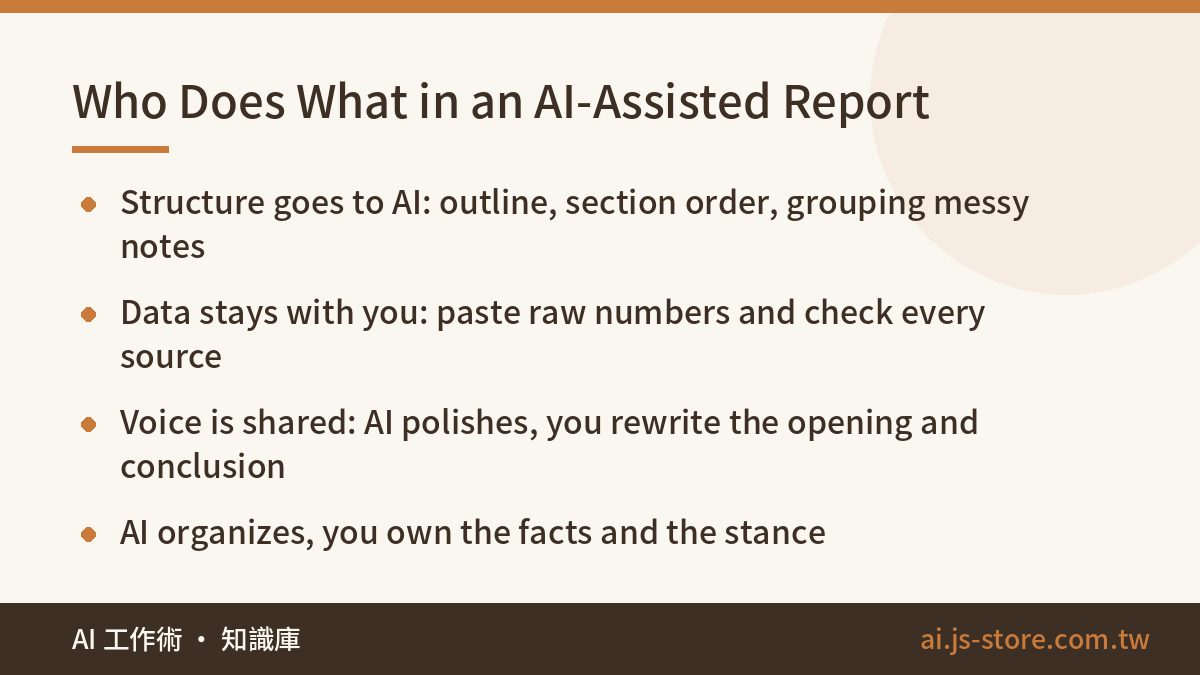
Break any report into three layers. For each one, it's clear who should do the work:
| Layer | Give to AI | Keep for yourself | Why |
|---|---|---|---|
| Structure | Outline, section order, headings, grouping messy notes | Deciding what goes first | AI is good at organizing but has no idea what your boss cares about most |
| Data | Calculations, comparisons, spotting outliers, building tables | Supplying the raw numbers and checking where each one came from | AI will fill gaps with figures that look plausible and don't exist |
| Voice | Polishing the first draft, cutting filler, catching typos | Opening, conclusion, recommendations, anything said about people | Those lines are your position, and people know how you sound |
If you remember one line, make it this one: AI organizes, you own the facts and the stance. Stick to that and it won't matter if your manager knows you used AI. A report was never valuable because you typed it fast.
We learned this the hard way. We run ShooWork, our own AI tools platform, along with a video-editing engine, and we send partners an operations report every week. Early on we tried dropping dashboard screenshots into a chatbot and asking for the whole report. It read the “this week” and “last week” columns backwards and confidently wrote a conclusion that pointed the wrong way. Now we export the numbers from our backend ourselves and paste them in as text. AI only groups and compares them. That mistake hasn't happened again. If you want to know why models do this, our piece on AI hallucination explains how it happens.
A Weekly Report From Blank Page to Sent in 5 Steps
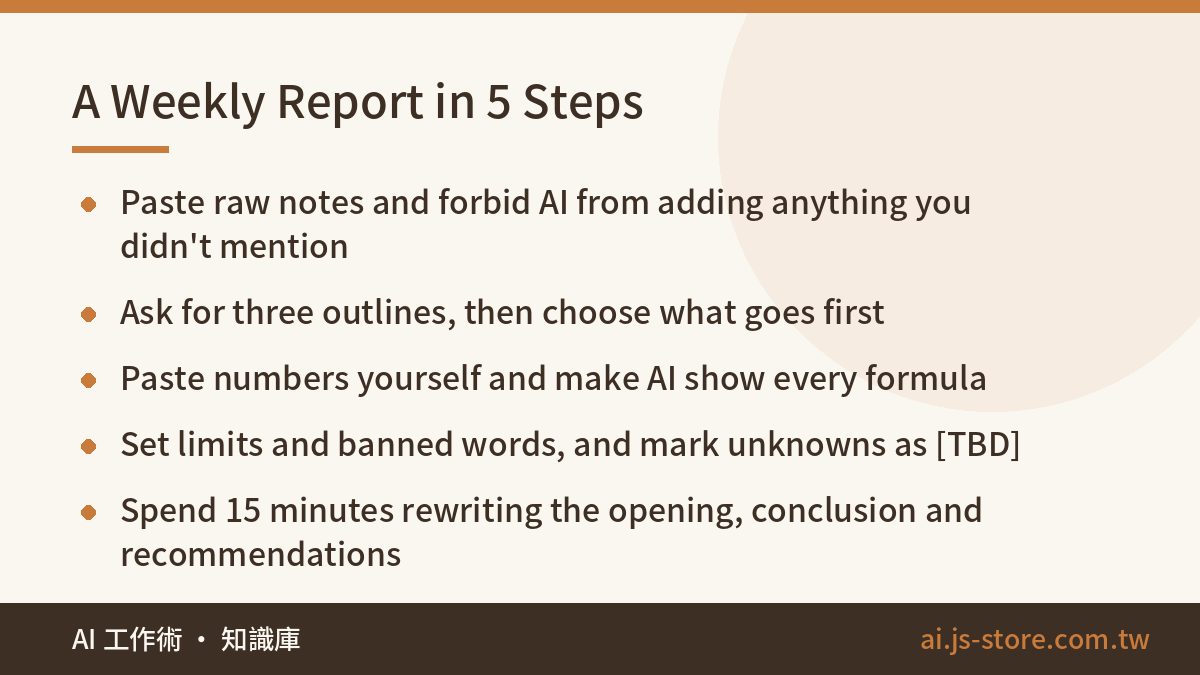
- Give it raw material instead of asking for a finished report. Paste this week's meeting notes, your to-do list and the key parts of chat threads. Then ask: “Group these by project. For each one, list progress, blockers and next steps. Do not add anything I didn't mention.” That last sentence matters more than the rest of the prompt.
- Ask for three outlines and pick one. For example: by project, by results / problems / plans, or conclusion first with details after. Picking one and deciding what goes first is your judgment. Don't skip this step.
- Paste the numbers yourself. Copy the figures exactly as they appear in your system export. Then ask AI to calculate growth rates and build comparison tables, and to show every formula. Check two or three of them with a calculator.
- Let it write a first draft, with limits. Set a word limit, a paragraph count and a list of banned words (there's one below). Add: “Where you're unsure, write [TBD] instead of guessing.”
- Rewrite the opening, the conclusion and the recommendations yourself. Everything else just needs one read-through. Those 15 minutes decide whether the report sounds like you.
“Don't add anything I didn't mention” cuts down on invented details a lot, but it won't eliminate them. That's why step 3 is never optional. Also, start a fresh chat for each report. In a thread that's been running for weeks, last month's numbers can slip into this month's draft. Our explainer on what a context window is covers why.
The Numbers Rule: AI May Calculate, Never Invent
The worst way to get caught is a wrong number, not an odd tone. Odd phrasing might get you teased. A wrong number gets you questioned, and it can push a real decision in the wrong direction.
- Only let AI work with numbers you gave it. “How much did Q3 grow over Q2?” is fine. “What's the average growth rate in our industry?” is not. You can't check what comes back, and a number without a source shouldn't be in a report.
- Make it show the math. Percentages, averages, totals: ask for the formula every time. Chatbots sometimes get long sums wrong. Once you're past a dozen rows, use a spreadsheet. Have AI write the formula for you instead of doing the arithmetic itself.
- Give a source for every figure. Something like “(source: CRM export, September).” That's just good reporting. It's also your best protection, because a made-up number has no source to point to.
- Turn it around and make AI the reviewer. Once the draft is done, paste it back and ask: “Which claims here aren't backed by data? Which numbers contradict each other?” AI is more reliable as a critic than as an author.
Removing the AI Voice: The 15 Minutes That Matter Most
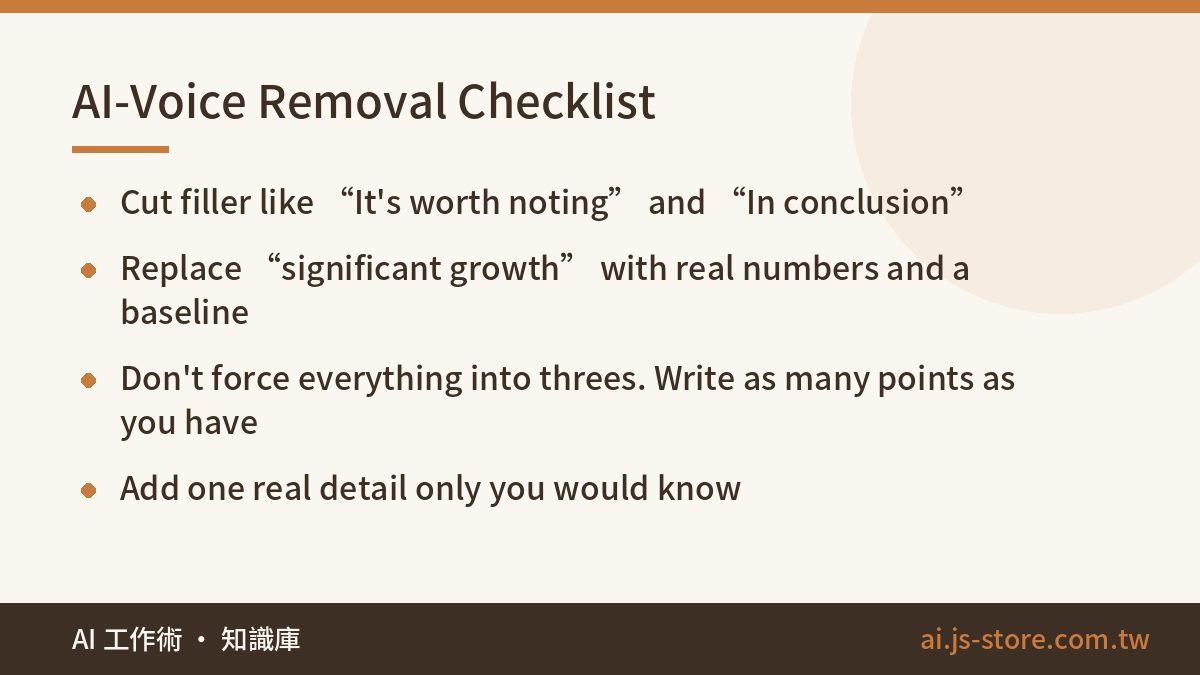
Once the structure and the numbers are right, the last job is making the report read like a person wrote it. These are the phrases we flag most often. Cut or replace them whenever you see them:
| AI default | Replace with |
|---|---|
| “It's worth noting that,” “It should be pointed out” | Delete it and make the point directly |
| “In conclusion,” “Overall” | “So,” or just state the conclusion |
| “Significant improvement,” “substantial growth” | The actual number: “from 120 to 168 tickets, up 40%” |
| “Leverage,” “holistic,” “robust,” “streamline” | What you actually did, in plain words |
| “Not only… but also…” | Two short sentences |
| “Relevant stakeholders,” “certain projects” | The team name and the project name |
Word choice isn't everything. Three changes to the structure help a lot:
- Break the symmetry. Two problems? Write two. Five? Write five. Don't add or cut items just to land on three.
- Add one detail only you know. “Still waiting on legal. I followed up Thursday.” AI can't write that sentence.
- Match your usual sentence length. Paste one or two reports you wrote earlier and say “match this tone and paragraph length.” That works far better than “make it sound natural.”
Keep your best prompts and your banned-word list in one saved chat or note so you aren't rebuilding them every Friday. The habit we describe in organizing your ChatGPT chats works well here.
When Not to Use AI for a Report
AI is useful, but in a few cases our advice is simple: don't.
- Confidential or personal data. Client lists, salaries, unreleased financials. Check your company's policy before you paste anything into a free tool. Data-use terms differ between vendors, and often between personal and business plans. Follow the official terms and your employer's rules. If you're not sure, replace client names with A, B and C first.
- Performance reviews or comments about people. AI-written feedback on a colleague reads like a template, and the person reading it will know you didn't really pay attention. Let AI organize the factual record and write the judgment yourself. The same goes for self-reviews.
- Documents with legal or financial liability. Contract summaries, audit reports, published financial statements. AI can help with a draft, but the person responsible has to read every word and bring in a professional when needed.
- Things you haven't figured out yet. If you can't state your conclusion, AI will only dress up your confusion in smooth prose. Those reports fall apart at the first follow-up question.
FAQ
Q: Will my manager know I used AI to write my report?
Some companies use AI detectors, but they aren't accurate and they often flag human writing as AI. What actually makes people suspicious is vague content and numbers with no source. If you've checked the data yourself and the conclusion is your own, it's fine if people know you used AI. Find out your company's AI policy first. Using AI openly is safer than hiding it.
Q: Which AI tool is best for writing reports?
Any general chat assistant, such as ChatGPT, Claude or Gemini, can handle the steps in this article. They differ mainly in how well they handle long documents and how they sound. If your company already uses Microsoft 365 Copilot or the AI features in Google Workspace, start with the approved version, since your data is better protected. Features and pricing change often, so check each vendor's official pricing page.
Q: How do I make an AI-written report sound like me?
Give it examples. Paste one or two reports you wrote yourself and ask it to match the tone, sentence length and paragraph structure. Add a banned-word list, such as “don't use ‘it's worth noting’ or ‘in conclusion.’” Then rewrite the opening and the conclusion yourself. That's usually enough to bring your voice back.
Q: Can I use numbers AI calculates without checking them?
We wouldn't. For a handful of calculations, ask it to show the formulas and spot-check them. For larger datasets, use Excel or Google Sheets and let AI help you write the formulas. Any number you didn't supply, like an industry average, shouldn't go into a report until you've checked it.
Q: How much time does AI actually save on a weekly report?
It depends on the report. The messier your raw notes, the more you save. In our experience a routine weekly report takes about half the time, mostly because sorting and formatting go faster. Checking the numbers and rewriting the conclusion take as long as they always did, and you shouldn't rush them.