What Is a Context Window? Why AI Forgets and How to Fix It
Published 2026-10-26 · Updated 2026-10-26 · 7 min read · ShooWork (FREECO CO., LTD.)
A context window is how much text an AI can see at once. Learn how tokens add up, why chats forget early rules, and 6 habits that keep long chats on track.
Around message thirty, your AI assistant suddenly forgets the tone you set at the start. Then it brings back the idea you rejected an hour ago. It hasn't gotten dumber. You've hit its context window, or you're close enough that its attention is getting spread thin. The context window is the total amount of text a model can “see” at one time. That includes your messages, its replies, any files you uploaded and the hidden system instructions.
It isn't long-term memory. Think of it as a desk. The desk is a fixed size, and every new document you put on it pushes an older one into a drawer or the bin. When a conversation gets too big for the window, most chat apps quietly cut or compress the oldest material. So the first things to go are usually the rules you gave at the very beginning, and those are often the ones that mattered most.
Below I'll explain how tokens are counted and why models start forgetting well before the hard limit. I'll also share the six habits we use ourselves while running an AI tools platform. By the end you'll know when to start a fresh chat and where each kind of information should go.
What a context window is: think of a desk
Let's clear up a common mistake first: the model doesn't remember your conversation. Every time you hit send, the app bundles up the whole conversation so far and hands it to the model. The model reads it from the top and writes the next reply. When it seems to “remember” what you said earlier, it's really re-reading it, every single turn.
The context window is the largest that bundle can get. Here's what takes up space on the desk:
- System prompts and custom instructions. Your role, tone and formatting rules are sent along with every turn.
- The full chat history. The AI's replies count too, and they're usually much longer than your questions.
- Uploaded files and pasted text. One long PDF can use up a big part of the window in a single go.
- Tool output. Web search results, code logs and data pulled in through connectors pile up fast when an AI agent runs a long task. If you're curious how those connectors work, see what MCP is.
The “memory” feature in chat apps is something else. Cross-chat memory is more like a small notebook the app keeps for you. When you open a new chat, it adds a few lines from that notebook to the context. It's tiny, it stores summaries, and it doesn't keep details. Don't count on it to remember your 12-point style guide.
How tokens are counted (and why some text costs more)
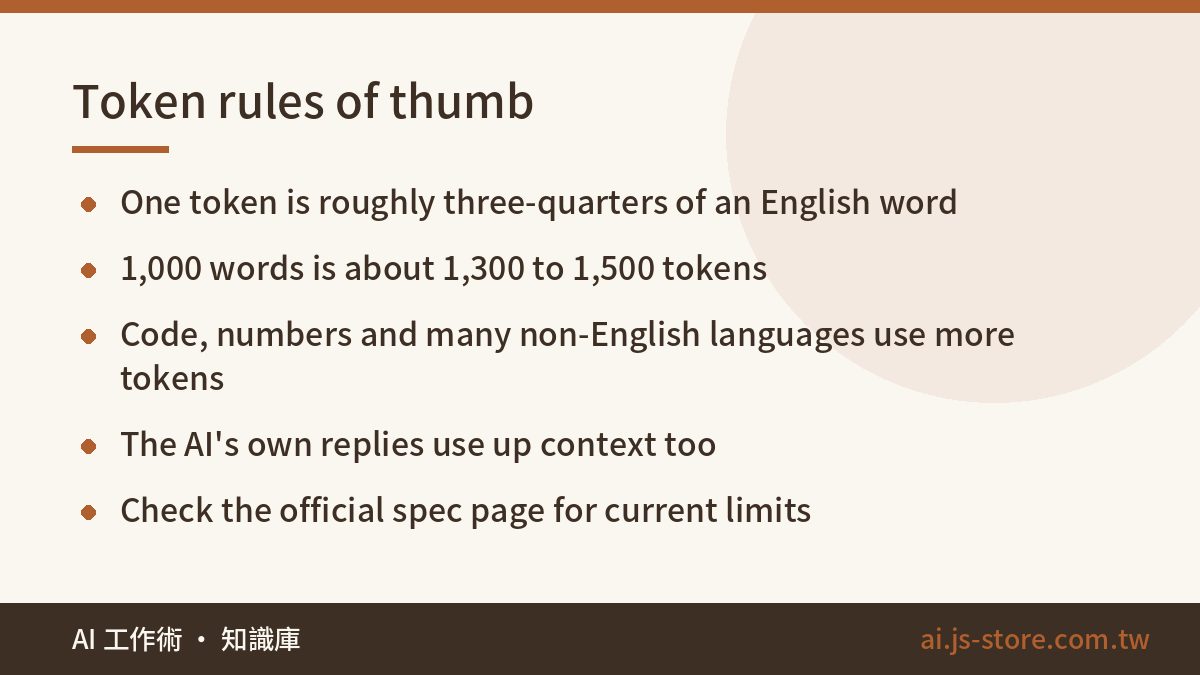
Context windows are measured in tokens, the small chunks a model splits text into. In English, a common word is usually about one token, and longer or rarer words get split into several pieces. A handy rule: one token is about three-quarters of a word, so 1,000 words is roughly 1,300 to 1,500 tokens. Code, numbers, URLs and many non-English languages use more tokens for the same amount of meaning. The exact ratio depends on each model's tokenizer, so use these as rough estimates and round up.
| Content | Approx. words | Rough tokens |
|---|---|---|
| A long email | 300 | 400–500 |
| A typical blog post | 1,500 | 2,000–2,500 |
| Transcript of a one-hour talk | 8,000–10,000 | 11,000–15,000 |
| A full-length novel | 80,000–100,000 | 110,000–150,000 |
Today's main models have context windows from roughly a hundred thousand tokens to over a million. Limits vary between models and plans from the same company, and they change often. So check the official model spec page for current numbers instead of trusting a blog post, including this one. If you're comparing plans, our AI tools cost comparison covers what usually changes between tiers.
That sounds like plenty of room. But every reply adds to the pile. Paste in a couple of documents along the way, and a long conversation fills up much faster than you'd expect.
Why AI forgets before it hits the limit
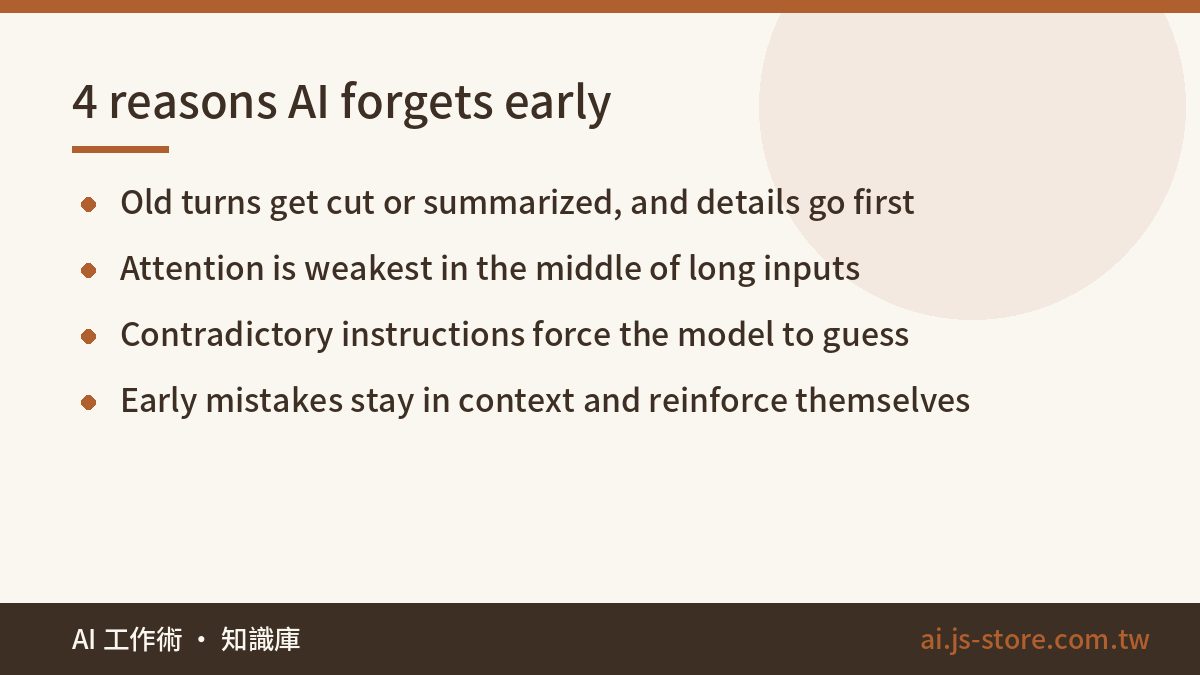
Most people assume nothing gets lost until you cross the limit. In practice the “forgetting” usually starts earlier, for four reasons:
- Truncation or compression. To save time and money, chat apps may summarize older turns without telling you. Numbers, names and “don't do X” rules are the details most likely to disappear in a summary.
- Lost in the middle. Research shows models pay more attention to the start and end of a long input than to the middle. The longer the context, the stronger this effect.
- Contradictory instructions. On turn 3 you asked for bullet points, and on turn 15 you asked for paragraphs. Now the model has to guess which one you want. These piled-up contradictions cause more “it won't listen” moments than the hard limit does.
- Mistakes that reinforce themselves. An early wrong answer stays in the context. The model keeps referring back to its own error, and each correction drifts further off course.
We learned about “lost in the middle” the hard way, on our own product. Early on, while building the engine behind ShooWork Clip, we gave the model the transcript of an entire long video and asked it to pick the best moments. Most of its picks came from the beginning and the end. Strong material in the middle kept getting skipped. So we split the transcript into chunks, scored each chunk separately and then merged the results. After that, the picks finally spread evenly across the video. Just because a model can see everything doesn't mean it pays equal attention to everything.
| What you notice | Likely cause | What to do |
|---|---|---|
| It forgets the tone or format you set at the start | Early instructions were cut or buried | Put rules in custom instructions, or paste them at the top of a new chat |
| It brings back an idea you rejected | “Don't” rules got lost in a summary | Keep a running “decisions made” list |
| It can't answer about the middle of a long document | Lost in the middle | Work section by section, and name the section in your question |
| Replies get slower and worse | The context is nearly full | Write a handoff summary and start a new chat |
| It keeps repeating the same mistake | The error is still in the context | Edit your original prompt and regenerate, instead of piling on corrections |
Six habits that keep long chats on track
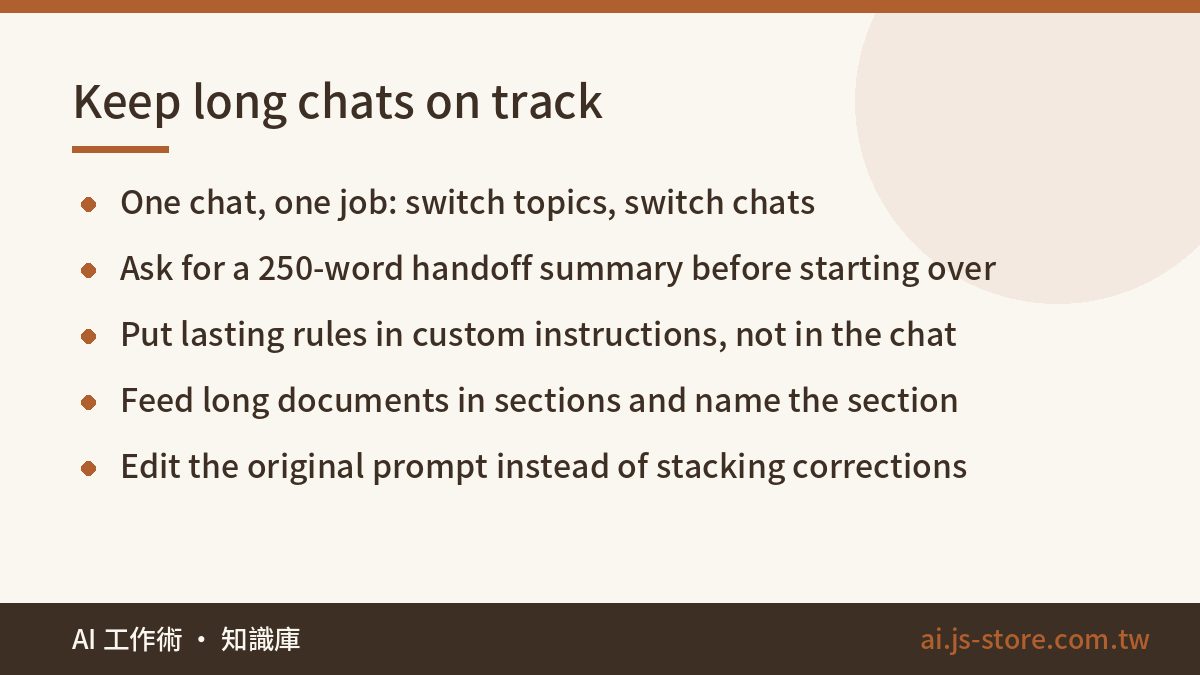
- One chat, one job. If you're writing copy, only write copy. When you switch to research, open a new chat. Mixing topics wastes more context than anything else.
- Ask for a handoff summary before you start over. Use something like: “Summarize this conversation as a handoff note. Include the goal, decisions made, ideas rejected and why, open to-dos, and any formatting rules I must follow. Keep it under 250 words.” Paste that at the top of a new chat. It's like moving only the important papers to a clean desk.
- Put lasting rules in custom instructions. Don't just say them once in a chat. Tone, format and banned words are things you want every time. Put them in custom instructions or the project settings so they're sent with every turn and never get pushed out. For how to write rules that actually stick, see custom instructions that work.
- Feed long documents in sections, and say which section you mean. Don't drop in an 80-page report and ask “what are the key points?” Go chapter by chapter, or say “answer only from section 3.”
- When it's wrong, edit your original prompt and start that turn again. If you correct a bad answer three times underneath it, the context now holds three wrong versions. Go back to the message where it went wrong, rewrite it and regenerate. The result is usually much better.
- Put key information at the start or the end. Use the model's attention to the edges of the input. Repeat your most important limit at the very end of your prompt, for example “Reminder: keep the whole thing under 500 words.”
Of these six, number 2 does the most for the least effort. Our internal rule: once a chat passes 20 to 30 turns, or you've pasted in two or three long documents, write the handoff and start fresh. Don't wait until the AI is clearly getting worse. By then you've already lost time to answers you'll throw away.
Is a bigger context window always better?
No. A long context window is a useful feature, but it comes with costs:
- Cost. If you build on an API, the whole history is sent again on every turn, so each new message in a long chat costs more than the last. When we build features on top of model APIs, the biggest part of the bill often isn't the model's output. It's the chat history we keep sending back as input on every call.
- Speed. The more the model has to read, the longer you wait.
- Accuracy. Stuffing in unrelated material makes it harder for the model to find what actually matters.
When a long context is worth it: cross-checking across documents, like finding clauses in a contract that contradict each other. Understanding how a whole codebase fits together. Writing an overview of a full transcript. In these tasks the answer is spread across the whole text, and splitting it up would miss connections.
When you shouldn't stuff the window: you only need one small fact, the chat jumps between several topics, or you need exact numbers quoted back accurately. Here, working in sections or searching first and then asking is faster and more reliable. More context isn't free, so only add what the task actually needs.
FAQ
Q: Is the context window the same as an AI's memory feature?
No. The context window is everything the AI can see within a single conversation, and it's gone when that chat ends. The memory feature is a small set of summary notes the app saves for you and adds to new chats. It's small and doesn't keep details.
Q: How do I know a conversation is almost full?
Most chat apps don't show how much space is left, so watch for signs. Replies slow down, early rules get ignored, it repeats itself, or it brings back ideas you already rejected. The safer approach is not to wait for those signs. Once a chat gets long, write a handoff summary and start a new one.
Q: Do paid plans always have a bigger context window?
Usually higher tiers allow more, but vendors change limits often, so check the official spec page. Also, a bigger limit doesn't stop the model from missing things in the middle. Working in sections and writing handoff summaries still help.
Q: If I upload an entire book, will the AI remember all of it?
If the book fits within the limit, the model can “see” all of it. That doesn't mean it pays equal attention to every detail, and the middle chapters are the easiest to miss. For accurate Q&A or note-taking, going one chapter at a time is much more reliable.