AI Tools Cost Comparison 2026: Plans, Hidden Fees & Cheaper Stacks
Published 2026-10-21 · Updated 2026-10-21 · 8 min read · ShooWork (FREECO CO., LTD.)
Most AI tools cost about $20/month, but real bills run 30% higher. Compare 2026 solo and team plans, hidden costs, and three stacks that cut spend.
Short answer: in 2026, almost every mainstream AI tool charges individuals roughly $20 a month for its standard paid plan. ChatGPT, Claude, Gemini, Perplexity and Cursor all sit at about that price. Plans for heavy users (Pro, Max, Ultra) cost somewhere between $100 and $250. Team plans run about $20–30 per seat per month and usually need at least two seats. Vendors change prices often, so read every number here as a ballpark range and check each vendor's official pricing page before you pay.
Finding the list price is easy. Working out what you'll really pay is harder. We run ShooWork, our own AI tool platform with a video-editing engine and ads tooling, and every quarter we review all of our team's AI subscriptions. In our experience, bills almost never get out of hand because of the monthly fee. They get out of hand because of the extras: duplicate subscriptions, annual contracts you can't exit, API keys with no spending limit, and card fees. Add those up and you can easily end up paying 30% or more above list price.
This guide covers prices for individual and team plans, a checklist of eight hidden costs, a simple rule for when to use the API instead of a subscription, and three setups (solo, small team, small business) that we'd actually recommend.
What Individual AI Plans Cost in 2026
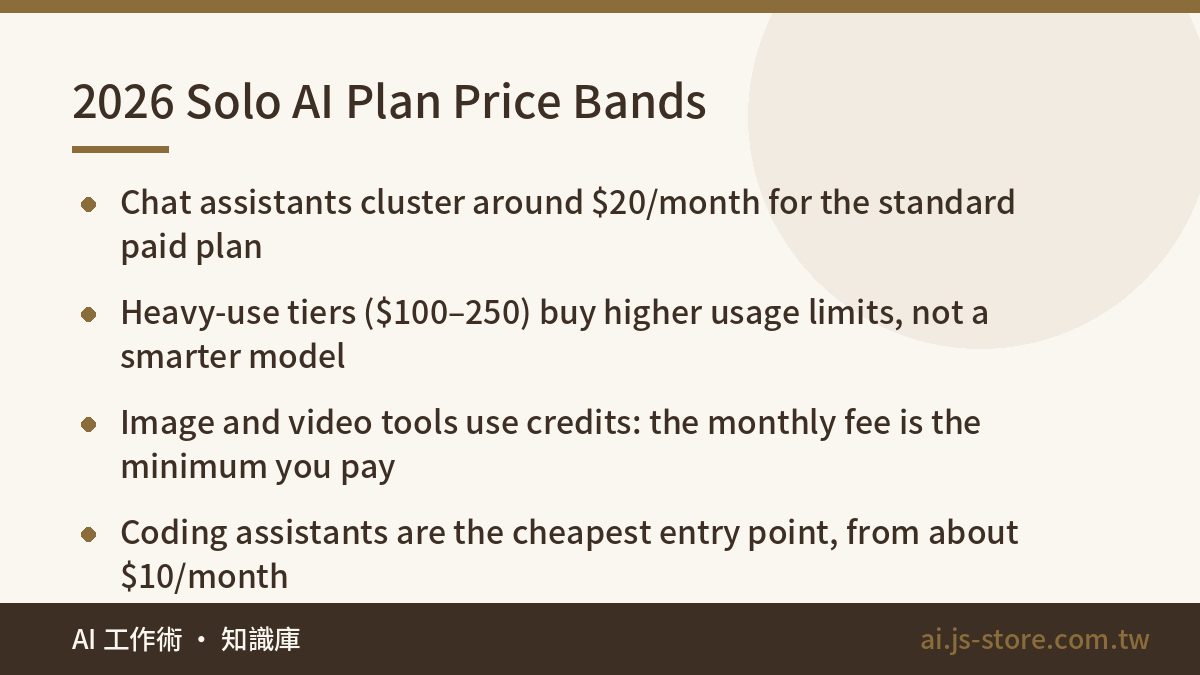
Here's what solo plans cost, grouped by category. These are approximate ranges for monthly billing as of Q3 2026. Paying annually usually saves another 15–20%. Almost every vendor has changed its prices this year, so check again before you buy.
| Category | Tool | Free tier | Standard paid (monthly) | Heavy-use tier (monthly) |
|---|---|---|---|---|
| Chat assistant | ChatGPT | Yes | Plus, ~$20–24 | Pro, ~$200–250 |
| Chat assistant | Claude | Yes | Pro, ~$20 | Max, ~$100 or ~$200 |
| Chat assistant | Gemini (Google AI) | Yes | AI Pro, ~$20 | AI Ultra, ~$100–200 |
| Search | Perplexity | Yes | Pro, ~$20 | Max, ~$200 |
| Coding | GitHub Copilot | Yes (low limits) | Pro, ~$10 | Pro+, from ~$39 |
| Coding | Cursor | Yes | Pro, ~$20 | Ultra, ~$200 |
| Image | Midjourney | No | Basic ~$10 / Standard ~$30 | Pro ~$60 / Mega ~$120 |
| Video | Runway | Trial credits | ~$12–35 | Unlimited, ~$76–95 |
| Video | HeyGen | Yes | From ~$29 | Varies by plan |
| Voice | ElevenLabs | Yes | ~$5–22 | ~$99 |
The table shows three things. First, $20 is the entry price. At that level the vendors are close in capability. What really separates them is each model's style and how well it fits the other tools you use, not whether it's worth the money. Second, the $100–250 plans buy you higher usage limits, not a smarter model. If you aren't hitting the $20 plan's limit most days, upgrading wastes your money. Third, image, video and voice tools are priced in credits. The monthly fee is the minimum you'll pay. People who make content in volume often end up paying 2–3x that amount.
Team Plans: Seats, Minimums and Annual Discounts
Team plans are priced differently. You pay per seat, there's often a minimum number of seats, and you get an admin console. By default, your data also isn't used to train the vendor's models. In 2026 the main vendors have settled on similar prices:
| Tool | Per seat, per month | Minimum seats | Annual discount | What's different |
|---|---|---|---|---|
| ChatGPT Business (formerly Team) | ~$20–25 | 2 | ~20% | High-usage seats available at ~$100–125 |
| Claude Team | ~$20–25 | 2 | ~20% | Can combine standard and Premium seats (~$100–125) |
| Gemini in Google Workspace | Included in Workspace plans | 1 | Follows Workspace | If you already pay for Workspace, you already have it |
| Microsoft 365 Copilot | ~$21–30 | 1 | Mostly annual | Paid on top of your existing M365 licenses |
| GitHub Copilot Business | ~$19 | 1 | None | Enterprise at ~$39 |
| Cursor Teams | ~$40 | 1 | Check vendor | One bill for the team, plus usage controls |
Here's what that means in practice: a 10-person team on one Team plan pays roughly $2,400–3,000 a year when billed annually. That's a reasonable amount. The waste usually happens elsewhere. Not everyone needs a seat. Teams often pay two or three vendors for the same thing. And when someone leaves partway through an annual contract, their seat stays empty and you keep paying for it.
Don't buy annual seats on day one. Pay monthly for 30 days, open the admin usage report, and then decide who gets an annual seat. People who barely logged in can use the free tiers.
Eight Hidden Costs That Push Your Bill 30% Higher
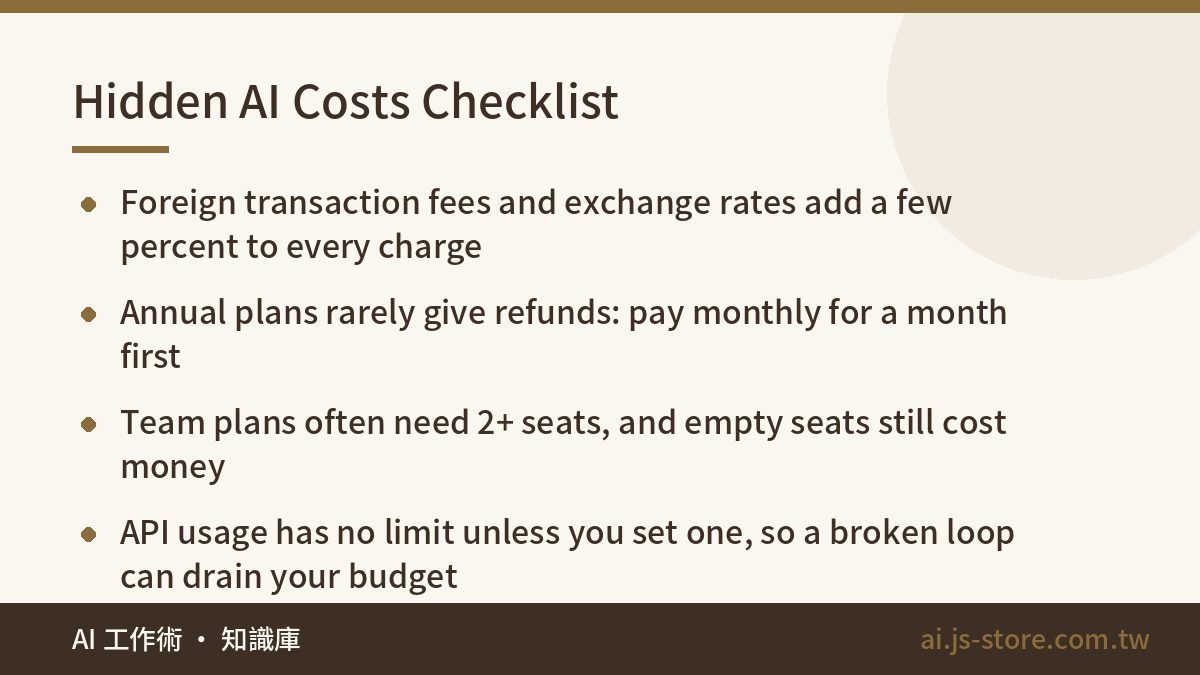
- Foreign transaction fees and exchange rates. If a vendor charges you in a foreign currency, many banks add a foreign transaction fee (often 1–3%), and the exchange rate moves too. With annual billing, you pay that fee on the full year at once.
- Annual plans rarely give refunds. If you cancel most AI annual plans partway through the year, the plan just won't renew. You don't get money back for the months you haven't used. These tools change fast, and six months in you may well have moved to a different main tool.
- Usage caps. Every $20 plan limits your messages or compute, and the limit usually resets every few hours or once a day. When you hit it, you either wait or upgrade. Usage limits are how vendors really get you to pay more.
- API overages. The API charges per token, and you're billed after you use it. Without a hard spending limit, one broken loop can spend a month's budget overnight.
- Duplicate subscriptions. This is where most money goes to waste. When we review subscriptions, we often find teammates each paying for a different chat assistant, with about 70% of the features overlapping. One cleanup usually cancels two or three subscriptions.
- Higher credit costs than you expect. Image, video and voice tools use more credits for higher resolution, longer clips and fast mode. You won't pay less than the plan price, and you'll often pay more.
- Bans for shared accounts. Most terms of service don't allow several people to share one personal account. Vendors keep getting better at spotting it, and if your account is locked, you don't get back what you paid.
- Time lost switching tools. Every time you switch tools, your team gets less done for at least one to two weeks. You won't see this cost on the bill, but you will see it in missed deadlines.
This works like the online courses you bought and never finished. If you've ever done a course-hoarding audit, do the same review of your AI subscriptions. List every tool, when each one renews, and when someone last opened it. Then cancel anything nobody used in the past 30 days.
API vs Subscription: When to Switch
A subscription is all-you-can-eat with a limit. The API is pay-as-you-go with no limit. Rough API prices in 2026: small models cost about $0.10–1 per million input tokens and flagship models about $3–15, and output usually costs 4–5x as much as input. A 1,500-word article is about 2,000 tokens. Sending it to a model and getting it back costs a few cents with a flagship model and less than a cent with a small one.
Use these rules to decide:
- If a person is chatting with the AI, a subscription is cheaper. Someone who uses AI for two or three hours a day would usually spend more than $20 on the API for the same work. In effect, the subscription is a discounted price.
- If it's automation, batch jobs or something built into your product, use the API. Consumer subscriptions don't allow access from code, and accounts get banned for working around that. If you're thinking about agents that work on their own, read what an AI agent can actually finish for you before you budget for one.
- Most teams end up using both. Each person gets a subscription for daily work, and a separate API account runs the automation. Track the two costs separately so you can see where your money goes.
We split the work this way in the engine behind ShooWork Clip. Small models handle transcription and splitting the transcript into sentences. Only the last step, choosing which clips to keep, goes to a flagship model. Our total API cost is less than half of what we'd pay running a flagship model at every step. Choosing a model for each step saves more money than switching vendors. Also, don't put an API key into production without a monthly spending cap. Set the cap on day one, before you write the first loop.
Three AI Setups That Actually Save Money
| Who | Recommended setup | Approx. monthly |
|---|---|---|
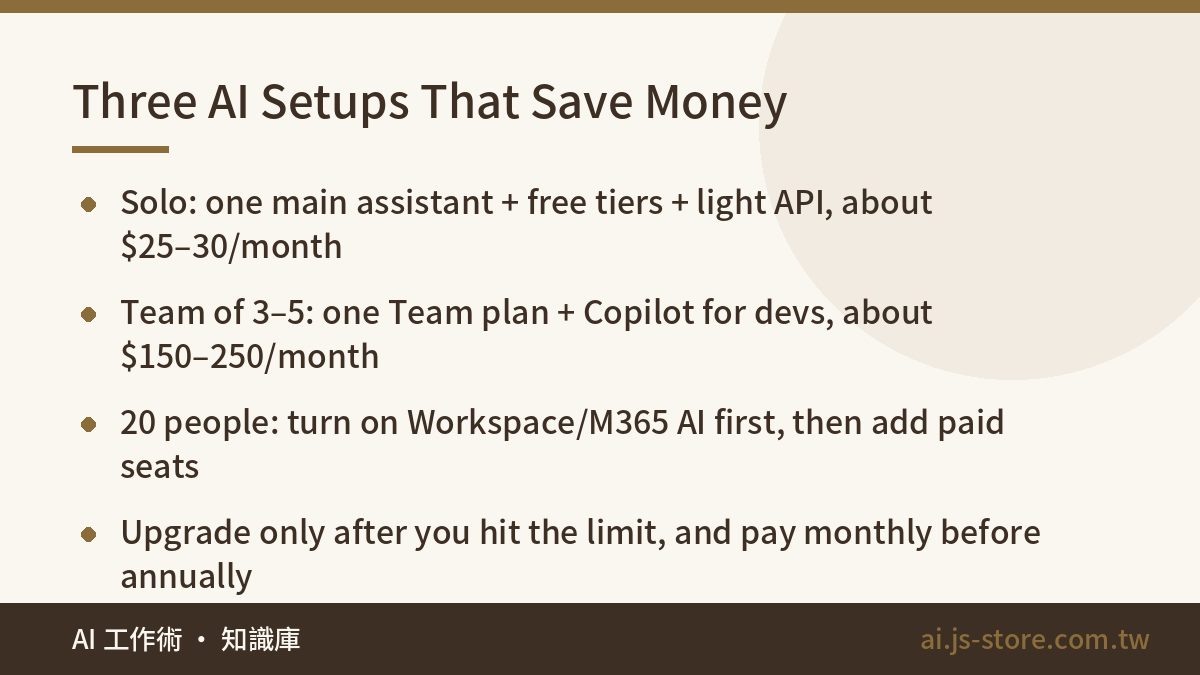
| Solo creator or freelancer | One main chat assistant (~$20) + free tiers for everything else + a little API usage for automation (~$5–10) | ~$25–30 |
| Team of 3–5 | One Team plan (~$20–25 per seat) + GitHub Copilot for developers (~$10–19) + image and video tools subscribed only in the months you need them | ~$150–250 |
| 20-person business | First turn on the AI already included in Workspace or M365, then add 5–8 paid seats for the people who use AI most | ~$300–600 |
The rules behind these setups:
- Upgrade only after you hit the limit. Use the $20 plan for a month. Consider a $100 plan only if you really hit the limit every day. Most people who buy the $200 plan right away use less than 30% of what they pay for.
- Pay monthly before you pay annually. Switch to annual billing for the 20% discount only once you're sure you'll use the tool for at least three more months.
- Use free tiers to check your main tool's answers. In 2026, every vendor's free tier gives you a good model. That's enough to double-check what your main tool tells you, so you don't need a second paid subscription for it.
- Look for a cheaper option for one-off tasks. For things like removing backgrounds, adding subtitles or simple trims, first see whether the free tools in ShooWork's tool kit are enough. If you make short videos in volume, a service priced per video, like ShooWork Clip, usually costs less than a video-tool subscription that bills you whether you use it or not.
Three ways to waste money: buying the most expensive heavy-use plan on day one, paying for three tools annually at once to save 20%, and sharing one personal account across your team. If that account gets banned, you lose far more than you saved on seats.
FAQ
Q: Why do almost all AI tools charge $20 a month?
ChatGPT Plus set that price in 2023 and the other vendors matched it. By 2026, the differences at this price have little to do with value. They come down to each model's style, how well it works with your other tools, and how high the usage limit is. Some vendors have started moving into the $20–25 range, so check the official pricing pages.
Q: Is it worth paying for ChatGPT, Claude and Gemini at the same time?
Not for most people. At the $20 level, more than 70% of what they can do overlaps. Pick one as your main tool and use the other two's free tiers to check its answers. If you really need a second paid plan, it's usually because of how it works with your other tools. For example, if your company already uses Google Workspace, Gemini is the easy choice.
Q: What do team plans give you that personal plans don't?
Three things: an admin console where you pay for everyone in one place and can take seats back, your data isn't used for training by default, and higher usage limits. For most companies, the training policy is what decides it. On personal accounts, you have to find and turn that setting off yourself.
Q: Is the API always cheaper than a subscription?
No. If you chat with AI a lot, the same usage on the API usually costs more than the subscription, which is effectively a discounted price. The API saves money on automation and batch jobs, where you can use a cheap model for each step and never hit a usage limit. Always set a spending cap.
Q: How do I avoid surprise charges on AI subscriptions?
Put all your AI subscriptions on one card, ideally one with no foreign transaction fees, so you can check every charge in one place. Add each renewal date to your calendar, especially for annual plans, since most don't give refunds. Set a hard monthly limit on every API account. Prices can also change depending on your billing country and currency, so check the final amount at checkout.