What Is an AI Agent? What It Can Actually Finish for You in 2026
Published 2026-10-11 · Updated 2026-10-13 · 8 min read · ShooWork (FREECO CO., LTD.)
An AI agent takes a goal, plans the steps, uses tools and checks its own work. What agents reliably finish in 2026, where they fail, and how to start.
Short answer: an AI agent is an AI system you give a goal to. It breaks that goal into steps, uses tools by itself, and checks whether the result is right. What separates it from a chat assistant isn't how smart it is. It's who does the work. A chatbot gives you an answer and then you go do the thing. An agent does the thing, then tells you what it did and how it turned out.
Here's the quickest way to see the difference. Tell a chatbot "summarize this week's support tickets" and it asks you to paste them in. Tell an agent the same thing and it logs into your helpdesk, pulls the week's tickets, sorts them, writes a summary into your shared doc, and reports back: "143 tickets, 61 of them about the returns process."
One honest warning before we go further: in 2026, agents reliably finish work that has clear rules, lots of steps, and a cheap redo if something goes wrong. If a task needs judgment, makes a promise to someone outside your company, or spends money, handing it to an agent is a gamble. We run our own AI tool platform, a video-editing engine and ads tooling, so most of what follows comes from things we've broken ourselves. Below: what agents can do, what they can't, and how we'd start if we were you.
What an AI Agent Is: Three Lines That Separate It From a Chatbot
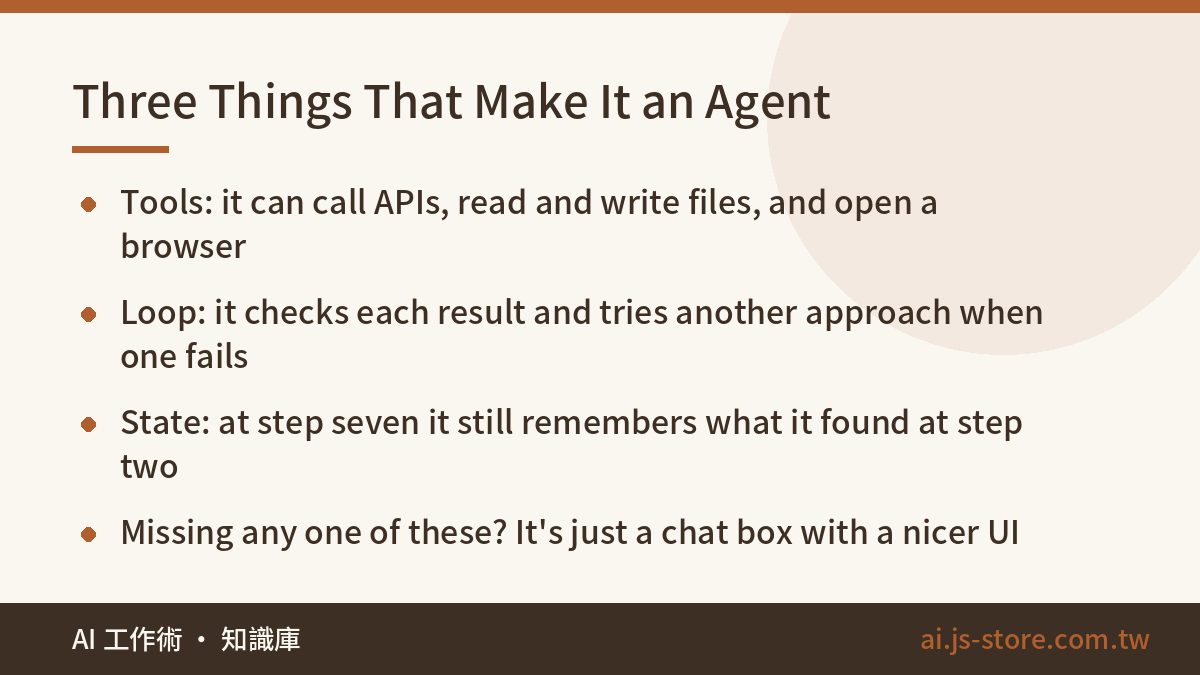
Half the AI products out there now call themselves agents. Only three things actually count. If a product is missing one of them, it's a chat box with nicer packaging.
- It uses tools. It can call APIs, read and write files, open a browser to look things up, send email, and work inside your admin panel. Tools are what let it actually do things. An AI with no tool access can only talk.
- It loops and checks itself. After each step it looks at the result. If something's wrong, it tries another approach. It doesn't generate once and stop. It does, checks, fixes, and does again.
- It keeps state across steps. At step seven it still remembers what it found at step two and why step four failed. Without that memory it can only handle one-off tasks and can't follow a workflow from start to finish.
| Type | Who decides the steps | When something unexpected happens | Best for |
|---|---|---|---|
| Chatbot | You | Stops and asks you | Q&A, drafting, brainstorming |
| Automation script | Whoever wrote the script | Throws an error or halts | Routine work where the steps never change |
| AI agent | The agent itself, within limits you set | Tries a different approach | Workflows where the steps change and calls need to be made |
Once that table makes sense, you can see why agents aren't here to replace automation scripts. When the rules never change, a script is faster and cheaper, and it won't improvise. Agents only earn their cost when the steps change and someone has to make a call on the spot. Confusing the two is the most common reason we've seen agent projects fail.
What AI Agents Can Actually Finish on Their Own in 2026
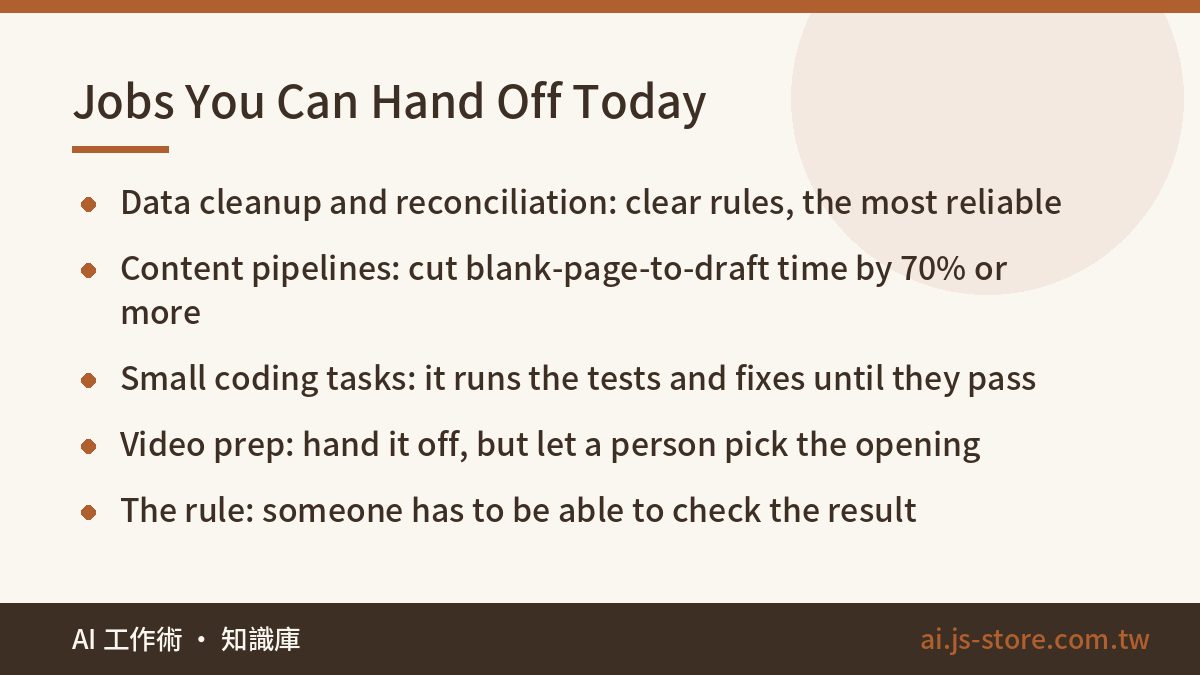
These six categories are where handing work to an agent actually pays off today. They run roughly from most reliable to needs the most supervision.
- Data cleanup and reconciliation across systems. Pull spreadsheets, admin exports and form responses together, match them up, find what's missing, and flag anything odd. The rules are clear and mistakes are easy to spot. This is where agents work best.
- Content pipelines. Keyword research, outline, first draft, image specs, formatting, publishing, all in one chain. A human still has to review quality, but cutting the time from blank page to first draft by 70% or more is realistic. We built ShooWork Write around this exact pipeline, and the review step is the one we never skip.
- Small coding tasks. Writing tests, editing config files, connecting a single API, fixing a bug with a clear error message. The agent can run the tests, see what fails, and keep fixing until everything passes. That loop is the whole point. If you're wondering how far a non-coder can push this, our piece on what vibe coding is and where it breaks covers where it stops working.
- Support triage and routing. Read the message, work out what the customer wants, look up the order, answer the common questions, and pass the hard ones to a person. Put guards in so it can't get stuck replying to its own replies. We learned that one the hard way.
- Routine monitoring and reporting. Check the same handful of numbers every day, alert you when something's off, and write a short plain-English summary. The value is that it explains what the numbers mean. A dashboard can already show you the numbers.
- Video prep work. Transcripts, cutting into segments, picking highlights, subtitles, exporting in different aspect ratios. Running ShooWork Clip taught us that you can hand off almost all of the prep work, but a person still picks a better opening. The AI usually picks the segment with the most information in it. That's rarely the one that grabs a viewer.
Notice what these have in common? Every job you can safely hand off produces a result someone can check. Reconciliation has a right answer. Tests pass or fail. Subtitles can be compared against the original audio. The flip side: if a task has no clear way to check the result, an agent just helps you make mistakes faster.
Where Agents Still Fall Down (We've Paid for These)
Listing what agents can do is easy. The part that actually helps you is what they can't do. These are the mistakes that cost us while running our own platform.
- Don't let it spend money or make promises. Setting ad budgets, sending payments, emailing customers, publishing social posts: once these go wrong, you can't take them back. Our rule is that the agent only writes a to-do list, and a person always presses the button. When we do automate ad spend, it runs through ShooWork Ads, which has hard budget caps and automatic stop rules. We never just hand the agent an API key.
- Long chains with no checkpoints pile up errors. If each step is 90% reliable, ten steps in a row land at about 35%. In practice, every five or six steps you need a checkpoint, either a person or a script, that confirms things are still on track. Don't let it run all the way to the end unchecked.
- It makes up obscure facts. Ask it for a niche tool's current price, or which version added some feature, and you'll get an answer that sounds completely real. For any number, version or date, require a source. Or tell it plainly: "If you can't find it, say so."
- Text inside generated images is still unreliable. When agents make thumbnails or social cards, misspelled words and changed numbers still show up a lot. Have someone read every image before it goes out.
- The most dangerous failure is a success message when nothing happened. The agent finishes and says "Done. Processed 0 items." You see "Done" and move on. In scheduled jobs this kind of silent failure can do damage for weeks before anyone notices. Our automation silent failure checklist shows you how to catch it.
How an Agent Actually Runs: Tools, Memory and the Loop
You don't need to write code, but you should understand how this works. It changes how you give instructions and how you estimate cost. One cycle of an agent looks roughly like this:
- It gets a goal. Your one-line request, plus the role and rules set up in the system.
- It plans. The model breaks the goal into steps and picks a tool for the first one.
- It calls a tool. This is the key part. The model itself can't browse the web or edit a file. The software around it gives it a list of actions it's allowed to take. If something isn't on that list, the agent can't do it. That list is the main way you control risk.
- It looks at the result. Whatever the tool returns gets added back into the conversation, so the model can see what happened.
- It plans again. If the step worked, it moves on. If it failed, it tries something else or reports that it's stuck.
Each time the loop repeats, the agent rereads everything from all the earlier steps. So cost doesn't grow in a straight line. It grows roughly with the square of the number of steps. A 20-step task can cost more than a dozen times what a 5-step task costs, not four times. Keep that in mind before you tell it "just try three more times." Each retry costs more than the last one.
Two more things people tend to miss. First, you have to set up memory yourself. Most agents don't remember what they did last week by default, so any workflow that runs over several days needs somewhere to save its progress. Second, give it the minimum access it needs. If read-only will do, don't give it write access. If it only needs one folder, don't give it the whole machine.
How to Get Started: Four Steps and the Cost Math
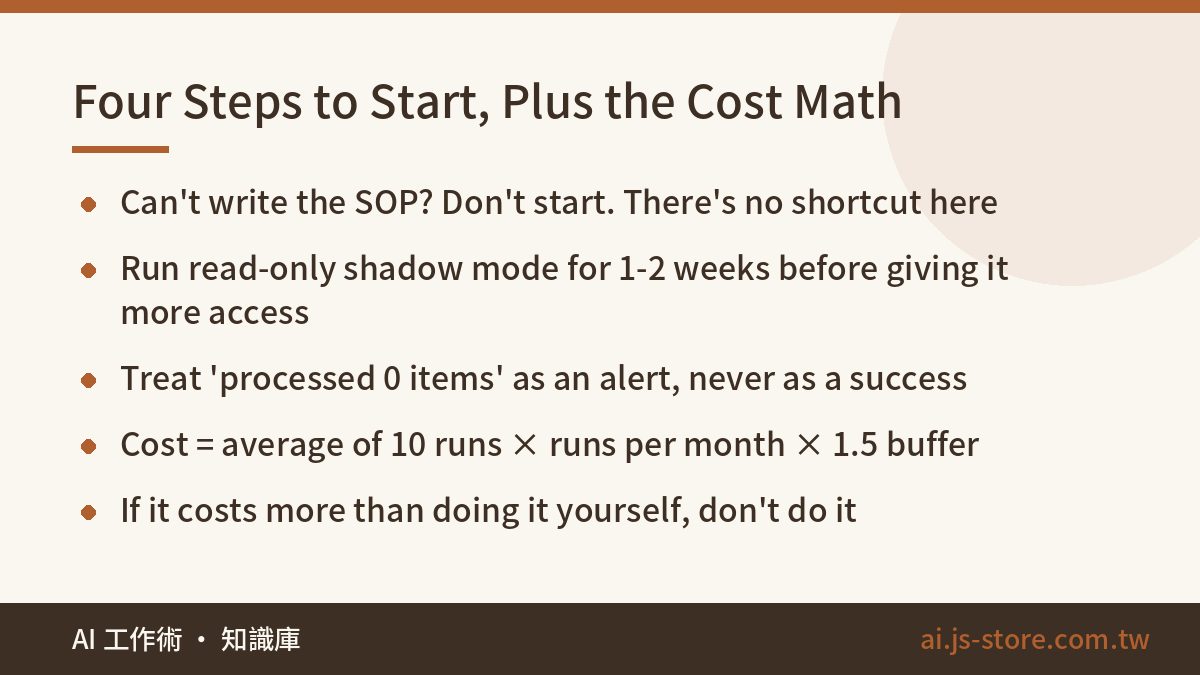
Don't start by building an assistant that does everything. Most of those projects die halfway. Start with one task you do every week and are sick of doing.
- Write it down as an SOP first. If you can't write the steps clearly enough for a new intern to follow, you can't hand them to an agent either. There's no shortcut around this step. If you skip it, nothing after it works.
- Run it in shadow mode. Give the agent read-only access and have it list what it would do. Then compare that to what you actually did. After one or two weeks, you'll know exactly where it goes wrong.
- Add checkpoints and alerts before you give it more access. Log every important action. When something fails, it should message you, not quietly write a line to a log file. Above all, treat "processed 0 items" as an alert, never as a success.
- Work out the cost per run before you scale. The math is simple: run it ten times and average the cost, multiply by how many runs you'll do a month, then multiply by 1.5 as a buffer, because you pay for retries and failures too. If the total is more than what your own time is worth for the task, don't do it. That happens a lot, and there's no shame in it.
There's no single best model. A long workflow that depends on reliable tool calls needs a different model than a task that just needs a quick answer. Test two or three on your actual task rather than going by the marketing. Check each provider's official pricing page before you commit, because per-call prices tell you little until you multiply by real usage.
FAQ
Q: How is an AI agent different from automation tools like Zapier or n8n?
It comes down to who decides the steps. With an automation tool, you lay out the flow ahead of time. It runs when the conditions match and stops when something unexpected happens. With an agent, you give it a goal and it decides how to get there as it goes. In practice, the best setup uses both: build the main flow in the automation tool, and only call the agent for the step that needs judgment. Giving the whole thing to an agent costs more and breaks more often.
Q: Can I build an AI agent without knowing how to code?
You can build one that works well enough, but there's a clear limit. Plenty of visual drag-and-drop builders can handle routine work for one person or a small team. Once you need to connect your own database, manage permissions or handle retries when things fail, you'll need some coding skill or someone who has it.
Q: How much does an AI agent cost per month?
There's no standard number. It depends on how many times it runs and how many steps each run takes. Light personal tasks are cheap. Heavy workflows with many steps can cost a lot more than you'd expect. The safest approach is to run it ten times and look at the average instead of doing math from a price list in your head, because real usage almost always ends up higher than the estimate. Always check each provider's official pricing page for current rates.
Q: What if the agent gets something wrong? Will I even know?
This is the question to worry about most. Unless you set things up otherwise, you won't know. Do three things: log every write action so you can trace it, have failures send you a message instead of only writing to a log file, and treat any run that processed zero items as a problem.
Q: Will AI agents replace my job?
They replace the parts of a job that can be written down as an SOP, not the whole job. If 80% of your work could be written as clear steps, start preparing now. If your value is in deciding which direction is worth pursuing, negotiating with people, and taking responsibility for decisions, then for now an agent is a tool that clears away your busywork.