What Is Vibe Coding? What Non-Coders Can Build and Where It Breaks
Published 2026-10-08 · Updated 2026-10-13 · 8 min read · ShooWork (FREECO CO., LTD.)
Vibe coding lets non-programmers build working tools by describing them to AI. Here's what you can realistically ship, and the five places it breaks.
Vibe coding means building software by telling an AI what you want in plain language. The AI writes the code, and you check whether the result works. You don't read the code line by line. And yes, people who can't program really do build working things this way. Think of a script that cleans up your spreadsheets, a small internal form, or a clickable prototype to show your boss. A weekend is often enough. That isn't marketing. The tools really can do this today.
But getting something to run is not the same as being willing to let customers use it. At ShooWork we run our own AI tool platform, a video-editing engine and ads tooling, and our team writes a lot of code with AI. We keep seeing the same thing. The first version now takes about a tenth of the time it used to. Debugging, deploying and maintaining it hasn't gotten much faster, and sometimes it takes longer. The skill you need didn't go away. It moved. The question used to be whether you could write the code. Now it's whether you can tell when the code is wrong.
This guide covers what vibe coding actually is, what someone with no coding background can realistically ship, the five places almost everyone gets stuck, and a weekend plan you can follow step by step. By the end you'll know whether it's worth your time.
What Vibe Coding Means (and How It Differs From Coding With AI)
AI researcher Andrej Karpathy made the term popular in early 2025, and he was half joking. You go with the vibes: you hand your request to the AI, accept whatever it gives back, and if it runs, it's done. You don't really look at the code. Since then the term has grown to mean any way of building software where plain language is your main interface.
The difference fits in one sentence: people who code with AI read what the AI wrote, while people who vibe code mostly check whether it behaves correctly. Both are typing instructions to an AI. For the first group it's a speed boost. For the second it's a different way of working.
- Traditional coding: you design it, write it and debug it yourself. At most, the AI autocompletes a line.
- AI-assisted development: the AI drafts and you review each part, fixing anything that looks off. This is a normal day for most working engineers now.
- Vibe coding: you describe the goal and the problems. The AI writes the code, fixes it and runs it. Your job is to check that it behaves the way you need. You may never look closely at the code.
These aren't competing camps. They sit on one spectrum, and the same person moves along it all the time. An engineer might vibe code a throwaway internal tool in the morning and review a payment change line by line in the afternoon. Where you should sit depends on how much a mistake would cost, not on whether you can code.
What Can You Actually Build Without Knowing How to Code?
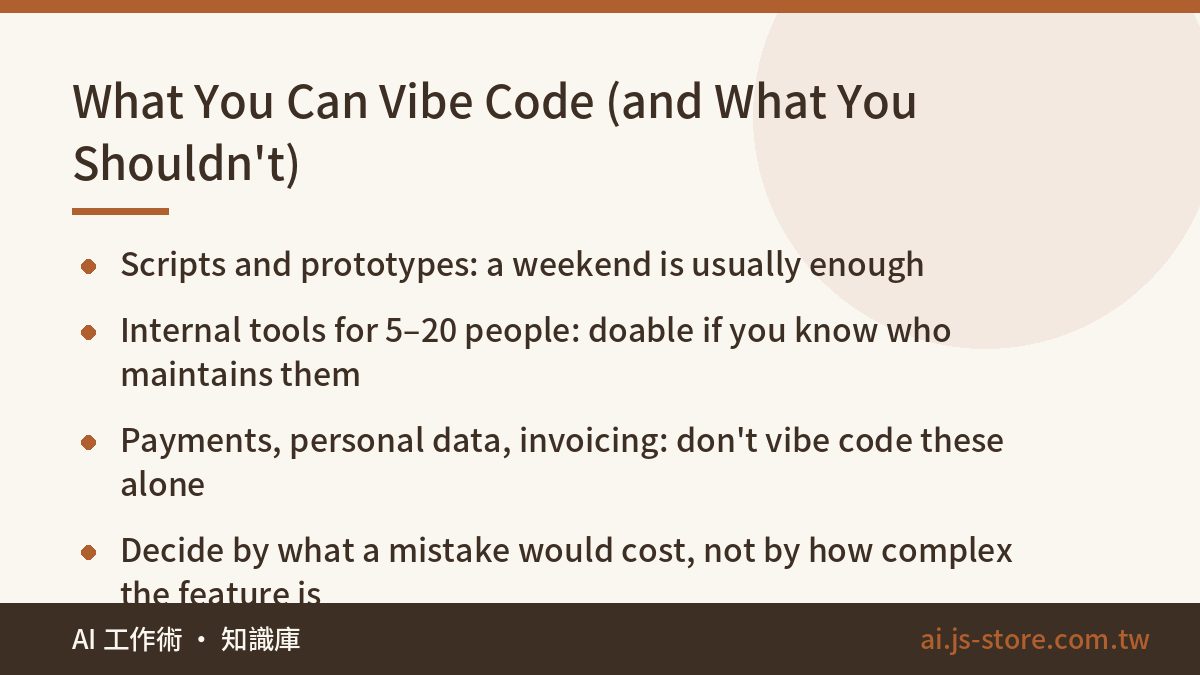
Here's where the limits are. This table comes from working with teammates who have no engineering background. It's what they actually managed, not a guess.
| What you're building | Feasibility | Why |
|---|---|---|
| Single-machine scripts (clean up spreadsheets, rename files in bulk, pull public data) | Very doable | You'll have results the same day, and if it breaks you just run it again. The best place to start. |
| Small personal web tools (calculators, forms, simple dashboards) | Doable | A weekend project. Putting it online is harder than building it. |
| Prototypes to show a boss or client | Doable | This is where vibe coding shines today: it turns an idea into screens people can click. |
| Internal tools used by 5–20 people | Borderline | You can build it, but you need answers on who gets access, how data is backed up, and who fixes it when someone breaks it. |
| Paid products, user accounts, member systems | Don't go solo | Personal data, payments and audits are involved. One mistake costs far more than you saved on development. |
| Payments, invoicing, billing, healthcare or compliance | Don't | The hard part here was never building the feature. It's handling every way the feature can fail. |
See the pattern? What matters isn't how complex the feature is. It's who gets hurt when it goes wrong, and whether you can undo the damage. If a script gives the wrong output, you run it again. If a customer gets charged twice, you're apologizing, reconciling accounts and issuing refunds. Vibe code the first kind freely. For the second kind, hire someone.
The Five Places Vibe Coding Breaks
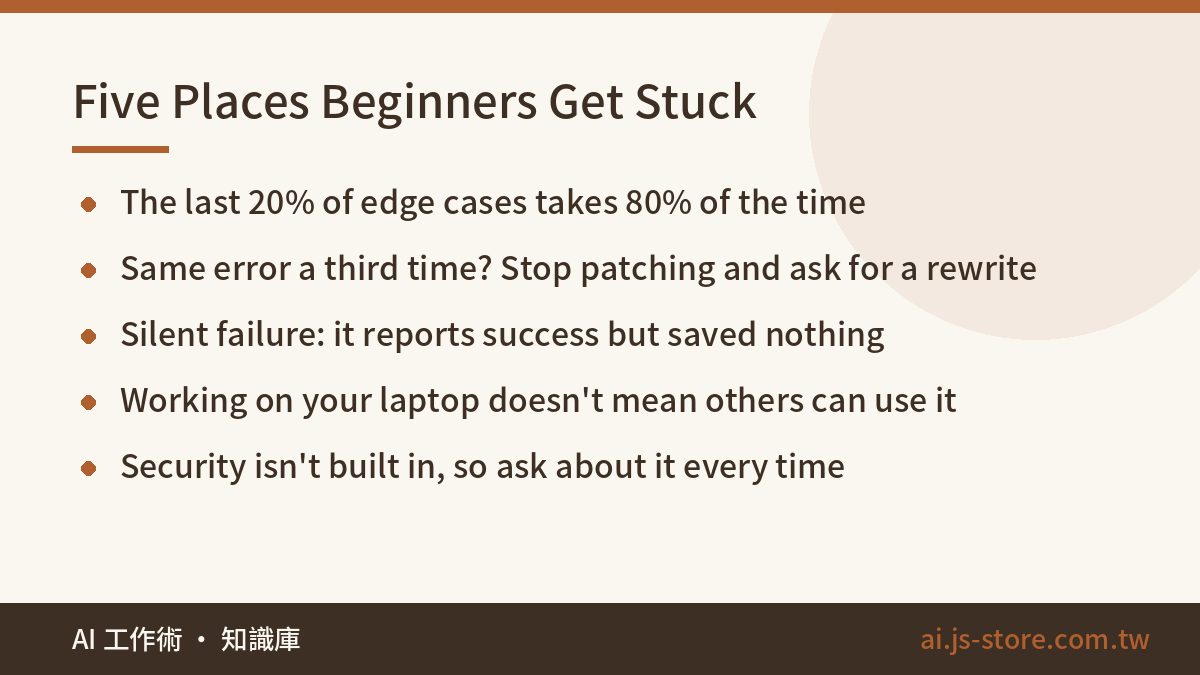
We've run into all five of these ourselves and seen them over and over in other people's projects. Most people whose first version came together easily end up stuck on one of them.
- The last 20% takes 80% of the time. Getting to “mostly works” is fast. Getting to “nothing weird breaks it” is slow. Someone will eventually paste in a blank field, an odd character or a 3 GB file.
- The fix-one-break-another loop. You paste an error, the AI patches it, a new error shows up, you paste that one, and soon you're back at the first error. This is the most painful stage for beginners, because you don't yet know when to stop. The fix: when the same kind of error shows up for the third time, stop. Describe the whole file and your goal again from scratch and ask the AI to rewrite it. Don't keep adding patches.
- Silent failure: it says “success” and did nothing. This one is the sneakiest. AI loves to write code that logs an error and keeps going. Your script reports success every day while saving nothing, and nobody notices for two weeks. We got burned by this on our own scheduled jobs, so now we tell the AI directly: if something fails, let it fail loudly. Our automation silent failure checklist goes deeper, and its checks apply just as well to code you vibe-coded.
- Working on your laptop isn't the same as working for other people. Putting something online so coworkers can reach it brings in domains, environment variables, database connections and permissions. AI can help, but the errors usually happen on some other machine, not yours, and beginners struggle to figure out where.
- Security doesn't come built in. API keys get written straight into the code, the database ends up readable by anyone, and uploads aren't checked. The AI won't think about any of this unless you ask. If what you built touches the public internet, ask this question on its own: “What are the security risks in this code?”
Your First Weekend: A Plan You Can Actually Follow
Don't start with an app. Pick a task that you do by hand every week, that annoys you, and that won't hurt anyone if it goes wrong. Combining a few CSV files into one report is a good example.
- Write down what you need first. What goes in, what should come out, and what the exceptions are. Twenty minutes here saves you two hours later.
- Ask for a plan before any code. Say something like: “Tell me how you'd approach this and what I'd need to install. Don't write code until I confirm.” The classic beginner mistake is letting the AI dump 200 lines on you that you can't follow.
- Build one small piece at a time. Start with reading the file and printing the first five rows. Once that's right, move on. Don't ask for the whole thing at once.
- Save a copy every time it works. At the very least, duplicate the folder. Git is better if you can pick it up, but don't force it on your first weekend.
- Feed it bad data on purpose. Try an empty file, a missing column and garbled characters. Does it fail with a clear error, or does it quietly produce an empty report? If it's the second one, have the AI fix it.
- End with one question: “Where could this code fail without telling me, and where are the security risks?” This usually turns up three to five problems you never thought of.
One round of this will give you a better sense of what AI can and can't do than reading ten tutorials.
Picking Tools and Keeping Costs Under Control
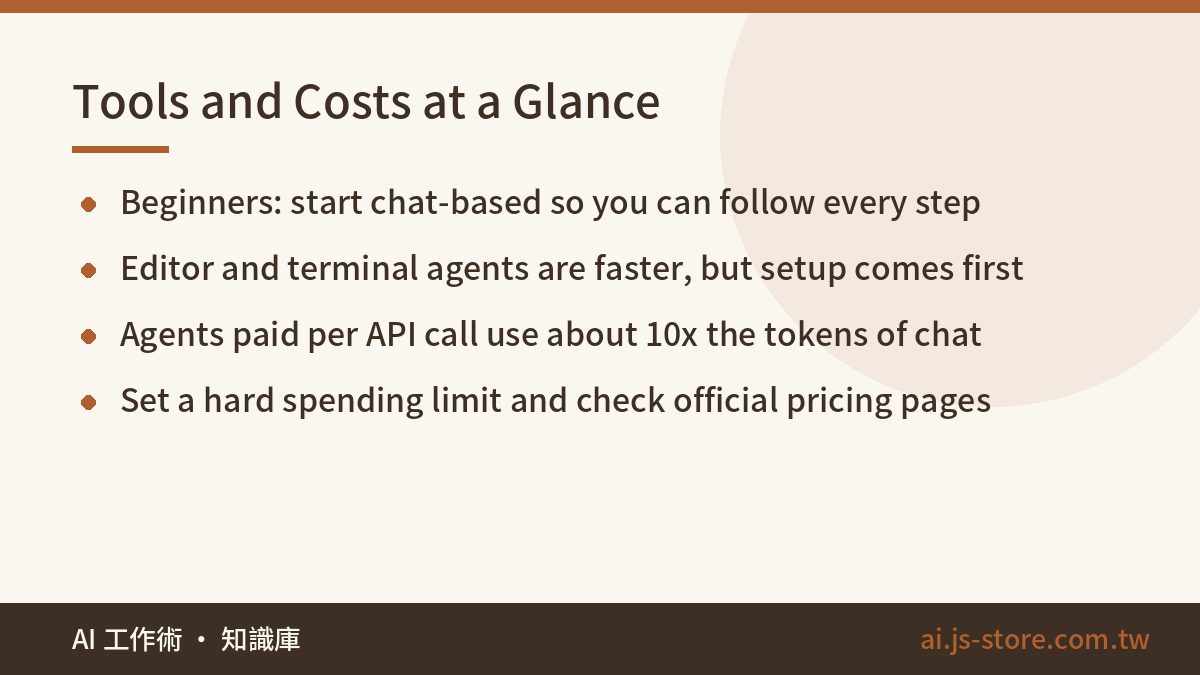
You don't need to learn every tool. There are three broad types. Pick one that fits your goal and start there.
| Type | Best for | Trade-offs |
|---|---|---|
| Chat-based (copy and paste back and forth) | Complete beginners, small scripts | Easiest to start, and you can follow every step. Gets tiring once you have more than a few files. |
| AI agents in an editor or terminal | People willing to spend a day learning the basics | Much faster because it edits files and runs tests itself. Setup is the first hurdle. |
| Fully hosted app builders | Anyone who just needs a prototype to show people | Easiest to put online. You hit a wall once you need custom behavior, and moving off them is expensive. |
For cost, one or two monthly subscriptions cover most people. Check each vendor's official pricing page, because plans change often and numbers copied from blog posts are usually out of date. Costs get out of hand when you pay per API call. Every time an agent edits a file, it reads a lot of code, so it uses about ten times as many tokens as a normal chat. Before you start, read our explainer on what an AI token is and how to estimate costs, and set a hard spending limit in your account dashboard.
One more thing: not everything is worth building yourself. From running the ShooWork tools, we've learned that homemade versions of mature tools rarely survive three months of maintenance. Subtitles, video editing and ad creative are good examples, which is why ShooWork Clip and ShooWork Ads exist. Spend your vibe-coding hours on the part of your workflow only you understand. Don't rebuild what already exists.
When to Stop and Bring In a Real Engineer
We're not trying to scare you off. But if you cross these lines, whatever you saved by doing it yourself will come back to bite you. Get help if any of these apply:
- The system stores other people's personal data, like names, phone numbers, addresses or ID numbers.
- Money moves through it, such as charges, refunds, invoices or coupons. If you can't say whether running it twice would charge someone twice, you can't launch it on your own.
- People will call you angry if it goes down, and you couldn't fix it on the spot.
- You've been stuck on the same error for two days. At that point you're not missing skill. You're missing someone who can see the whole picture.
- You're connecting to webhooks or callbacks from another platform (payments, shipping, social media). The hard part is always retry and failure logic. Our guide to Instagram comment auto-reply flows shows this well: building the feature is easy, but the loop guards and rate limits are where it gets hard.
On the other hand, if it's just for you, only used internally, and safe to rerun when it breaks, go ahead and build it. People underrate this. Plenty of people spend three hours a week on a task that a couple of hours of vibe coding could automate for good.
FAQ
Q: Do I really need zero coding knowledge for vibe coding?
For small tools you don't need to know any programming language. You do need a few basic ideas: where your code runs, where your data lives, and roughly what an error message is saying. A few hours of reading covers it. Without any of that, you'll probably get stuck on your first setup problem.
Q: Can I use AI-generated code commercially? Are there copyright issues?
The major tools' terms of service generally let you use what they generate commercially. Terms differ between vendors and change over time, so check the official terms for the service you use. The more practical risk is that the AI sometimes pulls in third-party packages with restrictive licenses, so check your dependencies' licenses before you launch.
Q: How long until a complete beginner builds something useful?
If you pick the right first project, like a single-machine script or a data cleanup task, most people have something they actually use within one or two weekends. A web tool other people can reach usually takes another two to four weeks. Writing it isn't the hard part. Putting it online and handling all the edge cases is.
Q: The AI keeps failing to fix the same bug. What should I do?
Once the same kind of error has come back three times, stop asking for patches. Open a new conversation and give it the full file, your goal, and a list of what you've already tried that didn't work. Then ask it to rewrite that section. These loops usually happen because the old conversation is full of failed attempts that keep confusing the AI.
Q: Will vibe coding replace software engineers?
For now, the work is being divided differently, not disappearing. Being able to write a first version is losing value fast. Being able to judge whether it will break in production is worth more than ever. Engineers mostly spend the time they save on architecture, code review and fixing emergencies, three things AI still isn't very reliable at.