Instagram Comment Auto-Reply to DM: Flow, Loop Guards & Limits
Published 2026-10-06 · Updated 2026-10-13 · 8 min read · ShooWork (FREECO CO., LTD.)
How comment-to-DM automation on Instagram works: the six-step webhook flow, three locks that stop reply loops, and the Meta rules that quietly break it.
You've seen the hook: “Comment GUIDE and I'll DM you the checklist.” The tech behind it is one short chain. Meta's webhook pushes each new comment to your server. You check the comment for a keyword. Then you send a private message, using that comment's ID as the recipient, and post a quick public reply under it. The core code is about two hundred lines, so it's an afternoon of work.
Those two hundred lines aren't what hurts you. Three other things do: webhook retries that cause duplicate sends and reply loops, messy comment text that makes keyword matching miss real requests, and Meta's rules on messaging windows and rate limits. We built this flow ourselves for the ShooWork tool platform. Within two hours of launch, our first version had DMed the same person four times. Our handler was too slow to return a 200, so Meta decided delivery had failed and retried. We had no idempotency check, so every retry became another DM.
Below is the whole flow, start to finish. It covers six steps, three locks that stop the system from feeding on itself, a normalization order that catches messy comments, the platform rules that quietly stop delivery, and a pre-launch checklist. One honest note first: if you expect fewer than a few hundred qualifying comments a month, don't build this. Buy a tool.
Build It or Buy It? Decide First
Tools like ManyChat and Chatfuel do exactly this. They charge a monthly fee that goes up with your contact count (check each vendor's official pricing page for current tiers). Their real value isn't the features. It's that they absorb Meta's platform changes. When Meta moves to a new API version, renames a permission or changes its messaging rules, the vendor's engineers fix it, not you.
| Factor | Off-the-shelf SaaS | Build your own |
|---|---|---|
| Time to launch | Same day, no code | 1–3 days, including the review wait |
| Cost structure | Fixed monthly fee that jumps as contacts grow | Near-zero hosting; engineering time is the real cost |
| Keyword flexibility | Mostly “contains” or exact match | Custom normalization, synonyms, fuzzy matching |
| Messy text | Often weak; variants slip through | Fully in your hands; can come close to catching everything |
| Where leads live | In someone else's system | Your own database, connected to your CRM |
| Platform changes | The vendor's problem | Your problem, including the 2 a.m. fix |
My take: for a simple “comment to get the freebie” campaign, buy. Only build if you need leads going straight into your own systems, conversations that branch over several steps, or enough volume that the subscription starts to hurt.
The Six-Step Flow From Webhook to Delivered DM
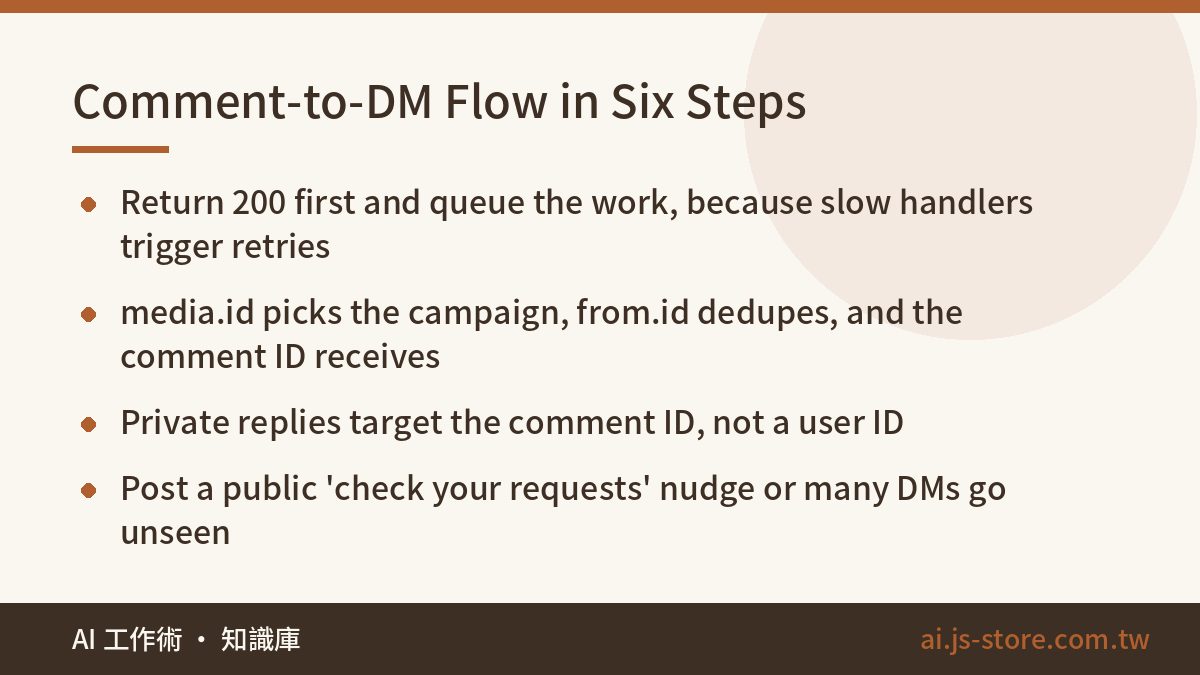
Here's the full chain, with the point where each step usually breaks.
- Setup. Switch the Instagram account to a professional account (Business or Creator). Create a Meta developer app, request the comment and messaging permissions, and submit it for App Review. Permission names depend on which path you take (Instagram API with Instagram Login, or a linked Facebook Page), so follow the current official docs. Here's the step everyone misses: in the Instagram app's message settings, the connected-tools option that allows access to messages must be turned on. If it's off, the API still returns success, but nothing ever arrives.
- Subscribe to the webhook. Subscribe to the
commentsfield on the Instagram object. Your endpoint answers GET requests for verification (echo backhub.challenge) and POST requests for events. The payload sits inentry[].changes[].value. It contains the commentid,text,from.id,from.usernameand the post'smedia.id. - Return 200 right away and queue the work. If you remember one sentence from this article, make it this one. If Meta doesn't get a 200 quickly, it retries, and retries are where duplicate DMs come from. Receive the event, verify the signature, push it to a queue and return 200. Everything else runs asynchronously.
- Route by ID. There are three IDs and each has its own job.
media.idtells you whether the post has a campaign attached, so each post can have its own keywords and reply.from.ididentifies the commenter and drives cooldowns and dedup. The comment ID is what you reply to, both privately and publicly. - Match the keyword. Normalize the text first (more on that below). On a match, continue. On a miss, log it and stop. Keep those misses: the raw text of comments you failed to match is the only material you'll have for tuning your keyword list.
- Send on two tracks. The DM goes to the messages endpoint, but the recipient is
{"recipient":{"comment_id":"..."}}instead of a user ID. That's called a private reply. The public reply goes to/{comment_id}/repliesand says something like “Sent you a DM, check your message requests 📩”. Don't skip it. These DMs often land in message requests, and without a nudge, plenty of people never see them. Log success or failure separately for each call. Don't wrap both in one try block.
Three Locks That Stop Infinite Loops
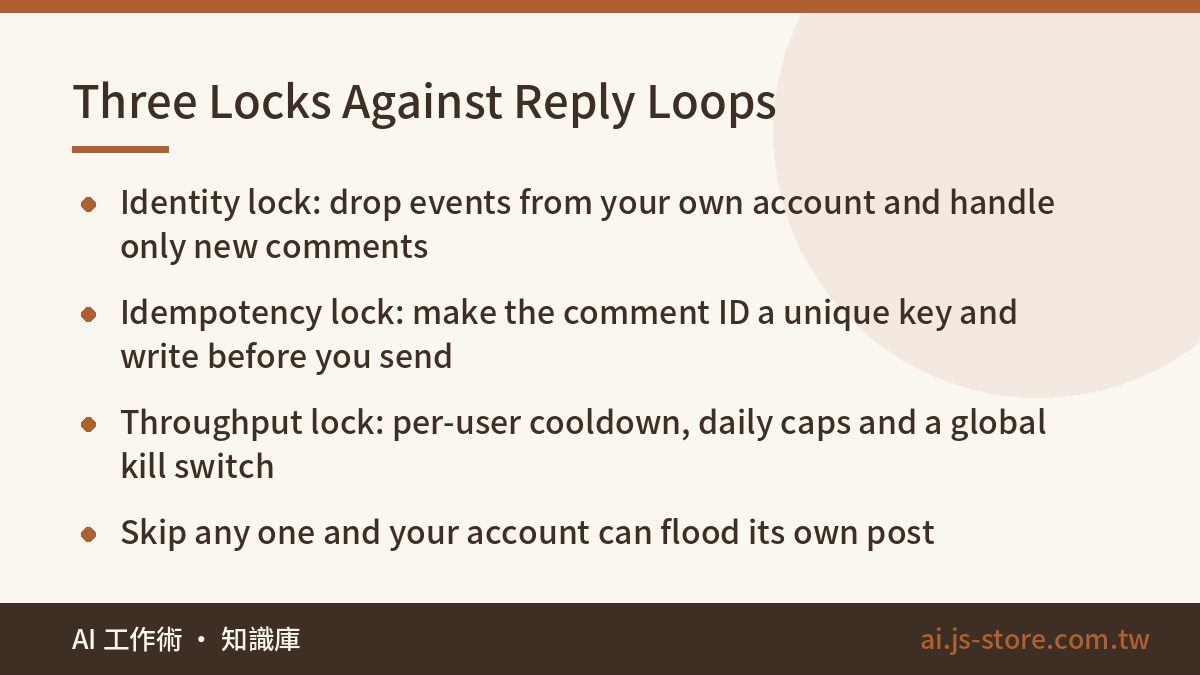
An automation that talks to itself is a classic disaster. You post a public reply. That reply fires a webhook, matches the keyword, and you reply again. Three minutes later, your own account has flooded your own post. You need all three locks.
Lock 1: Identity (ignore yourself)
If from.id matches your own business account ID, drop the event. Also, process only new-comment events. Edits and deletions should never trigger a send. This lock alone stops most loops.
Lock 2: Idempotency (ignore retries)
Make the comment ID a unique key in your database. Write the record first, and send only if the write succeeds. If the insert hits the unique constraint, you've already handled this comment, so stop. Don't reverse the order. If you send first and the write fails, the next retry sends again. This lock covers both Meta's retries and your own service restarts.
Lock 3: Throughput (stop runaway sends)
This lock has three layers. First, a per-user cooldown on from.id, for example one reply per 10 minutes, so someone spamming the keyword doesn't get spammed back. Second, a daily send cap for each post and for the whole account. Third, a global kill switch controlled by an environment variable, so you can stop everything without changing code or redeploying.
And never swallow failures. When a DM fails, record the error code and reason and send an alert. If you don't, every API call looks fine while your lead list keeps coming up short, and someone else notices before you do.
Messy Comments: The Real Bottleneck on Match Rate
Most people think matching means text.includes('guide'). Try that on real comments and you'll miss plenty of them: “GUIDE!!”, “Guide 🙏🙏”, “g u i d e”, full-width characters from certain keyboards, and invisible zero-width characters picked up in copy-paste. The order of your normalization steps matters. Here's ours:
- Unicode NFKC normalization: converts full-width letters, digits and symbols to their standard forms
- Strip zero-width characters, variation selectors and emoji
- Case-fold, so “Guide” and “GUIDE” match
- Unify variants: strip accents if your keywords don't use them, and if your audience writes in a language with more than one script, convert everything to one script before comparing
- Remove all whitespace and punctuation, then compare
Normalization won't catch everything. Keep a small synonym table for plurals, common misspellings and words people use interchangeably (“checklist”, “list”, “guide”). Save the matched keyword together with the full original comment, because you'll want both when you tune the rules.
Why not let an LLM judge intent? We use a hybrid approach. Keywords run first, and a match ends there. If the keywords miss but the comment looks like a real request (it has a question mark or passes a length threshold), a small model makes one intent-classification call. Most comments never reach the model, so they cost nothing in API fees. To estimate the cost of that fallback at your volume, read what an AI token is and how to estimate your costs. The cheapest model tier is plenty for classifying short text, so don't pay for a flagship.
Platform Rules and Limits: What Gets Blocked, What Gets You Banned
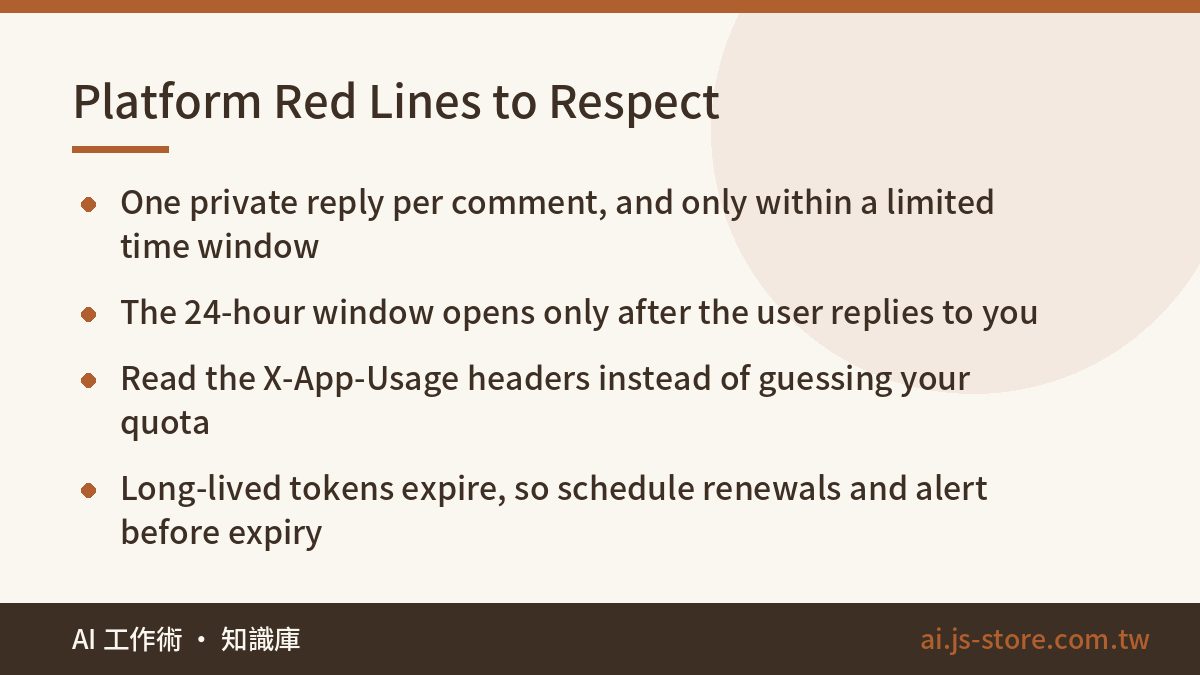
This is where people who build their own get hurt most, and there's usually no error message. The only sign is that nobody is getting the DM.
- Private replies are one-shot. Each comment gets exactly one private reply, and only within a limited window after it's posted (check the docs for the current limit). If you batch-process comments days later, some of those DMs won't send.
- The 24-hour messaging window. The standard window opens only after the user replies to you. Outside it, you can only use specific message tags, and those have narrow uses. So write your first DM to get a one-word reply (“Reply 1 and I'll send the link”). Once the window is open, send the main content.
- Don't guess your quota. Graph API responses include
X-App-UsageandX-Business-Use-Case-Usageheaders that show your usage as a percentage. Send them to your monitoring and back off as you approach the limit, rather than finding out when you get throttled. - Content red lines. Link-bombing, engagement bait (follow-for-follow, fake giveaways) and DMing people who never commented can get features restricted or the account suspended. Automation itself isn't the violation. Using it as a mass-broadcast channel is.
- Tokens expire. Even long-lived tokens have an expiry date. Schedule renewals and set an alert before a token expires. This is the most common reason a flow that ran fine for three months stops working one morning.
Pre-Launch Checklist
- Comment from a test account and confirm the DM actually shows up on the phone. A 200 from the API proves nothing.
- Comment once each with uppercase, emoji, spaces inside the keyword and full-width characters, and confirm all four match.
- Comment from your own brand account and confirm the identity lock drops it without starting a loop.
- Manually replay the same webhook payload twice and confirm only one DM goes out.
- Turn the kill switch off and back on, and confirm sending really stops and really resumes.
- Ten minutes after deploying, count the new error log lines instead of trusting that the screen looks fine.
One last thing people overlook: comment volume caps what this whole system can do, and comment volume comes almost entirely from content. We see this with our own video-editing product. The same auto-reply flow can perform dozens of times better on a short video people actually watch than on a post nobody sees. If your bottleneck is not having enough content to attach a hook to, ShooWork Clip helps you turn talking-head footage into short videos faster, and the AI tools directory has other helpers. No matter how clean your setup is, without traffic it just sits there doing nothing.
FAQ
Q: Do I need a business account to auto-DM commenters?
Yes. Personal accounts can't access comments or messages through the API, so you need a professional account (Business or Creator). Switching is free, takes a few seconds in settings and doesn't affect your followers or posts.
Q: The API says success, but people never got the DM. What do I check?
Check three things: whether the setting that allows access to messages is still on, whether that comment already used its one private reply, and whether the comment is older than the private-reply window. The DM also usually lands in message requests rather than the main inbox, which is why the public nudge matters.
Q: Will auto-replying to every comment get my account flagged as a bot?
That depends on how your account behaves, not on whether you use the API. Three patterns are most likely to trigger spam filters: identical canned text, instant replies, and messaging people who never engaged. Rotate 3–5 replies that say the same thing in different words, add a random delay of a few seconds to a minute, and only respond to people who actually interacted.
Q: We don't have an engineer. Can we still do this?
Yes. Use an off-the-shelf tool like ManyChat. Setup is drag-and-drop and you can be live in an afternoon (check their official pricing page for current plans). Only consider building your own when you need leads in your own CRM or the subscription costs more than the engineering time would. If you build first, you can spend two weeks on a system that serves thirty people.