Google Ads Automation for Small Budgets: A Daily Adjustment Playbook
Published 2026-09-16 · Updated 2026-10-14 · 7 min read · ShooWork (FREECO CO., LTD.)
How we automate daily Google Ads optimization for small-budget accounts: hard red lines, three daily script jobs, and the decisions we still leave to humans.
If you run Google Ads on a small budget, your biggest enemy isn't the competitor bidding against you. It's waste. One irrelevant search term you never blocked, one ad that stopped converting weeks ago but keeps spending, one bid you bumped up by accident and forgot about — each of these quietly eats money you didn't have to spare. Large accounts can absorb this because the algorithm has enough volume to learn its way out. Small accounts can't. Every dollar needs someone watching it.
The catch is that nobody actually watches an ad account every day. You have products to ship, customers to answer, and a business to run. So we wrote a set of daily automation scripts for our own e-commerce accounts — and later for the tooling behind ShooWork Ads — that handle the routine judgment calls and leave only the real decisions to a human. This article walks through that exact logic: what the script is forbidden from touching, the three jobs it does every morning, and what we deliberately keep manual.
None of this requires a big engineering team. It requires discipline about scope. Most automation disasters we've seen didn't come from bad code; they came from giving a script permission it should never have had.
Set the red lines first: what your automation must never touch
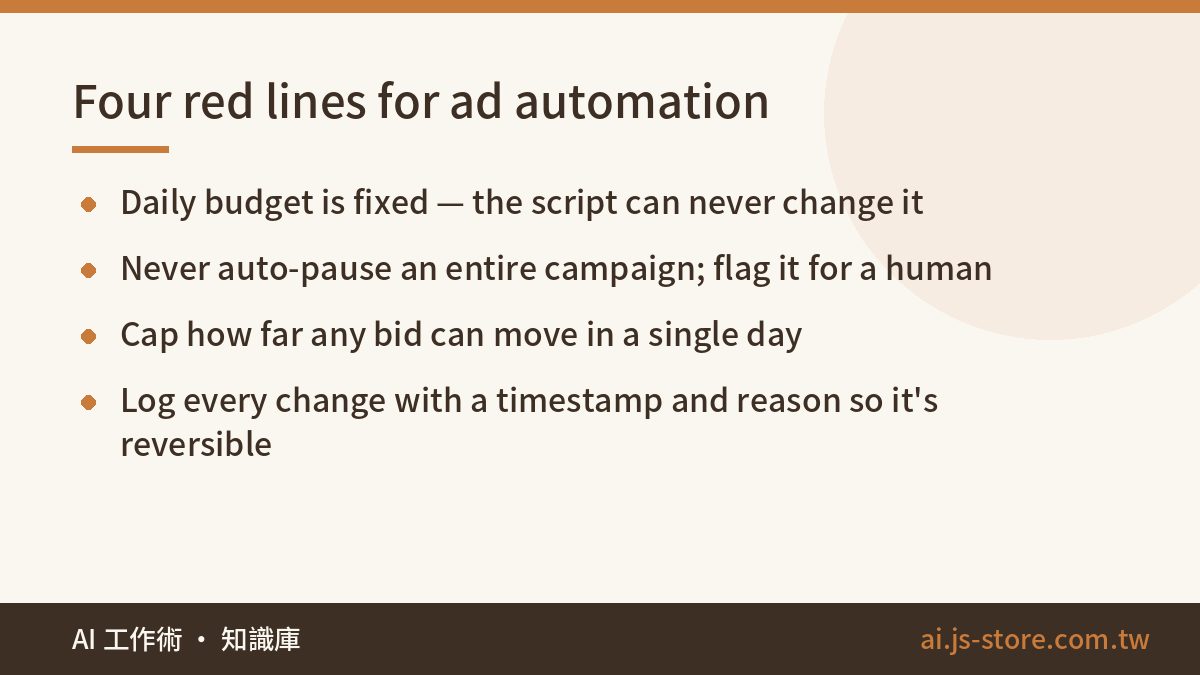
Before writing a single line of optimization logic, write down the boundaries. Our first and most important red line is simple: the daily budget is fixed, and the script is never allowed to change it. Budget is a strategy decision, and only a person makes strategy decisions. The moment your automation has write access to budgets, one logic bug — an off-by-one, a bad currency conversion, a loop that runs twice — can burn a month's worth of spend overnight. We've seen it happen to other people's accounts. Don't let it happen to yours.
The other red lines we enforce on every account:
- Never pause an entire campaign automatically. The script can flag a campaign; a human decides whether to stop it.
- Cap the daily bid adjustment. No single keyword's bid moves more than a fixed percentage in one day, no matter what the numbers say.
- Log every change with a timestamp and a reason. If you can't trace why a bid changed last Tuesday, you can't debug the account, and you can't undo it either.
The value of automation is stable, boring execution of routine judgment. It is not handing over the steering wheel. If you take one thing from this article, take that.
Daily job one: audit search terms and add negatives
This is the highest-return routine task in any small-budget account, and it's the first thing our script does each morning. It pulls the search terms report, then looks for the pattern that matters: terms that spent money, produced zero conversions, and are clearly unrelated to what you sell. Anything that matches a rule set goes straight into the negative keyword list.
Day by day this feels minor. Over three months it becomes a moat. Your competitors' budgets are still leaking into "free", "DIY", "jobs", "how to make" and the brand names of products they don't carry. Yours isn't. Every dollar you spend is landing on searches that could plausibly turn into an order, which is the only kind of impression a small account can afford.
The important nuance: the script does not touch ambiguous terms. If a query might be relevant — a competitor's product name, a use case you haven't thought about, a misspelling — it goes to a review queue instead of the negative list. A human clears that queue once a week. Ten minutes, done. Automating the obvious 80% and queueing the fuzzy 20% is what makes this sustainable; trying to automate 100% is how you accidentally block your best converting query.
Daily job two: small-step bid and schedule adjustments
Next, the script looks at recent cost per conversion for each keyword against the target. Keywords running clearly cheaper than target get a small bid increase. Keywords running clearly more expensive get a small decrease. Two constraints apply on top of the red lines: each adjustment is capped, and each keyword is adjusted at most once per day. The same logic applies to ad schedule and device bid modifiers — if the data says weekday evenings convert better, the script tilts a little toward weekday evenings.
The phrase to remember is small steps, slow pace. A small account simply does not have the data to support aggressive moves. When you're getting five conversions a day, yesterday's "amazing" and yesterday's "terrible" are usually just noise. If your script reacts to single-day swings, it will oscillate: raise the bid Monday, slash it Tuesday, raise it Wednesday, and never settle anywhere useful.
So we widen the statistical window until it's actually representative. For most of our accounts that means looking at 14 to 30 days of data, not 1 to 3, before a bid moves at all. Yes, this makes the script slower to respond. That's the point. On a small budget, the cost of overreacting is far higher than the cost of being a few days late.
Daily job three: creative rotation and serving-status alerts
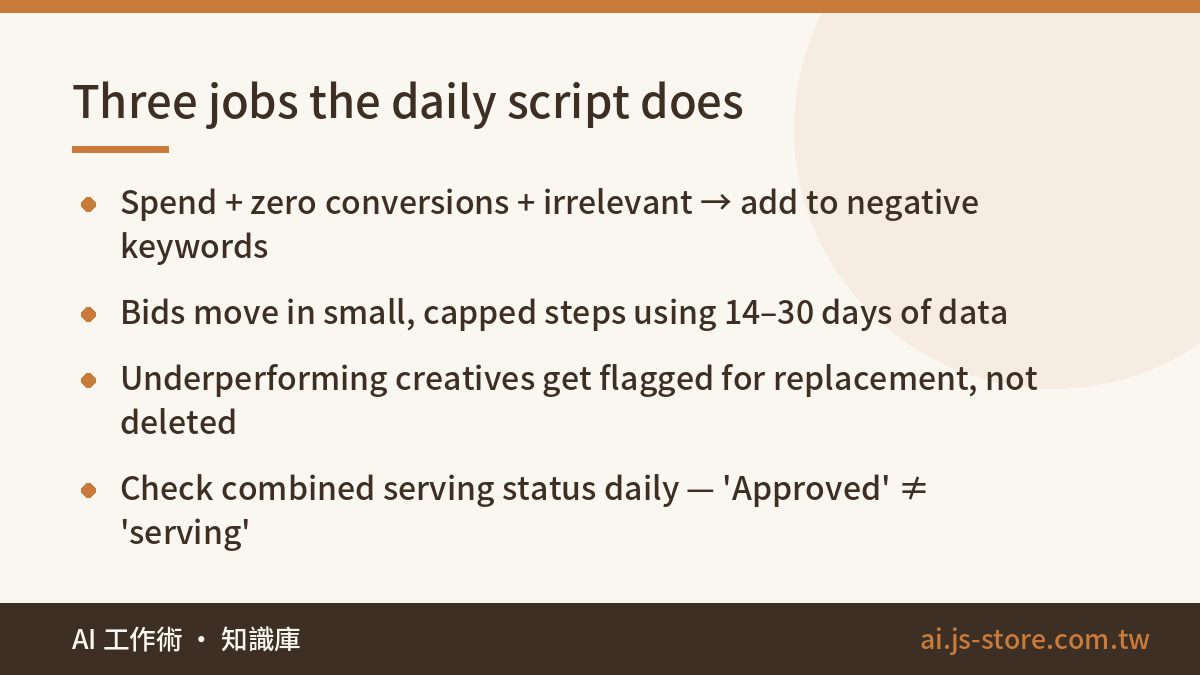
Every ad group runs several ad variations. The script compares them on a rolling basis and flags any creative that has enough impressions to judge fairly but is clearly underperforming its siblings. It doesn't delete anything — it puts the ad on a "replace me" list. Creative fatigue is gradual, and humans are terrible at noticing gradual. The numbers see it long before you do. If you want a faster way to produce replacement variations, the same approach we use for scaling marketing assets with AI works well for ad copy and short video cuts.
Then there's the check that saved us more than once, and the one most people skip: when you verify that an ad is running, never trust a single status field. We've had ads showing "Approved" that were serving exactly zero impressions — because a policy flag elsewhere, a disapproved asset, a landing page issue, or a scheduling conflict was silently holding them back. "Approved" is not the same as "serving".
Our script now checks the full, combined serving status of every ad every day and sends an alert the moment anything isn't actually delivering. Without that check you think you're advertising when in reality your account is on vacation. Silent failures are the worst kind: everything looks green, and nothing is happening. This is the same principle we apply to every system we operate, ads included — a status code that says "fine" means nothing if nobody verified the underlying behavior.
What stays human, on purpose
The script owns tactical execution. These jobs stay with a person, and we don't plan to change that:
- Product selection. Which products deserve budget is a business judgment — margin, stock, seasonality, strategy. No script knows that your hero product is about to go out of stock or that you're clearing last season's line.
- Ad copy and creative production. AI can draft it fast, but a human signs off. This matters doubly in regulated categories like supplements, food, health, and finance, where a single overclaim in an ad can trigger a policy strike or worse. Your on-site compliance checks won't catch ad text — it lives in a different system entirely.
- The weekly trend review. Once a week, look at the whole account: total spend, blended cost per conversion, which campaigns are drifting. Decide whether the strategy needs to change. This is a 30-minute meeting, not a daily chore, and it's where the actual decisions live.
- Landing page quality. Automation can't fix a page that doesn't convert. Every improvement to the product page multiplies the efficiency of every dollar the script is optimizing upstream.
This division of labor — hard red lines, a daily script for routine judgment, humans for decisions — is what lets a small account produce orders consistently without someone staring at it every morning. It's also the same philosophy behind how we structure most of our own work; if you're curious about the broader routine, see how we actually use AI at work.
A small budget's advantage isn't money. It's discipline: do the right small things every single day, and the algorithm never gets a chance to waste you.
If you'd rather not build the scripts yourself, ShooWork Ads packages the same daily logic — negative keyword audits, capped bid adjustments, serving-status alerts — with the red lines already built in. Check the official pricing page for current plans, or start with a free account audit to see where your budget is leaking today.
FAQ
Q: Is Google Ads automation worth it for a budget under a few hundred dollars a month?
Yes — arguably more than for large accounts. Small accounts are hurt most by waste, and waste is exactly what daily negative keyword audits and serving-status checks prevent. The key is keeping the automation narrow and conservative; small data can't support aggressive optimization.
Q: Should the script be allowed to change my daily budget?
No. Budget is a strategy decision, and a single bug in a script with budget access can burn a month of spend in a night. Keep budgets human-only, cap bid changes per day, and log every change so you can trace and reverse it.
Q: How much historical data should bid adjustments use?
Enough to be representative, which for most small accounts means 14 to 30 days rather than 1 to 3. With only a handful of conversions per day, single-day swings are mostly noise, and reacting to them causes bids to oscillate instead of settle.
Q: My ads show "Approved" — doesn't that mean they're running?
Not necessarily. Approval is one status among several; a disapproved asset, policy flag, or scheduling issue can keep an approved ad from serving. Check the combined serving status daily and alert on anything that isn't actually delivering impressions.
Q: What should I still do manually if I automate the daily work?
Product selection, creative approval (especially in regulated categories), a weekly account-wide trend review, and landing page improvements. The script handles routine tactical judgment; those four are business decisions that need a human.