7 Google Ads Mistakes That Burn Budget (+ Daily 10-Min Check)
Published 2026-09-28 · Updated 2026-10-13 · 8 min read · ShooWork (FREECO CO., LTD.)
Google Ads rarely burns budget on bids — it's stale prices, missing negatives and dead landing pages. Seven leaks, plus a 10-minute daily check.
Google Ads almost never burns money for the reason you expect. It is rarely the bid. It is a sitelink still advertising last month's price, a promo asset attached one level too high, a landing page that started returning a 404 on Tuesday and nobody noticed until Friday. A bad bid is visible in the interface. None of these are.
That is what every expensive mistake has in common: the account looks completely healthy while the money leaks. Impressions are there. Clicks are there. Nothing turns red. The only number that quietly changes is conversions, and if you are not looking at conversions daily, you find out a week later — after you have already paid for every click in between.
We run our own ad tooling and our own campaigns for an AI product platform, so a few of these we learned by paying for them. Below are the seven leaks we see most often, each with a specific way to check for it, plus a 10-minute daily checklist at the end. If you have not launched a campaign yet, start with our beginner's guide to Google Ads and come back — this piece is a checkup for accounts that are already spending.
The seven leaks, and how fast each one drains
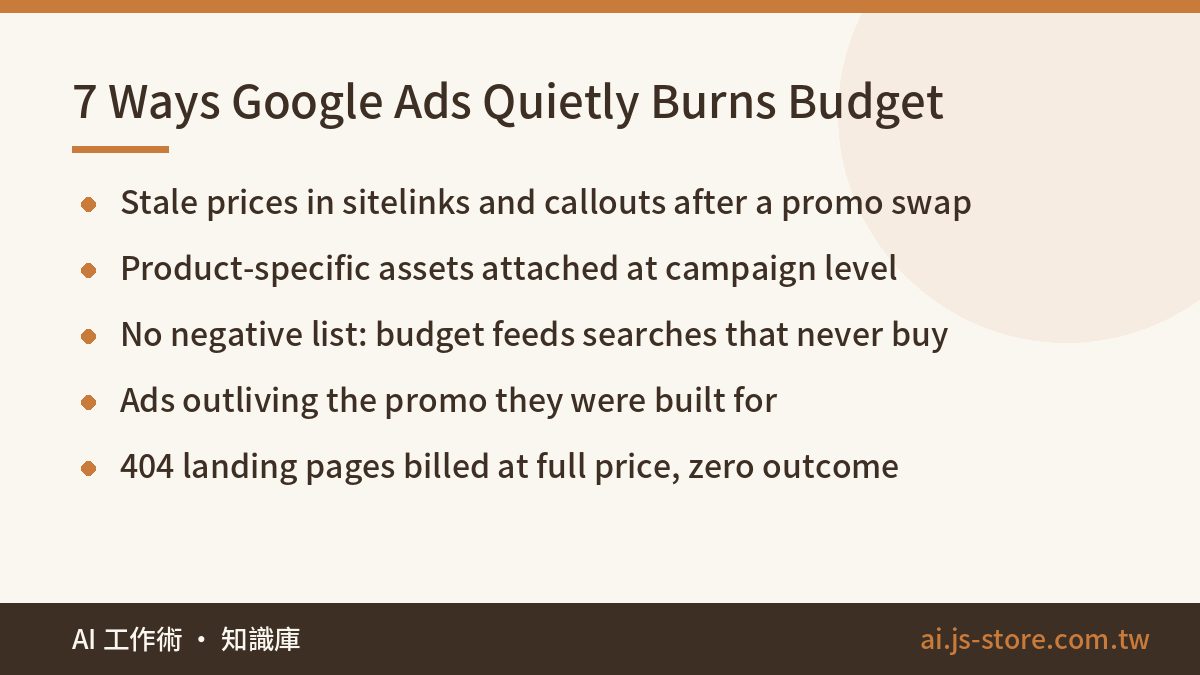
| # | Mistake | How it burns money | Check how often |
|---|---|---|---|
| 1 | Ads still showing last promo's price | Wrong price kills trust; people bounce on arrival | Every promo change + daily |
| 2 | Assets attached at campaign level by mistake | Product A's discount shows under Product B's ad | Every new asset |
| 3 | No negative keywords | Budget feeds searches that will never buy | Daily |
| 4 | Ad schedule not synced to the promo end date | Promo ends, ads keep sending traffic to a dead offer | Every launch |
| 5 | Watching CTR instead of conversions | You optimize toward click-happy, no-purchase traffic | Weekly |
| 6 | No daily reconciliation habit | Turns every mistake above from a 1-day bill into an N-day bill | Daily |
| 7 | Landing page 404 or broken | Every click is billed at full price for nothing | Daily |
Look at the right-hand column. Most of these are not hard problems — they are problems that require someone to look. That is the whole game.
Leaks 1 and 2: stale prices and assets pinned at the wrong level
Here is a real one, lightly disguised. An ecommerce team rolled over to a new monthly promotion. The operator duplicated the previous month's ad assets and edited them: headlines updated, main image swapped, landing page pointed at the new collection. What did not get updated were the description lines on two bundle sitelinks, which still carried the old bundle price and the old "you save" figure. The ads passed review and served normally. Incorrect pricing ran live for several days until someone reconciled the copy word by word against the site.
Nothing in the system warns you about this. Google does not know your promotion changed, and ad review does not compare your copy against the prices on your own site. The reason this one is so sneaky is that prices almost always live outside the ad body — in sitelink description lines, callouts, promotion assets. Those are exactly the pieces people forget when they swap a campaign.
How to check: every time you change promotions, pull up every ENABLED asset in the account — not just the ads — and search for the old numbers. The more durable fix is a rule: build new assets for a new promo instead of cloning the old ones. Clone-and-half-edit is the standard opening move for this exact accident.
Leak 2 is a cousin. Sitelinks, callouts and promotion assets can attach at three levels — account, campaign, ad group — and the lower level overrides the higher one. Attach a product-specific discount at the campaign level and it shows up under every ad group in that campaign. Your "Save $50 on the starter bundle" line ends up under an ad for a completely different product. Best case the visitor bounces; worst case they feel lied to.
How to check: open the asset overview and read the "level" column, row by row. The rule is simple — store-wide things (free shipping, 30-day returns) go at account or campaign level; anything tied to one product or one promo goes at ad group level. Spending five seconds on placement when you create the asset is far cheaper than debugging it later.
Leak 3: negative keywords, or the bucket with no bottom
Open your search terms report and you will find them: free, used, secondhand, repair, tutorial, "what is", DIY, jobs, salary, review sites, your competitor's brand misspelled. Every one of those clicks was billed at full price, and almost none of that intent turns into an order. A small-budget account without a negative list is a bucket with no bottom.
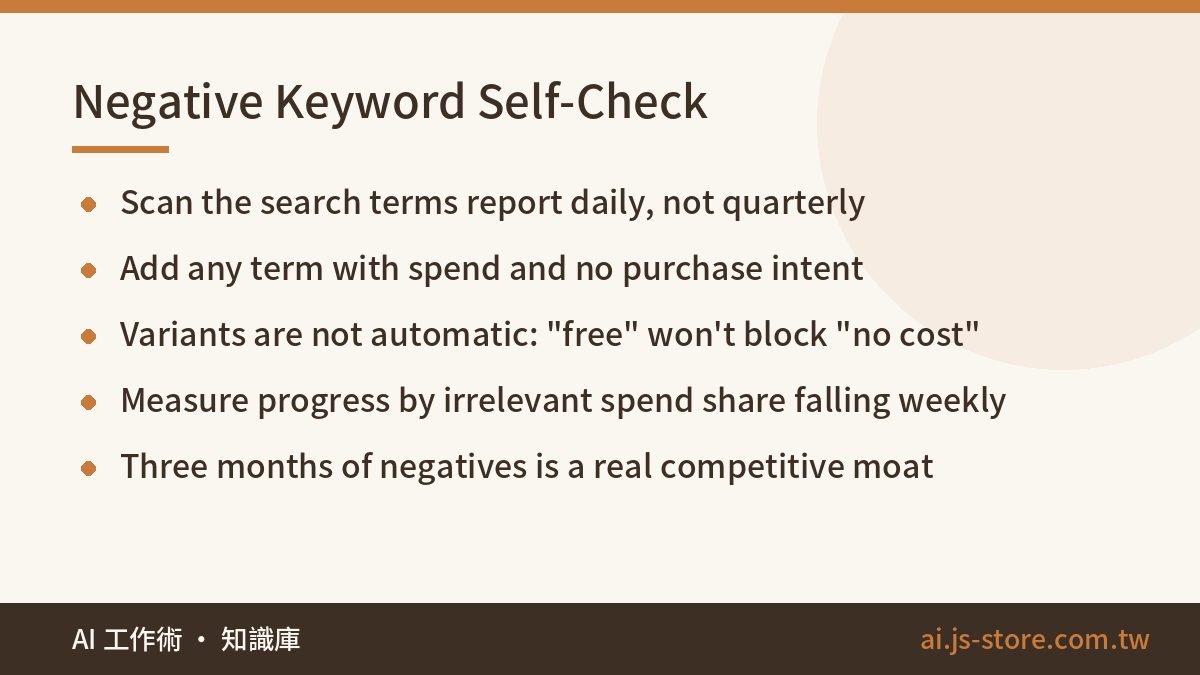
Two things people get wrong here. First, frequency: this is a daily or every-other-day job, not a quarterly cleanup, because a single broad-match keyword can find new junk overnight. Second, coverage: negative keywords do not automatically cover close variants. Adding "free" does not block "no cost" or "gratis" or "freeware". You add the variants yourself.
It is tedious work with absurd compounding. Three months of accumulated negatives is one of the most valuable things in the account, and unlike creative, it never stops paying. Judge your progress by whether irrelevant search terms are taking a smaller share of spend week over week — not by how many negatives you have added.
Leaks 4 and 7: schedules that outlive the promo, dead landing pages
A promo has an end date. The campaign usually does not. The offer closes on the 31st, the ads keep serving on the 1st, and every click lands on a page that says "this offer has ended". You pay full freight for each of those clicks and buy yourself a small disappointment in return. This one typically survives for days, because the account metrics look completely normal — impressions fine, clicks fine, conversions quietly at zero.
How to check: do not check, schedule. On the day you launch, set three things at once: the end date on the campaign or ad group, the start and end dates on the promotion asset, and a calendar reminder for the morning after. The principle is schedule the takedown when you schedule the launch — never rely on memory.
Leak 7 is the purest form of waste in the whole list. A campaign page gets retired, the site gets rebuilt with new URLs, a certificate expires, and your final URL starts returning a 404 or a security warning while the ads keep running. Full price per click, zero possible outcome. Google's review system will eventually disapprove ads for a non-working destination — but "eventually" is not "immediately", and every day in between is money.
How to check: once a day, actually open every final URL that is currently serving, including on mobile, or have something request them and check the status code for you. And build one habit on the website side: before any redesign, URL change or page retirement, ask "is an ad pointing at this URL?"
Leaks 5 and 6: chasing CTR, and never reconciling
A high click-through rate feels like proof that your copy is good. It is not. CTR answers "did anyone click", not "did anyone buy". The expensive trap is making CTR the optimization target: you write punchier, more sensational copy, you broaden your keywords, CTR climbs steadily — and so does your cost per conversion. You have paid to attract people who love clicking and never purchase, while your dashboard tells you that you are improving.
Fix the report before you fix the strategy. Put conversions, cost per conversion and conversion value in the columns right next to CTR, and make every weekly add-budget or cut-keyword decision on cost per conversion. CTR has exactly one honest use: comparing two pieces of copy inside the same ad group. All of this assumes your conversion tracking is installed and accurate — if you are not sure it is, go back to the tracking step in the beginner's guide before you optimize anything.
Which brings us to the one that multiplies all the others. Every mistake on this list is easy to fix in isolation. What actually determines the size of the bill is how many days it survives. Total loss = daily leak × days alive. A wrong price live for one day is an incident; live for ten days, you have burned budget and trust together. And human behavior is predictable: you check daily in week one, three times in week two, and by month two you only open the account when the card gets charged. That account is where mistakes go to live comfortably.
So systematize it. Same time, same items, ten minutes, no willpower required:
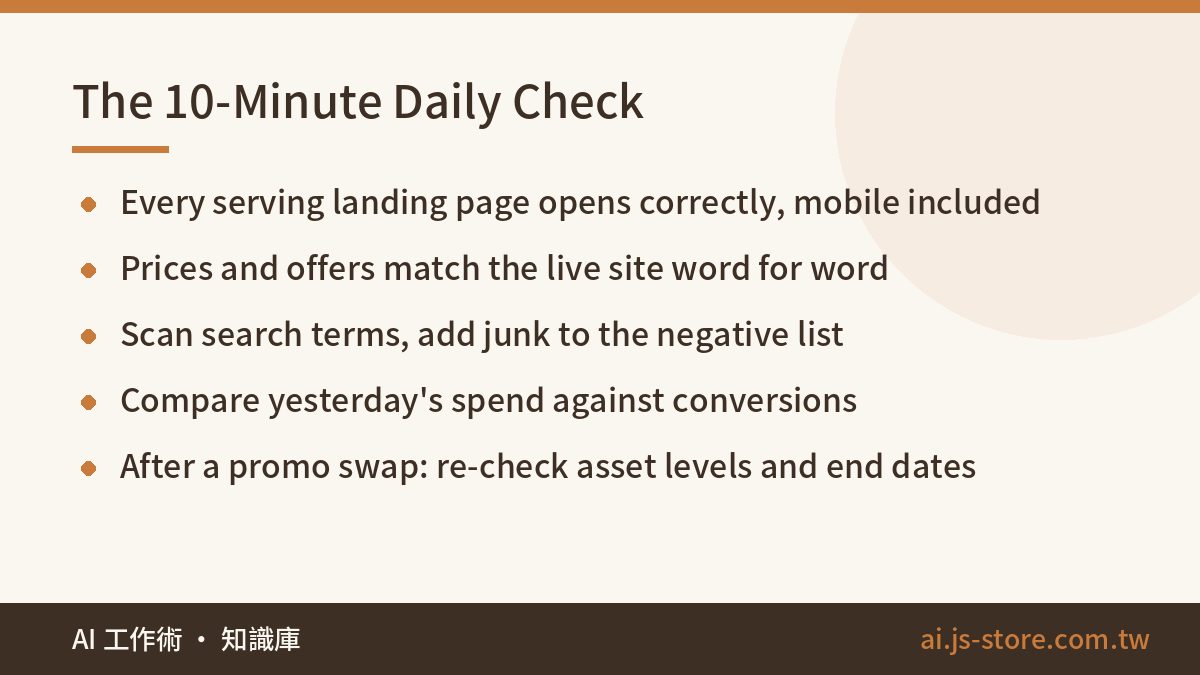
- ☐ Every serving landing page opens, loads fast, and shows the right content — including on mobile
- ☐ Prices, offers and dates in ads and assets match the live site word for word
- ☐ Search terms report scanned; irrelevant terms added to the negative list
- ☐ Yesterday's spend and conversions checked for unusual swings
- ☐ Ads confirmed actually serving — not just "approved"
- ☐ Within three days of a promo change: re-check asset levels and end dates
Hand the boring half to a machine
Look at the first four items on that checklist. They are mechanical reconciliation: explicit rules, repeated every day, expensive when skipped. That is the best automation candidate in marketing, and it is exactly why we built it into our own stack rather than trusting ourselves to remember.
ShooWork Ads includes a daily guard monitor. You register your landing pages and your ad copy once, and every morning it checks whether each page actually responds and how fast, whether the prices in your copy still match the prices on the page, whether any copy exceeds character limits, and it diffs page content so you see what changed. If something is off, you get a notification instead of finding out next week.
One design decision worth stating: these checks are hard-rule comparisons, not AI judgment. A monitor that occasionally imagines a problem is worse than no monitor, because you stop trusting the alerts. There is also a one-off ad health check for people who just want a single audit — drop in your existing ad copy and get character limits and price consistency verified in one pass. New accounts get a free run of it; for what is included in each plan, check the official pricing page.
And the boundary matters: monitoring finds problems, it does not edit your ads. Whether to change something, and how, stays a human decision. That is the same position we take on AI-generated ad copy — see the three-stage process in our guide to writing RSA ad copy. Machines are good at never forgetting to look. They are bad at judgment calls, and handing over the steering wheel means one false positive can break an ad that was working fine.
FAQ
Q: Do I really need to check the account every single day?
Following the checklist above, it is under ten minutes. The point is not depth, it is regularity — your loss equals daily leak times days alive, and a daily check pins that second number at 1. If daily genuinely is not realistic, automate the two items with the largest single-day cost: landing page availability and price consistency. Those two are where a bad day gets truly expensive.
Q: My ads spend every day but bring no orders. Should I just turn them off?
First separate "leaking setup" from "should never have run". Work through all seven items here: no negatives, broken page, mismatched prices, untracked conversions. Fix what you find and give it two weeks. If the setup is clean, tracking is accurate, and cost per conversion is still far above what your margin can absorb, that is a business-model answer, not an ads answer — turning it off is correct. Advertising scales a business that already makes money; it cannot rescue one that does not.
Q: How many negative keywords is enough?
There is no finish line; it is a standing routine. Judge it by the search terms report: is the share of spend going to irrelevant terms falling week over week? Early on you will find new ones every day. After a month or two it usually settles into a handful a week — that is the point at which you have actually dug a moat.
Q: What's the fastest way to see where the money went?
Drill down three levels: campaign → ad group → search term. Find the campaign eating the most budget, then the ad group inside it eating the most, then look at the actual queries that triggered. Roughly 80% of the waste is usually concentrated in about 20% of the terms, and three levels of drilling is enough to make it obvious.
Q: Is Performance Max a good idea on a small budget?
Our experience is on the conservative side. PMax hands placement and asset combination to the algorithm, which means low transparency and a hard time diagnosing problems when results drop — and a small budget is precisely the situation where you cannot afford to not know where the money went. Get the fundamentals stable on search first: accurate conversion tracking, a real negative list, tested copy. Once you have consistent conversion data, consider letting PMax take incremental budget on top.