SEO AI Tools Workflow: From Keyword Research to Rank Tracking
Published 2026-10-13 · Updated 2026-10-13 · 8 min read · ShooWork (FREECO CO., LTD.)
AI isn't one SEO tool. It's a four-stage workflow: keyword clustering, content, internal links and tracking. Here's where AI helps and where it hurts.
Search for "SEO AI tools" and you'll mostly find listicles: ten tools, twenty tools, a comparison grid. That's the wrong question. The useful question is which parts of SEO AI actually helps with, and which parts it quietly makes worse. At ShooWork we run our own AI tool platform, a knowledge base we publish and maintain with AI every month, and ShooWork Write, our SEO article engine. Our conclusion is simple: AI for SEO is a four-stage workflow, not a single tool you buy.
The four stages are keyword research, content production, internal linking and performance tracking, and AI's contribution is very different in each one. In keyword research it's great at clustering queries and reading intent, and useless for search volume. In content it can carry roughly 70% of the work, but pages without first-hand experience and a human edit rarely rank now. Internal linking is the most underrated use and, for us, the best return per hour. In tracking, AI reads your reports and ranks what to fix. The data itself still comes from Google Search Console.
The one-sentence version: spend your money on real data and human review, spend your time building the workflow, and treat the AI model as the cheapest part of the stack.
What AI Can and Can't Do at Each Stage
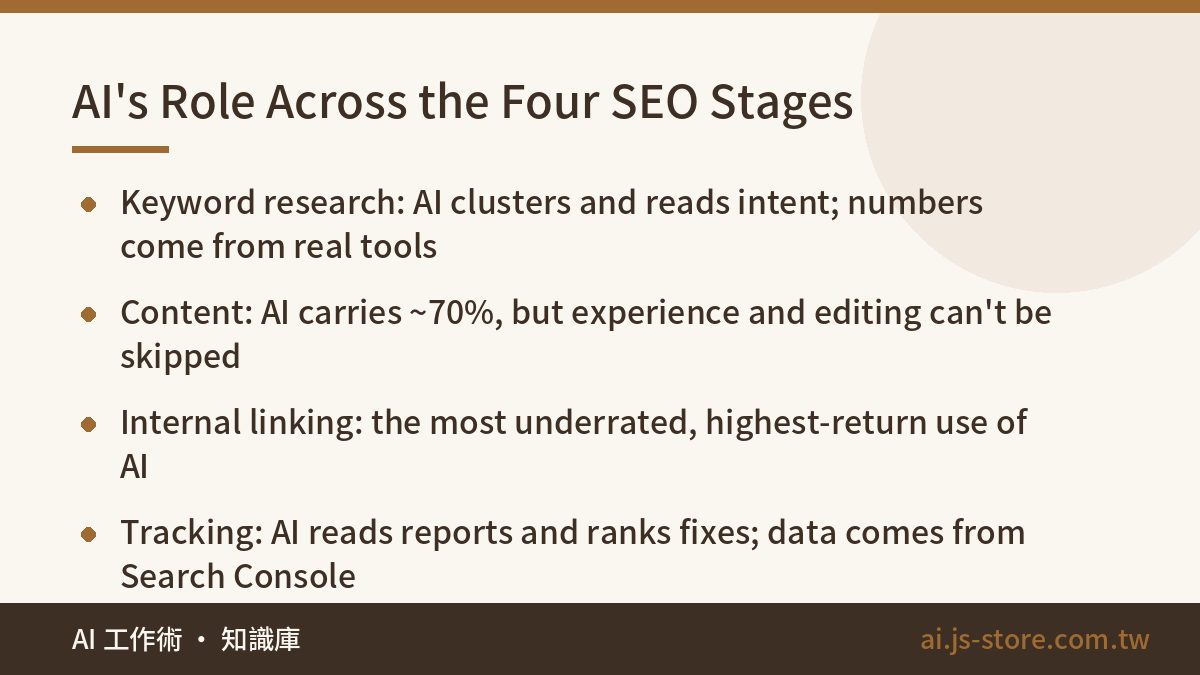
Put the four stages side by side and the idea of buying one "SEO AI tool" falls apart. Each stage needs something different: real data, generation, an understanding of your whole site, and report interpretation. No product is strong at all four.
| Stage | AI handles well | AI handles badly | Pair it with |
|---|---|---|---|
| Keyword research | Intent sorting, clustering, long-tail variants, topic planning | Search volume and difficulty (it invents numbers) | Search Console, Keyword Planner, Ahrefs or Semrush |
| Content production | Outlines, drafts, FAQs, meta descriptions, refreshing old posts | First-hand experience, test data, recent facts | Your own data, a human editor |
| Internal linking | Finding related pages, anchor text, spotting orphan pages | Deciding which pages matter commercially | A page inventory, a crawler like Screaming Frog |
| Tracking | Reading reports, finding slipping pages, prioritizing fixes | The data itself, diagnosing algorithm updates | Search Console, GA4 |
Look at the third column. Nearly everything AI does badly needs real data or real experience. So the workflow follows one rule: data enters from tools with a real source, AI sorts, drafts and suggests, and a human reviews and decides. Flip that order and you get output that looks professional and is mostly made up.
Step 1: Keyword Research. Let AI Cluster, Never Let It Quote Numbers
The most common mistake is asking a chatbot how many monthly searches a keyword gets. You'll get a plausible number, and it's invented. A language model isn't connected to live search data; it produces something shaped like a search volume. Don't take search volume, difficulty or CPC from AI. Those come from Search Console, Keyword Planner or a paid tool, every time.
Where AI shines is clustering. Export 16 months of queries from Search Console and you'll have thousands of rows. Sorting those by hand is miserable; AI does it in minutes. We do this every quarter and ask for three things:
- Sort by intent: informational (learning), comparison (choosing), transactional (ready to buy or use). One topic with three intents needs three different pages.
- Flag queries with impressions but few clicks: Google already thinks you're relevant, but your title or snippet isn't earning the click. That's the cheapest win available.
- Compare against your existing articles: any cluster without a matching page is a content gap, and it becomes next quarter's schedule.
Brief the AI like an assistant. Not "analyze my keywords" but: "Here's our query export with query, impressions, clicks and average position. Group by intent, cluster each group by topic, suggest one article title per cluster, and flag queries ranking 8 to 20 with more than 100 impressions." Our prompt templates for work follow the same pattern if you want a starting point.
Keyword research also isn't only for Google anymore. ChatGPT and Perplexity decide whether to cite you, too. Clean intent clusters and direct answers serve both.
Step 2: Content Production. One Article Is Not a Pipeline
Getting ChatGPT or Claude to write an article is easy. Consistently producing content that ranks is a different job. Whatever you use, AI content that ranks passes three gates:
- Fact-check everything. Treat every price, version number, date and statistic in a draft as unverified. If you can't confirm it, turn it into a range or point readers to the official source. One wrong number spotted by a reader sinks the whole page.
- Add first-hand experience. This is where the gap opens now. Google's quality guidelines explicitly weigh experience. Reserve one or two spots per article for your own numbers, your own mistakes and what you actually saw on screen. AI can't write those, and competitors can't copy them.
- Cut the filler. "In today's fast-paced digital landscape" and "It's worth noting that" tell readers a machine wrote this, and they leave.
A real number from our side: for a 2,000-word article, AI gets from outline to draft in under 10 minutes. Human review plus first-hand material takes 20 to 40 minutes. Review is the real cost; generation is nearly free. Budget for the editor, not for stacking generator subscriptions.
And a warning. Google has gotten much stricter about scaled content abuse. Sites that auto-publish at volume with no edits and one template everywhere have been demoted site-wide. AI content isn't what gets punished; content with no value is. AI just makes that kind of content very cheap to mass-produce. If your topics start sounding the same at scale, fix it early. Here's how we break AI topic sameness.
Step 3: Internal Linking. AI's Most Underrated SEO Job
Good internal linking often does more than three extra articles. It passes authority from strong pages to new ones, helps crawlers understand how pages relate, and prevents orphan pages that nothing else on your site links to. It's also the classic "everyone knows it matters, nobody has time" task, because past a hundred pages no human remembers what's available to link.
That's exactly what AI is good at. Our process:
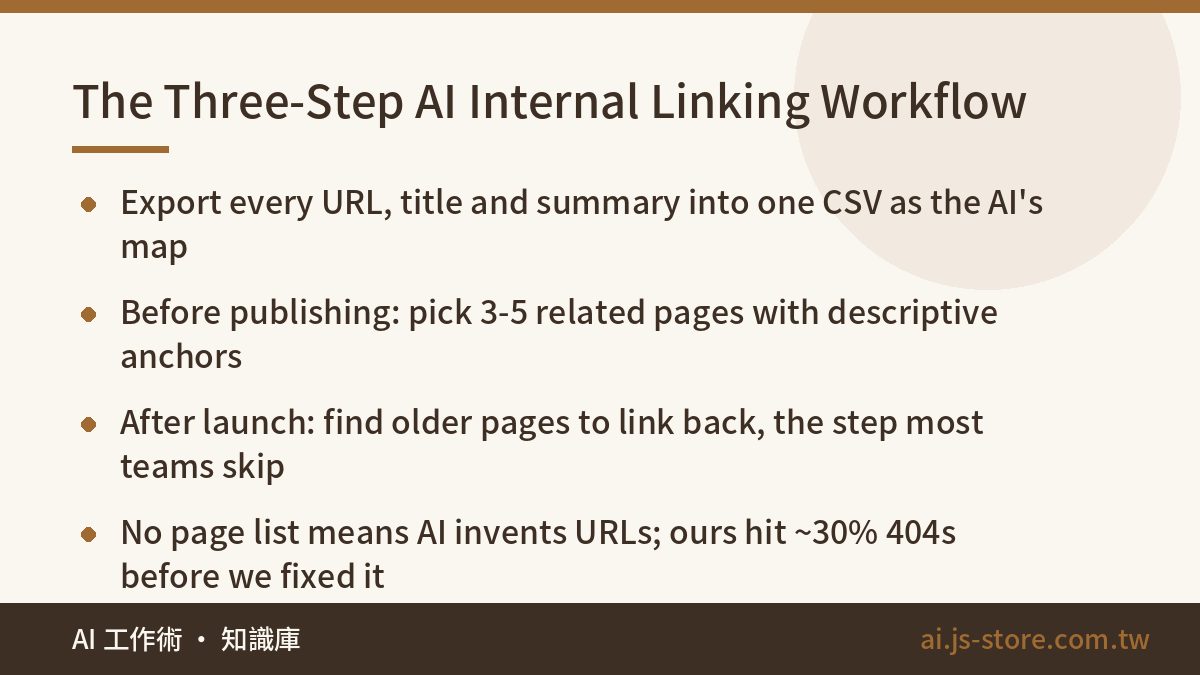
- Export a page inventory: URL, title and a one-line summary in a CSV, pulled from a crawler or your CMS. This is the AI's map.
- Before publishing, give AI the article plus the inventory. Ask for the 3 to 5 most relevant pages, descriptive anchor text (never "click here") and the paragraph each link belongs in.
- Link back the other way. After launch, ask which existing pages should link to the new one. This affects how fast a new page gets indexed and ranked, and it's the step most teams skip.
One rule you can't skip: always give AI the real page list, or it will invent URLs. In our early tests, close to 30% of suggested internal links pointed to pages that didn't exist. They looked right and returned 404. Once we supplied the list and said "choose only from this," the problem disappeared. AI wasn't the problem; how we fed it was.
Once a quarter, ask AI to find pages with zero inbound internal links and pages with more than 30 outbound links. The first need links; the second need trimming. That used to take us a full day. Now it takes about half an hour.
Step 4: Tracking. Have AI Read Your Search Console Data
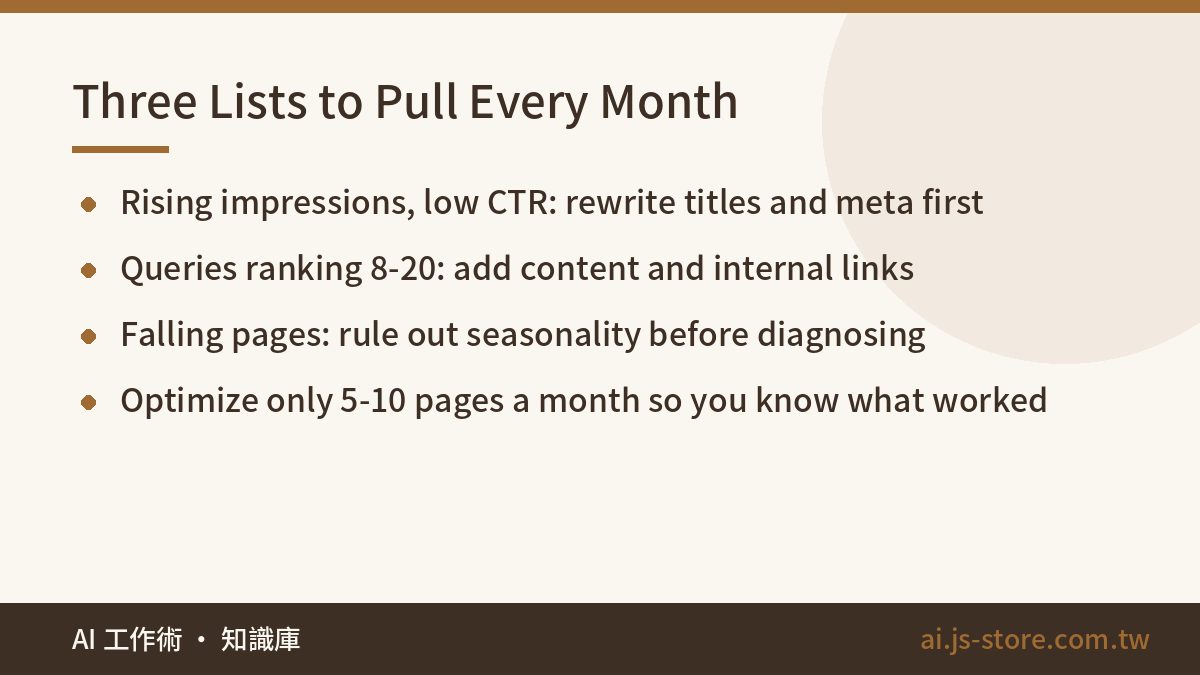
Here AI's job is to read the report and rank priorities, not to explain why rankings moved. Every month we export the Pages and Queries reports from Search Console, comparing the last 28 days to the previous 28, and ask AI for three lists:
- Rising impressions, low click-through rate. You ranked higher but the snippet didn't earn the click. Rewrite the title and meta description. Cheapest fix, fastest result.
- Queries averaging position 8 to 20. One step from page one. Add a section and point internal links at the page; expect movement in one to two months.
- Clear drops in impressions or clicks. Rule out seasonality first, then check for stale content or a competitor overtaking you. AI can compare page structures, but the final call on why something dropped is yours, especially around algorithm updates.
Then a human picks 5 to 10 pages for the month. Don't touch 40 at once, or you'll never know what worked. If you care about AI search, also spot-check your target topics in ChatGPT and Perplexity to see whether they cite you. There's no Search Console equivalent for that yet.
Our Full Workflow and Three Things Not to Do
Chained together, here's how we run our knowledge base:
- Quarterly: export queries, AI clusters them and finds gaps, we set the topic list.
- Per article: pipeline draft, human edit, first-hand experience added, unverified numbers turned into ranges.
- Before publishing: AI suggests links from the inventory, a human confirms.
- After publishing: AI finds older pages to link back.
- Monthly: two-period comparison, three lists, 5 to 10 pages improved.
Human time per article is about one hour, most of it editing. Only after this loop was running did AI feel genuinely useful for SEO. Before that, our "open ChatGPT when inspiration strikes" approach did about as well as doing nothing.
- Don't auto-publish at volume without review. Traffic may spike, but once Google flags scaled abuse, the whole site drops. Recovery costs far more time than you saved.
- Don't take keyword numbers from AI. It makes them up.
- Don't buy subscriptions first and find a use later. Run the loop with free Search Console and one general AI model, find your real bottleneck, then pay for that stage only. Prices change often, so check each vendor's official pricing page. You can also try our free tools first.
FAQ
Q: Which SEO AI tool should I buy?
None covers all four stages, so ask which stage is worth paying for. Usually it's only the data source: Ahrefs or Semrush for competitor data and more precise volume. Clustering, drafting, link suggestions and report reading work fine with a general AI model and good briefs.
Q: Does Google penalize AI-written content?
Google's public position is that it judges quality, not how content was made. What actually gets demoted is mass-produced content with no experience and no fact-checking. With human review, first-hand material and verified numbers, AI-assisted pages rank. That's how we run our own knowledge base.
Q: Can I do this with only free tools?
Yes, and for most small and mid-size sites it's enough. Search Console gives you real query and ranking data, Keyword Planner gives you volume ranges, and a general AI model handles the rest. Add paid tools once you're competing for specific keywords at scale.
Q: How long until the workflow shows results?
In our experience, title and meta rewrites show click-through changes in two to four weeks. New articles and internal links usually take one to three months. Brand-new domains take longer, so publish steadily instead of chasing volume.