AI Email Writing: Calibrate Your Tone + Payment, Apology, Cold Emails
Published 2026-11-06 · Updated 2026-11-06 · 8 min read · ShooWork (FREECO CO., LTD.)
Yes, AI can write your business emails if you keep the facts. Calibrate tone with old emails, then use our payment, apology and cold email prompts.
Yes, AI is good at business email, and email is one of the most cost-effective things you can use it for. The split of work matters, though. You decide the position, the facts and the bottom line. AI handles the wording and structure. Type “write me a payment reminder” and nothing else, and you'll usually get a long, overly polite email that reads like a call-center template. The recipient can tell you didn't write it within two lines.
Every prompt below is ready to copy. Swap the parts in [brackets] for your own details.
Where AI-drafted emails usually go wrong
The first problem is help-desk voice. The email opens with “I hope this email finds you well,” closes with “Please don't hesitate to reach out,” and buries the actual point in the middle. To fix it, give the AI a list of banned phrases and tell it the first sentence has to state the point.
The second problem is length. Something you could say in three sentences becomes five paragraphs. Set a limit in the prompt: “5 sentences max, subject line under 8 words.”
Those two just look bad. The other two can cause real damage. To make an email feel complete, AI often adds commitments of its own, like “we'll issue a full refund” or “this will be done by Friday.” It also fills gaps with contract clauses, order numbers and job titles that don't exist. If you send that without reading it closely, you've made a promise for your company that nobody approved. Block this in the prompt: no promises, amounts or dates I didn't give you. Use only my facts and mark anything missing as [TBD]. Every template below ends with a version of that line. Keep it in, even if it feels repetitive.
Calibrate the tone with emails you've already sent
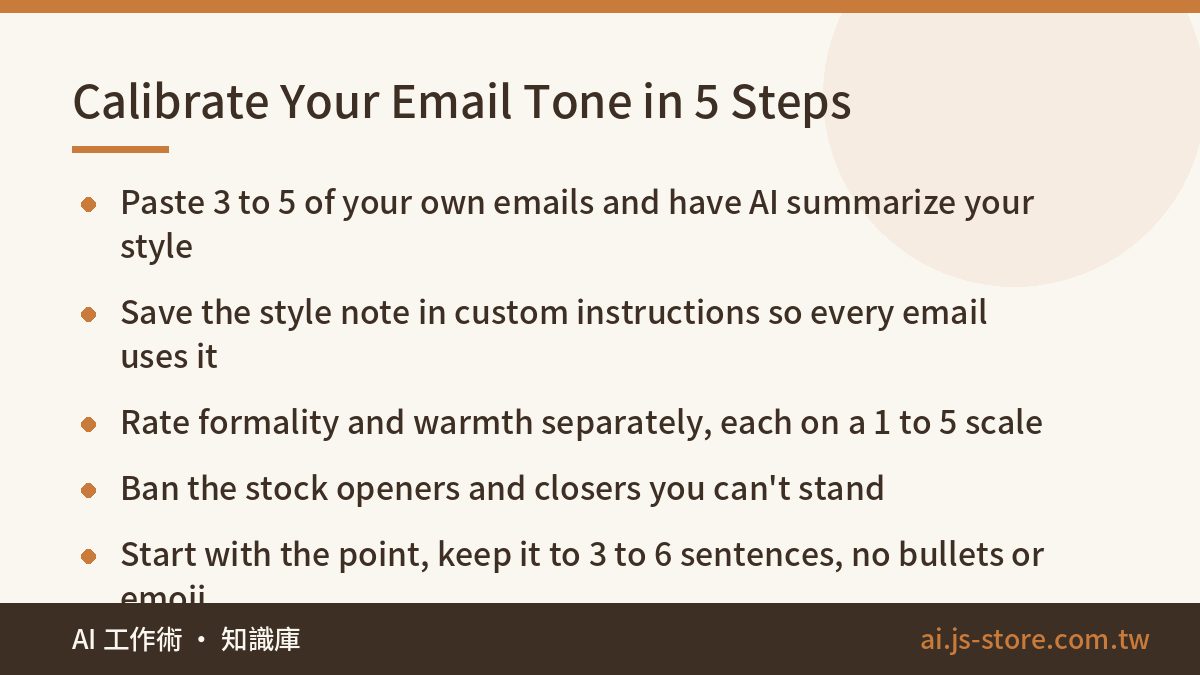
The model reads adjectives like “more professional” or “a bit softer” differently every time. If you give it samples and a numeric scale, the results are far more consistent.
- Pick 3 to 5 emails you wrote yourself that got smooth replies. Remove names, amounts and other personal data, then paste them in. Ask the AI to describe your sentence length, how you open and close, the words you use most and how formal you are. Have it boil that down into a “my email style” note of under 100 words.
- Save that note in your tool's custom instructions or project settings. It then applies to every email, and you don't have to paste it again.
- Set tone on two separate 1 to 5 scales, one for formality and one for warmth. Numbers are easier to control than “firmer,” and when you revise you can just say “lower the warmth by one.”
- List the stock lines you can't stand and ban them: “I hope this finds you well,” “Thank you for your patience and understanding,” “If you have any questions.”
- Set the length and format. Most business emails need 3 to 6 sentences. Add “no bullet points, no bold, no emoji.”
Here are some combinations to start from:
| Situation | Formality | Warmth |
|---|---|---|
| Routine contact with a regular client | 2 | 4 |
| First contact with someone at a large company | 4 | 3 |
| Replying to a complaint or apologizing | 3 | 4 |
| Payment that's well overdue | 4 | 2 |
Can people tell AI wrote it? With default settings, easily. The giveaways are the polite opener, the tidy paragraphs and the “let me know if you have any questions” that always ends it. After you calibrate, rewrite the first and last sentences yourself, and most recipients won't be able to tell.
Tone is even harder to get right in a second language. Where you put “please” can turn a request into an order. If you want to build that instinct, use the essay-feedback method from our guide to learning English with AI, and ask the model to explain each change it makes.
Payment reminders: three emails, each one firmer
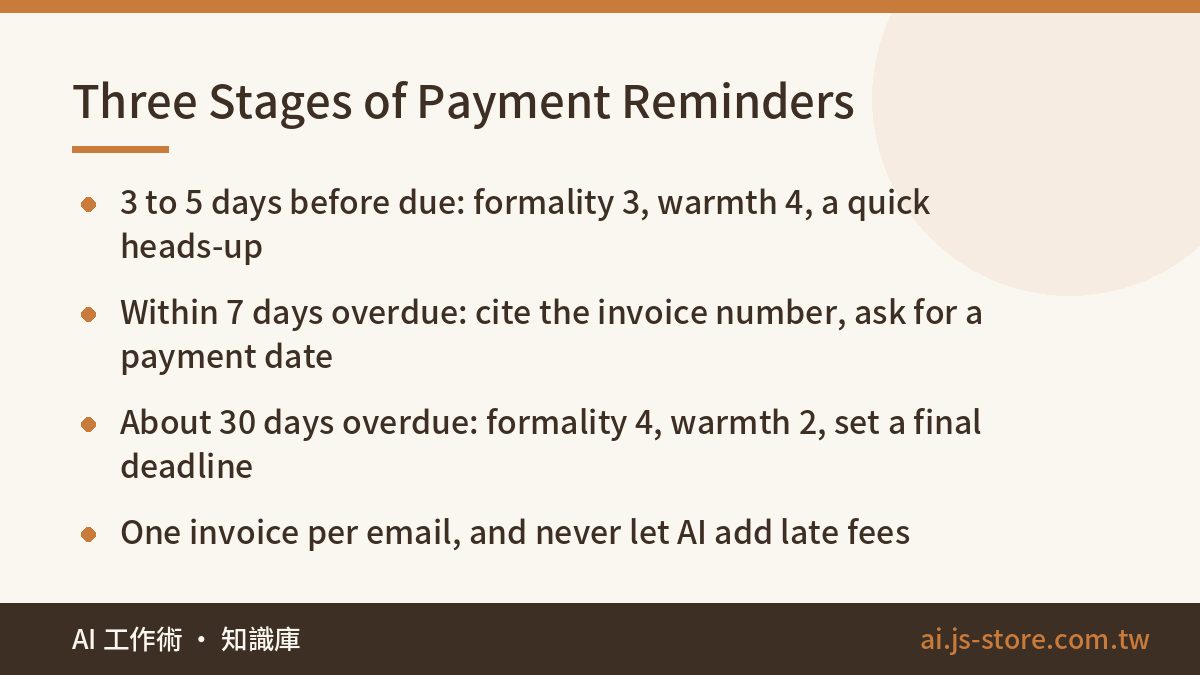
The hard part of chasing a payment is getting the tone right. If you're too polite, the client ignores you. If you're too harsh, the next project gets awkward. Split the process into three stages, each with a set tone and required details, so you don't have to work it out from scratch every time.
| Stage | When | Scale | Must include |
|---|---|---|---|
| Friendly reminder | 3 to 5 days before the due date | Formality 3, warmth 4 | Amount, due date, how to pay. The tone is a quick heads-up. |
| First overdue notice | Within 7 days of the due date | Formality 3, warmth 3 | Invoice number, original due date, a check that they received the invoice, a request for an expected payment date |
| Second overdue notice | About 30 days overdue | Formality 4, warmth 2 | Total outstanding, dates you contacted them before, a clear final deadline, what happens if they miss it |
Prompt for the first overdue notice:
Write a payment follow-up email to [contact name] at [company]. We've worked together for [time] and the relationship is good. Invoice [number], [amount], originally due [date], now [X] days overdue. Goal: confirm they received the invoice and ask them to reply with an expected payment date. Formality 3, warmth 3, 5 sentences max, follow my email style. Do not add any amount, date, late fee or commitment I didn't give you. Mark missing information as [TBD]. Subject line under 8 words, give me 2 versions.
Check three more things before you send. Chase one invoice per email. If you bundle several, the client is likely to miss one. Put the payment details in the email itself instead of writing “see attached.” If the second notice mentions late fees or legal action, reread the contract first and ask a professional if you need to. AI can't tell you whether a clause would hold up. Its job is to clearly say what you've already decided.
Apology emails: admit it once, spell out the fix
AI apologies tend to go to one of two extremes. Either the email says sorry five times and sounds like groveling, or it explains the cause at such length that it reads like excuses.
A good apology needs four parts. First, acknowledge what happened in one clear sentence. Skip vague padding like “any inconvenience this may have caused.” Second, give the cause, also in one sentence. Stick to facts, don't shift blame, and leave out internal details the reader doesn't need. Third, the fix: what you've already done, what you'll do next, and whether the reader needs to do anything. Fourth, one sentence on how you'll keep it from happening again.
We've had to send this kind of email ourselves. When the ShooWork platform had a service outage, we wrote to our paying users. The version that worked best wasn't the most heartfelt one. It was the clearest: it gave the exact time window, which features were affected, whether account data was touched, and what users needed to do. What users wanted was certainty.
Prompt:
Write an apology email to [customer name]. What happened: [event, including when]. Cause: [one sentence]. Already done: [actions taken]. Next: [what you'll do and by when]. Compensation: [details, or write “do not mention compensation”]. Structure it as acknowledge, cause, fix, prevention, one to two sentences each. Use apology words no more than twice in the whole email. Formality 3, warmth 4. Do not add compensation, refunds or any commitment I didn't write.
Always fill in the compensation line. If you leave it blank, the AI may helpfully give your customer a free month.
Cold emails: 20 a day, each written for one person
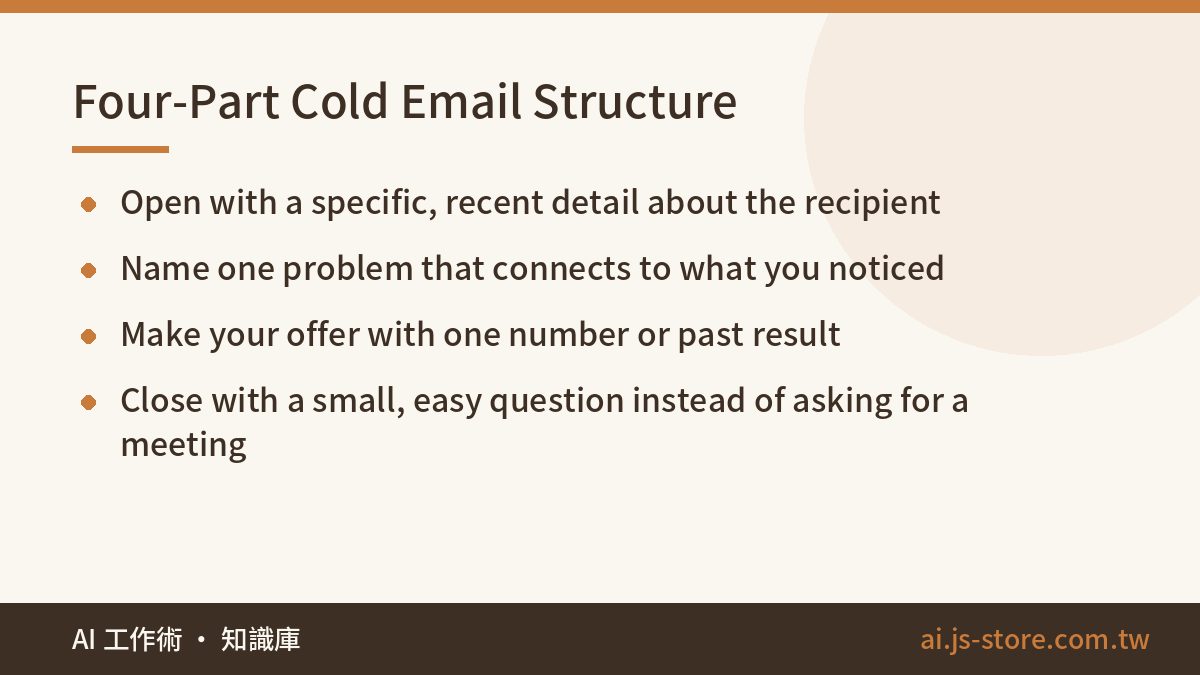
Cold emails almost always get low reply rates for the same reason: they obviously went out in bulk. Using AI to send 500 a day only makes that problem bigger. You'll get more out of sending 20 a day, each one clearly written for the person reading it.
The ones that get replies start with the recipient. Open with something specific you noticed, like a store they just opened, a product they just launched, or something obviously missing from their website. Then name one problem that connects to what you noticed. Then make your offer: what you can do, ideally backed by a number or a past project. End with a small ask. “Want me to send over two examples?” gets more replies than “Can we set up a call?”
Here's [company]'s About page and a recent news item about them: [paste text]. We offer [service in one sentence]. A past result: [one sentence with a number]. Write a cold email whose first sentence refers to something specific from the material above. Do not invent anything about them that isn't in it. 4 to 6 sentences total. End with a low-effort question, and don't ask for a meeting. Formality 3, warmth 3. The subject line must not contain the word “partnership.” Give me 3 subject line options.
Don't fully automate mass sending. If one domain sends a lot of email in a short time, it gets flagged as spam. That also hurts delivery of your normal day-to-day email. Collecting and using contact details is also covered by privacy rules, so check what applies where you work. After the AI writes each email, read at least the first sentence yourself and make sure it actually fits the person.
AI is also good for follow-ups after a meeting. Run the recording through one of the AI transcription tools we compared. Then ask the AI to pull out the decisions, action items, owners and deadlines and turn them into a summary email. It will be much more accurate than writing from memory an hour later.
Spend 30 seconds on this list before you hit send
You can leave the AI's wording as it is. These are the things you check yourself, every time:
- Amounts, quantities and invoice numbers, character by character.
- Dates against days of the week. AI gets these wrong often.
- The recipient's name, job title and full company name.
- Every “we will” and “we'll.” Make sure what follows is something you actually agreed to.
- Search the email for [TBD] and make sure none are left.
- The To and CC fields. A payment reminder or apology CC'd to the wrong person causes a new problem.
Protect your data too. Don't paste client ID numbers, bank account details or full contracts into a personal free account. If your company has a business plan or an internal AI policy, follow it. If it doesn't, use placeholders like “Company A” and “amount X,” then fill in the real details yourself just before you send. To find a tool that fits your email work, browse the ShooWork tools directory by use case.
Longer documents like reports and proposals use the same split. See how to divide the work when AI helps with reports.
FAQ
Q: Is a free AI plan good enough for business email?
For drafting one email at a time, usually yes. Free and paid plans differ in usage limits, whether you can save a style note that applies to every chat, and whether your conversations are used for training. If you write a lot of email every day or often handle client data, consider a paid or business plan. Check each provider's official pricing page for what's included.
Q: Are the built-in AI writing features in Gmail and Outlook any good?
They save you from switching windows, and they're handy for short replies and quick tone rewrites. It's harder to give them a long style note and a banned-phrase list, though. For emails that need tight control, like payment reminders and apologies, draft in a chat-based AI and paste the result back. Which features you get depends on your account plan, so check the official documentation.
Q: Does the same method work for emails in another language?
Yes. The scales and templates carry over, so just add something like “write in [language], in a [region] business tone” to the prompt. One extra step is worth it. Ask the AI to translate the draft back into your native language sentence by sentence, so you can check it isn't firmer or more apologetic than you meant.