AI Transcription Tools Compared: Accuracy, Pricing, and How to Choose
Published 2026-11-04 · Updated 2026-11-03 · 8 min read · ShooWork (FREECO CO., LTD.)
Compare AI transcription tools for meetings and interviews: what really drives accuracy, how pricing works, and the 30-minute workflow we use.
Short answer: your audio, your speakers' accents, and how often people switch languages mid-sentence affect transcript accuracy more than the brand of the tool. If most of your meetings are in English, an English-first tool like Otter.ai will feel the smoothest. If your team works in another language or switches between two, test tools built for multilingual audio, like Notta or a large Whisper model. If the recordings are sensitive and you have a decent computer, run open-source Whisper locally. It costs nothing, and the audio never leaves your machine.
This isn't a list of 20 tools. We run our own AI tool platform, and the first thing our video-editing engine does is speech recognition, so we spend a lot of time looking at transcripts that are almost right. This piece covers four things: what actually changes accuracy, where the main tools are strong and weak, how to price them without buying the wrong plan, and the record, transcribe, review, summarize workflow our team uses every week. By the end you should be able to decide which tool to test first in about ten minutes.
One thing to know up front: no AI transcript is usable without a review pass. The only question is whether fixing it takes ten minutes or an hour. Choosing a tool really means choosing the one that cuts that time the most.
Start With the Job: Five Situations, Five Different Picks
| Your situation | Try first | Why |
|---|---|---|
| Internal team meetings and sales calls in one non-English language | A tool tuned for that language and region | Local accents and slang trip up generic models |
| Cross-border English meetings on Zoom or Google Meet | Otter.ai, Notta | Meeting bots join and record on their own, and English recognition is mature |
| Tech or startup meetings with lots of language switching | Notta, large Whisper models | Better with mixed languages, though product names still need fixing |
| In-depth interviews, medical, legal, or client-confidential work | Local Whisper (for example, MacWhisper) | The audio stays on your computer |
| Occasional use, under 2 hours a month | Your meeting app's built-in transcription, or free tiers | Not worth a monthly fee |
If you only remember one thing: take a real 10-minute recording of your own and run it through two or three tools side by side. Published accuracy rankings use someone else's microphone, someone else's accent, and someone else's conference room. They tell you very little about how a tool will do with your audio.
What Actually Drives Accuracy: The Five Big Factors
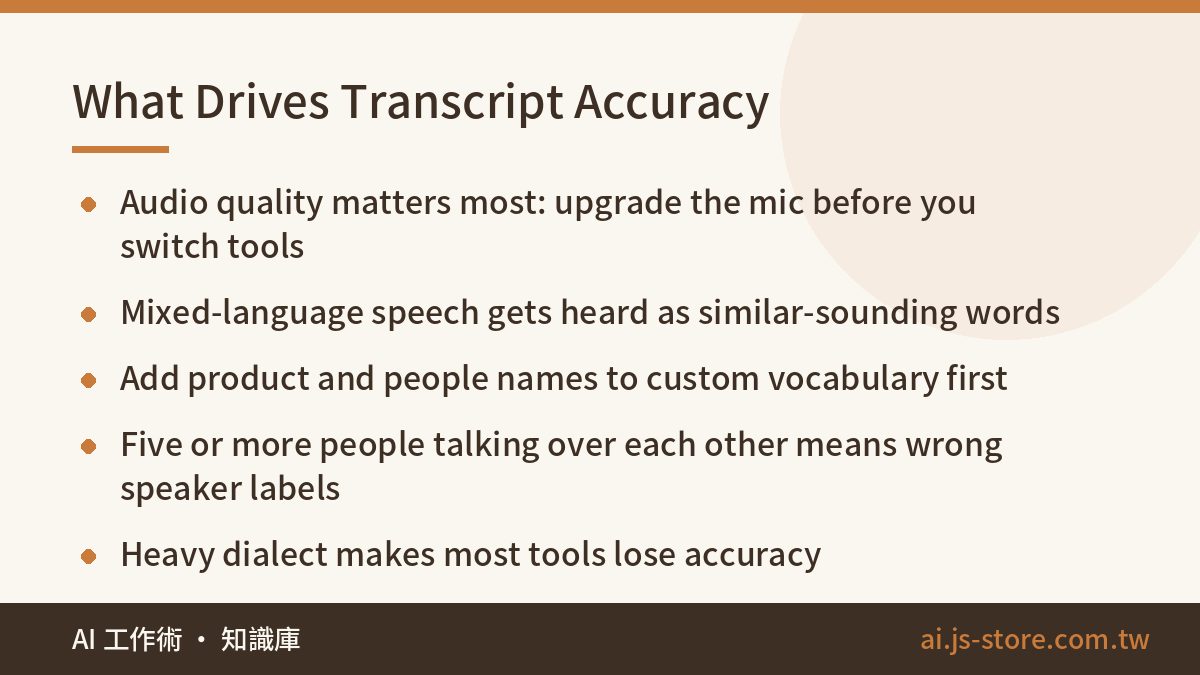
- Audio quality. This often matters more than the difference between tools. For in-person meetings, put the phone in the middle of the table, about a meter from everyone. For online meetings, record the system audio directly. Don't point a second phone at your laptop speaker.
- Language switching. When someone drops “let's align on the Q3 KPIs” into a sentence in another language, many tools hear the English words as similar-sounding words in the main language. Setting the primary language yourself usually works better than auto-detect.
- Proper nouns. Product names, people's names, and company names cause the most errors. When you compare tools, check for a custom vocabulary feature. With Whisper, you can put a keyword list in the initial prompt.
- Speaker labels. Meetings with two or three people usually get labeled well. Once you have five or more people with similar voices talking over each other, mislabeled lines go up sharply. Plan on fixing those by hand.
- Dialects and strong accents. When a regional dialect is mixed into the conversation, most tools either swap in similar-sounding standard words or garble the whole passage. Check the tool's language support before you rely on it, or plan to fill those parts in yourself.
We learned this the hard way. Our ShooWork Clip engine starts every subtitle job with speech recognition, and most of our problems came from the source audio, not the model. With the same model, a lavalier mic and a phone across a conference table can produce several times as many errors. We wrote up how we raised Mandarin subtitle accuracy from 82.6% to 94.8% in our subtitle accuracy test. If your budget is tight, a cheap clip-on mic often does more for you than a higher plan.
How the Mainstream Tools Compare
| Tool | Language performance | Speaker labels | Pricing model | Best for |
|---|---|---|---|---|
| Otter.ai | Built for English and strong there. Not a good main tool for other languages | Yes, strong in English | Free tier plus monthly or annual plans | Mostly English meetings |
| Notta | Many languages, decent with mixed-language audio | Yes | Free tier plus subscription | Lots of online meetings, multilingual teams |
| Whisper / MacWhisper | Large models handle many languages well, but may output the wrong script or spelling variant | Not built in, needs an add-on | Open source and free. Desktop apps charge for extra features | Privacy, high volume, people who like to tinker |
| Region-specific tools | Usually best on local accents and terms | Depends on plan, see the official docs | Free tier plus paid plans | Teams working mainly in one non-English language |
| Built-in (Meet, Teams, Zoom) | Depends on platform and plan | Depends on platform | Often included in a plan you already pay for | Teams already on that platform |
| Uploading audio to ChatGPT or Gemini | Fine on short clips, unreliable on long ones | You can ask, but it's not guaranteed | Included in your chat AI subscription | Short recordings where you want a summary right away |
Some problems only show up after you've used these tools for a while:
- Whisper's script and hallucination quirks. Whisper sometimes outputs the wrong writing system. Chinese audio, for example, often comes back in Simplified when you need Traditional. Start the initial prompt with a sentence in the script you want, or convert afterward with a tool like OpenCC. During long silences or background music, Whisper sometimes “hallucinates”: it repeats lines or makes up an outro like “thanks for watching.” Check the quiet sections closely. If you want to know why models do this, see AI hallucination explained.
- Chat AIs quietly clean up your transcript. Upload audio to ChatGPT or Gemini and they often smooth out spoken language and delete filler words. With long files, they sometimes skip whole sections in the middle. If you need a true transcript, say so: no rewriting, keep the spoken phrasing, add a timestamp to every paragraph. Then check that the last timestamp roughly matches the length of the recording.
- Built-in features depend on your plan. Google Meet, Teams, and Zoom all offer transcripts or captions, but language support and which plans include them vary and change often. Check the language options in settings before you count on them.
Pricing: Subscription, Credits, or Free
AI transcription pricing comes in three basic forms:
- Subscription. A monthly allowance of transcription minutes, and you upgrade when you run out. Annual billing is usually cheaper than monthly. Prices and minute limits change, so check each tool's official pricing page instead of trusting a comparison post.
- Credits or pay-per-hour. You buy a block of hours and use them over time. This suits people whose volume jumps around, like a researcher who does all their interviews in a few months.
- Open source. Whisper itself is free. The cost is hardware and your time. On a machine with a dedicated GPU or a recent Apple Silicon chip, a large model handles an hour of audio in reasonable time. On an old laptop's CPU, it can take longer than the recording itself.
| Monthly recording volume | What to do |
|---|---|
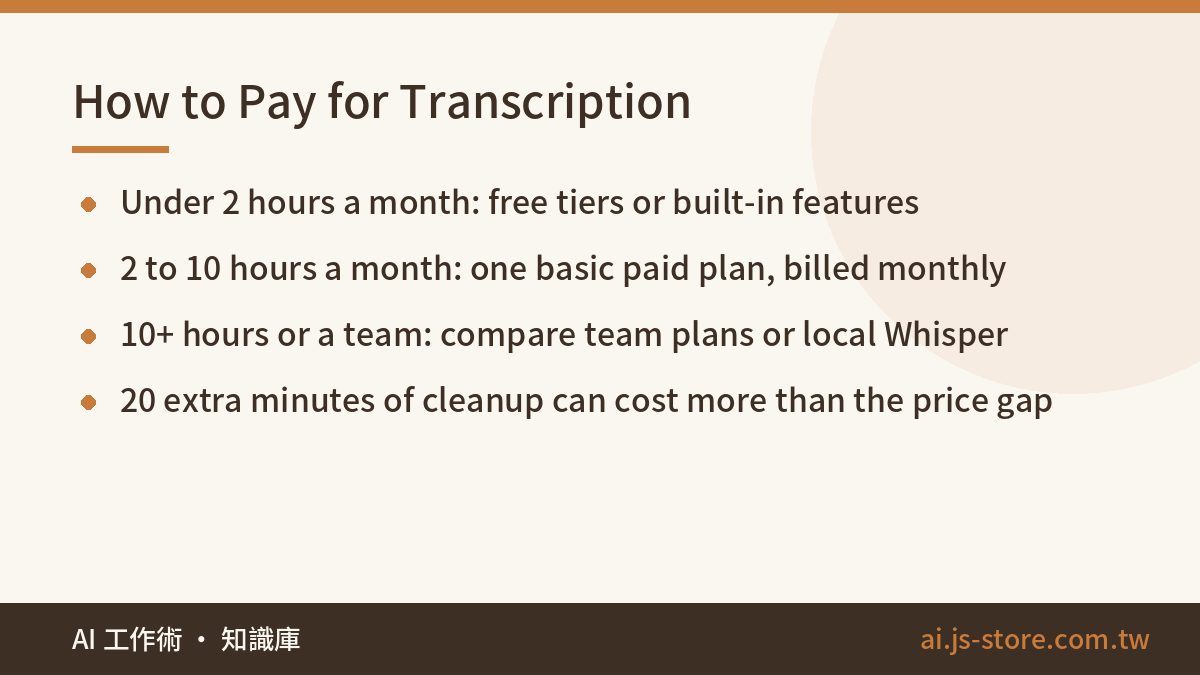
| Under 2 hours | Use built-in meeting features or free tiers. Don't pay. |
| 2 to 10 hours | Pick the one basic paid plan you like best and pay monthly for a one-month trial. |
| Over 10 hours, or a whole team | Compare team plans, or try local Whisper. |
Most people leave out the biggest cost: your review time. Say your time is worth $30 an hour, and Tool A needs 20 more minutes of cleanup per recorded hour than Tool B. At 10 hours a month, that's over three extra hours, roughly $100. That's usually more than the price gap between the two plans. Don't choose from the pricing table alone. Time how long it takes you to clean up the same recording in each tool.
Our Workflow: Meeting Notes Within 30 Minutes
We record our weekly meetings and user interviews. After a lot of trial and error, we settled on the process below. The main rule: don't review the transcript word by word from start to finish.
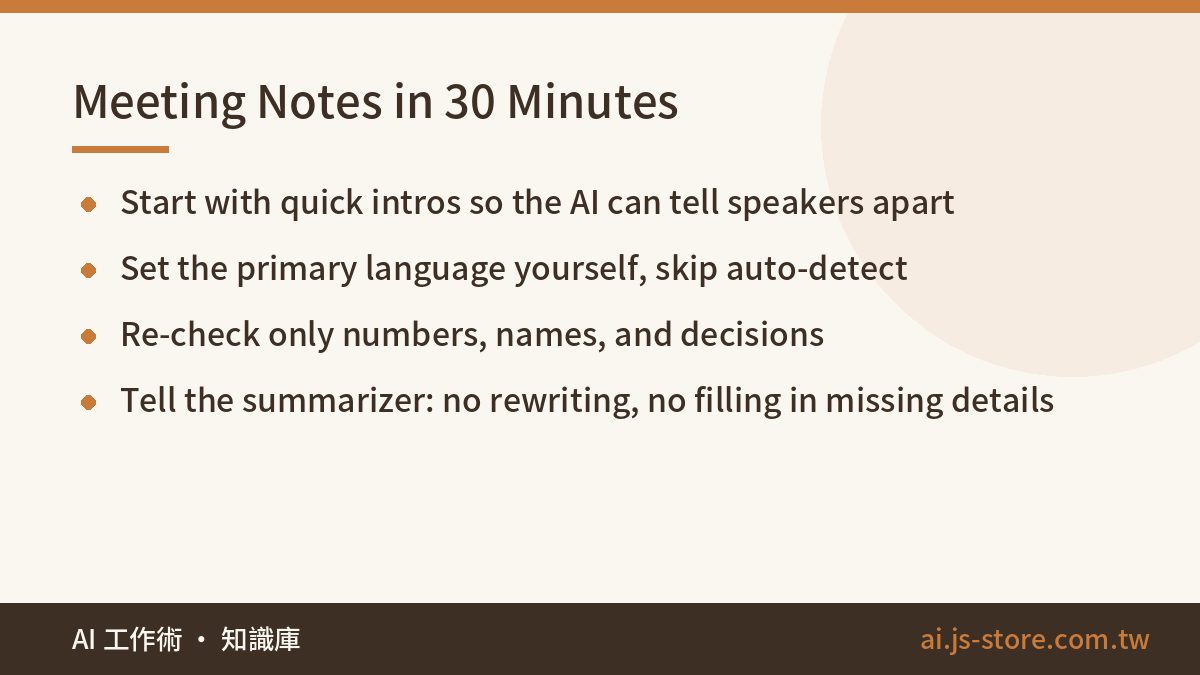
- Before recording: Ask everyone to say one sentence of introduction at the start so the AI can tell the voices apart. Add any product or client names that will come up to the custom vocabulary.
- Transcribing: Set the primary language yourself instead of using auto-detect. For online meetings, record system audio or use a meeting bot rather than picking up sound from a speaker.
- Reviewing: First, search the full text for words the tool usually gets wrong and replace them all at once. Then re-listen to only three kinds of passages: numbers, names, and decisions. If a filler word doesn't change the meaning, leave it.
- Summarizing: Give the cleaned transcript to an AI for a summary. If it needs to become a formal document, our guide to AI report writing shows how to split the work: the AI handles structure, and you own the data.
- Archiving: Keep the original audio together with the reviewed transcript. If anyone disputes the AI summary later, you can check the source.
This is the summary prompt we use most:
Below is a meeting transcript. Do not rewrite what people said. Organize it into three parts: 1) three key conclusions, 2) decisions made, 3) action items (owner / task / deadline). If the transcript doesn't mention a deadline, write 'Not mentioned'. Do not fill it in yourself.
That last line matters. The most common mistake in AI meeting summaries isn't leaving things out. It's adding deadlines or owners nobody actually mentioned. The summary looks complete, but those parts are made up.
Privacy: Which Recordings Should Never Go to the Cloud
- Tell people before you record. Get everyone's agreement before you start. It's basic courtesy and heads off arguments later. If the recording could have legal weight or be used as evidence, talk to a qualified professional.
- Read the terms of service. Check three things: whether your audio can be used to train models, which region the data is stored in, and whether deleted files are actually deleted. Business plans and personal plans often have different terms.
- Keep sensitive content local. Medical records, contract negotiations, HR conversations, and unreleased financials should go through local Whisper or a tool your IT team has approved.
- Turn off auto-join for meeting bots. Some tools, once connected to your calendar, join every meeting by default. They can end up recording meetings they shouldn't and even emailing the summary to every attendee. Check this setting first thing after you install one.
FAQ
Q: How accurate are AI transcription tools?
There's no single number, and audio quality matters most. In a quiet room, one-on-one, with clear standard speech, the mainstream tools are mostly at the point where you only fix proper nouns. Errors go up sharply when people talk over each other, the mic is far away, or speakers mix in dialects. The only reliable test is your own recordings.
Q: Are free AI transcription tools good enough?
If you record less than about two hours a month and the content isn't sensitive, free tiers or your meeting app's built-in transcription are usually enough. Beyond that, minute caps and feature limits start to get in the way. That's the time to pay, monthly at first, not with an annual contract on day one.
Q: Why does Whisper output the wrong script or spelling variant?
Whisper picks up on cues in the prompt and the audio. Chinese, for example, often comes out in Simplified by default. Start the initial prompt with a sentence in the script or spelling you want, or convert afterward with a tool like OpenCC. Converters don't always switch regional vocabulary, so check word choice during your review.
Q: Can I just upload my recording to ChatGPT for a transcript?
For short clips, yes, and you get a summary in the same step. Long files are more likely to have sections skipped or be polished into written language, so it's a poor fit for interviews that need exact wording. If you use it, tell it not to rewrite, to keep the spoken phrasing, and to add timestamps. Then check that the final timestamp matches the recording.
Q: Do I need to tell participants I'm transcribing a meeting?
Always tell them and get their agreement first. It's a matter of trust, and it prevents arguments later. Rules on recording differ by location, so if a recording might be used in a legal or formal dispute, get professional advice rather than relying on what you read online.