Chinese Auto Subtitle Accuracy Test: How We Went From 82.6% to 94.8%
Published 2026-11-04 · Updated 2026-11-03 · 7 min read · ShooWork (FREECO CO., LTD.)
We tested Mandarin auto captions line by line against human transcripts. One model: 82.6%. Two models plus an AI proofreader: 94.8%. Here's what worked.
Here's the short answer. If you give a Mandarin talking-head video to a single speech recognition model, you'll fix about 1 caption line in 6. Run two models side by side and have an AI proofreader settle the places where they disagree, and that drops to about 1 line in 20. We checked three real videos line by line against transcripts that people had typed out and checked by hand. With a single model, 82.6% of caption lines were exactly right. With the two-model pipeline plus a proofreader, 94.8% were exactly right, and character accuracy reached 98.9%.
We run our own video-editing engine, ShooWork Clip. When captions are wrong, users notice right away. So this wasn't a test for the sake of a test. We wanted to know one thing: after the captions come out, how many times does a creator have to stop and fix something? Below you'll find how we measured, which step actually moved the number, three ideas that sounded smart but didn't help, and where the last 5% of errors come from.
One caveat first. Three videos is a small sample. These numbers describe this footage only. No tool promises them. The clips belong to clients, so we won't quote any of their lines. The speech was Mandarin with a Taiwanese accent and a lot of English words mixed into sentences. The lessons apply to any language where general-purpose models have trouble with accents or with speakers switching languages.
How We Measured: A Line Counts Only If Every Character Is Right
We picked three test clips of different difficulty on purpose:
- A 6-minute talking-head video. One person explaining a topic to the camera, which is what most creators actually film.
- A 58-second short. Short-video length, with faster pacing.
- Two people talking in a noisy restaurant. Background noise plus two speakers. We chose this one to be hard.
For each clip, a person typed out every word by hand and checked it, which gave us a reference transcript. Then we scored the auto captions against that reference in two ways:
| Metric | How it's calculated | What it tells you |
|---|---|---|
| Exact line accuracy | A caption line counts as correct only if it matches the reference line exactly. One wrong homophone, one missing character or one extra character makes the whole line wrong | How many times you'll stop to fix something while editing |
| Character accuracy | The share of individual characters that are correct | The number most tools mean when they say "accuracy" |
We use lines because people edit captions one line at a time. Character accuracy of 98.9% sounds like you won't need to touch anything. But the wrong characters are spread across many different lines. Every line with an error means you stop, listen to it again and fix it. Line accuracy tracks the time you'll actually spend. So when a tool says it has "9X% accuracy," ask one question first: is that counting characters or lines?
The Results: From 82.6% to 94.8%
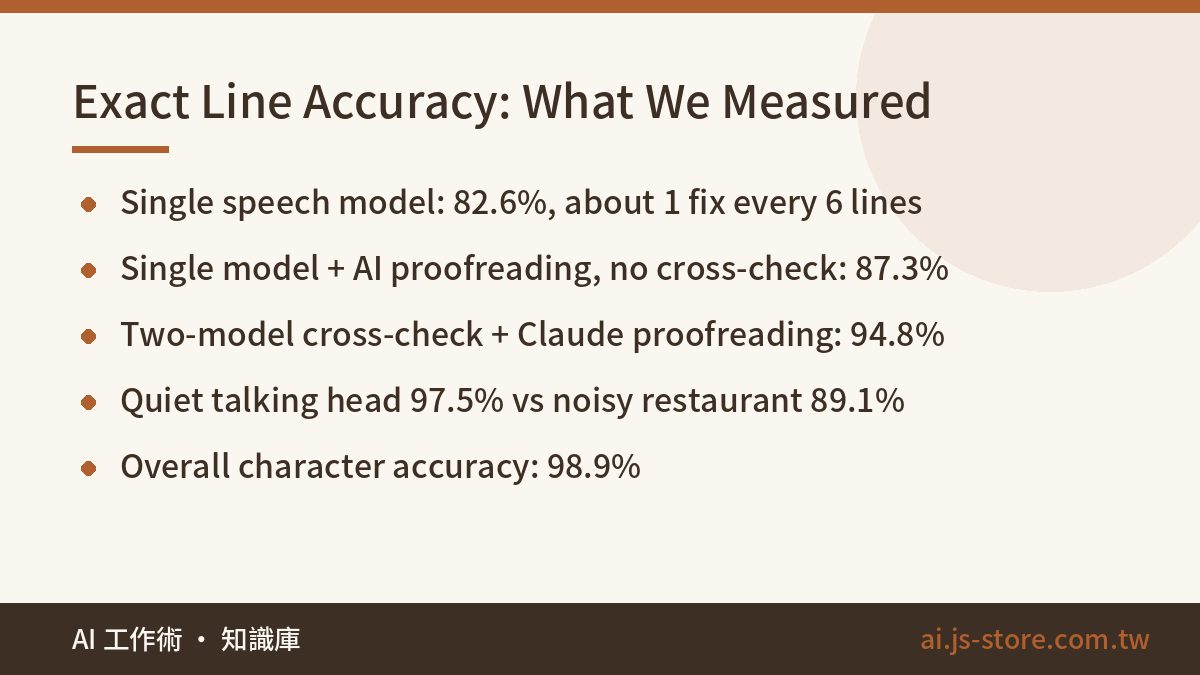
| Setup | Exact line accuracy |
|---|---|
| Single recognition model | 82.6% |
| Single model + AI proofreading, no second model | 87.3% |
| Breeze-ASR-25 main pass + large-v3-turbo cross-check + Claude proofreading | 94.8% |
Here's how the final pipeline did on each clip:
- 6-minute talking head: 97.5%. About 1 line in 40 needs a fix.
- Noisy restaurant, two speakers: 89.1%. About 1 line in 9 needs a fix.
- Character accuracy across all three: 98.9%.
Two things stand out. First, the cross-check step is what made the difference. Both of the last two setups had AI proofreading. Without a second model, proofreading reached 87.3%. With one, it reached 94.8%. Second, your recording conditions matter more than which model you use. The same pipeline scored more than 8 points lower in the restaurant than on the quiet talking-head video. If you shoot mostly outdoors or in busy places, don't start by switching caption tools. Buy a better microphone first. A cheap clip-on lav mic will do more for your captions than another round of comparing software.
How the Pipeline Works: Two Models Plus an AI Proofreader
- Main transcription: Breeze-ASR-25. MediaTek Research built this model on top of Whisper and tuned it for Taiwanese-accented Mandarin and for speech that mixes Chinese and English. It handles regional accents and English words in the middle of sentences better than general-purpose models, so it writes the main transcript.
- Second opinion: large-v3-turbo. We run the same audio through a second model and compare the two transcripts section by section. The two models were trained differently and make different kinds of mistakes, so they rarely make the exact same mistake. That means the spots where they disagree are where the errors are most likely to be.
- Proofreading: Claude. We give Claude the main transcript, the second transcript and the list of sections where they disagree. It uses the surrounding context to decide which version is right and fixes homophone errors. It has strict instructions not to rewrite the speaker's tone and not to polish anything.
Why does a single model with proofreading stop at 87.3%? Because a language model can't hear the audio. It only sees the text. If the speech model writes a wrong word that still reads naturally, Claude has no reason to doubt it. The second speech model gives the only other opinion that comes from the actual audio. In effect it tells the proofreader, "These two heard different things here, take a closer look." Without that hint, the proofreader can only catch sentences that obviously don't make sense.
The proofreading step has its own risk. Language models like to be helpful. They turn casual speech into polished writing or add words the speaker never said. That's AI hallucination, showing up in your captions. If you film yourself talking, captions that sound smoother than you do are worse than captions with a typo, because viewers can tell those aren't your words. So the instructions have to be strict: fix recognition errors only, and leave the wording alone.
Three Things We Tried That Didn't Help
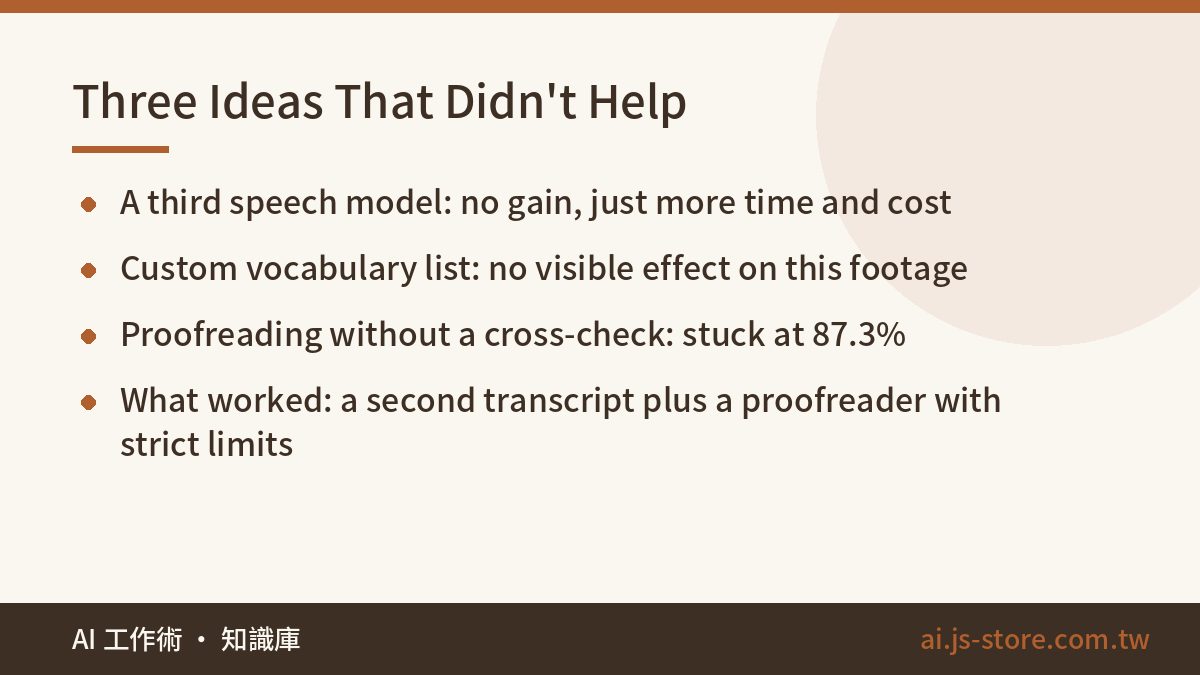
Each of these sounded reasonable. We tested all three and removed them from the pipeline:
- Adding a third recognition model. You'd expect three models voting to beat two. In our tests it didn't raise the score at all. Our guess: on truly hard audio, all three models get it wrong together. On easy audio, the first two already had it right. A third model just added processing time and cost.
- Loading a custom vocabulary list. We gave the speech model a list of terms the speakers use often. On this footage, it made no measurable difference. A vocabulary list also needs someone to keep it up to date. If it doesn't help, it isn't worth the upkeep.
- Proofreading one model's output without a cross-check. This stopped at 87.3%, for the reason above: the proofreader can't hear.
The lesson: adding more steps doesn't help by default. Only two things worked: a second transcript from a separate model, and a proofreader that reads context but isn't allowed to rewrite. If you're building your own caption pipeline, get those two right before you add anything else. And please don't build a five-model voting system to impress yourself. We tried the three-model version, and the only thing that went up was the bill.
Where the Last 5% Comes From: Two Error Types No Tool Fixes
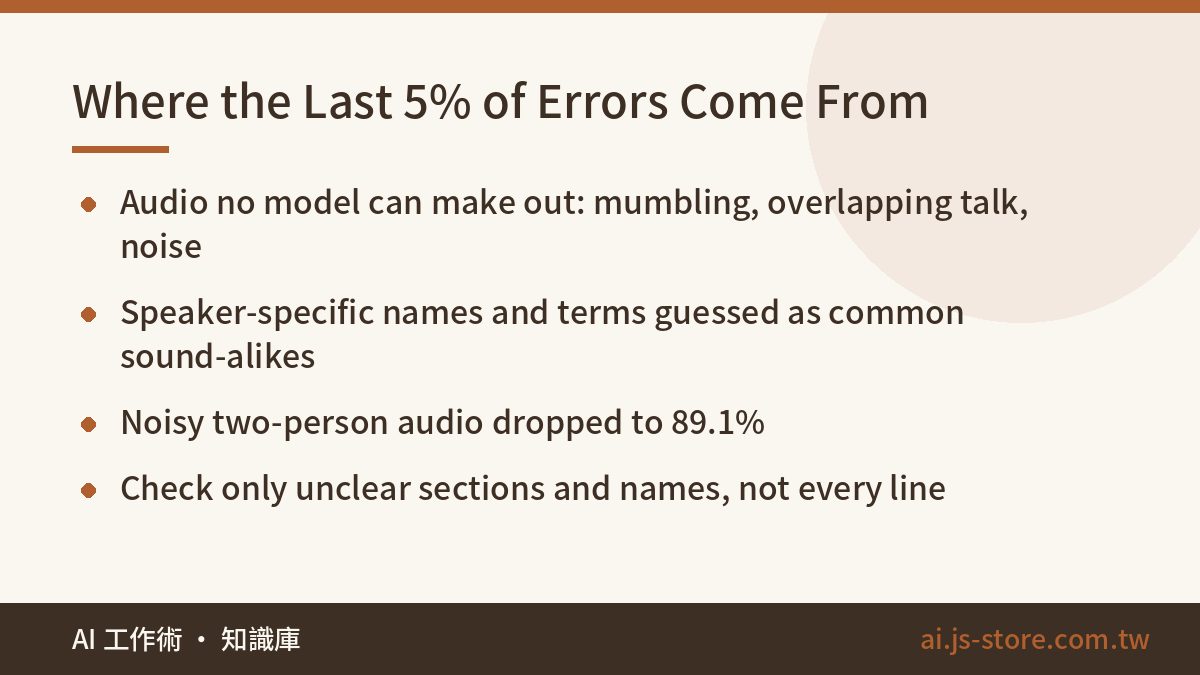
At 94.8%, almost all of the remaining errors fall into two groups:
- Audio that none of the models can make out. Mumbled phrases, swallowed syllables, two people talking at once, background noise louder than the voice. All the models get these wrong in the same way, and the proofreader can't hear the audio, so it goes with the wrong transcript. Most of the restaurant clip's drop to 89.1% comes from this kind of error.
- The speaker's own names and terms. Brand names, people's names, made-up words, internal project names. The speech models never heard them in training and Claude never saw them in text, so both guess the most common word that sounds the same. Those guesses usually read naturally, which makes them the hardest errors to spot.
Once you know where the errors are, you don't have to check every line from start to finish. You only need to check certain places:
| Your video | What to do |
|---|---|
| One speaker in a quiet room | Use the auto captions as they are and skim once for names and brand terms |
| Sponsored content or tutorials with lots of names and terms | Before publishing, use find-and-replace to check every brand name and person's name |
| Noisy locations or several speakers | Plan time to read every line, and use a clip-on mic next time |
If you're relying on the built-in captions in an app like CapCut, our guides to CapCut auto caption alternatives and Kaipai alternatives can help you choose. Whatever tool you use, though, these two kinds of errors will still happen. Tools only differ in how often.
Full disclosure: Breeze-ASR-25 for the main transcript, large-v3-turbo as the cross-check and Claude for proofreading is the exact pipeline behind auto captions in ShooWork Clip. You upload a talking-head video and this pipeline writes the captions. What's left for you to check is mostly the two error types above.
FAQ
Q: What accuracy is good enough for auto captions?
Start by asking how it was measured. Counted by character, 98.9% is very high. Counted by lines that are exactly right, the same captions scored 94.8%. That's about 1 fix every 20 lines, which one quick review can handle. A single model at 82.6% means a fix about every 6 lines, and that will noticeably slow down your editing.
Q: If character accuracy is 98.9%, why do I still have to fix captions?
Because the wrong characters are spread across many lines. Every line with even one error means you stop, listen and fix it. Line accuracy matches the number of fixes you'll actually make, which is why we measured that instead.
Q: Do auto captions work for videos recorded in noisy places?
Yes, but expect a lot less. Our noisy two-person restaurant clip scored 89.1% with the same pipeline, compared with 97.5% for the quiet talking-head video. Most of the remaining errors were audio that no model could make out. Switching tools won't fix much there. Better audio will.
Q: Will adding more speech models or a custom vocabulary improve accuracy?
We tried both, and neither improved results on this footage. A third model got the same hard audio wrong as the first two. The vocabulary list made no visible difference and still needed someone to maintain it. What worked was a two-model cross-check plus an AI proofreader with strict limits.
Q: Is there a ready-made option if I don't want to build this pipeline myself?
Yes. ShooWork Clip uses the same pipeline described here. Upload a talking-head video and it writes the captions. You only need to check names, brand terms and any hard-to-hear sections.