AI Meeting Notes: From Recording to Action Items in 15 Minutes
Published 2026-09-18 · Updated 2026-10-14 · 8 min read · ShooWork (FREECO CO., LTD.)
How we turn meeting recordings into summaries, decisions, and tracked action items automatically, and why process beats model choice every time.
Nobody wants to take meeting notes, and nobody can skip them. Hand the job to your newest hire and they capture the wrong things. Hand it to your most senior person and you are paying your most expensive hour for typing. Hand it to nobody, and two weeks later three people have three different memories of what was decided. We were that company for a long time: a folder full of recordings that nobody ever went back and played.
Today our internal meetings and customer interviews get documented without anyone typing. The recording goes into a pipeline, and roughly fifteen minutes later the summary, the decisions, and the action items are sitting in the right chat channel. The technical core is just two pieces: a speech-to-text model that produces the transcript, and a large language model that turns the transcript into a structured summary. What actually decides whether people trust and use the output is the process wrapped around those two pieces.
If you only read one paragraph, read this one. Record clean audio. Force the summary into a fixed four-part format. Make the model separate 'we decided' from 'someone suggested'. Have the meeting owner spend two minutes reviewing before it goes out. Everything below is the detail behind those four rules, plus the mistakes we made getting there.
The Pipeline: From Recording to Action Items
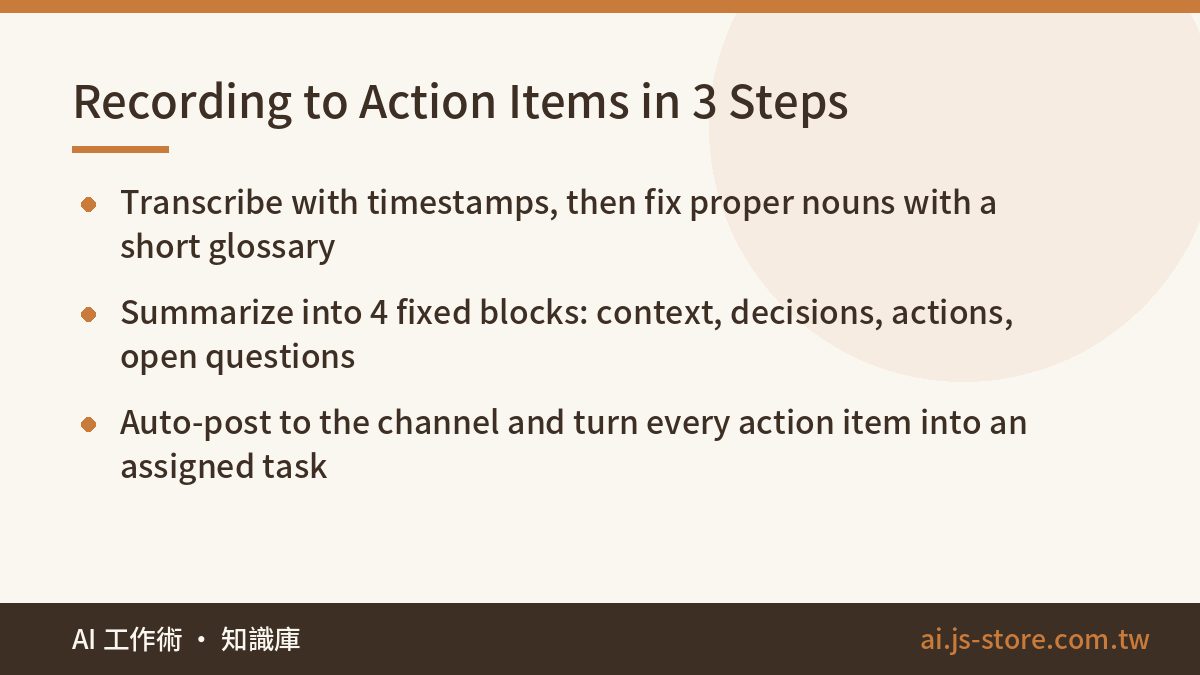
Here is the full flow, end to end. It looks simple because it is. The hard part is not building it, it is resisting the urge to skip step three.
- Record and transcribe. The audio file goes to a speech recognition model. We use Whisper, which is the same engine underneath ShooWork Clip, so we already had it running in production before we pointed it at meetings. It returns a transcript with timestamps. Mixed-language meetings, where people switch languages mid-sentence, come through fine in our testing. Proper nouns do not. Product names, customer names, and internal project code names get mangled in predictable ways, so build a short glossary and run a correction pass over the transcript before it reaches the summarizer. Ours is about 80 terms and it catches most of the embarrassing errors.
- Structured summary. The transcript goes to an LLM, but not with a one-line 'summarize this' prompt. That gets you a paragraph of prose nobody reads twice. Our prompt demands four labeled blocks, every time, in the same order: Context (what was discussed and where each side stood), Decisions (what was actually settled), Action items (who, what, by when), and Open questions (things that did not reach a conclusion and need to come back next time). A fixed format matters more than it sounds. When the shape never changes, people learn to scan it in ten seconds, and then they start reading it.
- Distribute and track. The summary posts automatically to the channel or project space for that meeting, and each action item becomes a task in the tool the team already uses, assigned to the right person with a due date. This is the step people skip most often, and it is the one that makes the difference. Without it, an AI meeting summary is just one more document nobody opens.
Total human effort per meeting after setup is about two minutes, which we get to below. Wall-clock time from the end of the meeting to posted notes is usually under fifteen minutes for a one-hour recording.
Quality Comes From Three Things, Not the Model
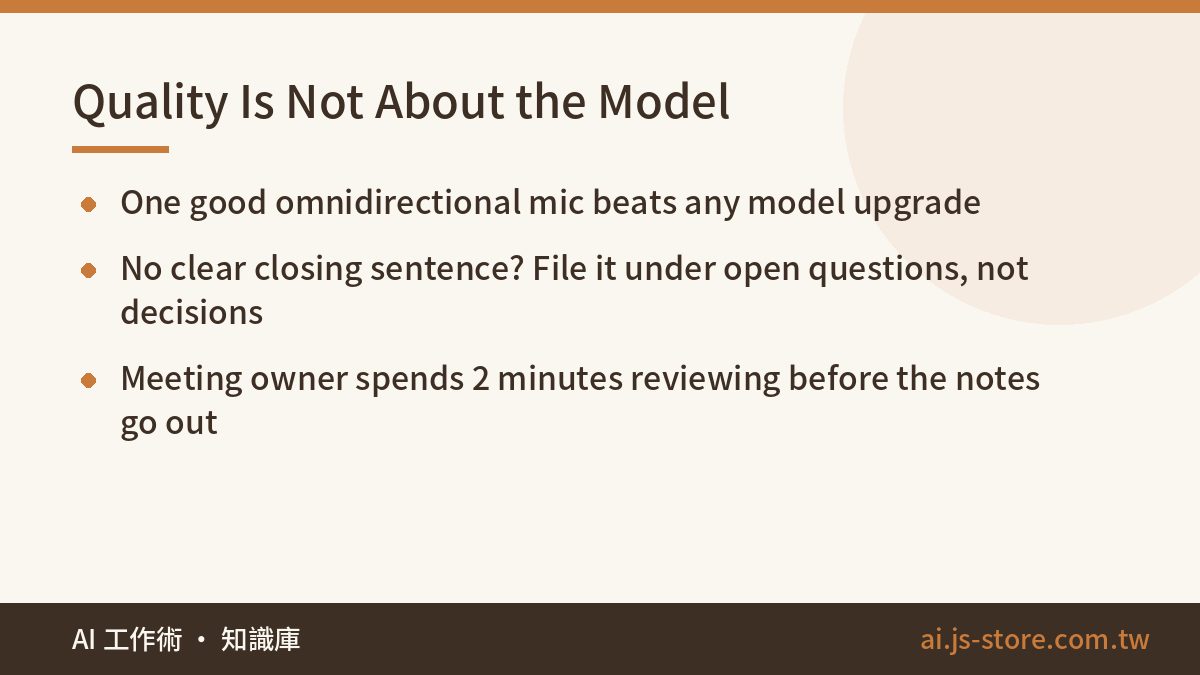
When people ask us why their meeting summaries are bad, they almost always assume they need a bigger model. In our experience the model is rarely the bottleneck. These three things are.
First, audio quality sets the ceiling on everything. One decent omnidirectional microphone in the middle of the conference room does more for your transcripts than any model upgrade we have tried. If you are on a video call, record the system audio track directly rather than pointing a phone at a speaker. A room with heavy echo, or four people talking over each other, will defeat the best speech model on the market. Fix the input before you touch anything downstream.
Second, keep decisions and discussion apart. The single most common failure we have seen in LLM meeting summaries is turning 'someone proposed X' into 'the team decided X'. That is not a small error. A wrongly recorded decision gets acted on. Our prompt is explicit: if there is no clear sentence where someone closes the question, the item goes under open questions, not decisions. We would rather miss a real decision than invent one. Missing one costs a follow-up message. Inventing one can cost a week of work in the wrong direction.
Third, a human reads it before it ships. Our rule is that the meeting owner spends two minutes scanning the draft and fixing anything wrong before it is posted. Two minutes sounds like a rounding error, and it is, but it buys the thing that makes the whole system work: the team believes the notes. The moment people discover that the notes can be wrong and nobody is checking, they stop reading them, and you are back to the folder of recordings nobody plays.
What AI meeting notes actually save is not typing time. It is the rework caused by five people carrying five different versions of what was agreed. That was the real cost of having no notes, and it never showed up on a timesheet.
Two Things to Settle Before You Roll It Out
Get consent, and decide where the data goes. For internal meetings, set a simple habit: the invite or the first thirty seconds states that the meeting is recorded and auto-summarized. For anything involving a customer, ask in advance, every time. Then answer the boring questions before you turn it on: which service receives the audio and transcript, how long they are retained, and who can search them. This is not legal being difficult. These questions will get asked eventually, and answering them after a customer complains is far more expensive than answering them on day one. Our AI security basics piece walks through the five questions to ask before any AI rollout.
Do not record every meeting. This one surprised us. Auto-summarizing the daily standup or a casual brainstorm does not save time, it creates reading debt. Nobody wants a four-block summary of a chat about lunch. We only turn the pipeline on for three kinds of meetings: meetings where a decision gets made, meetings with a customer, and meetings that cross team boundaries. The tool exists to remove a burden. Watch that it does not become a new one.
The Side Effect Nobody Planned For
Once the summaries were reliable, something unexpected happened: they became the most searchable record of how the company thinks. Six months of decisions and open questions, all in the same format, turned out to be a better onboarding document than anything we had written on purpose. New hires now read the last two months of notes for their team in their first week and arrive at their first meeting already knowing what was tried and rejected.
That is the second reason the fixed four-block format matters. Structured output is easy to feed into other systems. We push decisions into our internal knowledge base, following the pattern in our AI knowledge base article. If you want to see where meeting notes sit in our wider day-to-day, how we actually use AI at work covers the full routine.
Build It Yourself or Use an Off-the-Shelf Tool?
If all you need is a summary at the end of a call, the commercial meeting assistants are good enough. Use one. Do not build a pipeline to solve a problem a subscription already solves, and check the official pricing page rather than trusting a number you read somewhere.
Building your own makes sense when you want the output to flow into your own systems: action items that open tasks automatically, customer interviews that file themselves into the CRM against the right account, decisions that update the project document without anyone copying and pasting. At that point you are no longer buying a note-taker. You are building process automation, and it is one of the most common custom projects we take on alongside the ShooWork tools.
The honest advice is to start with one meeting. Run it through a commercial tool, or a thirty-line script if you are technical. Within a week you will know which camp you are in. If people are reading the summary and closing the action items, stop there. If you keep copying items out of the summary into three other tools by hand, that is your signal to build the integration.
FAQ
Q: How accurate are AI meeting transcripts?
With a good microphone and one speaker at a time, accuracy is high enough that most remaining errors are proper nouns. With echo or crosstalk, accuracy drops sharply and no model fixes it. Invest in the audio first, then add a glossary of your product and people names for a correction pass.
Q: Can AI meeting notes replace a human note-taker completely?
Almost. The pipeline handles transcription, structuring, and distribution. What we keep is a two-minute review by the meeting owner before the notes are posted. That review is what makes the team trust the output, and dropping it is the fastest way to have nobody read the notes.
Q: Do I need to tell people the meeting is being recorded?
Yes. For internal meetings, make it a standing notice on the invite. For customer meetings, ask before you start, every time. Also decide up front which service stores the audio, how long it is kept, and who can search it.
Q: Which meetings should I auto-summarize?
Meetings where a decision is made, meetings with customers, and meetings that cross team boundaries. Skip standups and casual discussions. Summarizing everything creates reading debt instead of saving time.
Q: Should I build my own meeting notes pipeline or buy a tool?
Buy if you only need a summary. Build if you want action items to become tasks, interviews to file into your CRM, or decisions to update project docs automatically. Start with one meeting on a commercial tool and let the friction tell you which you need.