AI Social Media Management: A Solo Marketer's Weekly Workflow
Published 2026-11-07 · Updated 2026-11-07 · 8 min read · ShooWork (FREECO CO., LTD.)
Running social media alone? Batch topics, drafts, scheduling and a monthly review with AI and cut five posts a week from 10 hours to about 3.
AI saves you real time on social media only when you turn four jobs into a fixed routine: picking topics, writing first drafts, adapting one post for each platform, and reviewing the numbers. Asking ChatGPT for a fresh post idea every morning barely helps.
If you're the only person running a Facebook Page, Instagram and Threads, plus DMs and graphics, the hardest question of the day is "what do I post today?" With this workflow, five posts a week that used to take 8 to 10 scattered hours fit into two focused blocks of about 3 hours total. AI brainstorms, sorts, rewrites and does the math. You decide what's worth publishing and do the final edit.
The quick version: topic research and monthly reviews give you the best return from AI. Drafting works as long as it stays a first draft. Scheduling just needs a normal tool. And don't fully automate replies or complaint handling. Every stage below comes with prompts you can copy.
Two work sessions a week: the whole workflow
The usual failure looks like this: open ChatGPT every day, type "write me a post about...", publish. Every result sounds alike, and followers notice within one line.
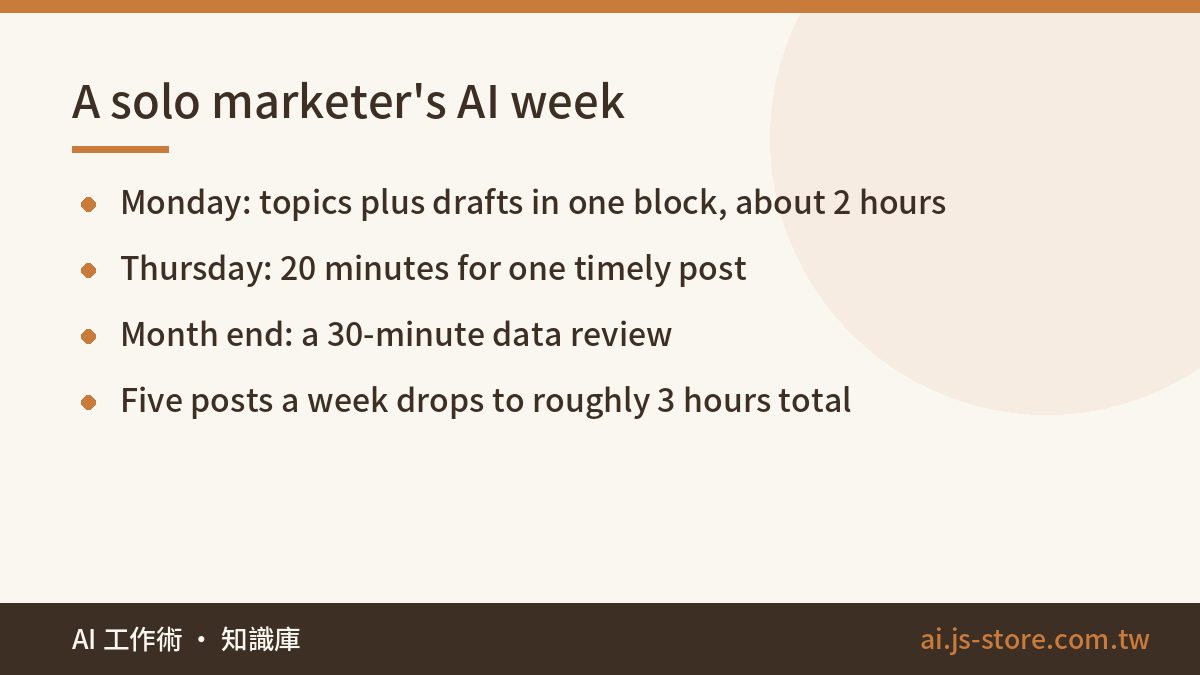
Batching fixes that. Topics and drafts together on Monday, one timely post on Thursday, a review at month end.
| Stage | How often | AI handles | You handle | Time |
|---|---|---|---|---|
| Topics | Weekly | Sorting comments, brainstorming angles, mapping to pillars | Picking 5 to 7 topics | 30 min |
| Drafting | Weekly | First drafts, platform versions, headline variants | Adding real examples, cutting filler, final copy | 90 min |
| Scheduling | Weekly | Suggested posting times (a hint only) | Loading the scheduler, checking images and copy | 20 min |
| Timely post | Weekly | Quick angles on a current topic | Deciding whether to join in at all | 20 min |
| Review | Monthly | Sorting data, spotting patterns, proposing hypotheses | Choosing what changes next month | 30 min |
The column that matters is "You handle". However fast AI writes, only you can tell whether a topic is worth doing or whether it steps on a brand landmine. In our own runs, roughly 3 in 10 AI drafts get thrown out entirely. The time you save comes from never facing a blank page. You still do the writing that counts.
Topics: the raw material is already in your own account
Ask AI for "30 post ideas" and you get the generic list every marketing blog published years ago. The usable ideas live in your own account: comments, questions that keep showing up in DMs, support tickets, last month's three best posts. Feed AI that material and it finally has something to dig into.
First, set 3 or 4 content pillars, say how-to tips, behind the scenes, customer stories and product news, and give each a target share. Keep promotional posts under roughly 20%. Push past that and reach usually drops, and followers start to feel like they're reading a flyer.
- "Here are 40 comments and 15 DM questions from my page over the past month. Group them into the 5 problems my followers get stuck on most. For each, give me 2 post angles and tag the content pillar it fits."
- "These are my three highest-engagement posts from last month. What do their openings and topics have in common? Using the same logic, suggest 8 new topics."
- "Score these 10 topics from 1 to 5 on two questions: would a follower save this, and would they send it to a friend? Explain each score."
The third prompt is the keeper. AI as a first-round judge beats AI as an idea machine. Take the scores lightly and read the reasons, which often catch a topic that's far too broad or one that repeats last week's post.
Drafting: build a voice card, then adapt one post per platform
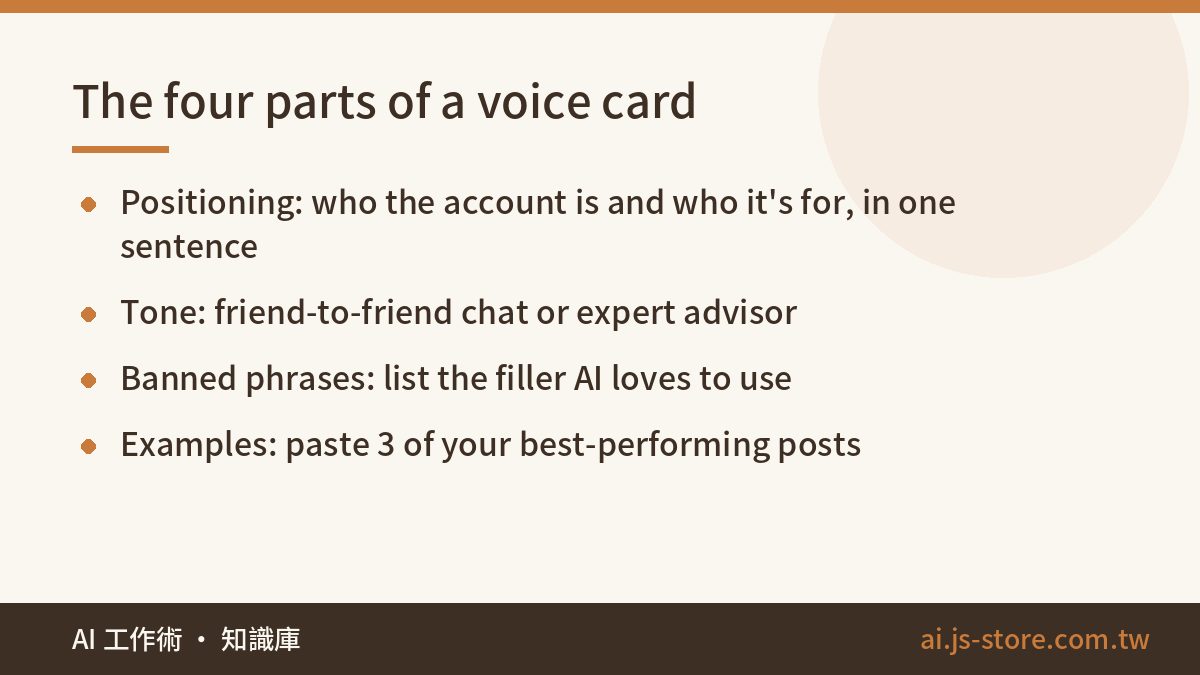
AI posts read like AI because you never gave it a voice to match. Build a voice card and paste it at the top of every drafting prompt. It has four parts:
- Positioning: one sentence on who this account is and who it's for.
- Tone: for example, "like talking to a friend, a bit of sarcasm is fine, skip the formal politeness."
- Banned phrases: the filler AI loves. Openers about the world changing faster than ever, invitations to "join us on this journey", anything with "don't miss out".
- Examples: the full text of 3 of your own best-performing posts.
Examples do most of the work. Three real posts beat ten adjectives.
With the card ready, write once and reuse. Draft one complete main post, then have AI adapt it for each platform.
| Platform | What to change | Common mistake |
|---|---|---|
| Facebook Page | Conclusion in the first two lines, long is fine | A slow intro, so the point hides behind "See more" |
| The carousel carries the message, caption supports, few hashtags | Pasting the whole long post into the caption | |
| Threads | One idea per post, casual, end with a question | Pasting the Facebook version, which reads like an announcement |
| Short video | Spoken script with a hook in the first 3 seconds | Reading the article aloud with no visual rhythm |
Short video scripts are their own craft, covered in AI Short Video Script: Hook Formulas to a Shoot-Ready Shot List. If you already have livestreams or long videos, run them through ShooWork Clip to cut candidate clips, then pick the keepers by hand. That's the most common use of our editing engine: one 30-minute video becomes 5 to 8 shorts, and the week's video slot is covered. For graphics that need background removal, we tested free and paid options in AI Photo Editing & Background Removal.
Some posts shouldn't start with AI at all: behind-the-scenes moments, founder opinions, real customer stories. Their value is that only you know them. AI can tidy and polish, but it can't invent an experience that never happened, and when it tries, the post reads hollow.
Before you publish, read the whole post out loud. Any sentence that trips you up or doesn't sound like you, delete it. AI can't do this step for you.
Schedule with ordinary tools, and keep these jobs away from AI
Scheduling barely needs AI. You want a dependable tool and one Monday sitting where the whole week goes in. Plans and free tiers change often, so check each tool's official pricing page.
| Type | Examples | Good for | Watch out |
|---|---|---|---|
| Native | Meta Business Suite | Mostly Facebook and Instagram | Free and stable, but Meta apps only |
| Cross-platform | Buffer, Later, Hootsuite | Three or more platforms | Free tiers cap accounts and queued posts |
| Spreadsheet plus manual posting | A Google Sheets content calendar | Starting out, 3 posts a week or fewer | You have to remember, so gaps creep in |
Start with the native tool. Don't buy a full social media suite in week one, because you don't know yet whether you'll keep this going for three months. Keep the calendar in a spreadsheet with columns for date, platform, pillar, topic, status and link. At month end, export it and hand it to AI.
Four jobs to keep away from AI:
- Auto-replying to comments. Canned replies are obvious, and a wrong one gets screenshotted. Have AI draft 3 options, pick one, edit it.
- Complaints and negative reviews. Handle these yourself. AI can lay out the facts and flag a tone that's too sharp.
- News and sensitive topics. AI doesn't know what happened this morning or how your audience feels about it. Jumping on the wrong trend hurts more than sitting it out.
- Numbers and promises. Prices, deadlines, giveaway details. Check each against the source, because AI sometimes changes a number while rewriting a sentence.
A 30-minute monthly review: AI reads the data, you make the call
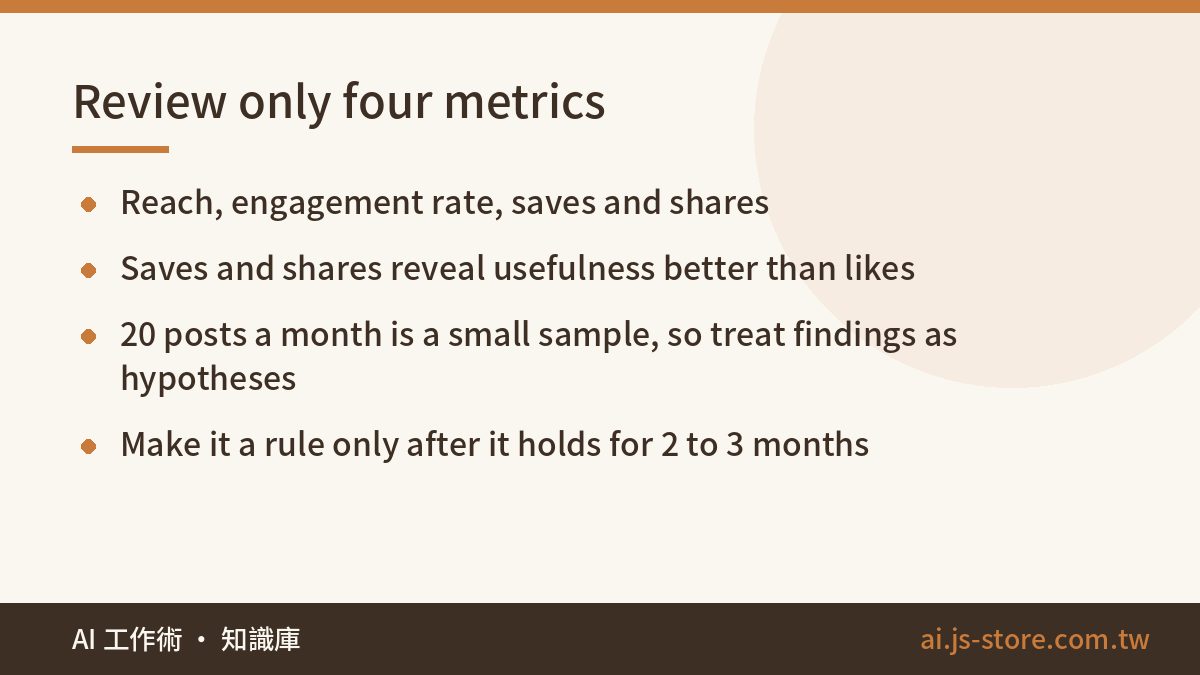
Most solo marketers skip reviews because the analytics dashboard shows fifty numbers and no obvious starting point. Sorting that mess is exactly what AI is good at. Export your post data, attach the content calendar, and look at four metrics only: reach, engagement rate, saves and shares. Likes tell you the least. Saves and shares show whether a post was actually useful.
- "Here is data for my 20 posts this month, with pillar tags. Sort by engagement rate and find what the top five and bottom five each have in common: topic, opening, posting time, whether there was a graphic."
- "Based on that, give me 3 hypotheses to test next month. For each, say how to test it, which metric to watch and what counts as success."
- "Compare my actual posting mix across pillars with my target mix. How far off am I?"
Twenty posts is a tiny sample, and the pattern AI finds may be pure coincidence. That's why the second prompt asks for hypotheses. Test them next month, and only treat something as a rule once it holds for two or three months running.
We learned this on our own platform's social accounts. One month, weekend posts looked like clear winners. The next month the effect was gone. Looking back, a single post had been reshared by a big account and skewed the whole picture.
If organic reach stalls and you want to put money behind your best posts, see how ShooWork Ads automates creative testing and budget allocation. Get the order right, though. Make content people save and share first, then pay to amplify it. Do it backwards and you're mostly burning budget.
FAQ
Q: Will platforms cut my reach if AI writes my posts?
Going by what the major platforms have said publicly, ranking leans on content quality and engagement, not on detecting who wrote the post. What loses reach is samey content nobody responds to. A voice card, real examples and your own editing pass shrink that risk a lot.
Q: How many posts a week does a solo marketer need?
Consistency beats volume. Start with 3 posts at fixed times, hold that for three months, then add more. With the batch workflow, 5 a week is a load one person can sustain.
Q: Is the free version of ChatGPT enough?
For topics, rewrites and light reviews, mostly yes. If you paste in hundreds of comments or a full analytics export, a paid plan's longer context and file analysis make it much smoother. Use the free version for a month, then decide.