AI Short Video Script: Hook Formulas to a Shoot-Ready Shot List
Published 2026-11-05 · Updated 2026-11-05 · 8 min read · ShooWork (FREECO CO., LTD.)
Write short video scripts with AI in three passes: 7 hook formulas, a spoken-language rewrite, and a shoot-ready shot list. Prompts included.
If you want AI to write a short video script you can actually shoot, don't ask it to “write me a video script.” You'll get a mini essay. Do it in three passes. First, have it generate a dozen or more hooks from proven formulas, and you pick one. Second, rewrite the body into spoken language, one short sentence per line. Third, have it output a shot list with the timing, visual, on-screen text and voiceover for every shot. What you end up with is something you can film today, not a draft you'll rewrite three times.
When people say AI scripts sound fake, the cause is almost always one of two things. The opening gives viewers no reason to stay past the first three seconds, or the sentences are written to be read, not heard. Below are the exact prompt templates, hook formulas and shot list format we use day to day. Copy them and go.
The short version: AI handles volume and structure. You handle selection and voice. Ask for 10+ hooks and three versions of the body, then just pick. That's much faster than starting from a blank page, and the results are far more consistent than one giant prompt.
Start With Length, Then Set a Word Budget
Decide how long the video is before you write a word, because length sets your word count. Conversational English runs about 150 to 170 words per minute, so roughly 2.5 to 3 words per second. Fast talkers go past 3. Here's the budget we work from:
| Length | Voiceover words | Structure | Best for |
|---|---|---|---|
| 15 sec | 35–45 | 3-sec hook + 1 point + 2-sec close | A single tip, a contrast, a joke |
| 30 sec | 70–85 | 3-sec hook + 2–3 points + CTA | Quick lists, product highlights |
| 60 sec | 140–165 | 3–5 sec hook + 3–5 points + CTA | Step-by-step how-tos, opinions, stories |
| 90+ sec | 220+ | Needs a second attention reset mid-video | Deep explainers; completion rate gets hard to hold |
Put that number straight into your prompt, like “30 seconds, voiceover under 80 words.” Without a word cap, AI will almost always write too much. We regularly see 30-second requests come back at 150+ words, which takes close to a minute to read aloud. Then you either talk like an auctioneer or cut half the script in the edit.
A short video script has only three parts. The hook keeps people watching. The body delivers the value. The close is a call to action (CTA) that asks viewers to do one thing: comment, save, follow or tap a link. Just one thing. AI is strongest at the body and weakest at the hook, so the hook gets a pass of its own.
7 Hook Formulas That Get AI to Hand You a Dozen Openers
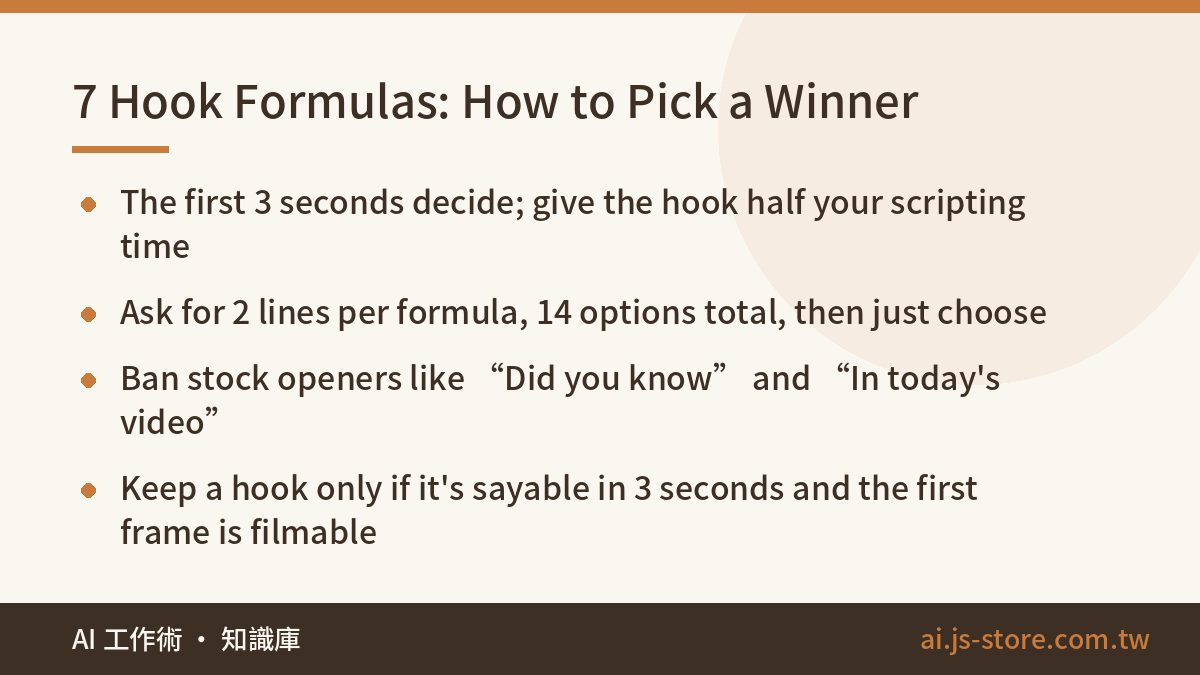
The hook is the first line plus the first frame. That's when viewers decide to stay or swipe, so it deserves about half the time you spend on the whole script. Our process is to feed AI the formulas, have it write a couple of lines for each one, and let a human pick.
| Formula | Structure | Example (topic: writing short video scripts with AI) |
|---|---|---|
| Contrarian | “Everyone thinks X. It's actually Y.” | “AI scripts sound fake? It's not the AI. It's your prompt.” |
| Result first | Show the outcome, then the method | “I wrote this video's script in five minutes.” |
| Name the pain | Say the viewer's problem out loud | “Always stuck on the first line when you hit record?” |
| Numbered list | “N ways to…” | “Three prompts that get AI to write a script you can shoot.” |
| Warning | “Stop doing…” | “Stop asking AI to ‘write me a script.’” |
| Call out the audience | Name a specific group | “If you sell online, watch this one to the end.” |
| Open loop | Ask a question, delay the answer | “Why do some videos hook you in three seconds flat?” |
Here's the prompt:
You are a short-form video scriptwriter. Topic: “___”. Target viewer: “___”. Write 2 opening lines for each of these 7 hook formulas: contrarian, result first, name the pain, numbered list, warning, call out the audience, open loop. Keep each line under 12 words and conversational. Do not open with “Did you know”, “Hey guys”, “In today's video” or “Let's talk about”.
That ban list at the end matters more than it looks. Left alone, AI defaults to “Did you know…?” or “In today's video I'm going to share…” In a short-form feed, that opening tells people to swipe. When you pick, use two tests. Can you say it in under three seconds? Can you actually film the first frame? A clever line with no visual behind it won't work.
One more rule: the content has to deliver what the hook promised. Clickbait openers can bump early retention, but viewers who feel tricked say so in the comments and drop off before the end. Over time it costs you more than it earns.
Rewrite for the Ear, Not the Eye
The body AI writes is usually accurate, but read aloud it sounds like a press release. That's because most of what it learned from is written text: long sentences, transition words, tidy parallel structure. Spoken scripts need the opposite.
Give AI explicit rules. That works much better than “make it more casual.”
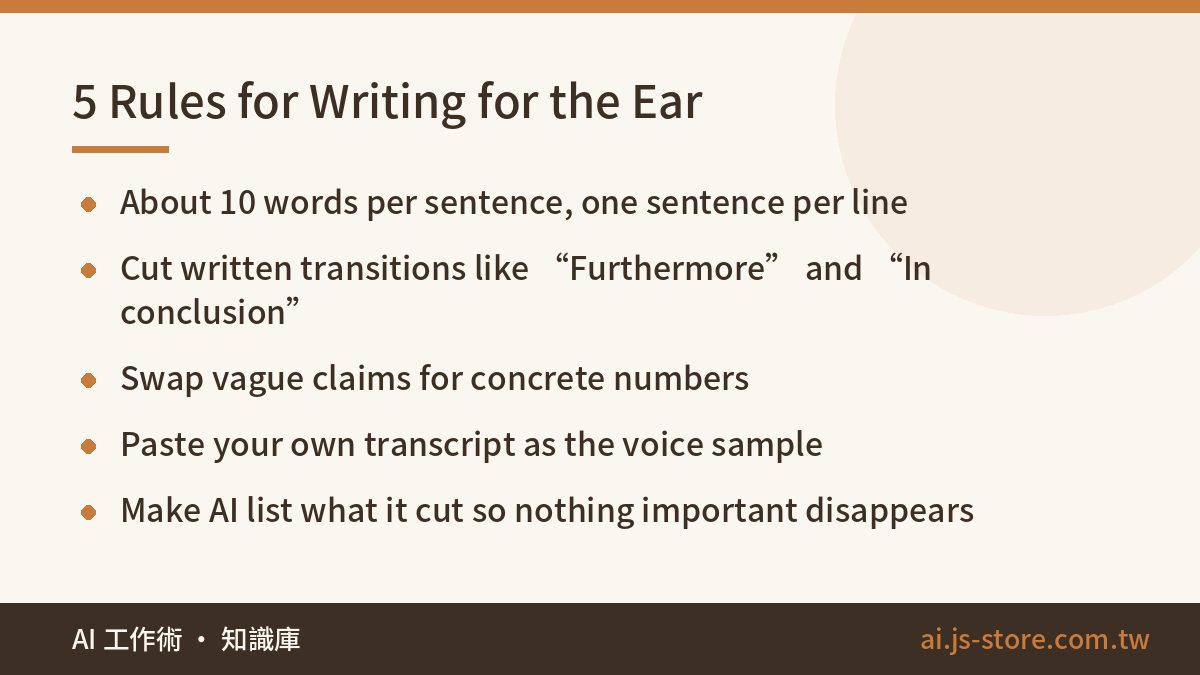
- Keep sentences to about 10 words. Split long ones, and put one sentence per line so it's easy to read off a teleprompter.
- Kill written transitions. Drop “Furthermore,” “Additionally,” “In conclusion” and “It's worth noting that.” Use “So,” “And” or “Here's the thing” instead.
- Talk to “you.” Not “users,” “everyone” or “viewers.”
- Make numbers concrete. “Dramatically improves efficiency” becomes “two hours down to twenty minutes.”
- Use your own phrases. Paste 3–5 lines of how you actually talk as a reference.
That last rule is what makes a script sound like you. If you have past videos or livestreams, run them through an AI transcription tool, pick the stretch where you sound most natural, and tell the AI to “match the tone and sentence length of this sample.” A real sample works better than any description of your style.
The rewrite prompt:
Rewrite the text below as a short-form voiceover script. Rules: max 10 words per sentence, one sentence per line, no written transitions, address the viewer as “you”, 80 words maximum. Match the tone of this transcript of how I normally talk: (paste). After rewriting, list every piece of information you removed so I can check nothing important was cut.
We added “list what you removed” after it bit us. When AI trims to hit a word count, it often cuts the one number or condition that made the point true and keeps the nice-sounding filler. Having it list the cuts means you don't have to compare the two versions line by line.
Then read it out loud and time yourself. Wherever you stumble is where the script needs work. AI can't do this step for you.
Turn the Script Into a Shot List With One Prompt
Once the script is final, have AI convert it into a shot list. The shot list gives both the shoot and the edit something to follow: what's on screen each second, what the on-screen text says, where you need B-roll. You won't miss shots while filming, and the edit won't turn into guesswork.
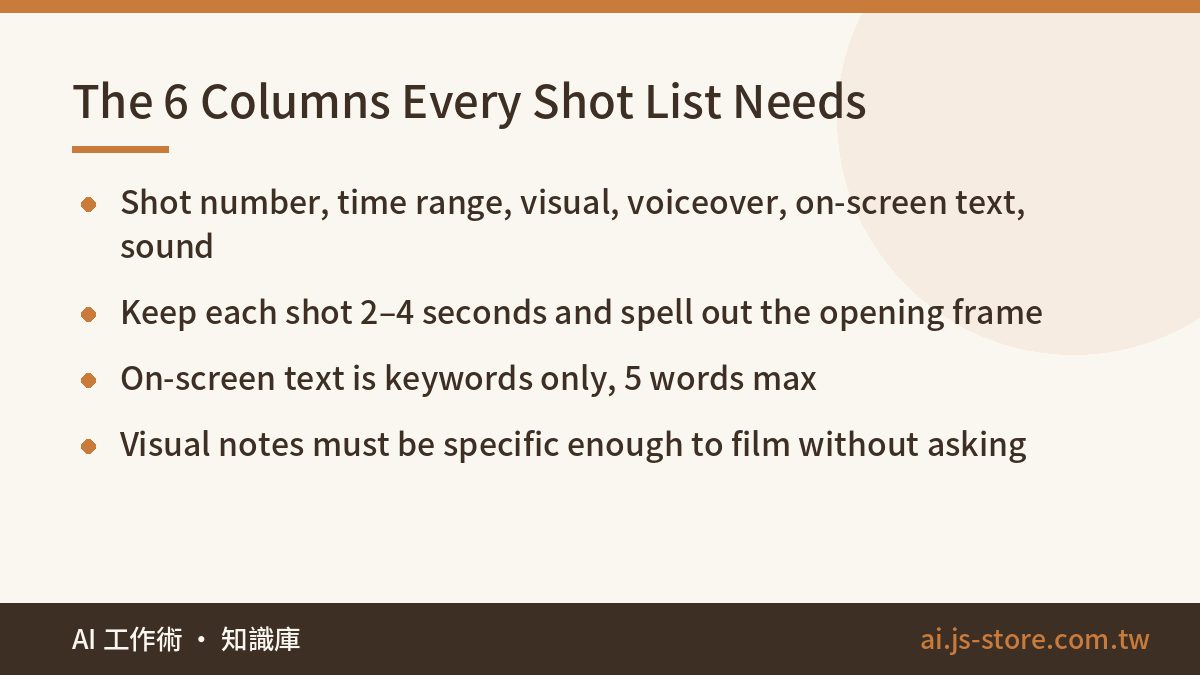
Convert this final script into a shot list table with these columns: shot number, time range, visual description, voiceover, on-screen text, sound or transition. Rules: each shot is 2–4 seconds. For shot 1, describe the exact opening frame. On-screen text is keywords only, max 5 words. Visual descriptions must be specific enough to film directly (e.g., “close-up of phone screen, scrolling through an AI chat”).
Here's roughly what comes back, using the first four shots of a 30-second script:
| Shot | Time | Visual | Voiceover | On-screen text |
|---|---|---|---|---|
| 1 | 0–3s | Face close-up, holding phone toward camera | Stop asking AI to write your script. | Stop doing this |
| 2 | 3–6s | Screen recording: typing “write me a script,” a wall of text appears | You'll get an essay. Not a script. | Essay ≠ script |
| 3 | 6–10s | Screen recording: pasting the hook formula prompt | First, make it write hooks from seven formulas. | Step 1: hooks |
| 4 | 10–14s | Cut to a list of 14 hooks, one circled in red | Then you just pick one. | Just pick |
Paste the table into a spreadsheet or notes app and it becomes your shooting checklist. If a shot needs a reference sketch or a thumbnail idea, mock it up quickly so whoever is filming knows exactly what you mean.
We noticed something while building the auto-editing engine behind ShooWork Clip: footage shot from a shot list takes noticeably less time to edit than footage shot without one. The captions and cut points are already decided, so editing means following the plan, not figuring it out as you go. If you shoot and edit your own videos, you'll notice this difference the most.
The Full Workflow, Plus 3 Things Not to Do
- Pick the topic and the viewer. One video, one idea. Write down what someone gets from watching it.
- Set the length and word cap. Use the budget table above.
- Generate hooks. Two per formula, 14 total. Keep one or two.
- Write the body. Ask for three versions and keep the one with the clearest structure.
- Rewrite for speech. Apply the rules plus your transcript sample. Read it aloud and time it.
- Generate the shot list. Before you shoot, confirm every shot is actually filmable.
- Check the numbers after posting. Note which hook formulas held viewers longest and use them first next time.
Once you've run this a few times, a 30-second script goes from blank page to finished shot list in about 15 to 30 minutes. That's a lot faster than grinding it out alone. Here's what we'd tell you not to do:
- Don't do it all in one prompt. Ask for hook, body and shot list at once and every part comes out mediocre. You also can't easily fix one section without regenerating everything.
- Don't trust AI's trending topics or statistics. Models regularly make up recent trends and numbers. Any figure you say on camera needs a source you've checked yourself. Our guide to AI hallucination has a quick fact-check routine.
- Don't mass-produce from one template. Use the same hook formula ten videos in a row and your audience will tune it out. Rotate the formulas.
If you're making short video ads for a product, the logic is the same, with two changes. The hook needs to get to the product's benefit faster, and the CTA needs to be more explicit. If you'd rather hand off everything from creative to campaign management, take a look at ShooWork Ads.
FAQ
Q: Which AI tool is best for writing short video scripts?
Any mainstream chat AI can do this, and the gap between them is smaller than you'd think. What moves quality is whether your prompt includes a word cap, hook formulas and a voice sample. Pick the one you already use, save these prompts as templates and reuse them. That beats constantly switching tools.
Q: Will platforms reduce my reach if the script was written by AI?
There's no reliable evidence that platforms push videos down just because the script came from AI. Recommendations are driven mainly by viewer behavior: watch time, completion and engagement. If your video uses AI-generated visuals or voices, some platforms do have labeling rules, so check each platform's current policy.
Q: Should I read the script word for word or improvise from bullet points?
If you're new, read a full script off a teleprompter so you don't stumble or run long. Once you're comfortable, keep the hook and the close word for word and talk through the middle from key points. It sounds more natural that way. Either way, memorize your hook.
Q: Does this workflow work for faceless videos?
Yes. Just change the visual column in the shot list to screen recordings, stock or product footage, or text cards, and add “faceless, voiceover only” to your prompt. Faceless videos lean harder on on-screen text and pacing, so make that column more detailed.