AI Video Editing in 2026: Cut Talking-Head Edits to Minutes
Published 2026-09-27 · Updated 2026-10-13 · 8 min read · ShooWork (FREECO CO., LTD.)
A four-stage breakdown of talking-head video production with real time and cost math, three AI editing routes, and the parts that still need a human.
Do the arithmetic on one three-minute talking-head video. Script: 30 minutes. Recording: 30 minutes once you count the retakes. Editing: 90 to 150 minutes. Captions: 20 to 30 minutes. Export and format wrangling: another 10. That is three to four hours for one video, and more than half of it sits in the edit. Publish three a week and you have signed up for ten-plus hours of post-production, every week, forever.
That is the real reason most people quit short-form video after two weeks. It is almost never a content problem — they have plenty to say. What kills the habit is the pile of unedited footage on the desktop and the knowledge of exactly what it will cost to turn it into something publishable.
The good news: in 2026 every stage of that pipeline can be compressed, and one stage can disappear entirely. This guide splits talking-head production into four stages — record, edit, caption, export — and gives you the AI options, honest time and cost math, and the parts that still need a human for each one. Disclosure up front: we run our own AI tool platform, including a video editing engine (ShooWork Clip) and ads tooling, so the numbers below come off our own production line rather than a spec sheet. We will mention our own product where it belongs and nowhere else.
The four stages, and which one is actually eating your week
| Stage | Traditional time | With AI | Compression |
|---|---|---|---|
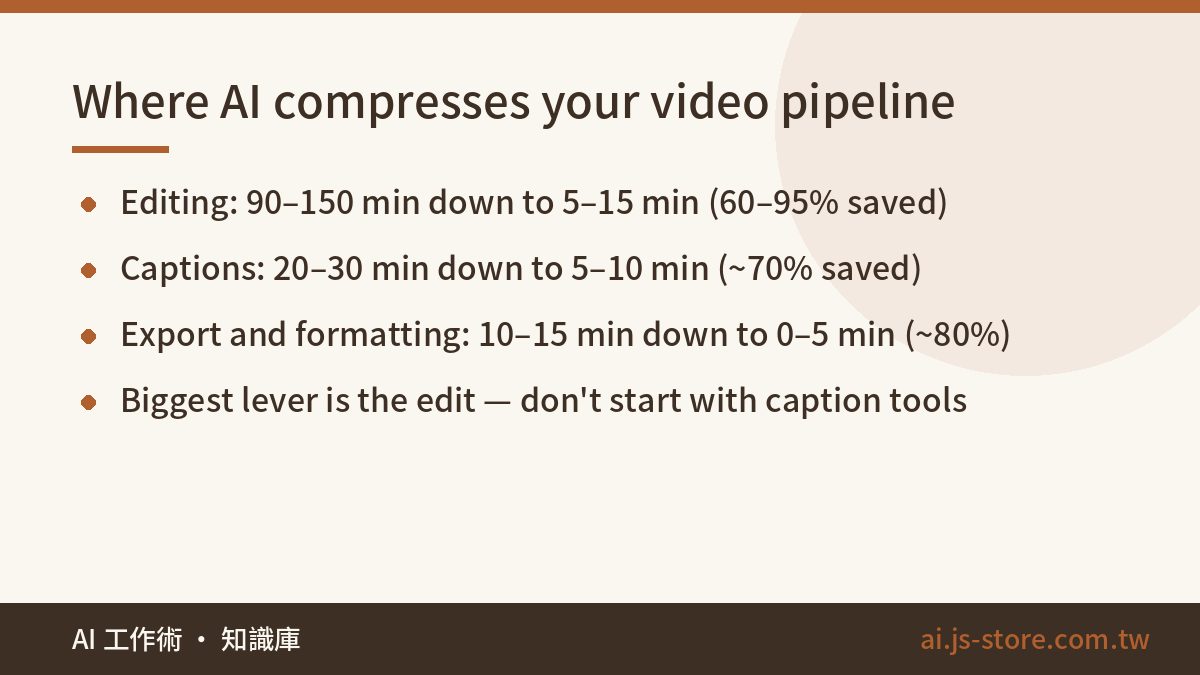
| ① Record (incl. script) | 60 min | 30–40 min (AI script draft + retake-tolerant recording) | ~40% |
| ② Edit (flubs, filler, pacing) | 90–150 min | 5–15 min (automated) or 40–60 min (text-based) | 60–95% |
| ③ Captions | 20–30 min line-by-line | 5–10 min (generate + spot-check) | ~70% |
| ④ Export & formatting | 10–15 min | 0–5 min (templated or bundled with the cut) | ~80% |
The leverage is obvious once it is laid out. Editing is the black hole, and it is also where AI returns the most. Yet most people start shopping in the caption category, because caption tools are the loudest, cheapest and most numerous thing in the market. Captions are worth doing well. But if you have five hours a week for video, fixing the edit is an order of magnitude better as your first decision.
Recording: make retakes cheap and everything downstream gets easier
AI in the recording stage is not about replacing you on camera. It lowers two specific costs.
The script draft. Talk your opinion into a voice memo, dump the mess into a language model, and ask for a spoken-word script: short sentences, no subheadings, no bullet points, the way a person actually talks. Then rewrite it in your own words. Rewrite is the operative word — audiences can hear a read-aloud model output within about eight seconds, and the giveaway is usually the tidy transitions and the lists of three.
The retake economy. This is the underrated shift. In a traditional pipeline every flub is expensive, because each one becomes another cut you have to hunt down and make. So you subconsciously chase the perfect single take, and you get tighter and worse as the session goes on. Once something downstream removes flubs automatically, the strategy inverts: stumble, pause a full beat, restate the sentence, keep rolling. Do not stop the camera. Do not review footage between sections. Thirty minutes of raw in one sitting. Your delivery improves because the pressure is gone, and that deliberate pause makes every flub trivially easy to find — for a model or for a human.
The cheapest upgrade to this stage is not a camera. It is a teleprompter app with your script in a large font, so your eyeline stays put.
Editing: three routes with very different time and price
There are three viable AI routes through the edit, and they suit completely different people.
Route A: text-based editing
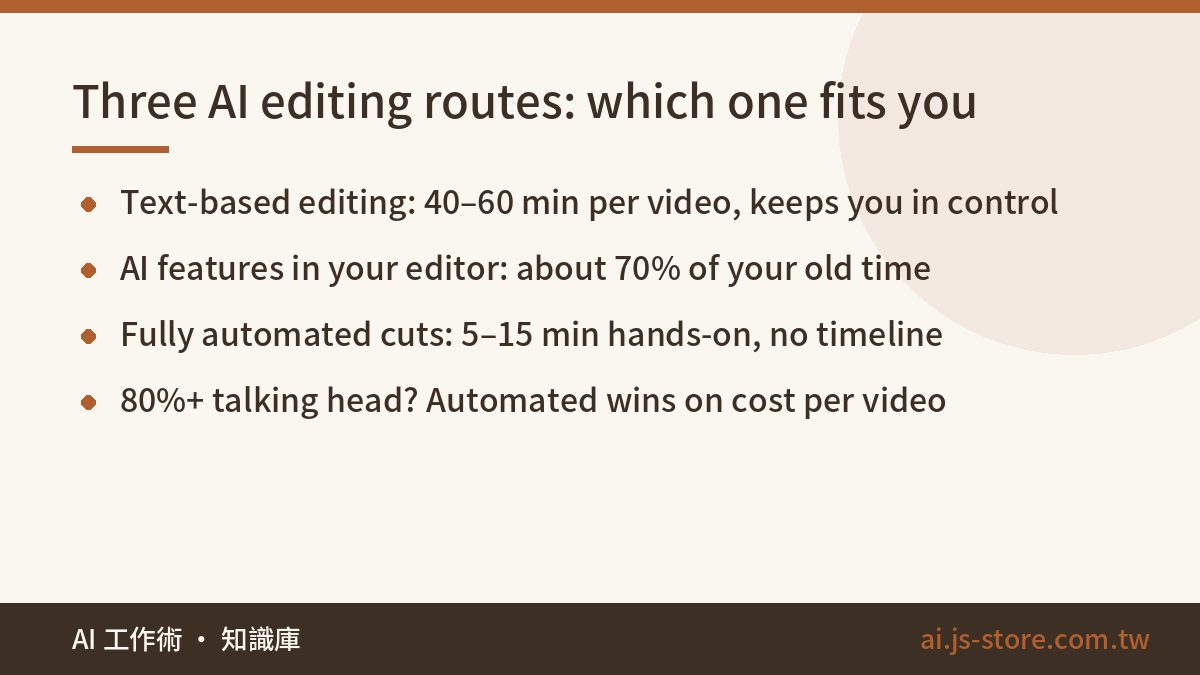
These tools transcribe your raw footage and let you delete video by deleting words in a transcript. The learning curve is close to zero, and it feels natural if you already know which of your sentences were waffle. Realistic hands-on time: 40 to 60 minutes per video. Cutting sentences is fast; what still costs you is pacing — listening back to judge pause length and spot where the energy sags. Pricing is usually a free tier plus a monthly plan, and terms in this category change often, so check the official pricing page of whatever you are considering. Best for: people who want editorial control but cannot stand a timeline.
Route B: AI features inside the editor you already use
Mainstream editors now ship silence detection, scene splitting, auto-reframe and auto-captions. The workflow itself does not change; each step just gets a bit faster, and the total lands at roughly 70% of your old time. Best for: professional editors, and any video where "what stays in" is a deeply subjective call — multicam, heavy B-roll, anything with a visual narrative. For that work a human still edits better than a model, and it is not close.
Route C: fully automated finished cuts
You upload raw footage — several files if you shot in chunks — and get back a finished vertical video. The engine finds and removes flubs, stumbles and filler words, picks the best of your repeated takes, speeds through the dead air, burns in captions and exports. Your actual work is upload, wait, watch it once. Hands-on time: 5 to 15 minutes. This is the category our own ShooWork Clip sits in; if you want the engineering detail, including what broke along the way, we wrote it up in how we built our clipping pipeline, and current rates live on the pricing page. The honest boundary: you do not get a timeline. Vlogs, narrative pieces and anything where the cut itself is the craft are not what this is for.
What each route actually costs
| Method | Hands-on per video | What you pay | Your time at $30/hr |
|---|---|---|---|
| DIY timeline edit | 90–150 min | Free to a modest editor subscription | $45–75 of hidden cost per video |
| Text-based editing | 40–60 min | Free tier + monthly plan | $20–30 per video, plus the subscription |
| Fully automated cut | 5–15 min | Per-video or bundled plan | $3–8 per video, plus the fee |
| Outsourced editor | 30 min briefing + revision rounds | Highest cash cost per video | Highest quality ceiling, slowest turnaround |
The conclusion is not "automated wins". It is "classify your own footage first". If 80% or more of what you publish is you talking to camera, Route C is very hard to beat on cost per published video. If pacing and visual language are your signature, keep Route B for flagship work and use A or C as the volume line.
Captions and export: the last mile
Automatic captions crossed the "good enough for everyday speech" line a while ago. What has not changed is where they break: proper nouns, people's names, and numbers. Those three are the error hot zone, and they are exactly the ones that make you look careless — a mangled price or a misspelled client name does far more damage than a missing comma. So the rule is simple: let AI generate, then spot-check those three categories before publishing. Do not ship uncorrected, and do not proofread word by word either.
Worth noting: if you took Route C above, captions are already burned into the finished cut and this entire stage vanishes. That is the structural difference between buying transcription minutes and buying finished videos — one hands you an asset to finish, the other hands you the thing you publish.
Three things matter on export:
- Vertical first. Shorts, Reels and TikTok are all 9:16. Forcing a horizontal video into a vertical frame crops your subject out of shot. If you have to convert horizontal footage, reframe it — do not letterbox with black bars. Auto-reframe in an editor, or the vertical output of an automated service, both handle this properly.
- Template your thumbnails and titles. Lock the layout, change only the text. That is not just speed, it is channel recognition — people should know a thumbnail is yours before they read a word of it.
- Automate publishing. Finished video, caption copy, hashtags and scheduled upload can be chained into a single run. We covered how to build that chain in our content pipeline write-up.
Three setups, depending on where you actually are
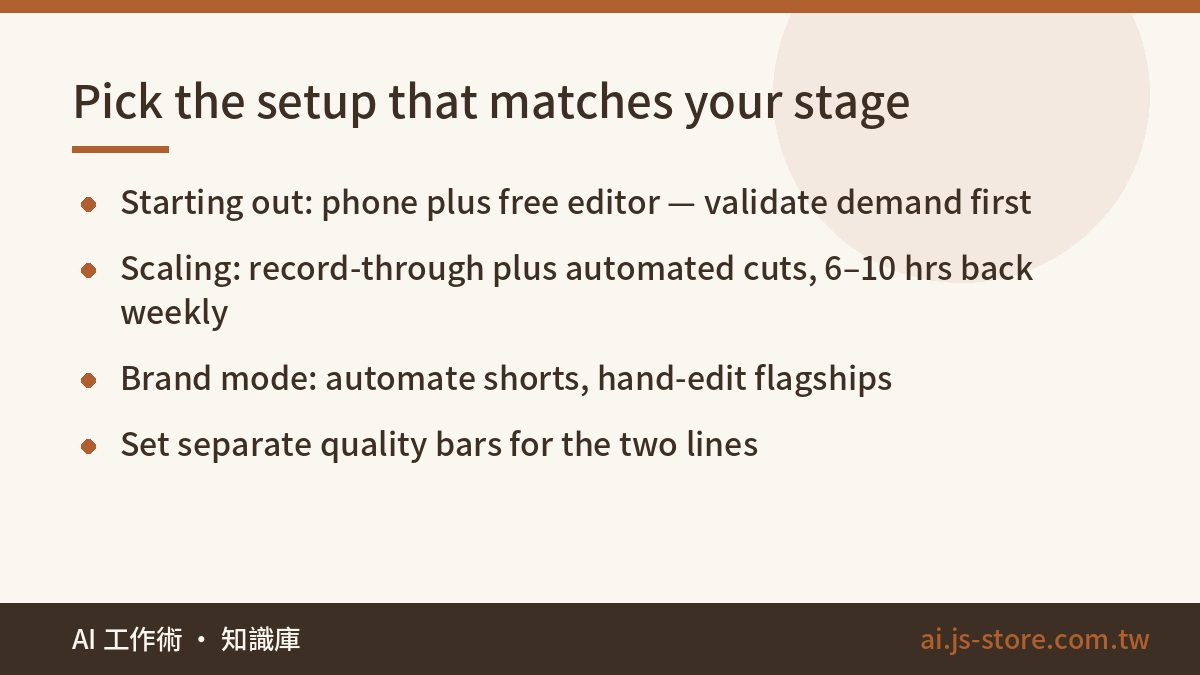
- Just starting (1–2 videos a week, near-zero budget). Phone camera, a free editor, built-in captions. Spend nothing. Your job right now is finding out whether anyone wants what you make; efficiency is a problem you have not earned yet. Just know the edit is where the habit dies — when you start dreading it, that is the signal to move up a tier, not a sign to stop.
- Scaling (3+ a week, mostly talking head). Switch to retake-tolerant record-through, hand the edit to an automated service, and test it on one or two real videos before committing to anything monthly. The 6 to 10 hours a week you get back should go into scripts and reading your numbers, not into more editing. At this stage publishing frequency is the only metric that matters.
- Brand mode (flagship long-form plus daily short-form). Run two lines. The short line is automated volume. The long line is edited by you or an outside editor with proper caption work. Crucially, set separate quality bars for the two. The most common failure here is applying flagship standards to the daily line, which quietly strangles the daily line.
FAQ
Q: How good is AI video editing right now — is it genuinely usable?
For talking-head content — tutorials, opinion pieces, explainers — it is at the publish-as-is level. Removing flubs, stripping filler words, burning captions and exporting vertical can all run without you. Narrative, vlog and multicam content still depends on subjective pacing judgement, and there AI can assist but a human should make the cuts.
Q: How long does editing one talking-head video take, and how much does AI save?
Typical post-production for a three-minute finished video — edit, captions, export — runs two to three hours. Text-based editing tools bring that under an hour. Fully automated services cut your hands-on time to 5–15 minutes, a 90%+ compression. At three videos a week that is roughly 30 to 40 hours back per month.
Q: What does AI video editing cost?
AI features inside a mainstream editor are usually included in the subscription you already pay. Text-based editors typically run a free tier plus a monthly plan. Fully automated services charge per video or by bundle — check the official pricing page in each case, since terms move. Compare on all-in cost per published video, not on the headline monthly number; a cheap subscription you spend an hour inside is not cheap.
Q: Are automatic captions accurate enough to publish without checking?
Accuracy on everyday conversational speech is high enough that full proofreading is a waste of your time. But proper nouns, personal names and numbers still fail regularly. Spot-check those three categories and you will catch most of what matters. Publishing with zero review is still not something we would recommend.
Q: Should I buy a caption tool or an AI editing tool first?
Look at where your time actually goes. If you have edited videos sitting around waiting for captions, buy a caption tool. If you have raw footage you cannot face editing — or you have stopped filming because of it — fix the edit first, and note that the tools which fix the edit usually deliver the captions too. For most talking-head creators the bottleneck is the second one; caption tools are just the more famous category.