How We Built an AI Video Clipping Pipeline (And What Broke)
Published 2026-09-25 · Updated 2026-10-14 · 7 min read · ShooWork (FREECO CO., LTD.)
The four stages of an AI video clipping pipeline — ASR, LLM segment picking, ffmpeg, captions — plus the three failures nobody warns you about.
Turning a one-hour interview, webinar, or livestream into three publishable vertical clips costs you most of a working day by hand: watch the whole thing, note timecodes, cut, reframe, caption, export, check. The task is high-frequency, the rules are describable in plain language, and it burns human hours doing nothing creative. That is the textbook profile of something worth automating, so we built an AI clipping engine ourselves. It now runs as a paid feature on our own platform.
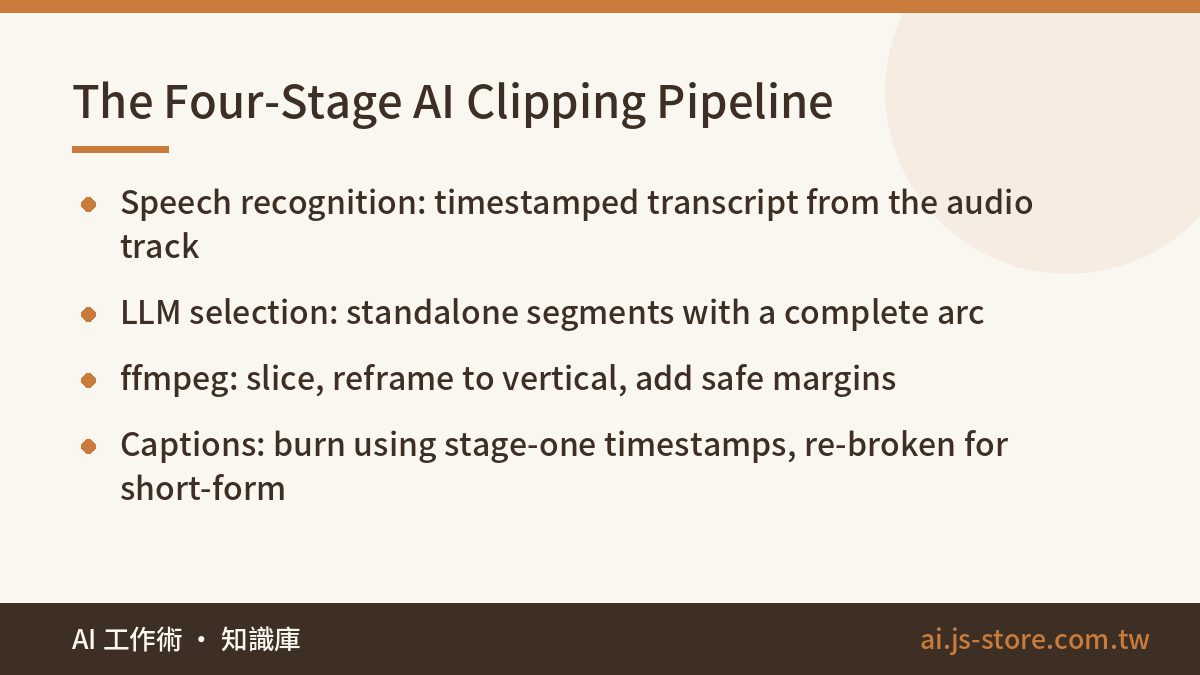
The architecture answer is short. Four stages: speech recognition to get a timestamped transcript, an LLM pass to choose which segments are worth cutting, ffmpeg to slice and reframe, and a caption burn that reuses the timestamps from stage one. You can sketch that on a napkin in thirty seconds. What took us months was everything the napkin hides — because each of those four stages has a failure mode that only shows up once real footage hits it.
So this is the write-up we wish had existed before we started. The pipeline as it actually runs, the three places it broke badly enough to force a redesign, and the parts we still deliberately leave to a human. We build, host, and pay the bills for this engine, so every complaint below is first-hand rather than borrowed from a docs page.
The four stages, end to end
Here is the whole flow. Each stage uses a completely different class of technology, which matters more than it sounds — it dictates how you deploy the thing later.
- Speech recognition. Demux the audio track, run it through a Whisper-class model, get back text with word- or phrase-level timestamps. This is the only stage where you are buying accuracy off the shelf.
- Segment selection. Hand the transcript to an LLM and ask it to identify passages that work as standalone clips — a complete arc, comprehensible without context, with something memorable in it. It returns time ranges plus a reason for each.
- Cut and compose. ffmpeg slices the source at those ranges, crops or pads to vertical, and adds safe margins so nothing important sits where a platform will stamp a UI element over it.
- Automatic captions. Burn subtitles using the stage-one timestamps, but re-break the lines for short-form reading rhythm rather than the model's original segmentation.
Reads cleanly. We fell over on stages one, two, and three.
Trap one: transcript timestamps are not edit points
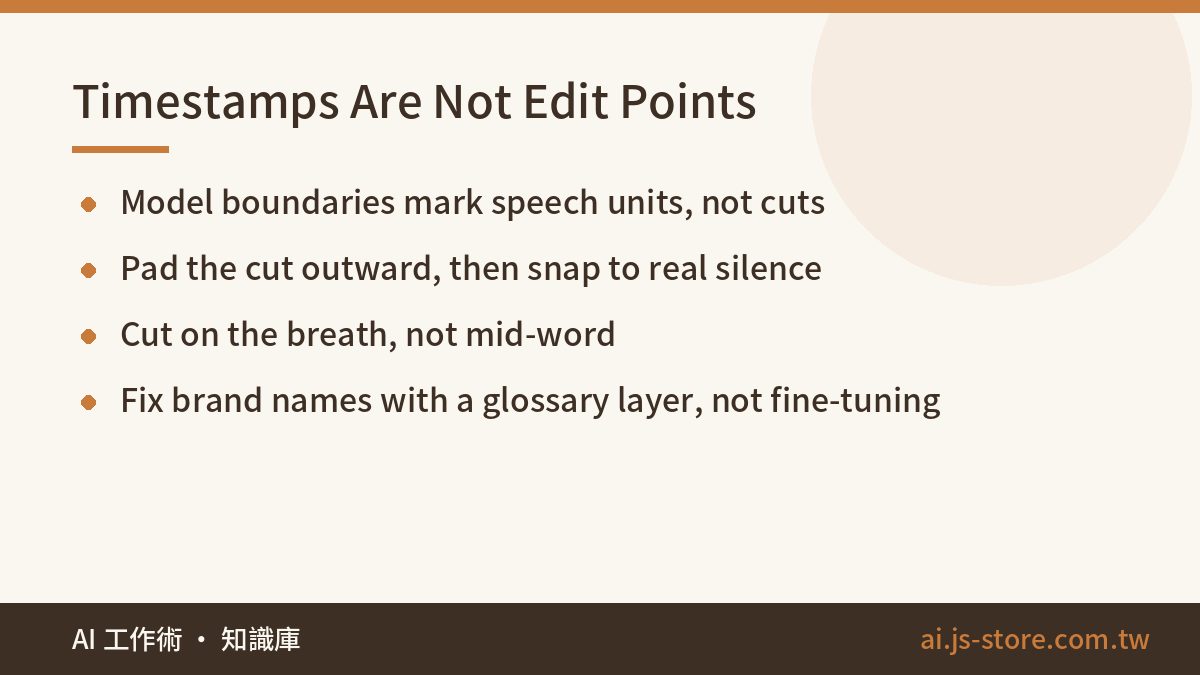
Whisper-class recognition quality is genuinely good. The problem is that its segment boundaries mark speech units, not cut points. Slice exactly on them and your clip opens by swallowing the tail of the previous sentence and closes by chopping someone off mid-breath. The content is right and the result still feels broken — that uncanny, machine-cut texture viewers bounce off in the first second.
Our fix has two parts. First, push each cut point outward by a small buffer instead of trusting the exact boundary. Second, scan the audio waveform near that padded point for an actual silence and snap the cut there. The edit then lands in the gap where the speaker breathes, which is where a human editor would have put it anyway. That one detail is most of the difference between output that looks automated and output that looks edited.
The other recurring headache is vocabulary. Real business content is full of brand names, product names, internal jargon, and speakers who switch languages mid-sentence. Recognition models mangle all of it, consistently and in the same way. Rather than fine-tuning, we let users supply a glossary and run a text-correction layer after recognition that swaps known misfires back to the right spelling. It costs a rounding error compared to training and it fixes the overwhelming majority of real complaints. Don't reach for a custom model until you've exhausted the cheap layer.
Trap two: the LLM's idea of a highlight is not a hook
Version one of our selection prompt said, in effect, pick the most interesting segments. What came back was the most informationally complete material: well-structured, balanced, thorough, and completely unwatchable as a thirty-second clip. Every candidate was the part of the talk you would quote in a summary and skip in a feed.
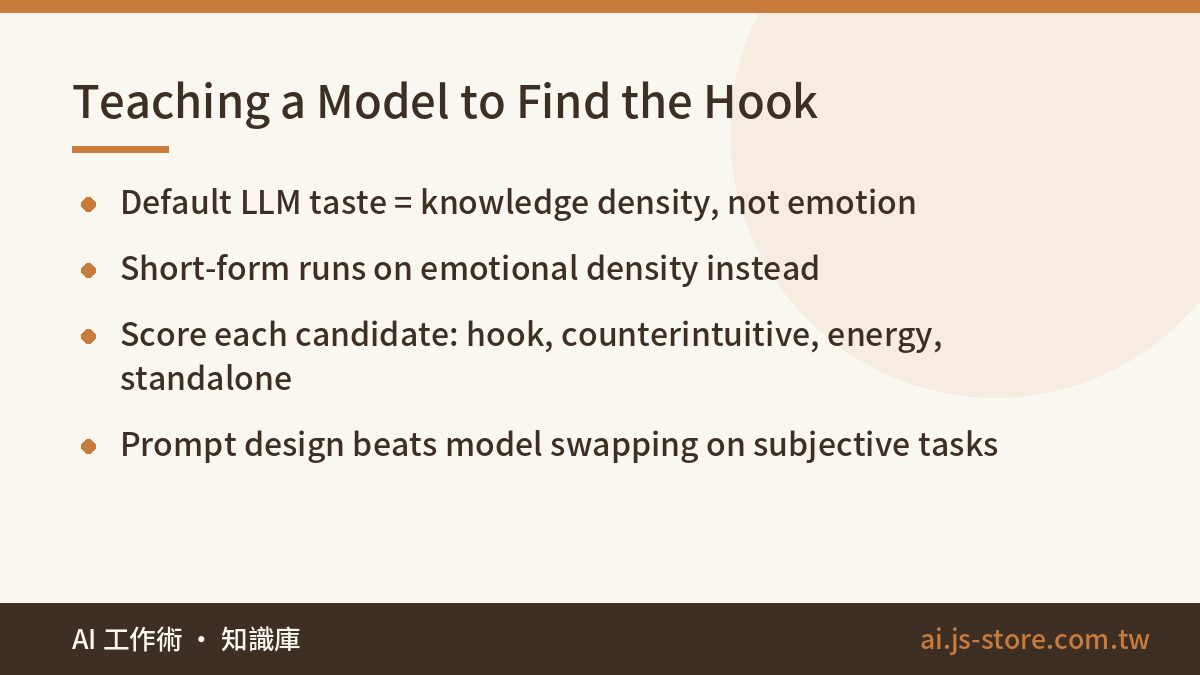
The realization took us longer than it should have. A model's default reading of quality is knowledge density. Short-form video runs on emotional density. Those two things are often anti-correlated: the tightest, most balanced paragraph in a talk is frequently the least dramatic one.
The current prompt defines the criteria explicitly instead of hoping the model shares our taste. Is there a hook in the first three seconds? Is there a counterintuitive claim — something that contradicts what the audience already believes? Is there emotional movement, a shift in energy rather than a flat delivery? Does the segment survive being ripped out of context? We make the model score every candidate on each criterion separately, then rank. Run the same source video through the old and new prompts and the selected segments barely overlap. On subjective tasks like this, prompt design gives you far more leverage than swapping models — which is also the first thing to check when you're deciding which LLM to use at all.
The hard part of AI clipping isn't the cutting. It's writing an executable definition of what makes something worth watching.
Trap three: this cost structure is nothing like a chatbot's
A text assistant is cheap to host and bursty in a friendly way. A clipping engine is not. Speech recognition wants CPU or GPU for a sustained stretch, ffmpeg pins CPU hard, and a single video occupies that capacity for minutes rather than milliseconds. Drop that workload onto the same box serving your website and your website falls over during every job.
We split the engine into its own independently deployed service. The front end only handles uploads, auth, and billing; it talks to the engine through a task queue and the client never touches the engine directly. That separation also means you can scale the expensive half on its own schedule, which is the whole ballgame for margin.
On the model side, we tier deliberately: the flagship model gets used only at the selection step where judgment genuinely matters, and cheaper models handle everything mechanical around it. Skip that discipline and the per-video processing cost quietly eats a subscription business alive — the same trap we described in our breakdown of one-time build cost versus the recurring model bill. Price a pipeline like this per minute of footage before you price it per seat.
What we still leave to a human
Honest version: when we use our own engine for our own social channels, someone still watches before anything ships. We generate maybe ten candidates and publish three, occasionally nudging a caption line break. That's not a failure of the engine — it's the engine doing its job. It compressed half a day of scrubbing into ten minutes of choosing. The last mile, taste, is still ours.
Treat any tool claiming fully automatic, no-review-needed output with suspicion. Either the operator publishes at a volume where individual clip quality genuinely doesn't matter, or they haven't yet been embarrassed by their own output in public. Build the review step in from day one; it's ten minutes, and it's the cheapest quality insurance in your whole content pipeline.
This engine is what sits behind ShooWork Clip: record a talking-head take, upload it, and the system strips the flubbed lines, burns captions, and reframes to vertical. Every account gets a free clip to see whether the output clears your bar before you commit to anything.
FAQ
Q: Can I build this myself with open-source tools?
Yes, and you should prototype that way. Whisper-class recognition plus ffmpeg plus an LLM API gets you a working proof of concept in a weekend. The months go into the parts that aren't in any tutorial: silence-aligned cut points, a selection prompt that matches your audience's taste, a glossary correction layer, queueing, retries, and keeping compute costs from outrunning revenue. Prototype it yourself to learn the shape of the problem, then decide whether operating it is a business you want to be in.
Q: How accurate does the transcript need to be for good clips?
Less accurate than you'd think for selection, more accurate than you'd think for captions. The LLM can pick a strong segment from a transcript with scattered errors because it's reading for structure and meaning. Burned-in captions are read word by word by viewers, so a mangled brand name is visible to everyone. That asymmetry is exactly why a cheap post-recognition correction layer pays for itself.
Q: What does it cost to run per video?
It varies too much with source length, resolution, and which models you call to quote a number honestly, and pricing on every component shifts — check the official pricing page for current figures. The structural point: your cost scales with minutes of footage processed, not with users. Model that before you pick a subscription price, or growth will make your margins worse rather than better.
Q: Does the LLM need to watch the video, or just read the transcript?
Transcript-only got us most of the way, and it is dramatically cheaper. Multimodal analysis helps for footage where the visual carries the moment — demos, reactions, anything physical. For talking-head content, which is the bulk of what business teams have sitting in their archives, text plus timestamps is enough. Start there and add vision only when you can point at clips it would have caught and text missed.
Q: How many usable clips should I expect from an hour of footage?
From our own material, three to five that we'd actually publish, out of eight to twelve candidates. A dense interview yields more; a meandering livestream yields fewer. If a tool promises twenty publishable clips from one hour, it's counting output files, not output you'd put your name on.