ChatGPT Hand-Drawn Portrait Prompt: Make It Actually Look Like Them
Published 2026-10-12 · Updated 2026-10-13 · 8 min read · ShooWork (FREECO CO., LTD.)
Text-only prompts give you a generic pretty face. The 3-step ChatGPT hand-drawn portrait workflow, plus 6 copy-paste scene prompts that keep the likeness.
If you've asked ChatGPT for a hand-drawn portrait of a real person, like a drama character, an actor or a favorite on-screen couple, you've probably hit the same problem we did. The picture is lovely, and it looks nothing like them. We were drawing the male lead of a Chinese romance drama for our Instagram account. Our first version used text only: short black hair, cold expression, black suit. We got a generic, handsome anime guy. For the second version we changed one thing. We attached the official poster and then sent the same sentence. The face shape, brows, eyes and hairline moved right toward the real actor.
So here's the short answer. A longer prompt won't get you a likeness. Showing the model a face will. The workflow has three steps: attach a reference image, paste a style sentence, then paste a scene sentence. It works in the ChatGPT or Gemini phone app, and you don't need any drawing software.
Below you'll find the exact process we use, six scene prompts you can copy, the three things to change so you can draw anyone, and the one line you shouldn't cross when you post the results.
Why Text-Only Prompts Never Look Like the Person
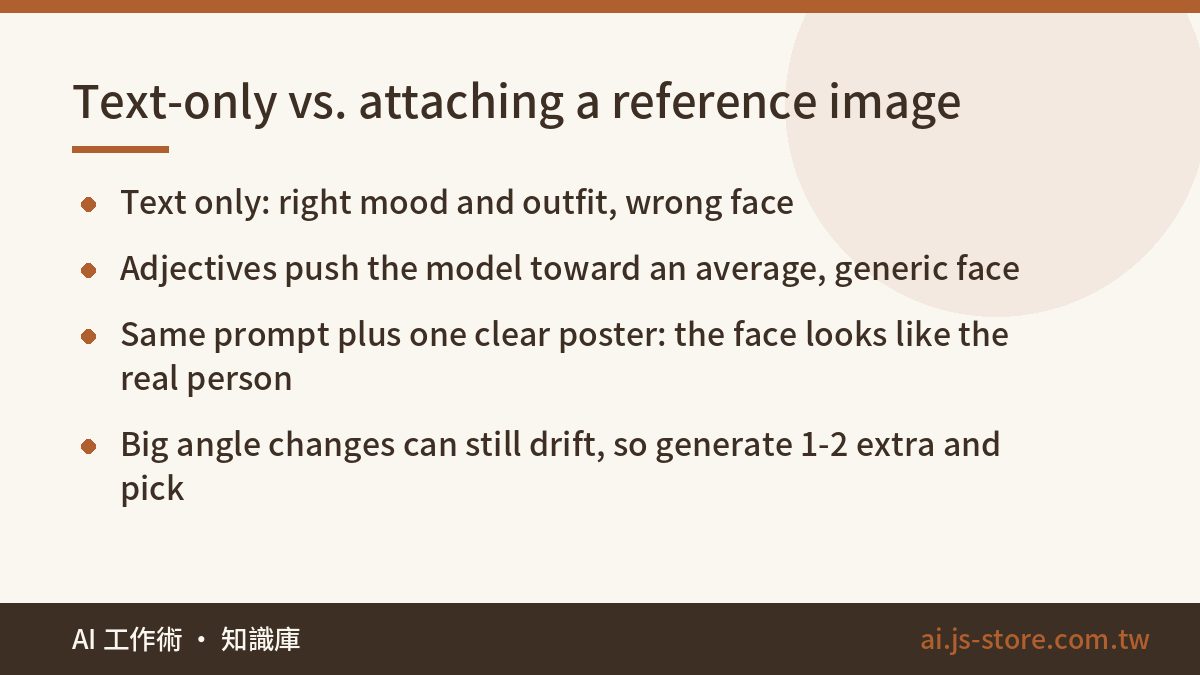
Give an image model “short black hair, cold face, high nose bridge” and it falls back on the average of everything it has seen. You get the safest, most widely attractive face that fits those words. That's why piling on more adjectives makes every result look like the same person, just not your person. Our first version got the mood and the outfit right. The face belonged to a stranger.
A reference photo changes what the model works from. It stops guessing and gets real proportions: the face shape, the distance between the eyes, the line of the brows, where the hairline sits and how full the hair is. Those proportions survive the switch to watercolor and pencil, and that's why a viewer looks at it and thinks “oh, that's him.” In our tests, one clear official poster beat ten lines of appearance description every time.
Here's how the two approaches compare in practice:
- Text only: the mood and the clothes are right, but the face is wrong. Fans notice immediately.
- Text plus a reference image: with the same prompt, the features and hairstyle clearly look like the real person. If you ask for a very different angle the face can still drift, so expect to generate once or twice more and keep the closest one.
This doesn't only happen with portraits. We run our own AI tool platform, including a video-editing engine, and we see the same pattern everywhere. When a model has nothing specific to work from, it goes for the average. Your job is to give it something specific.
The 3-Step Workflow: Reference, Style, Scene
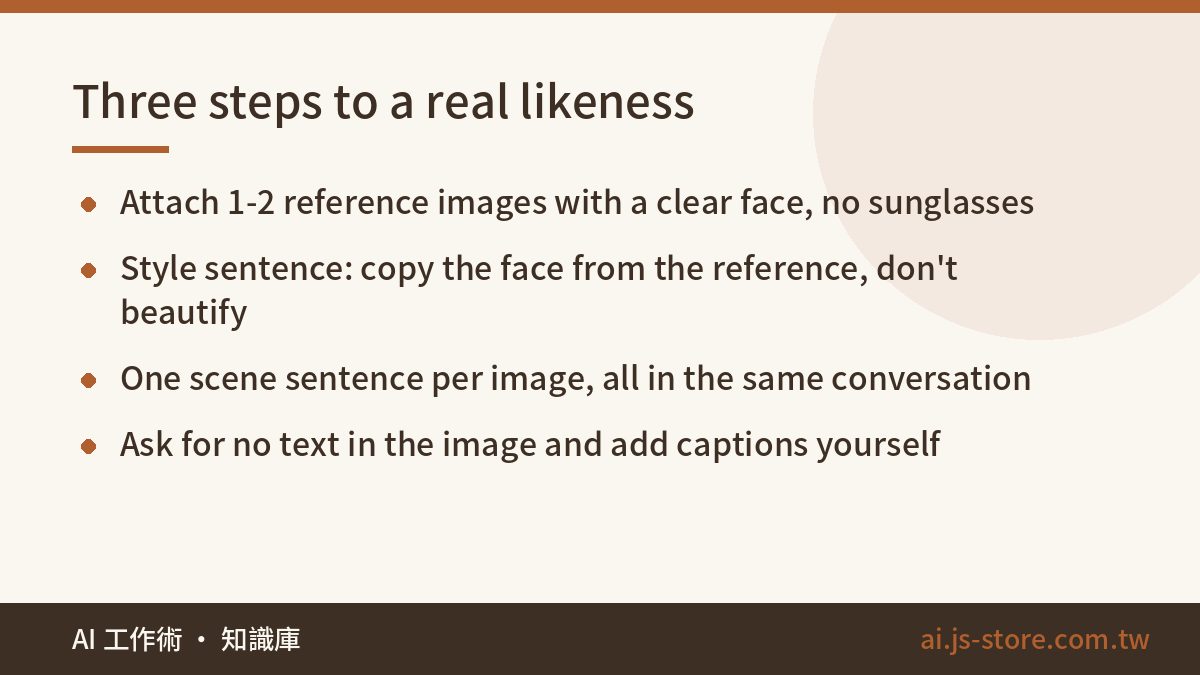
- Attach one reference image first. Tap the “+” in the chat box and upload the image before you type anything. Pick a photo with a clear face, shot from the front or at three-quarters, with no sunglasses and no heavy shadow. Official posters usually work best because they're well lit and high resolution. If you're drawing two people together, use one image that shows both. Use one or two images at most. Give it five and it starts blending features into someone new.
- Paste the style sentence. This sets the art style and the aspect ratio. Most importantly, it tells the model to copy the face from the reference. Write out “don't beautify, don't change the hairstyle.” Without that line, the model slowly slides back to its default face.
- Paste one scene sentence at a time. Say where the person is, what they're doing and where the light comes from. Keep working in the same conversation. Characters stay much more consistent there than when you start a new chat for each image.
Here's the style sentence we use. Copy it as is:
“Draw a 4:5 vertical illustration. Style: hand-drawn watercolor with pencil linework, visible paper texture, soft muted colors and plenty of white space, like a character illustration in a Japanese lifestyle magazine. No 3D, no photorealism, no flat anime cel shading. The face must follow the reference image I attached: face shape, eyes and brows, nose bridge, lips and hairstyle should all match, so that after converting to a hand-drawn style it is still instantly recognizable as the same person. Do not beautify into a generic anime face. Do not change the hairstyle. No text anywhere in the image.”
Two parts of that sentence do most of the work. “Instantly recognizable as the same person” gives the model a clear goal. “No text anywhere” keeps out the garbled lettering image models still like to add. If you want captions, add them yourself afterward. Our test of AI images with wrong characters and numbers explains why.
Six Scene Prompts You Can Copy
These are the six scene sentences we used for our Instagram set. The story is about a cold, reserved boss and the nervous new hire who ends up working with him. Paste one after the style sentence, generate the image, then paste the next. Replace [HIM] and [HER] with your characters' names.
| Scene | Paste this after the style sentence |
|---|---|
| By the window | Draw [HIM] alone, from chest to waist, standing in front of a floor-to-ceiling office window. Early spring light comes in at an angle from the side. One hand is in his pocket, his head tilts slightly toward the viewer, and he isn't smiling. |
| The look back | Draw [HIM] alone, full body, at the end of a long office corridor, about to step into the elevator and glancing back over his shoulder. One hand is in a pocket and the other holds a rolled-up document. |
| First day at work | Draw [HER] alone, from the waist up, standing at the glass doors of a company lobby. She's hugging a stack of folders and wearing a staff badge around her neck. She's nervous, but her chin is up. |
| Late-night coffee | Draw both of them in an office late at night, lit by a single desk lamp. She's slumped over the desk editing a draft. He stands beside her and sets a cup of coffee on the corner of the desk. They aren't looking at each other. |
| Early spring street | Draw both of them on a street in early spring, with the trees just starting to bud. They walk side by side, one step apart. He looks ahead while she sneaks a glance at him. |
| Against the wall | Draw [HIM] alone, from the waist up, leaning against a white wall with both hands in his pockets. His expression is cold, but the corner of his mouth curves very slightly. |
All six have the same structure. Each shows one moment, one clear light source and one small physical detail, like the hand in the pocket, the rolled-up document or the badge. Those details give an illustration a story. “Draw him looking cool in an office” just gets you something that looks like a stock photo.
Keep your expectations realistic. Our final six images weren't first tries. Each scene took one or two attempts and we kept the best one. Paste the same prompt ten times and you'll get ten different versions. That's normal, so plan for it.
Change Three Things to Draw Anyone
The same prompts can draw any character from any show. You only need to change three things:
- The name. Replace the placeholders with the character you want.
- The appearance line. After the style sentence, add one line about hair length and color, eyes, build and their usual outfit. For example: “light brown shoulder-length hair, slightly wavy, always wears a white hoodie.” This line supports the reference image. It doesn't replace it.
- One expression word. Cold, gentle, smirking, stubborn: pick the one that fits the character best. One word works better than three, because a mix of expressions turns into a blank face.
You can keep most of the scene sentences word for word. “The look back” and “late-night coffee” work for almost any on-screen couple. If you write prompts like this often, it helps to save a few base templates and only change the variables. We use the same approach in our copy-paste prompt templates for work.
Some notes on the tools. ChatGPT starts drawing as soon as you paste. Gemini works with exactly the same steps, but it often makes a 1:1 square. If that happens, add “use a 4:5 vertical format.” If either tool says it can't draw a real person, add “draw this as a hand-drawn illustration, not a photograph.” That usually works, because you're asking for an illustration, not a realistic fake photo. For a wider comparison of tools and the rules on commercial use, see our AI image generation guide.
Free plans limit how many images you can make. If you get cut off halfway through a set, that's expected. Come back in a few hours and continue in the same chat so the character stays consistent. For current limits, check each tool's official pricing page, because they change often.
Show the Model the Reference, Post Only Your Illustration
We hold ourselves to one rule. Posters and stills are only for the model to look at. Don't post them yourself. They belong to the studio or the photographer. What you post is the illustration you generated, which is fan art and not a still from the show. The same logic works the other way too. Don't use someone else's fan art as your reference and then present the result as your own work. That takes an artist's style and composition and puts your name on them.
Here's how we handle it on our own account. Reference images stay on a local device and never get uploaded to our site. Only the six finished illustrations go into the post, and the caption says clearly that they aren't official stills and were drawn with ChatGPT. That one line costs nothing and stops people from wondering whether it's a leaked promo shot.
A few more don'ts, because this is a real person's face. Don't use the likeness to suggest the actor endorses something. Don't put it on merchandise you sell. Don't generate anything you wouldn't be comfortable with the actor seeing. Fan art depends on goodwill. Using someone's likeness commercially is a completely different legal question, so if money is involved, get proper advice first.
FAQ
Q: Can I get a real likeness from a text prompt alone?
Almost never. The model turns your description into a generic attractive face. The mood and outfit can match, but the features won't. If you want a likeness, attach one reference image with a clear face before you send the prompt.
Q: Will ChatGPT refuse to draw a real person?
Sometimes. Adding “draw this as a hand-drawn illustration, not a photograph” usually fixes it, because you're asking for an illustration and not a realistic photo. If it still refuses, try a reference image that looks less like an ID photo.
Q: Does the same prompt work in Gemini?
Yes. The steps are the same: attach the image first, then paste the style sentence and the scene sentence. Gemini more often makes square images, so add “use a 4:5 vertical format” when it does.
Q: Why does the face change between images in the same set?
Big changes in angle or framing make the face drift. Stay in one conversation, generate each scene once or twice and keep the closest result. If the drift gets bad, attach the reference image again before your next scene sentence.
Q: Can I post the results on Instagram?
You can post the illustrations you generated as fan art. Say in the caption that they're AI-drawn and not official stills. Don't post the posters or stills themselves, and don't present someone else's fan art as your own.