Food Delivery Expense Tracking: Add Up a Year of Fees With AI
Published 2026-10-25 · Updated 2026-10-25 · 8 min read · ShooWork (FREECO CO., LTD.)
Give your delivery orders to AI and see a full year of fees in 10 minutes. Includes a prompt to copy, what to redact first, and how to set a monthly cap you'll keep.
The fastest way to find out what food delivery costs you in a year is not a budgeting app where you start logging from zero. You already have the records: order history inside your delivery apps, card statements, and emailed receipts. Give them to an AI chatbot in one batch and ask it to build a table and do the math. In about 10 minutes you'll know how much you paid just to have food carried to your door, how many of your regular restaurants are a short walk away, which hours you're most likely to give in, and whether your delivery membership pays for itself.
One order only adds a few dollars of fees, so nobody notices. But the delivery fee, service fee, tip and packaging charge are added to every single order. You only see how big the total is once you add it up over a full year.
To be clear up front: this isn't about quitting delivery. We order plenty ourselves. The goal is to see the number first and then decide what, if anything, you want to change. Nobody is asking you to cook every night starting tomorrow.
Why Delivery Costs Only Hurt Once You Look at a Full Year
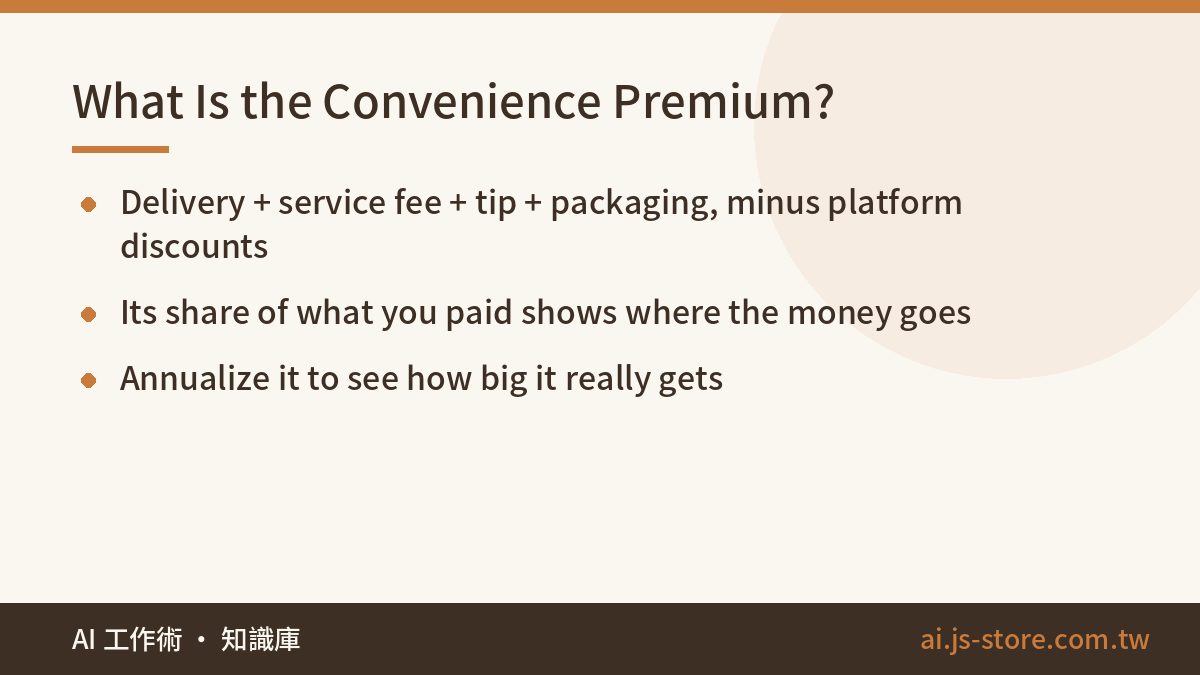
Every delivery order has two parts. The first is the food itself, which you'd pay for even if you walked in and picked it up. The second is what we call the convenience premium: everything you pay only because the food comes to you. In our prompt we define it like this:
Convenience premium = delivery fee + service fee + tip + packaging and other fees − platform discounts
Why subtract discounts? Platforms often use promos to cancel out part of the delivery fee, so if you ignore them you'll overestimate. If you only notice the discounts, though, it feels like you always get a deal, and you'll underestimate. Put every item into one formula and you get the real number.
Look at orders one at a time and the premium seems like small change. Budgets break on exactly this kind of spending: small amounts that happen often and never feel worth thinking about. So the prompt asks the AI for two numbers. The first is the share: the premium as a percentage of what you paid in total. The second is the annualized total: what you'd spend in a year at your current pace. The percentage tells you where the money goes. The yearly figure tells you how much it adds up to. You need both before it feels real.
Here's a made-up example. If your premium averages a few dollars per order and you order three or four times a week, you can easily pass several hundred dollars a year in fees alone, and that's before any food. Your own data will give you the real figure, and that's the one you should use.
Gather Your Data: Three Sources and What to Redact First
First, what AI can't do: it can't see your delivery apps, and it won't pull your statements for you. You need to take the screenshots or download the exports yourself. Any one of the sources below is enough. The more months you include, the better the estimate.
| Source | Where to get it | Best for | Watch out for |
|---|---|---|---|
| Order history screenshots | The orders tab inside each delivery app, scrolling page by page | People who mostly use one app and want to see each fee | Lots of screenshots. Make sure you didn't skip a page |
| Card or bank statement | Download from your banking app, or take screenshots | People who put every delivery order on the same card | Usually shows only the merchant and total, not the fees |
| Emailed receipts | Search your inbox for the app's name or 'your order' | People who switch between several apps | Formats vary. Have the AI flag anything it can't read |
If you just want to test the idea, start with the app's order page and screenshot only the last month. Get a first result, look at the numbers, and then decide whether to add more months.
Before you paste anything, don't skip this step: cover your card number, home address and phone number. The AI only needs dates, restaurants and amounts. Anything else does nothing for the analysis and just adds risk. If you're not sure what to hide, our 3-second personal data check before you paste walks you through it.
The Delivery Ledger Prompt (Copy and Paste)
Paste this along with your screenshots into any chat AI that can read images. ChatGPT, Claude and Gemini all work. If you have a lot of screenshots, send them in batches and then ask the AI to combine everything into one table.
These are screenshots of my food delivery orders from the last few months (they may come from different apps, card statements or receipts). Please:

1. Build one table: date, weekday, time (if shown), restaurant, food subtotal, delivery fee, service fee, tip, packaging/other fees, discount, total paid. If a cell is unreadable, write 'unclear'. Do not guess.

2. Calculate the totals:
   a. Number of orders and total paid for this period
   b. Convenience premium = delivery fee + service fee + tip + packaging/other fees - platform discounts. Give the total and the % of total paid.
   c. At this pace, the estimated amount for a full year

3. Top restaurants: list the 10 I ordered from most, with order count and average order total. (I'll check walking distance on a map myself, so don't guess distances.)

4. Timing: count orders by weekday and by time slot (morning / lunch / afternoon / dinner / late night). Tell me my 2 busiest slots.

5. Membership: if I pay for a delivery subscription (I'll tell you the monthly fee), compare the fees I saved each month against that fee. Show which months it paid for itself and which didn't.

End with a 3-sentence summary: where most of the money goes, the single easiest thing to change, and a suggested monthly delivery cap (start from my real average and go a little lower; don't tell me to quit).
Some lines in this prompt are there on purpose. If you rewrite it, keep these:
- "If a cell is unreadable, write 'unclear'. Do not guess." When AI reads a blurry screenshot, it often fills in a number that looks plausible. A made-up number is the worst thing that can get into a budget. Have it flag the cell, and then check that cell against the original screenshot.
- "Don't guess distances." The AI doesn't know where you live, and you shouldn't tell it. Use your maps app for distances. The AI only ranks the list.
- "Don't tell me to quit." Without this line, AI tends to give you a perfect plan that no real person would follow. A cap you'll actually stick to has to start from your real average.
- A 3-sentence summary at the end. The tables are for looking things up. The three sentences are what you'll actually remember.
We run an AI tool platform and have published several pieces on handing everyday money tasks to AI. The prompt is almost never the problem. The problem is missing records, or screenshots too blurry to read. We see the same thing with our video engine: send in bad audio and you get confident but wrong captions. So take more screenshots that are clear rather than fewer that are packed tight.
Reading the Results: Four Things to Check
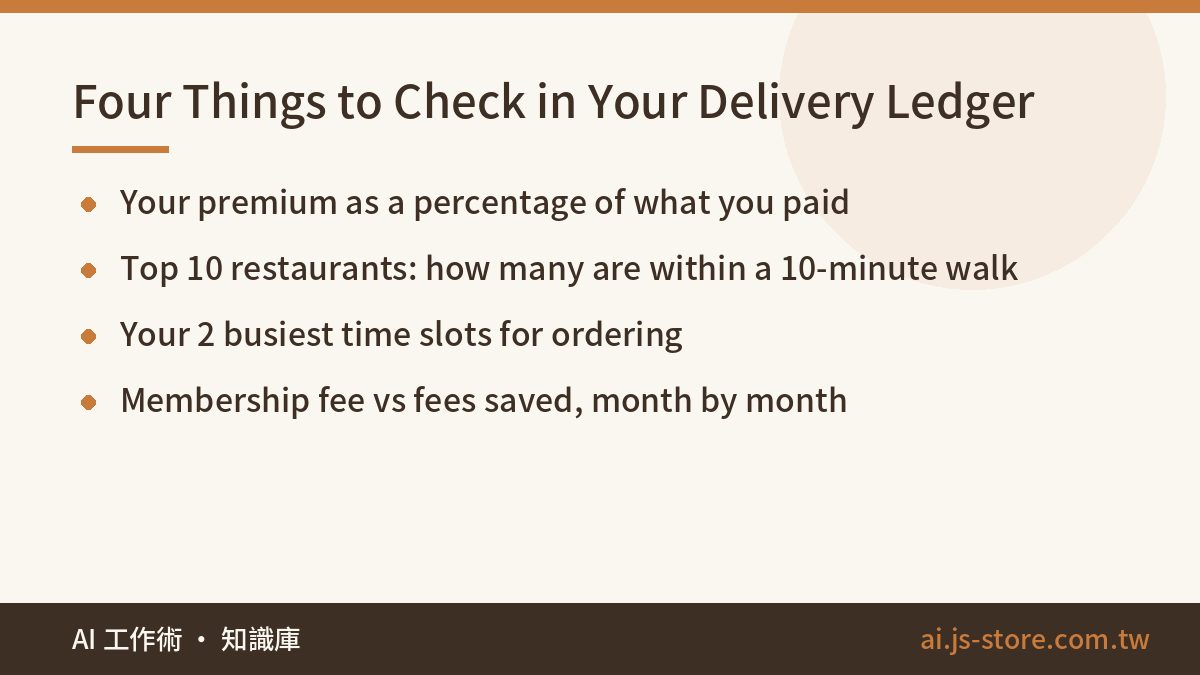
- Your premium as a percentage. This is what you pay for convenience. A high number doesn't mean you did something wrong. What matters is that you now know the price.
- Your top 10 restaurants. Copy the list into a maps app and check walking time from home or the office. Mark every place within a 10-minute walk. These are the easiest savings: the food is identical, and the only difference is that you walk over yourself.
- Your 2 busiest time slots. The prompt breaks orders down by weekday and by time of day. The usual triggers are late nights, long workdays and rainy evenings. Once you know your own two slots, you can plan something specific, like deciding tomorrow's lunch tonight.
- Whether the membership pays off. Tell the AI your monthly fee, and it will compare the fees you saved against that fee, one month at a time. Don't decide based on one or two months. Look at the months it paid off next to the months it didn't, and you'll see whether you use it steadily or only on a few busy months. Membership prices and perks change, so check the platform's official pricing page.
Set a Monthly Cap: 15–20% Below Your Average, Checked Every Sunday
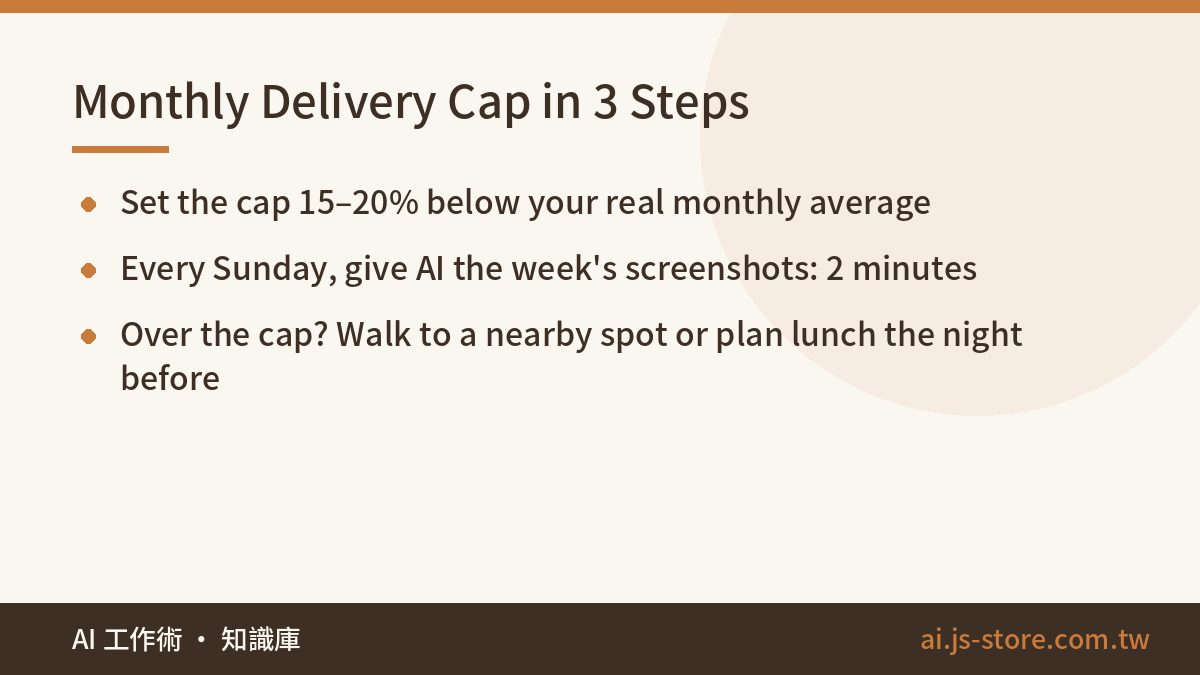
Once you've seen the numbers, set a cap. There are three steps:
- Set your cap 15–20% below your average monthly total. Don't cut too much at once. Big cuts lead to rebound spending, and most people give up within two weeks. A smaller cut you can keep beats a big one you abandon.
- Check in for 2 minutes every Sunday. Give the AI this week's screenshots and ask: "How much did I spend on delivery this week, and how much is left under this month's cap?"
- If you go over, change the approach. Don't just try harder. Walk to one of the places you marked, or decide tomorrow's lunch the night before.
Why check every week instead of every month? If you only find out at the end of the month that you went over, it's too late to adjust. With a weekly check, you can still spread out what's left. We work the same way on our own products: run the check while there's still time to fix things, not after something has gone wrong.
| When | What to do | Time |
|---|---|---|
| First run | Run the full ledger prompt and get your average monthly total | About 10 minutes |
| Setting the cap | Take 15–20% off your average monthly total | Once |
| Every Sunday | Give the AI this week's screenshots and ask what's left | 2 minutes |
| Over the cap | Walk to a nearby spot, or plan tomorrow's lunch tonight | When it happens |
If online shopping is your other weak spot, try the same method on your cart. Our shopping cart declutter with AI follows the same idea: see the numbers clearly first, then decide. If you'd like more ways to put AI to work on everyday tasks, take a look at the free ShooWork tools.
FAQ
Q: Can AI read my delivery app history directly?
No. AI can't see inside your apps, and it won't download your statements. You'll need to screenshot your order history, export a card statement, or collect emailed receipts. Any one of these works, and more months give a better estimate.
Q: Is it safe to give my card statement to an AI chatbot?
Cover your card number, address and phone number before you paste anything. The AI only needs dates, merchants and amounts. Don't upload a statement you haven't edited. Once the sensitive fields are hidden, what's left is just a list of purchases.
Q: Is a delivery membership worth it?
There's no general answer. It depends on your own order history. Tell the AI the monthly fee and have it compare fees saved against that fee month by month. You'll see right away which months it paid off. Check the platform's official page for current pricing and perks.
Q: How do I set a monthly delivery budget?
Start from your real average monthly total and take off 15–20%. Bigger cuts usually backfire. Then spend 2 minutes every Sunday giving this week's screenshots to the AI to see how much room you have left.
Q: Does this work with only one month of orders?
Yes. One month is enough for a first result. Just keep in mind that the yearly figure assumes you keep ordering at the same pace, so add a few more months later and run it again for a more accurate number.