Jianying Alternatives: 4 Caption-First Tools Compared (CapCut & More)
Published 2026-11-02 · Updated 2026-11-02 · 7 min read · ShooWork (FREECO CO., LTD.)
Looking for a Jianying or CapCut alternative? Compare 4 tool types on caption accuracy, content rights and workflow, plus a 5-step test before you switch.
Short answer: most people looking for a Jianying alternative are trying to fix two problems. They want captions that are accurate for their language and their way of speaking, and they want to feel safe about what happens to their footage after they upload it. If you mostly cut Reels and Shorts, CapCut, the international version of Jianying, is still the most complete free editor, and you may not need to switch. If captions take up most of your editing time, a text-based editor or a dedicated captioning tool will save you hours every week. If you don't want to edit at all, stop shopping for another editor. What you need is an auto-clip tool.
Below we compare four types of tools using public information we checked in October 2026: the all-in-one editor, the text-based editor, the dedicated captioning tool and the “no-edit” auto-clip tool. We leave out the “this app is about to be banned” rumors that keep circulating. If there's no official confirmation, it isn't in this article.
Some context: at ShooWork we build our own AI video-editing engine, and our pipeline handles captions every day. The failure points we describe below are bugs we've had to fix ourselves.
Why creators move off Jianying: three real reasons
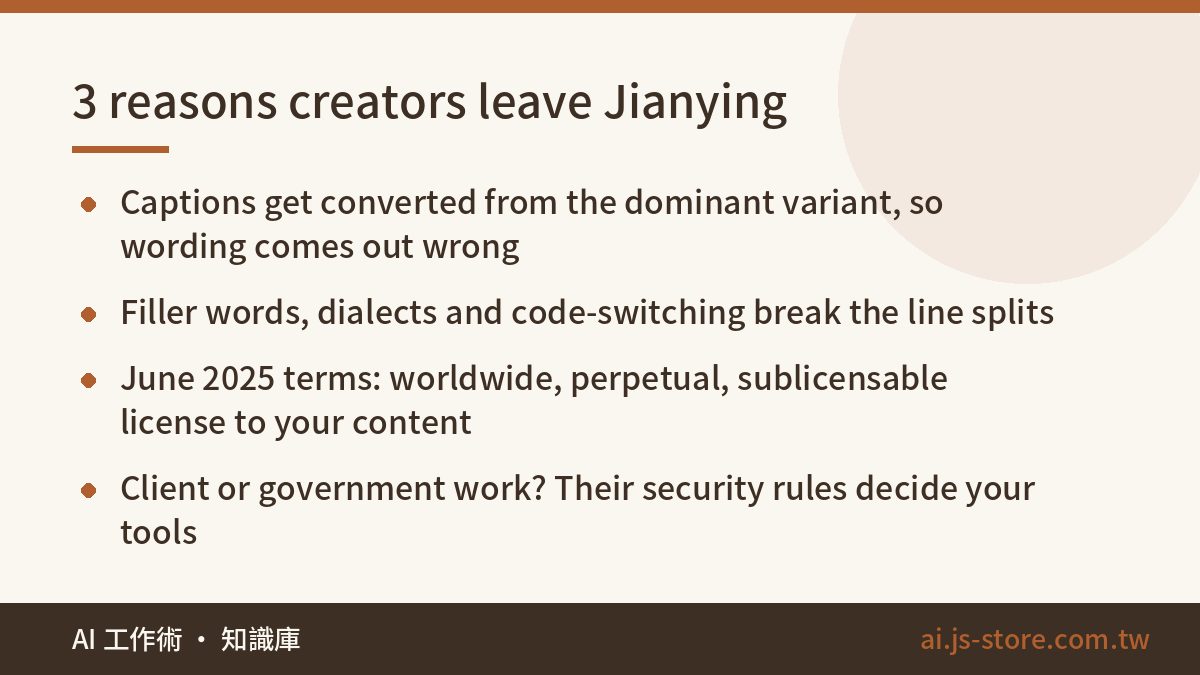
Reason 1: your captions get converted when they should be recognized. A lot of caption engines are trained on the dominant variant of a language. Everything else gets converted afterward. Chinese is the clearest example. Speech is often recognized as Simplified Chinese and then mechanically converted to Traditional. One Simplified character can map to several Traditional ones, so you get the wrong character in common words, and mainland-only vocabulary ends up in the subtitles. Viewers notice right away. The same thing happens in other languages in milder forms, like American spelling on a British channel or the wrong regional vocabulary in Spanish. Each of these means proofreading line by line.
Reason 2: casual speech breaks the line splits. Filler words, regional dialects and code-switching (dropping “the deadline is brutal” into the middle of a sentence in another language) are weak spots for general-purpose speech models. Even when every word is right, a caption that breaks in the wrong place is tiring to read, and viewers scroll away.
Reason 3: content rights. On June 12, 2025, Jianying and CapCut updated their terms of service. The new terms give the company a worldwide, perpetual, royalty-free, sublicensable license to content users upload, and creators everywhere pushed back. If you're editing your own weekend vlog, you might not care. If you do client work and you're holding product footage that hasn't been announced yet, tell your client before you start. Some government agencies and enterprises also have security rules about Chinese-developed software. When you work for them, their rules decide which tools you can use.
Jianying vs CapCut: check which one you're actually using
A lot of people say “Jianying” when they actually mean CapCut. ByteDance makes both. Jianying is the mainland China version and CapCut is the international one. They target different markets, use different accounts and don't have the same features.
| Item | Jianying (China) | CapCut (international) |
|---|---|---|
| Target market | Mainland China | Everywhere else |
| Sign-in | Mainly Douyin accounts and Chinese phone numbers | Google, TikTok, email and more |
| Interface language | Simplified Chinese | Many languages, including Traditional Chinese |
| Auto captions | Increasingly behind a membership (check in-app labels) | Available, with some advanced features on Pro |
| Terms of service | Both updated in June 2025 with a broad license over user content | |
So start with your own situation. If you're on CapCut, you only edit your own content and you're fine with the terms, you don't need to switch. These are the three situations where switching makes sense:
- You spend more time fixing captions than editing the video
- You do client work, and your clients care a lot about footage leaking
- You hand off SRT or FCPXML files to other editing software, and that handoff keeps breaking
If captions are your only concern, we cover more caption-only options in CapCut Auto Captions Alternatives.
The 4 types of Jianying alternatives compared
| Type | What it does | Caption accuracy | Where your data goes | Pricing | Best for |
|---|---|---|---|---|---|
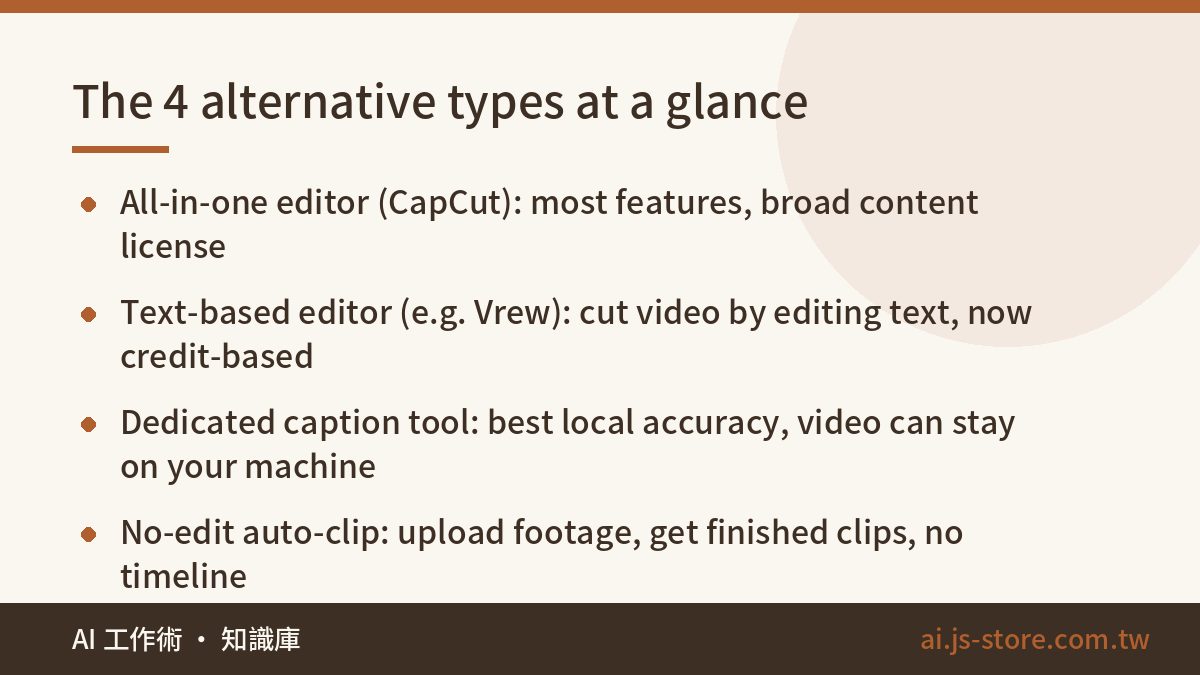
| All-in-one editor (CapCut) | Full editing plus templates and effects | Good for mainstream speech, but dialects and slang still need proofreading | Cloud processing under the June 2025 terms | Free tier plus Pro subscription. Mobile and desktop prices may differ, so check the official pricing page | Short-form creators who like templates |
| Text-based editor (e.g. Vrew) | Edit the video by editing the transcript | Solid recognition, but casual speech needs a pass | Cloud recognition | Several tiers, moved to a unified credit system in spring 2026 | Talking heads, tutorials, lectures |
| Dedicated captioning tool | Captions only, tuned for a specific language or region | Usually the best line splits and local wording, and many learn from your corrections | The good ones keep video on your machine and upload only audio | Usually low monthly plans based on minutes | Client deliverables, Final Cut Pro users |
| No-edit auto-clip tool | Upload footage, and AI picks segments, adds captions and exports | Depends on the tool | Depends on the tool | Depends on the plan | People who want volume and don't want to learn editing |
A few notes:
- Dedicated captioning tools are often built by creators who got tired of generic models getting their language wrong. Look for three things: export to the formats your editor uses (SRT at minimum, FCPXML if you use Final Cut Pro), a correction memory so you don't fix the same word twice, and local processing for the video file.
- Vrew switched to unified credits in late April 2026. Older reviews that quote monthly minute allowances may be out of date.
- “No-edit” is our own label for tools where you never touch a timeline. It isn't a product name.
Pricing and plans change all the time. Before you pay, check each tool's official pricing page and ignore whatever a blog post (including this one) says the price is.
Which one fits you: pick by the kind of video you make
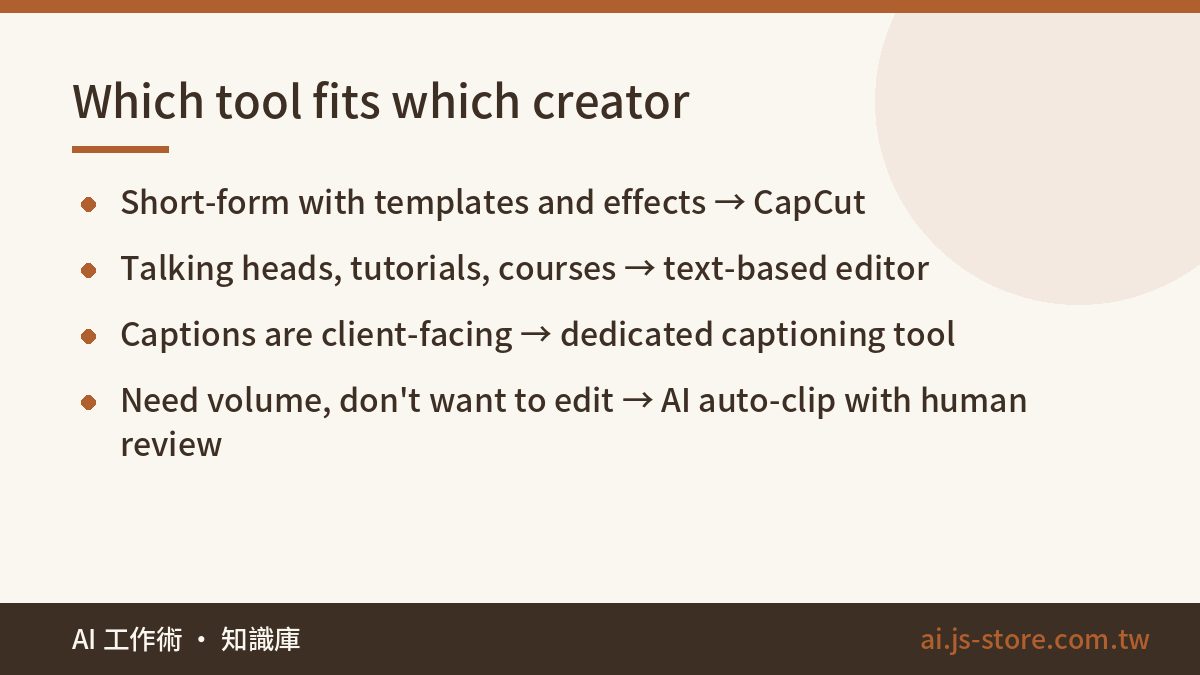
1. Short-form video with templates and effects: CapCut. It has the most features and the most tutorials. Read the terms before you decide, though, and don't upload confidential client footage to it. We also don't recommend installing mainland Jianying on purpose. The interface is in Simplified Chinese, the account is a hassle to set up outside China, captions still go through conversion, and you get almost nothing CapCut doesn't already have.
2. Talking heads, tutorials, online courses: a text-based editor. These videos are full of “wrong take, say it again, long pause.” Deleting lines from a transcript is much faster than hunting for those moments on a timeline. In our experience a 20-minute lecture that takes an hour to clean up on a timeline takes about a third of that in transcript mode.
3. When captions represent the brand, like interviews, brand films or client deliverables: a dedicated captioning tool. Accurate line splits and local wording are the main reason these tools exist. Keeping the video on your machine and sending only audio also gives you a clear answer when a client asks where their footage went.
4. You need volume and don't want to edit: a no-edit auto-clip tool. We run our own clipping product, and what we see is that shops and small brands rarely get stuck on captions. They get stuck on finding the 30 seconds worth keeping in an hour of footage. Hand that step to AI and keep a person for the final review, and output goes up. That's the job ShooWork Clip was built for. Don't skip the human review, though. AI picks good moments most of the time, but sometimes it picks a moment that's off-brand or legally awkward.
A 5-step checklist before you switch
- Export your old captions as SRT first. Most versions of CapCut and Jianying let you export from the caption panel. If you have backups, you won't have to redo everything after switching.
- Test every tool on the same clip. Pick a 3-minute video with the hard stuff in it: dialect, slang, code-switching, crosstalk. Run it through each tool once and count the corrections. That number tells you more than any review.
- Read the “user content” section of the terms. Check three things: how broad the license is, whether drafts and unpublished projects are covered, and whether the license can be passed on to third parties. This is a description of how these clauses are usually written, not legal advice. If something worries you, ask a lawyer.
- Confirm the export works with your editor. Final Cut Pro users need FCPXML. Premiere and DaVinci users need at least SRT. A caption tool that can't hand files to your editor will cost you more time than it saves.
- Estimate your monthly usage. Per-minute billing and credit systems can come out very differently. Multiply videos per month by average length and compare that to each plan. If you're juggling several AI subscriptions, our guide Is an AI Subscription Worth It? shows how to combine plans without paying twice for the same thing.
You can get through all five steps in an afternoon. You'll know whether switching is worth it, and you won't buy an annual plan on impulse and then find out the export doesn't work with your editor.
FAQ
Q: Can I use Jianying outside mainland China?
Outside China, app stores usually show CapCut, the international version. Mainland Jianying generally has to be installed some other way, and it expects a Douyin account or a Chinese phone number. Unless you have a specific reason to need the China version, CapCut or one of the alternatives above is less hassle.
Q: Do CapCut's terms mean my videos will be used by the company?
The terms updated on June 12, 2025 do grant a very broad license over user content. A license gives them the right to use your content. It doesn't mean they will. Still, if the footage belongs to a client or hasn't been released yet, get the client's okay first, or use a tool that keeps the video on your own machine.
Q: Is there a free tool with accurate auto captions?
CapCut's free tier and Vrew's free plan both handle basic auto captions, but free allowances change often, and Vrew's move to credits in 2026 made a lot of older guides outdated. Check the official pages for current limits, and test with your own hardest clip instead of a clean demo.
Q: What's the difference between a text-based editor and a dedicated captioning tool?
A text-based editor is mainly for cutting video, and it's best for talking-head content full of retakes. A dedicated captioning tool is mainly for caption quality: line splits, local wording, export formats. If caption quality matters most, pick the captioning tool. If editing speed matters most, pick the text-based editor.
Q: I don't want to learn editing at all. Is there a simpler way?
Yes. Use a no-edit auto-clip tool and let AI pick the segments, add captions and export, while you only do the final review. If you want to try that workflow, upload some footage to ShooWork Clip and it will turn it into short videos automatically.