Is an AI Subscription Worth It? Monthly Budgets and Smart Plan Combos
Published 2026-10-29 · Updated 2026-10-29 · 8 min read · ShooWork (FREECO CO., LTD.)
Is an AI subscription worth paying for? Work out your break-even point, choose the right $20 plan, and skip the overlapping subscriptions that waste money.
Short answer: if you use AI at least three times a week for real work, one main plan at around $20 a month almost always pays for itself. Paying for two or more chat assistants at once is where most people lose money. Save two or three hours a month and the subscription has covered its cost.
So don't ask whether it's expensive. Ask how many overlapping tools you're paying for. Whether an AI subscription is worth it comes down to three things: how often you use it, what the work you give it is worth, and whether the limit you keep hitting on the free plan is one that a paid plan actually removes.
At ShooWork we run our own AI tool platform, a video-editing engine and Google Ads tooling. We spend a lot on AI every month, and we've made most of the mistakes in this article ourselves. One warning before we start: AI companies change prices and plan names all the time. The figures below are rough price tiers, not quotes. Check the official pricing page before you pay for anything.
Do the Break-Even Math First
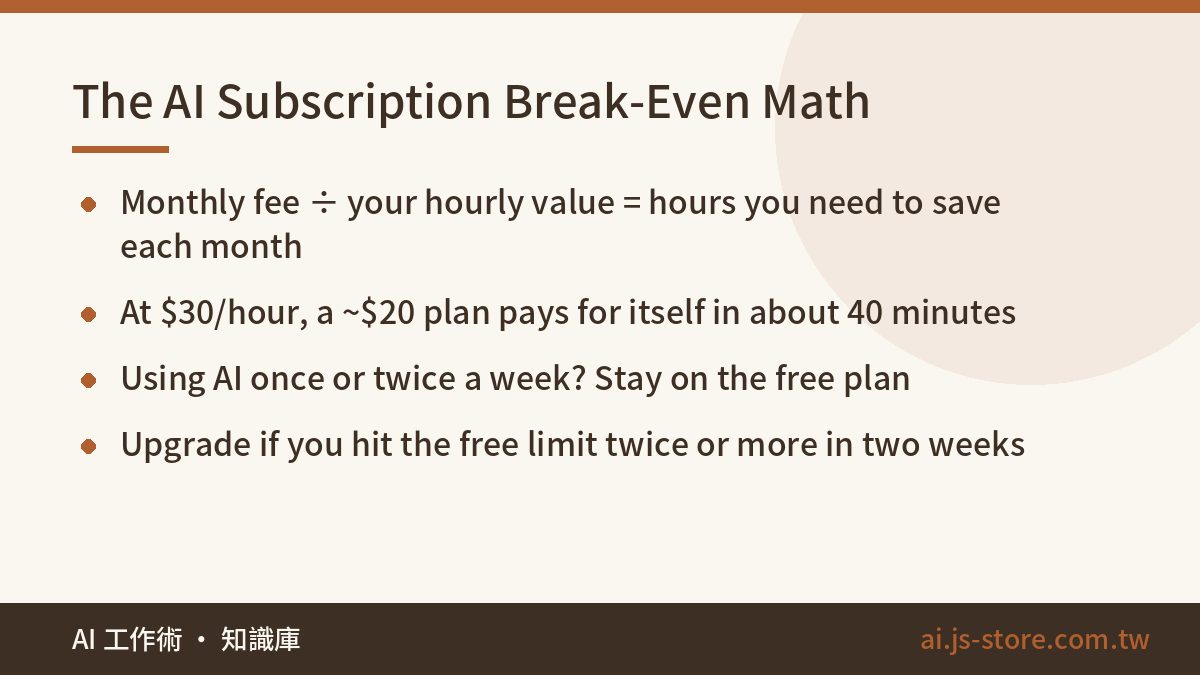
The simplest formula is monthly fee ÷ your hourly value = hours you need to save each month. Most mainstream individual plans cost about $20 a month before tax. Put in your own number:
| Your hourly value | Hours to break even on a ~$20 plan | What that looks like in practice |
|---|---|---|
| $15 | About 1.5 hours | Not writing one long email from scratch each week |
| $30 | About 40 minutes | Not typing up one meeting summary yourself |
| $60 or more | 20 minutes or less | One good use a month covers it |
Freelancers should use the rate they bill. Salaried people can use a rough estimate. Even so, we wouldn't call it a clear win until you're saving two or three hours a month, because some of the time you save goes into checking and fixing what the AI produces. That's still not much: one less long email a week, half an hour less spent looking things up, one spreadsheet you don't have to clean by hand. If your job involves regular writing, summarizing or searching, you'll pass that line easily.
The other side matters just as much. If you open an AI tool once or twice a week for random questions, stay on the free plan. Paying gets you higher limits, faster responses, stronger models and support for longer files. It doesn't make you use the tool more.
Look back at the last two weeks and upgrade if two or more of these happened:
- You hit the free limit more than once in a single day
- You needed to upload a long PDF, a full contract or a big transcript, and the free plan couldn't finish it or lost track of the beginning (here's why AI forgets the start of long files)
- Your work needed data analysis, image reading or image generation
- You put off real work while waiting for your limit to reset
The Three Price Tiers, and What Each $20 Plan Does Best
Product names change often, so start with the price tier and then think about what you need it for:
| Tier | Examples | Who it's for | Our take |
|---|---|---|---|
| Free | Free versions of ChatGPT, Claude, Gemini, Perplexity | Occasional users and people still deciding | Try all four before you pay for any of them |
| Around $20/month | ChatGPT Plus, Claude Pro, Google AI Pro, Perplexity Pro, Cursor Pro | People who use AI for work every day | The best value. About 90% of people should stop here |
| Around $100–200/month | ChatGPT Pro, Claude Max and other high-usage plans | Heavy coders, people running long tasks all day, people whose AI output directly earns money | Only worth it if you hit the $20 limits every day |
The main $20 plans are each good at different things:
- ChatGPT Plus: the most complete all-rounder, with chat, image generation, voice and data analysis. If you don't know which one to pick, start here.
- Claude Pro: well known for long-form writing, reading long documents and coding. Writers and engineers tend to like it.
- Google AI Pro (Gemini): its biggest strength is how well it works with Gmail, Docs and Drive, and it usually includes extra cloud storage. If you already pay Google for storage, it's often the cheapest upgrade. Our Gemini tutorial explains whether the free plan is enough.
- Perplexity Pro: search with sources, which is great for research. It overlaps a lot with the three above, though.
- Cursor Pro: for coding only. It won't replace a chat assistant. Most engineers end up choosing between it and Claude Code, and we compare the two in Cursor vs Claude Code.
Keep one thing in mind: the top model changes every few months. Switching subscriptions to chase whichever one is best right now is a poor use of your time. Pick the one whose interface you like and that fits your tools, use it for three full months, and then decide again.
Build Your Stack Around a Budget
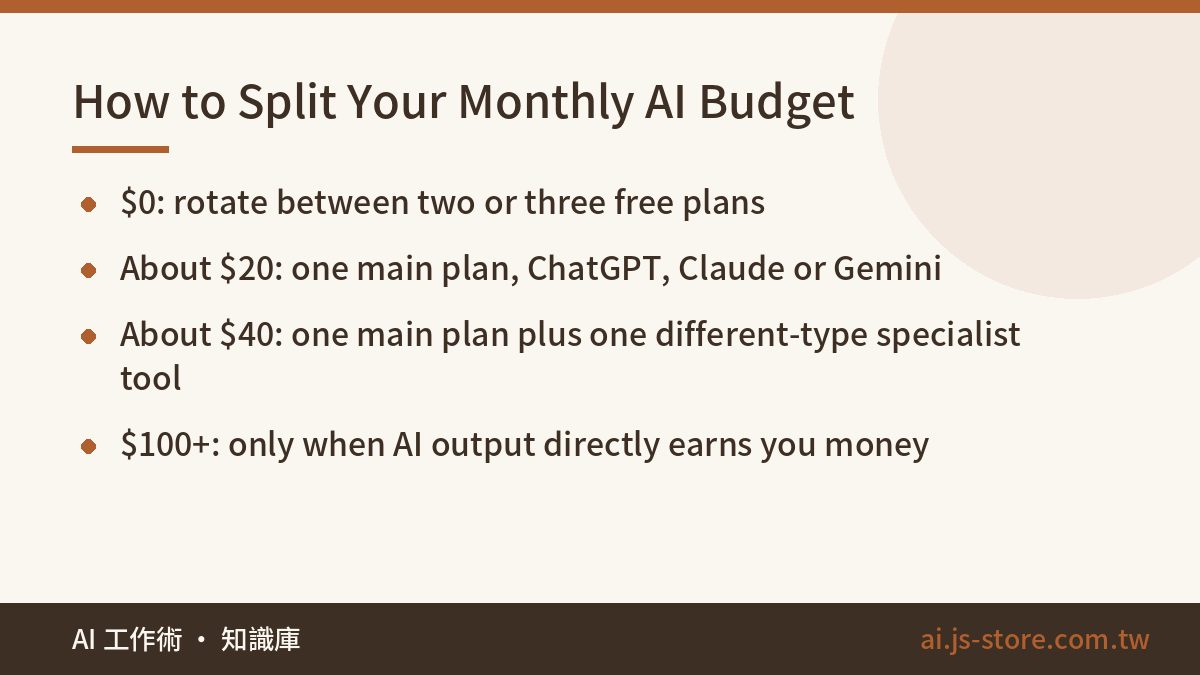
Don't start with "which AI is best?" Decide what you'll spend each month, then pick tools that fit that budget:
| Monthly budget | Recommended stack | Who it's for |
|---|---|---|
| $0 | Rotate between two or three free plans. When one runs out, switch to the next | Students, occasional users, people still deciding |
| About $20 | One main plan: ChatGPT Plus, Claude Pro or Google AI Pro | Most office workers, marketers and product managers |
| About $40 | One general main plan plus one specialist tool | Engineers, content creators, freelancers |
| $100 or more | A high-usage plan, or a main plan plus several specialist tools | Heavy developers and people whose main work tool is AI |
The rule for the $40 level is one main plan plus one specialist: your second subscription has to be a different kind of tool. Two chat assistants can mostly do the same things, so paying for both means paying twice for nearly the same features. Better combinations look like this:
- Engineers: a general chat assistant plus one coding tool, either Cursor or Claude Code.
- Video creators: a chat assistant for scripts and titles, plus a cutting and subtitle tool such as ShooWork Clip, our own auto-editing engine, or another subtitle tool.
- Researchers and report writers: a chat assistant plus a search tool that shows sources. First make sure your main assistant's built-in search really isn't enough.
Our advice on the $100+ tier is simple: it's only worth it when the AI's output leads directly to revenue or paid client work. If it just makes you feel more productive, stay at $20.
Five Common Ways People Waste Money on AI Subscriptions
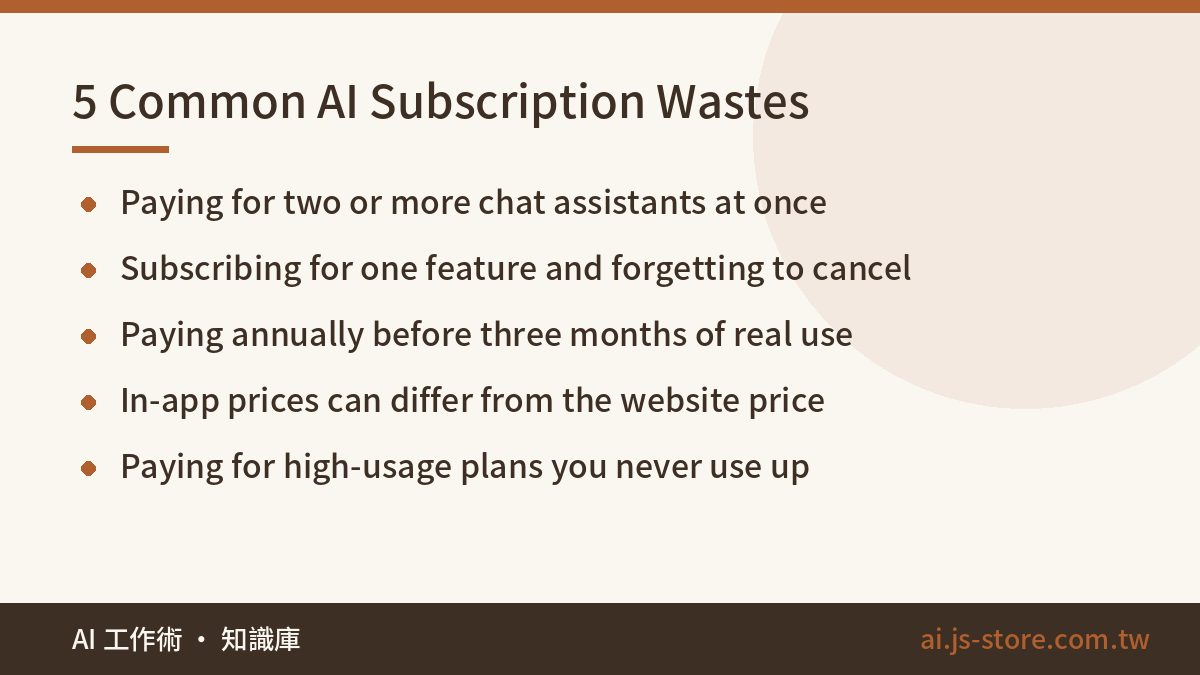
We, and plenty of friends, have made every one of these. See which apply to you:
- Paying for two or more chat assistants. This is the most common waste and the most expensive one. If you can't name something the second one does that the first can't, cancel one.
- Subscribing for one new feature and forgetting to cancel. Signing up when something new launches is normal. Set a calendar reminder three days before it renews.
- Paying annually from day one. Annual plans are usually cheaper, but AI products change too quickly. Pay monthly for two or three months, and switch to annual only once you're sure you'll keep using it.
- Subscribing inside a mobile app. In-app prices on iOS or Android can be different from the web price, and cancellations and refunds go through the app store. Compare with the official website before you subscribe.
- Paying for a high-usage plan you don't use up. Plans over $100 are mostly selling extra usage. If you've never reached the limit on the $20 plan, upgrading only buys you peace of mind.
There's also a small cost people tend to miss. Most of these services bill in US dollars, and if your card is in another currency, your bank may add a foreign transaction fee. One charge is small, but several subscriptions over a year add up. A card with no foreign transaction fees fixes this.
How We Manage AI Subscriptions on Our Own Team
We run an AI tool platform, a video-editing engine and an ads product, so our team spends real money on AI every month. At first everyone subscribed to whatever they wanted. When we finally reviewed it, one teammate was paying for three chat assistants and hadn't opened one of them in two months.
Now we follow three rules:
- One main assistant per person. Everyone picks the chat assistant they like best and keeps their custom instructions and regular workflows there, instead of spreading them across several tools.
- A second subscription needs a written reason. One sentence on what it does that the main plan can't. No sentence, no subscription.
- A review every quarter. List every subscription and how many times it was used in the last 30 days. Anything used less than once a week gets cancelled.
One more for anyone building a product: if your product uses AI, use the API with usage-based billing. Don't try to run it on a personal subscription. Personal plans are built for one person at a keyboard. Using them for automation can break the terms of service, and the limits won't hold up anyway. Our AI tools cost comparison explains where API costs make more sense than subscriptions.
You can copy our method today. Open your last three months of card statements, list every AI charge, and write next to each one how many times you used it last week. Most people who do this cancel at least one subscription.
FAQ
Q: Is an AI subscription worth it, or is the free plan enough?
It depends on how often you use it. If you use AI once or twice a week for short questions, the free plan is fine. If you use it for work every day, hit limits often or work with long documents, a paid plan usually pays for itself once it saves you two or three hours a month.
Q: If I can only pick one of ChatGPT, Claude and Gemini, which should it be?
If you're unsure, start with ChatGPT Plus because it has the most features. If you do a lot of long writing or coding, try Claude Pro. If your work runs on Gmail and Google Docs, Google AI Pro fits in most easily. The best test is to use each free plan for a week and then pay for the one you kept opening.
Q: Is paying annually cheaper?
Usually, but only if you stay with the same provider for the whole year. AI products change every few months, so pay monthly for two or three months first and switch to annual only once you're sure.
Q: Can I share one account with a friend to split the cost?
We don't recommend it. Most AI services ban account sharing, so you could get suspended. You'd also see each other's chat history, custom instructions and uploaded files, which is a bigger problem than the money you save. Use separate free plans or an official team plan.
Q: What should a company check before paying for staff AI subscriptions?
Mainly data. When staff use personal accounts for company work, it's hard to know where that data ends up. Business and team plans usually have different terms on data use and admin controls, so read each provider's official terms. Ask your accountant how to handle expenses and invoices.