Gemini Tutorial: Is the Free Plan Enough? Workspace Setup Guide
Published 2026-10-28 · Updated 2026-10-28 · 8 min read · ShooWork (FREECO CO., LTD.)
Most people only need free Gemini. Learn when Pro is worth paying for, how to connect Gmail and Drive, build your first Gem, and avoid privacy traps.
Short answer: for most people, the free version of Gemini is enough. It covers everyday questions, rewriting copy, cleaning up notes and explaining a screenshot. From the chat box it can even search your Gmail and Google Drive. We run our own AI tool platform at ShooWork, and our team still does plenty of daily work on free Gemini accounts.
Only three kinds of people should pay. The first is anyone who feeds long documents to AI every day. The second is anyone who wants Gemini inside the Gmail and Docs interface itself, not in a separate tab. The third is heavy users of Deep Research or video generation. Everyone else would be paying every month for features they use twice.
One more thing before you subscribe. If your company already runs on Google Workspace, don't pay for it yourself yet. Ask your IT admin whether your plan already includes Gemini. Many business plans do, and the admin just never turned it on. Below is how our team actually uses Gemini: picking the right entry point, choosing a plan, connecting Workspace, and the privacy traps to know about before you paste anything sensitive.
Four Ways Into Gemini: Pick the Right One First
When someone tells me Gemini is bad, they're usually using the wrong version of it. Google has put Gemini in several places, and each one does a different job:
| Entry point | Where you find it | Best for | Cost |
|---|---|---|---|
| Gemini web and mobile app | gemini.google.com, the Gemini app | Chat, writing, research, image questions, Deep Research | Free, with limits on advanced features |
| Side panel in Gmail, Docs, Sheets | The Gemini icon in the top-right of Google apps | Summarizing a thread while you read it, rewriting text inside a doc | Usually paid on personal accounts; depends on the Workspace plan for businesses |
| NotebookLM | notebooklm.google.com | Answers based only on sources you upload, audio overviews | Free, with higher limits on paid plans |
| Google AI Studio | aistudio.google.com | Developers testing models and tuning parameters | Free to try in the browser; API usage is billed separately |
If you're new, start with the web app or the mobile app. Nearly everything you need day to day is there. On Android you can set Gemini as your default assistant, then long-press the power button to ask about whatever is on your screen.
Don't start with AI Studio unless you write code. It's a playground for testing models, not a chat assistant. Every few weeks someone opens it, sees temperature sliders and token counters, and decides Gemini is too technical for them.
Is Free Gemini Enough? Free vs. Pro vs. Ultra
Google's paid tiers are currently called Google AI Pro and Google AI Ultra, and you subscribe through Google One. The plans and what they include change often, so take the table below as the general shape and check Google's official pricing page for current prices and limits:
| Free | Google AI Pro | Google AI Ultra | |
|---|---|---|---|
| Monthly cost | Nothing | Check the official pricing page | A premium tier priced far above Pro |
| Strongest model | Available, with a tight daily cap | Much higher limits | Highest limits, early access to new features |
| Deep Research | A few runs per month | More runs | The most runs |
| Gmail and Docs side panel | Generally not included (check your own interface) | Included | Included |
| Cloud storage | 15 GB | 2 TB | More |
| Who it suits | Students, occasional users | People who use it for work every day, freelancers | Video creators, heavy researchers |
Inside our team, the upgrade decision comes down to four rules:
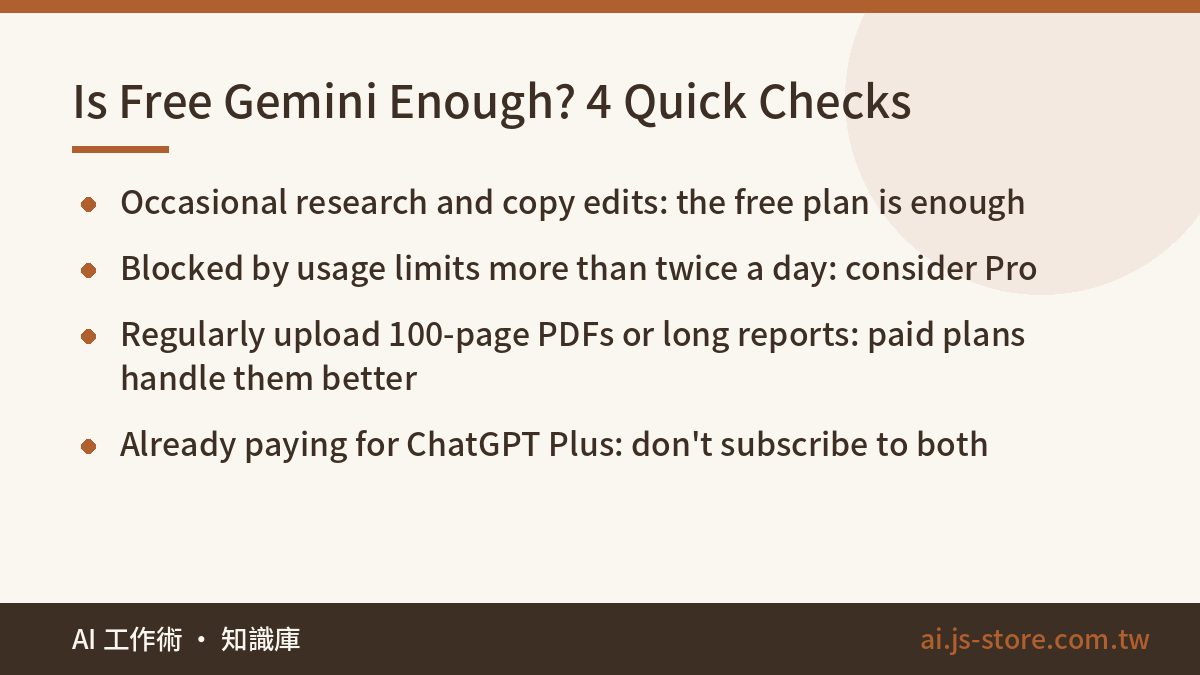
- You hit the usage limit message more than twice a day: upgrade to Pro. The time you lose to those interruptions costs more than the subscription.
- You regularly upload 100-page PDFs, full quarterly reports or long meeting transcripts: paid plans handle much longer inputs, so the model is less likely to forget the first half of the document by the time it reaches the end. If you want to know why that happens, read our explainer on what a context window is.
- You only look things up or polish copy now and then: don't pay. The free plan is plenty.
- You already pay for ChatGPT Plus: don't pay for both. The exception is if your work lives in Gmail and Drive, because Gemini's integration is what makes it worth the money. We break down how these overlapping subscriptions add up in our AI tools cost comparison.
Google often offers a free trial of Pro. Use it on your real work for a full week, and set a reminder to decide before it renews. A week of your own tasks will tell you more than any review, this one included.
Your First 10 Minutes: From Sign-In to Your First Gem
- Sign in. Open gemini.google.com with your Google account and install the Gemini app on your phone. If a work account won't let you in, your admin probably hasn't enabled Gemini yet.
- Pick a model. Near the input box there's a model picker. The options roughly split into fast models and stronger reasoning models. The names change with every release, but the rule doesn't: use the fast one for quick questions, and switch to the stronger one for reports, logic problems and comparing options.
- Connect your apps. In settings, find Apps and turn on Gmail, Google Drive, Calendar, YouTube and Maps. After that, type @ in the chat box to tell Gemini exactly where to look.
- Run one Deep Research job. Give it a question that needs a lot of reading, such as how mid-size coffee chains have changed their expansion strategy over the last three years. It shows you a research plan to approve, works for a few minutes, then returns a report with sources that you can export to Google Docs in one click.
- Build your first Gem. A Gem is a custom assistant you set up once. Find Gems in the left menu (the label varies a little between versions), write the instructions, attach reference files, and from then on it's one click away.
Gems are the most underrated feature in Gemini. For ShooWork Clip, our video-editing product, we have a subtitle proofreading guide of over 2,000 words. It covers how product names are spelled, how long a subtitle line can be, and which filler words get cut. We used to paste the whole guide into every new chat. Now it's a Gem, new teammates just open it, and the output is far more consistent.
Here's what makes Gem instructions work: be specific, include one example of good output and one of bad output, and spell out what it should never do. A vague instruction like "be professional" changes almost nothing.
Gemini + Google Workspace: How We Use It in Gmail, Drive and Docs
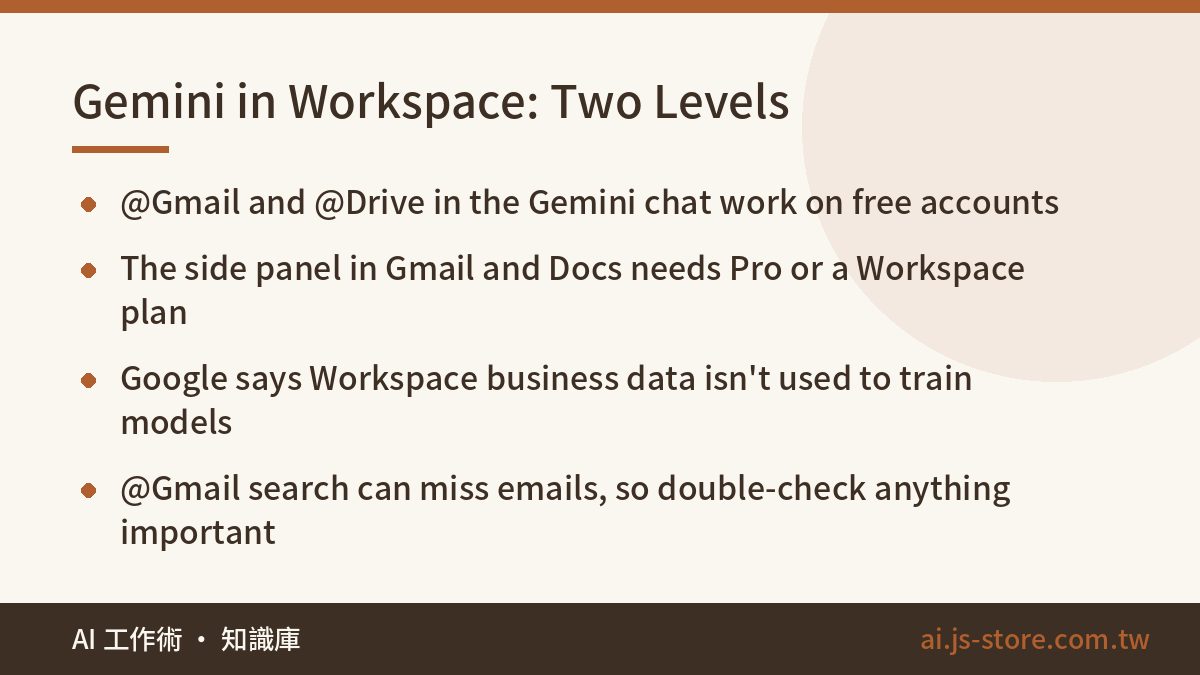
Workspace integration works on two levels, and most of the confusion comes from mixing them up:
- Level one: @ commands in the Gemini chat. Type @Gmail and ask it to search your inbox. This works on free personal accounts.
- Level two: the Gemini side panel inside Gmail, Docs and Sheets. This usually requires Google AI Pro or a company Workspace plan that has it enabled.
Here are prompts our team uses every week. Copy them as they are:
- Gmail, pulling quotes together: "@Gmail find every email from last month that mentions a quote, and put them in a table: company, amount, date, and whether we replied."
- Drive, comparing documents: "@Google Drive find files with 'contract' in the name and compare their payment terms."
- Calendar, finding time: "@Google Calendar when am I free next Wednesday afternoon?"
- Docs side panel: select a paragraph and ask it to rewrite it for a client, under 150 words, polite but not apologetic.
- Sheets side panel: ask which month had the biggest revenue growth, or have it write the formula you can never remember.
- Meet: most business plans include a take-notes feature that saves meeting notes to Drive when the call ends.
At ShooWork, partnership emails are spread across several people's inboxes. Pulling together three months of conversation with one partner used to mean half an hour of manual digging. Now @Gmail lays it out as a timeline, and we have a first draft in about five minutes. But it does miss emails, especially inside forwarded threads and attachments. If it's a tracking sheet that matters, check it against the inbox yourself.
For business accounts: most Workspace plans from Business Standard up include Gemini, while Starter gets fewer features. Your admin can check what's enabled in the Admin console. According to Google, Workspace business data isn't used to train its models. That's the main reason to handle company documents on a business account and not a personal one.
Privacy Settings and 4 Limits to Know Before You Rely on It
- Chats on personal accounts may be reviewed by humans. Google says that when activity history is on, some conversations may be seen by human reviewers. If you don't want that, turn off Gemini Apps Activity (newer versions may call it Keep Activity). Before you paste client details or contract terms, mask them first. Our 3-second data masking check was written for ChatGPT, but it works the same way in Gemini.
- It gets things wrong with total confidence. Numbers, regulations and prices are where it slips most. Deep Research reports include sources, so click through and verify every figure that matters.
- Long chats drift. The longer one thread runs, the more likely Gemini forgets conditions you set at the start. Split big tasks into several fresh chats, or put the fixed reference material in a Gem or NotebookLM so it's loaded every time.
- Style and terminology wander. Gemini may switch between US and UK spelling, or rename your product halfway through. Write the rules into your Gem: which spelling to use, how your brand and product names are written, and which words to avoid. It makes a big difference.
Gemini doesn't have to be your only AI tool. Coding, video editing and ad creative each have more specialized options. We build some of them ourselves, ShooWork Clip for video and ShooWork Ads for Google Ads. If you want to compare options, browse our AI tools directory.
FAQ
Q: Does free Gemini have usage limits?
Yes. The limits on the standard model are generous, and most people rarely hit them in normal use. The strongest model and Deep Research have much tighter caps. When you run out, Gemini tells you to try again later or switches you to a lighter model. Google adjusts the exact numbers, so go by what the interface tells you.
Q: Is Gemini better than ChatGPT?
There's no single winner. It depends on where your work happens. If you live in Gmail, Drive and Google Docs, Gemini's integration saves a lot of effort. If you rely on ChatGPT's wider ecosystem or already have workflows built around it, switching won't gain you much. Use both free versions for a week on your real tasks and compare.
Q: My company uses Google Workspace. Do I still need Google AI Pro?
Usually not. Google AI Pro is for personal Google accounts. On a work account, your Workspace plan decides which Gemini features you get. Ask your admin whether your plan includes Gemini and whether it's turned on before you pay for a second subscription.
Q: Does Gemini use my Gmail to train its models?
According to Google, Gmail and Drive content that Gemini reads through app connections isn't used to train its models. What you type into the chat box is still covered by your activity settings, though. For sensitive information, the safest habit is still to mask it before you paste.