Keyword Research With AI: Intent Clustering, Long-Tail & Free Tools
Published 2026-10-15 · Updated 2026-10-15 · 8 min read · ShooWork (FREECO CO., LTD.)
AI is great at clustering keywords and reading search intent, and terrible at search volume. Here's the free-tool workflow we actually use, step by step.
Short answer: AI is useful for keyword research, but most people use it for the wrong part. It's good at clustering keywords and reading search intent. Paste 100 raw keywords into ChatGPT or Claude and in a couple of minutes you'll have a dozen topic groups. Each group is labeled by whether the searcher wants to learn something or buy something, and you'll see which groups are really the same article. That job used to take half a day in a spreadsheet. AI fails with numbers. Ask it how many monthly searches a term gets and it will hand you a confident, professional-looking figure that it made up.
So only one way of splitting the work holds up: pull raw data from free tools, let AI do the clustering and intent analysis, and make the final calls yourself. If you do it in a different order, you end up with a beautifully formatted keyword sheet that doesn't match what anyone actually searches for.
We've used the workflow below for over a year to grow ShooWork, our own AI tool platform. The site started with zero traffic and now gets steady organic visits. We never paid a monthly fee for a keyword tool. Feel free to copy it.
What AI Can and Can't Do in Keyword Research
When AI keyword research fails, the prompt usually isn't the problem. The AI was given the wrong job from the start. Here's how we split the work:
| Task | Give it to AI? | Why |
|---|---|---|
| Keyword clustering | Yes, very strong | Judging semantic similarity is what language models do best |
| Search intent labeling | Yes, very strong | Tags informational, commercial and transactional in one pass |
| Long-tail ideas | Only with real input | From scratch it just rephrases itself |
| Search volume, difficulty scores | Never | No live index; the numbers are guesses |
| Current competitor rankings | No | Unless the tool really fetches live results |
One rule covers it: if it's a number, don't ask the AI. If it's a judgment call, the AI is your best intern. Draw that line clearly and nothing else in this process goes badly wrong.
Step 1: Build a Raw Keyword Pool From Free Sources
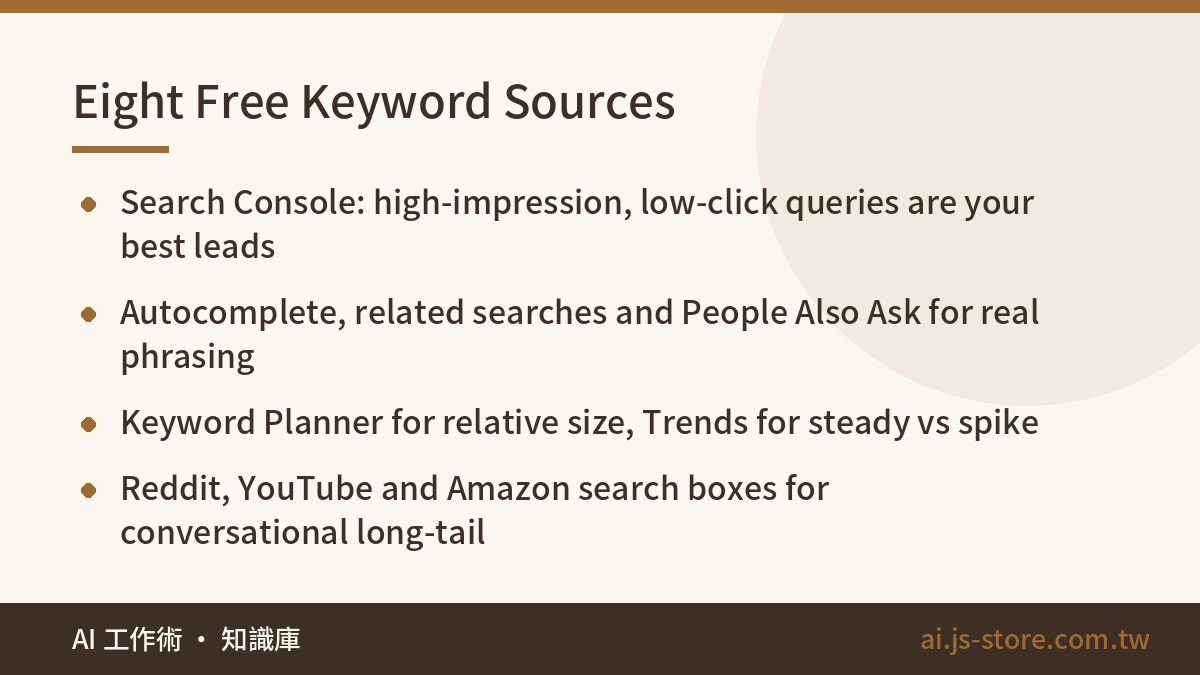
The goal here is to collect as many phrases as you can that real people type into search boxes. All eight sources are free:
- Google Search Console. If you have any traffic, start here. Filter the last three months for queries with high impressions and low click-through. Google already sees you as relevant for these, but you haven't written the right page yet.
- Autocomplete and related searches. Type your seed term followed by each letter from a to z, then by modifiers like “how to”, “best”, “vs” and “cost”. Copy every suggestion.
- People Also Ask. This is a ready-made FAQ bank. Go three levels deep and you'll usually have 20 to 30 real questions.
- Google Keyword Planner. It works with any Google Ads account, even one that has never run an ad. You'll only see ranges, but ranges are enough to compare relative size.
- Google Trends. Shows whether demand is steady or a spike, and which synonym people actually use in your target country.
- Bing Webmaster Tools. Its free keyword research feature uses different data than Google, so it catches terms Google's tools miss.
- Forum, video and marketplace search boxes. Reddit, YouTube and Amazon autocomplete show how people actually talk.
- Competitor sitemaps. Open a competitor's sitemap.xml and pull every article URL. Those are topics they've already tested for you.
Stop when you have 300 to 800 phrases. Don't filter, don't dedupe, and don't judge yet whether anyone searches for a phrase. Dump everything into one spreadsheet. If you filter by hand now, you'll delete exactly the topics you don't know well but your readers are searching for.
Step 2: Cluster by Search Intent With AI
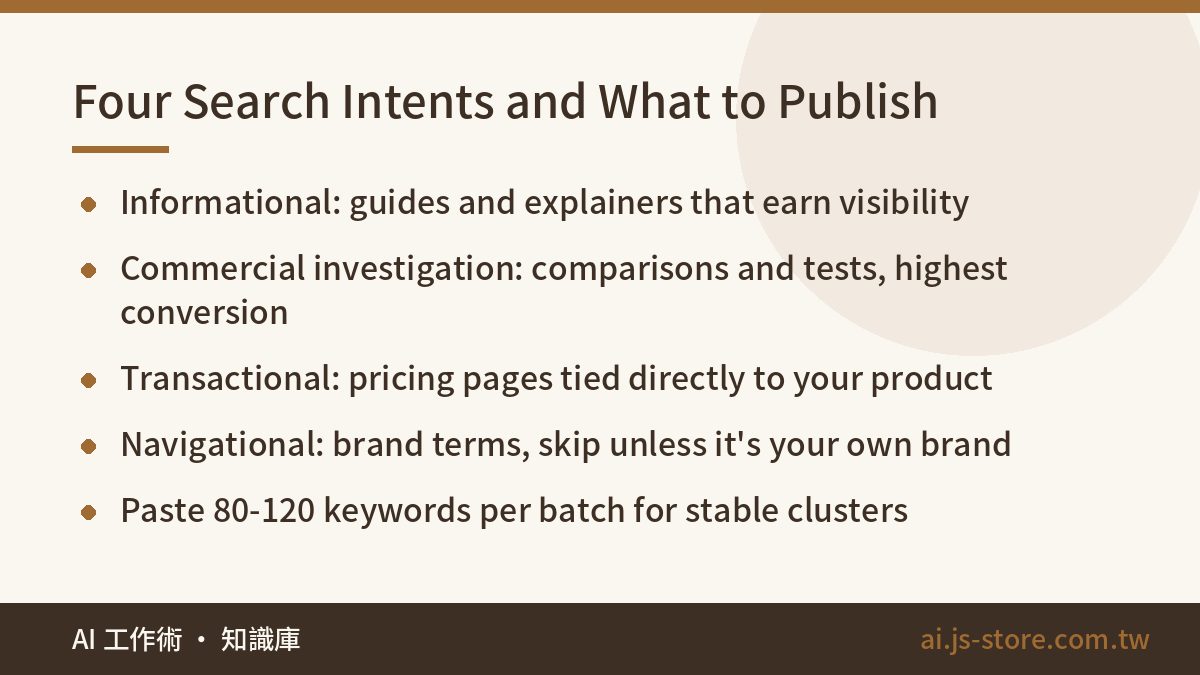
This is the step where AI is hardest to replace. In our tests, batches of 80 to 120 keywords gave the most stable results. Paste 500 at once and the model starts cutting corners, merging unrelated terms and dumping the rest into vague catch-all groups.
Here's the prompt we use:
“You are a senior SEO content strategist. Below is a keyword list for the [country] market. 1) Group the keywords by search intent, where each group is one problem the searcher wants solved. 2) Label each group with an intent type (informational / commercial investigation / transactional / navigational) and a one-sentence description of the searcher's situation. 3) Pick the best primary keyword per group and list the rest as secondary. If two keywords have nearly identical intent, flag them as ‘merge into one article’. Output a table only.”
| Intent type | Typical modifiers | What to publish |
|---|---|---|
| Informational | what is, how to, guide | Explainers and tutorials; earns visibility and trust |
| Commercial investigation | best, vs, review, alternatives | Comparisons and hands-on tests; highest conversion value |
| Transactional | price, cost, free plan | Pricing pages that lead straight to your product |
| Navigational | brand name, login | Usually unwinnable unless it's your own brand |
Then add one more step: have the AI rename every cluster in the words a real person would use to describe their situation. “Keyword tool comparison” is a keyword. “My budget is tight and I want to know if free tools are good enough” is a need. If you name the cluster the second way, your article takes a completely different angle. To see how this fits into a full content pipeline, from briefs to rank tracking, read our SEO AI tools workflow.
Step 3: Mine Long-Tail Keywords Along Eight Angles
Most people dig for long-tail by adding “how to” or “best” to the main term, which gives you ten ideas that are really two. A better method is to expand each cluster once along each of these angles:
- Who: beginners, small online stores, freelancers, solo founders
- Situation: no budget, brand-new site, zero traffic, switching tools
- Comparison: A or B, alternatives, versus the old way
- Price: free, cost, worth paying for
- Doubts: does it work, downsides, will Google see it as spam
- Steps: how to start, template, checklist
- Tool plus action: keyword research with ChatGPT, long-tail in Search Console
- Location and language: country, regional spelling, local examples
Give the AI your real pool from Step 1 and tell it to expand only along patterns it finds in that data. Without real input, all you get is synonyms of synonyms. If its ideas keep circling the same few themes, the fix in our guide to AI topic sameness applies here too.
People often miss one angle: regional vocabulary. “SEO optimization” and “website optimization” often mean the same thing, but different people search for each one, and “optimisation” versus “optimization” splits UK and US readers. AI will happily tell you which term is more common. Check it in Google Trends before you believe it.
Step 4: Turn Keyword Clusters Into a Content Map
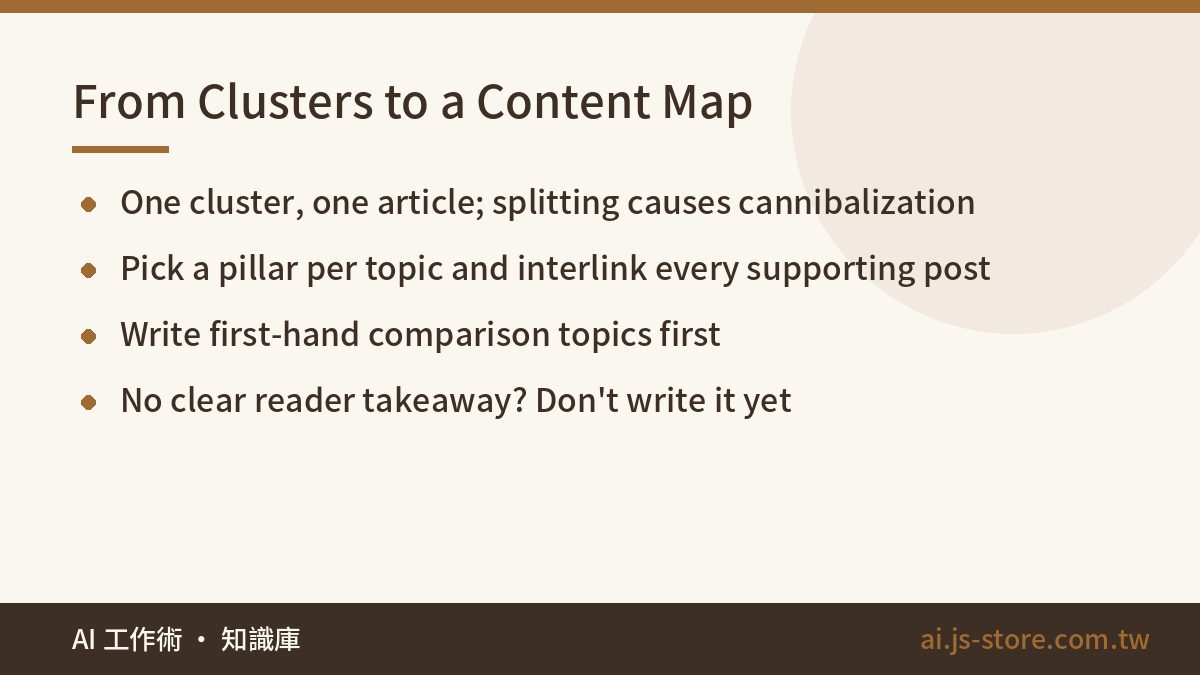
Once they have a cluster table, most people get stuck turning it into a list of articles. Four rules:
- Write one article per cluster, not one per keyword. If you split a cluster into three posts, they compete with each other and none of them ranks. That's keyword cannibalization, and it's the most common reason new sites stall.
- Pick a pillar. The cluster with the broadest intent becomes the main article and the others become supporting posts. Link the pillar to every supporting post and each supporting post back to the pillar.
- Set the order. Start with commercial-investigation topics you have first-hand experience with. They bring real inquiries fastest. Purely informational terms get more volume but convert worse, so they can wait.
- Write down what the reader can do after reading. If you can't finish that sentence, don't write the article yet.
Only then should you start producing content. A tool that writes one good article is different from a pipeline that ships fifty consistent ones. We built ShooWork Write to close that gap. Whatever you use, make sure the output doesn't read like a machine wrote it. Our guide to fixing AI tone in writing covers the telltale signs.
Four Mistakes We Paid For
- Trusting AI search volumes. Early on, a model told us a term got “8,000 searches a month” and we planned a whole quarter of content around it. When we checked Search Console later, actual impressions were less than a tenth of that. Check every number against a real data source.
- Asking AI to generate keywords instead of sorting them. About half the keywords it invented from scratch had no searches at all. The rest were rewordings of each other.
- Feeding in too many keywords at once. Once you pass about 150 terms, the clusters blur and a big “Other” group appears. Work in batches, then have the model merge clusters at the end.
- Only watching Google. A real share of questions now gets answered directly inside ChatGPT, Perplexity and similar tools. People type full sentences there, and the optimization logic is different from classic SEO.
One last honest point: keyword research doesn't bring traffic by itself. Its real job is to tell you which topics not to waste time on. A short cluster table on a subject you know well beats a 2,000-row spreadsheet of keywords you're unsure about.
FAQ
Q: Can AI tell me the search volume for a keyword?
No, and this is the most dangerous way to use it. Language models have no live search index, so they produce a plausible-looking number from their training data. Get volume from Keyword Planner, Search Console or a tool that actually pulls live data.
Q: Are free tools really enough? When should I pay?
For a new site, or one publishing fewer than about eight articles a month, the free tools are plenty. Your bottleneck is writing, not data. Paying makes sense once you need heavy competitor backlink analysis or rank tracking for hundreds of keywords. For current costs, check each tool's official pricing page.
Q: Should one keyword cluster be one article or several?
Let intent decide. Search each keyword in the cluster. If the top ten results are mostly the same pages, Google treats them as one topic, so write one article. If the results differ a lot, split them.
Q: Does traditional keyword research still matter with AI search?
Yes, but the emphasis shifts. People type full questions into AI search, so long-tail and question-style keywords matter more. Intent clustering also gets more valuable, because you're answering a specific situation rather than a single term.