Perplexity vs Google: Which Search Should You Use for What?
Published 2026-10-27 · Updated 2026-10-27 · 8 min read · ShooWork (FREECO CO., LTD.)
Perplexity hasn't replaced Google, but it does better on research and comparisons. Here's which questions go where, and when Pro is worth paying for.
Short answer: Perplexity hasn't replaced Google, and it probably won't any time soon. But it has taken over a big share of the searches that used to mean opening ten tabs. The two aren't really competing for the same job. Each is good at different work, and the people who get the most out of search in 2026 choose between them on purpose.
Here's the one test I use: do you want a finished answer, or a specific page? If you want an answer, such as a comparison, a summary, an explanation or a first pass at research, ask Perplexity. If you want a page, such as an official site, a store's opening hours, a map, a product listing or something announced this morning, go to Google.
Below I'll go through this by type of question, show how our team at ShooWork splits searches every day, tell you whether the free plan is enough, and list the mistakes I see people make with AI search again and again.
What Perplexity Is, and How It Differs From Google and ChatGPT
Perplexity is an AI search engine that does three things in order. It searches the live web, has a language model read the results and write an answer, and puts a source on almost every sentence. You type a question, it fetches pages in real time, and you get a few paragraphs with small numbered citations. Click a number and you land on the original page.
The main difference from Google is simple: Google gives you a list of links and leaves the reading to you. Perplexity does the reading for you. The difference from ChatGPT is smaller. ChatGPT can browse the web now too, but it started as a chat and writing tool, and search was added later. Perplexity was built around search and citations from the start, so every answer comes with its sources.
| Perplexity | ChatGPT | ||
|---|---|---|---|
| What you get back | A list of links, sometimes with an AI summary on top | A written answer with sources | A conversational answer, can browse |
| Source transparency | High: you click through yourself | High: sources cited sentence by sentence | Medium: sources mostly appear when it browses |
| Follow-up questions | New keywords every time | Yes, keeps context | Yes, keeps context |
| Local and map info | Strong | Weak | Weak |
| Best for | Finding sites, places, products | Research, comparisons, summaries | Writing, editing, brainstorming |
Google is also changing. AI Overviews at the top of results, plus its separate AI Mode, are basically Perplexity's approach built into Google. So the useful question isn't “which one replaces the other.” It's which kind of question belongs in which tool.
5 Kinds of Questions Perplexity Answers Faster
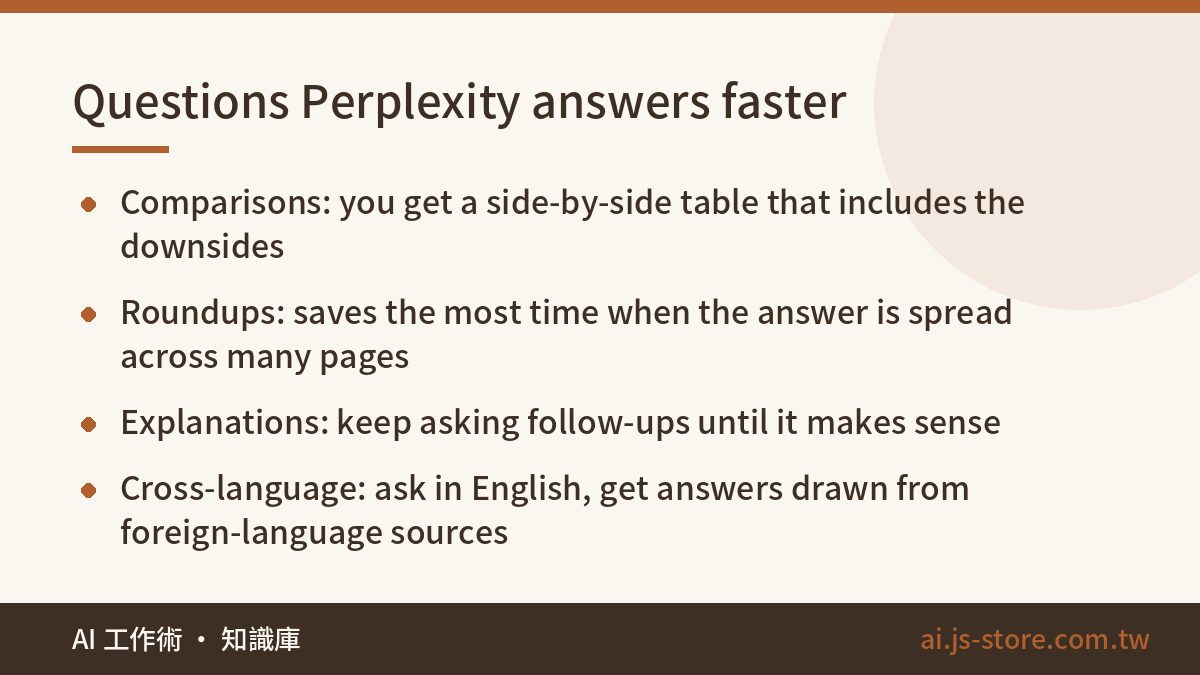
- Comparisons. “Notion or Obsidian for a five-person team?” Google gives you a pile of “10 best” listicles, many of them affiliate pages. Perplexity builds the comparison for you and usually lists each tool's weak spots, which listicles tend to leave out.
- Roundups. “What algorithm changes have the big short-video platforms announced this year?” The answer is spread across news stories, official blogs and creator threads. AI search pulls them together in one pass.
- Explanations. “What is RAG, and how is it different from fine-tuning?” If the first answer doesn't make sense, type “explain it again like I'm running a restaurant” and keep asking until you understand it.
- Research warm-ups. Before you write a proposal or a competitor analysis, let it do a first pass. Don't treat its answer as final. Use it to find the five sources worth reading in full.
- Cross-language search. Ask in English and it will read sources in Japanese, German or Spanish and answer in English. That opens up a large part of the web most people never search, at no cost.
What these have in common: the answer is spread across many pages, and you need them combined, not one page. On Google you'd open eight tabs, scroll past ads and skip SEO content farms. Perplexity does that first round for you in about the time it takes to read one article.
Follow-up questions are an advantage people overlook. Every Google search starts from scratch. Perplexity remembers the conversation, so you can ask “what about pricing for the second option?” without repeating yourself. But very long threads start forgetting conditions you set earlier, as any chatbot does. If you've seen this and wondered why, read what a context window is. When a thread loses track, start a new one and repeat your requirements in the first message.
6 Situations Where Google Still Wins
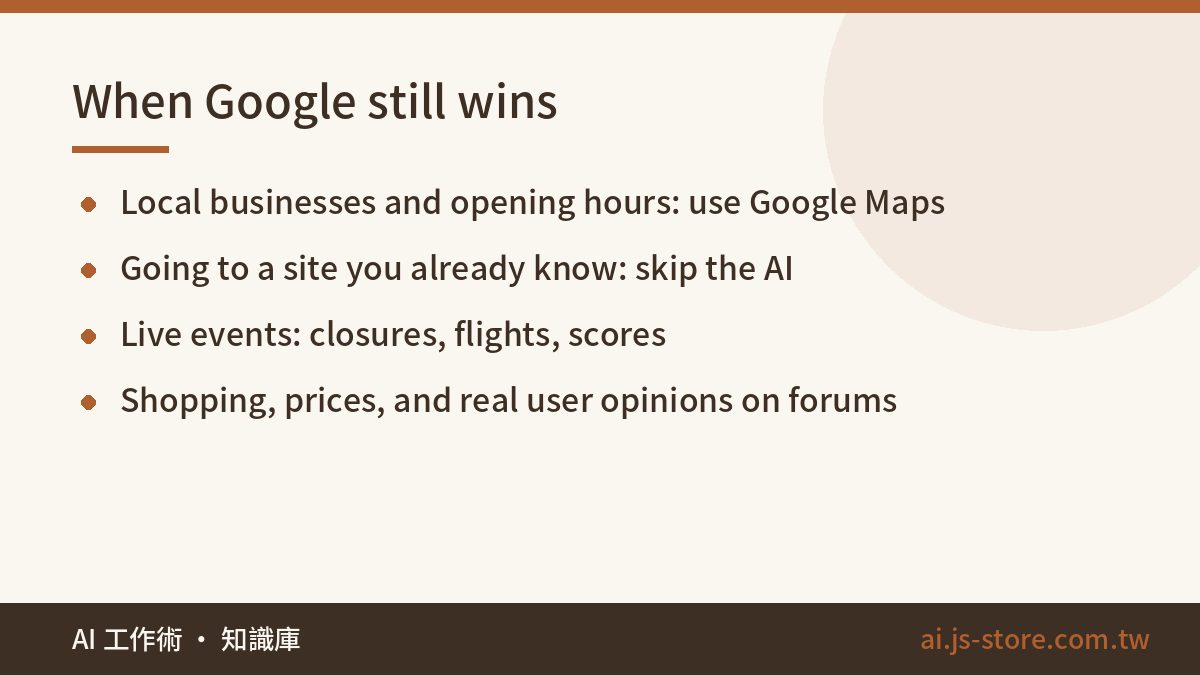
- Local info. “Dentist open Sunday near me,” “what time does this place close.” Google Maps, business profiles and reviews are far ahead here. AI search can even show you outdated opening hours, which is worse than no answer.
- Going to a known site. You know which site you want and just don't want to type the URL: your bank login, a government portal, a brand's homepage. Asking an AI only adds a step.
- Breaking news and live status. Storm closures, flight changes, live scores. Google's real-time index and news sections are faster and more reliable.
- Shopping. When you need the actual product page, today's price and whether it's in stock, Google Shopping or the retailers' own sites are better than any summary.
- Forums and individual opinions. Real user experiences on Reddit or a small hobby forum are still easiest to find with Google and the
site:operator. AI search tends to blend those voices into a bland average. - Images and specific files. Finding a photo, a PDF or an official form to download is faster with traditional search.
The rule: if you need the right page, or how things stand right now, use Google. AI search is great at summarizing, and none of these situations need a summary. Don't ask a model to paraphrase a store's opening hours.
How We Split the Work at ShooWork
We run our own AI tool platform, including ShooWork Clip, our video-editing engine, and ShooWork Ads for Google Ads. So we search a lot every day: competitors, new models, API docs, error messages. Here's roughly how we divide it:
- Competitor and new-tool research: Perplexity first. We ask “who are the main players in this category, how do they price, and what do users complain about most?” Then we take that list and check each official site ourselves.
- Prices and features: always the official site. AI search often pulls old prices or mixes two plans into one. We've seen it confidently quote a plan that had been discontinued months earlier.
- SEO and the content market: always Google. We need to know who Google ranks at the top right now, and an AI can't tell you that reliably.
- Debugging: paste the error into Perplexity or ChatGPT to narrow down the likely cause, then confirm it in the official docs or the project's issue tracker before changing anything.
Running a site has taught us something else. AI search cites our articles, but many readers stop at the summary and never click through. So we've changed how we write: the conclusion goes first, numbers are stated clearly, and the details further down are worth the click. That's why more and more good articles, including this one, give you the answer in the first paragraph.
Perplexity is also moving from search into doing tasks for you, for example with its own AI browser that can click through pages and summarize your open tabs. That's AI-agent work, not search. Try it on low-stakes tasks before you trust it with anything that needs a login or a payment.
Is Perplexity's Free Plan Enough? When Pro Is Worth It
For most people, yes. The free plan handles everyday AI search well. Pro mainly gets you three things: many more advanced searches per day, a choice of top-tier models, and more room to upload files for analysis. Prices change often and annual billing is usually cheaper than monthly, so check the official pricing page instead of trusting a number from any article.
| Your situation | Our advice |
|---|---|
| You search a few times a week, mostly everyday questions | Free plan plus Google |
| You do research, reports or competitor analysis every day | Try Pro for one month |
| You already pay for ChatGPT or another AI | Use its built-in search first, and add Perplexity only if that isn't enough |
| You mostly search for local, shopping or live info | Don't pay. Google covers it |
Don't subscribe to three AI tools at once just to keep up. They overlap a lot. One main tool you know well is more useful than three you only half use. To see what popular plans actually cost, our AI tools cost comparison lays it out, hidden fees included.
4 Mistakes People Make With AI Search
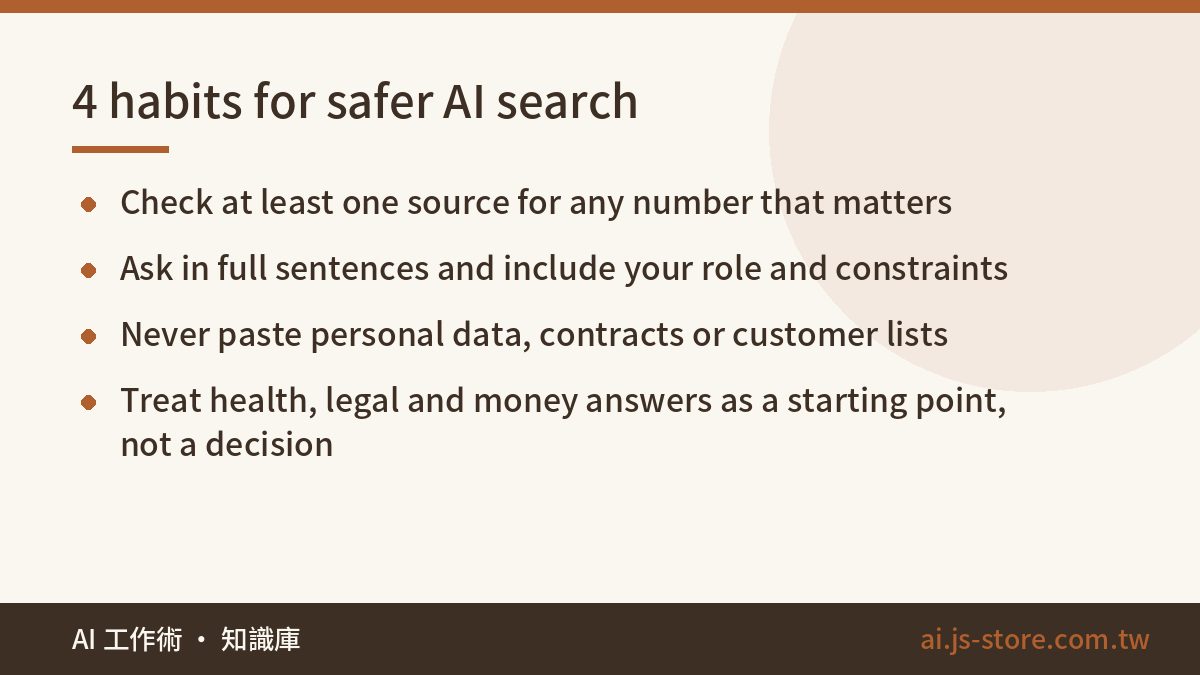
- Not clicking the citations. A confident, well-formatted answer isn't necessarily correct. For any number, date or price that matters, open at least one source and check that the original really says it. Now and then AI search will pair a figure from one page with a conclusion from another.
- Asking too little. Typing “Perplexity pricing” is how you'd search Google, and it ignores what AI search does well. Write a full sentence that says who you are and what you need: “I'm on a three-person marketing team doing competitor research every day. Is Perplexity Pro or ChatGPT's paid plan better value?” With that context, the answer gets much more specific.
- Pasting personal or confidential data. Your question is sent to a server to be processed. Customer lists, contract terms and internal numbers don't belong in a search box. Our 3-second check before you paste was written for ChatGPT, but it works the same way for Perplexity.
- Using summaries as health, legal or money advice. AI search is useful for learning the terms and working out which questions to ask. The final decision should come from a professional or an official source.
FAQ
Q: Is Perplexity free to use?
Yes. The free plan on the web and mobile apps covers everyday searches. More advanced searches and premium models come with Pro. See the official pricing page for current prices. Use the free plan for a week or two and upgrade only if you keep hitting its limits.
Q: Can I cite Perplexity answers in a report?
Don't cite Perplexity itself. Cite the original sources it lists, and open each one to confirm it says what the summary claims. AI summaries can misread sources or mix up numbers from different ones, and if your report is wrong, you're responsible, not the tool.
Q: How is Google's AI Overview different from Perplexity?
Both search first and then summarize with AI. The difference is how they present it. Google's AI Overview sits above the regular results, so the links are still right below it. Perplexity puts the conversational answer front and center, which works better for follow-up questions. For a quick check, use Google. For in-depth research, use Perplexity.
Q: Is Perplexity accurate for non-English or local questions?
It does well on general knowledge and cross-language research, and it can read foreign-language sources and answer in your language. For local businesses, community forums and very recent regional news, it covers fewer sources than Google, so double-check those answers on Google.