Solopreneur AI Stack: The Tools We Actually Use and What They Cost
Published 2026-10-24 · Updated 2026-10-24 · 7 min read · ShooWork (FREECO CO., LTD.)
The AI tools a one-person business actually needs: our five-layer solopreneur AI stack, realistic monthly cost ranges, and the subscriptions to cut.
You need far fewer AI tools than the internet wants you to believe. One main chat model, one automation layer and one or two content tools will carry most of a one-person business. For most solopreneurs, that comes to roughly $20 to $150 a month. You only go past that if you're building your own product and calling model APIs at volume.
We run ShooWork with a very small team. That covers an AI tools platform, a video-editing engine (ShooWork Clip) and Google Ads tooling (ShooWork Ads). We've tried a long list of tools to get here. The ones we actually open every day number fewer than ten. Below, our stack is split into five layers: what problem each one solves, what we use, roughly what it costs and where we think you're wasting money.
One caveat up front: every number here is a range, on purpose. AI plans, tiers and usage limits change almost every quarter, and currency swings move the totals too. Before you pay for anything, check the vendor's official pricing page.
The Solopreneur AI Stack at a Glance: Five Layers and What They Cost
Don't start by asking which tool is trending. Ask what eats most of your week, then buy for that. We split everything a one-person company does into five layers:
| Layer | What it solves | Typical tools | Rough monthly cost |
|---|---|---|---|
| Main chat model | Writing, analysis, planning, first drafts of support replies | ChatGPT, Claude or Gemini (pick one) | Around $20 for most personal plans |
| Code and automation | Connecting your tools, small internal scripts | AI coding assistant, Zapier, Make, n8n | $0–50 |
| Pay-as-you-go API | Batch jobs, AI inside your own product | Model provider APIs | From $0, usage-based |
| Content | Social graphics, short video, slides | Canva, an AI video editor | $0–50 |
| Support and knowledge | Reply drafts, SOPs, quote templates | Your inbox or helpdesk, Notion | $0–30 |
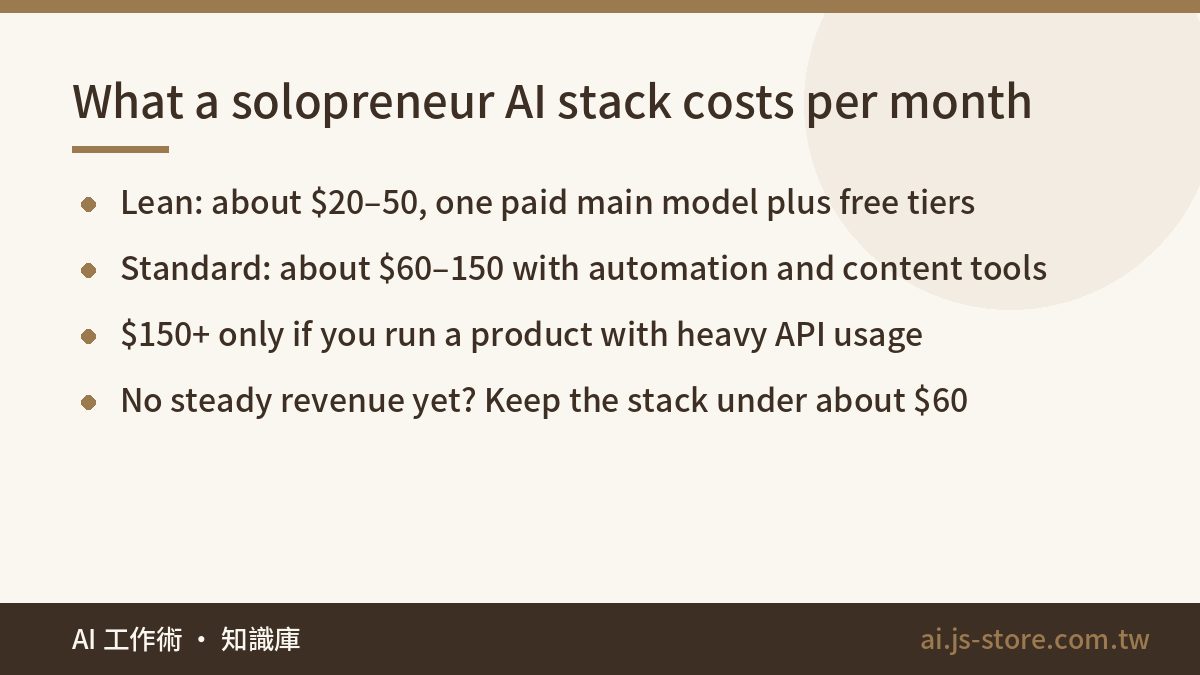
Add it up and a lean setup runs about $20–50 a month. A standard setup lands around $60–150. Only people running a product with heavy API usage go above that. If you don't have steady revenue yet, keep the whole stack under about $60 a month. Spending more won't fix a business that doesn't yet know what it's selling.
Layer 1: Pay for One Main Model, Not Three
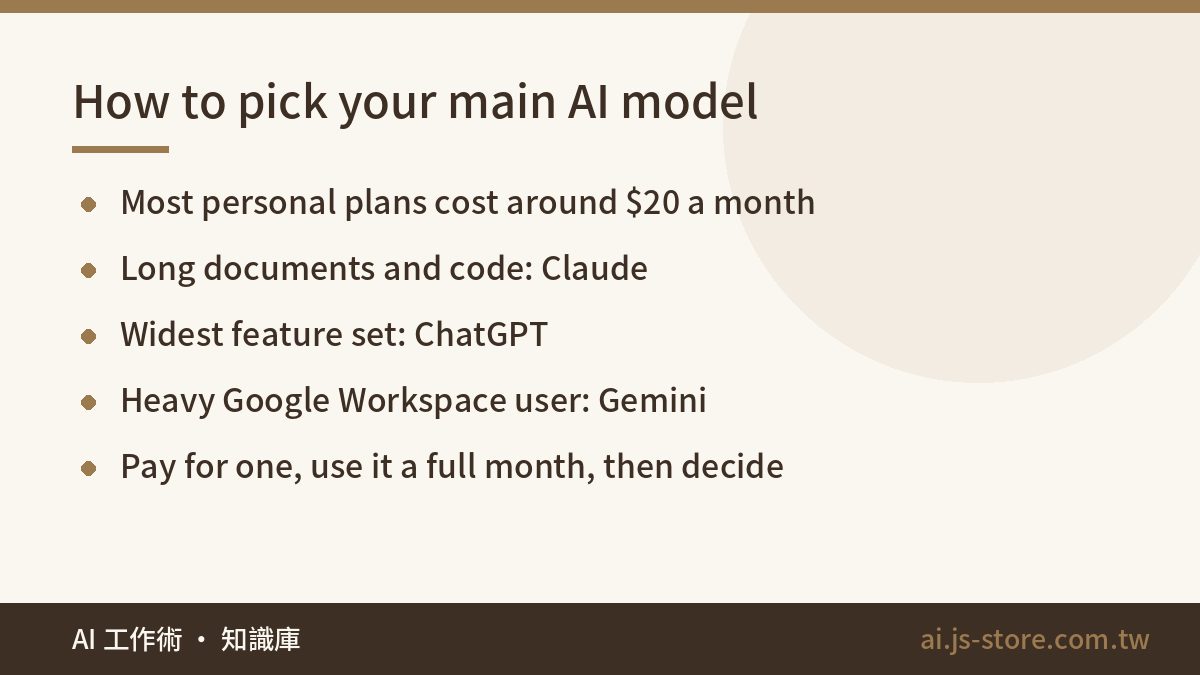
The personal paid plans from ChatGPT, Claude and Gemini mostly sit around $20 a month. For everyday work like emails, outlines, proposals and summaries, the gap between them is smaller than the benchmark charts suggest. Don't subscribe to all three. You'll spend your time comparing three answers instead of shipping one.
Pick based on what you do most:
- Long documents, contracts, specs and code: Claude handles long context and programming reliably. It's the model our development work mostly runs on.
- A bit of everything (voice, images, browsing, files): ChatGPT has the widest feature set and suits generalists.
- You live in Gmail, Docs and Drive: Gemini plugs into Google Workspace most smoothly.
A cheap way to decide: write down the three tasks you repeat most every week, run them through the free tiers for a few days, and keep whichever output you'd send with the fewest edits. Then commit to that one for a full month.
The $100-plus premium tiers are only worth it if you hit usage caps several times a week. Run the standard plan for a month first. If you keep getting throttled in the middle of real work, upgrade then. Getting throttled once doesn't justify a plan five times the price.
One habit to build from day one: don't paste customer names, emails or order details into a chat window without thinking. Our three-second masking check is the routine we use before pasting.
Layer 2: Code and Automation, Where a One-Person Company Gets Leverage
A chat model helps you think. Automation is what actually does the work. Ideas are rarely what holds a solo business back. Repetitive work is: exporting orders, answering the same five questions and copying form entries into a spreadsheet.
We use three kinds of tools in this layer:
- An AI coding assistant. Even if you're not an engineer, you can have AI write small scripts for you: a daily order export, a batch file rename, a weekly report pulled from two spreadsheets. If you already know a little code, the time you save grows quickly.
- A workflow automation platform. Zapier and Make are the fastest to learn and have free tiers, but you'll pay once you have more than a handful of workflows. n8n can be self-hosted on a small VPS, so your monthly cost is basically the server. It's a good fit if you're willing to spend an afternoon learning it.
- Pay-as-you-go APIs. Once you want AI inside your own workflow or product, you'll call a model API directly. ShooWork Clip works this way: transcription, scene segmentation and title suggestions all run through APIs, so we pay for exactly what we use.
Here's the warning we'd give a friend: never run an API account without a monthly spending cap. With usage-based billing, the real danger is not knowing how much you'll spend, more than the price itself. Batch jobs are where it goes wrong. One loop with a bad exit condition can burn several days of budget overnight while you're asleep. Every major provider lets you set a hard limit and usage alerts in the dashboard. Set both before you write your first line of code, and put the alert well below the cap so you get a warning before the hard stop.
Layers 3–5: Content, Customer Support and Knowledge
Content. A common problem for solo founders is needing to post with no time to make graphics or video. Canva's AI features cover social graphics and slide decks well enough. If you're turning one long video into a batch of shorts, an AI video editor like ShooWork Clip will beat cutting them one by one by hours per week. As for a separate AI image generator: unless your product lives or dies on visuals, don't buy one. The image generation built into your main model is usually enough for thumbnails and post graphics.
Customer support. Whatever channel your customers use, the safe starting point is the same. Write your common answers into a short knowledge base covering shipping costs, delivery times and the return policy. Let AI draft replies from it, then read each draft and press send yourself. Don't let AI handle refunds, change prices or make promises to customers. Those decisions stay with you. One confident wrong answer about a refund can cost more than a year of tool subscriptions.
Knowledge management. Keep your SOPs, support scripts and quote templates in Notion or whatever notes app you already use. These documents double as the material you feed your AI, so the clearer they are, the better your drafts get. This layer costs almost nothing, yet it decides how well every other layer works. A vague SOP gets you vague AI output.
How to Keep Your Monthly AI Bill Under Control
AI costs rarely spike all at once. They creep up as subscriptions pile on one at a time: a $12 tool here, a $19 add-on there. Our approach is to set the stack by business stage, then audit it every quarter.
| Stage | Suggested stack | Rough monthly cost |
|---|---|---|
| Just starting, no steady revenue | One main model + free automation tiers + Canva free | About $20–35 |
| Steady orders coming in | Main model + paid automation or self-hosted n8n + paid Canva + a support tool | About $60–130 |
| Your own product or heavy content output | All of the above + AI coding assistant + API usage + a video tool | $150 and up |
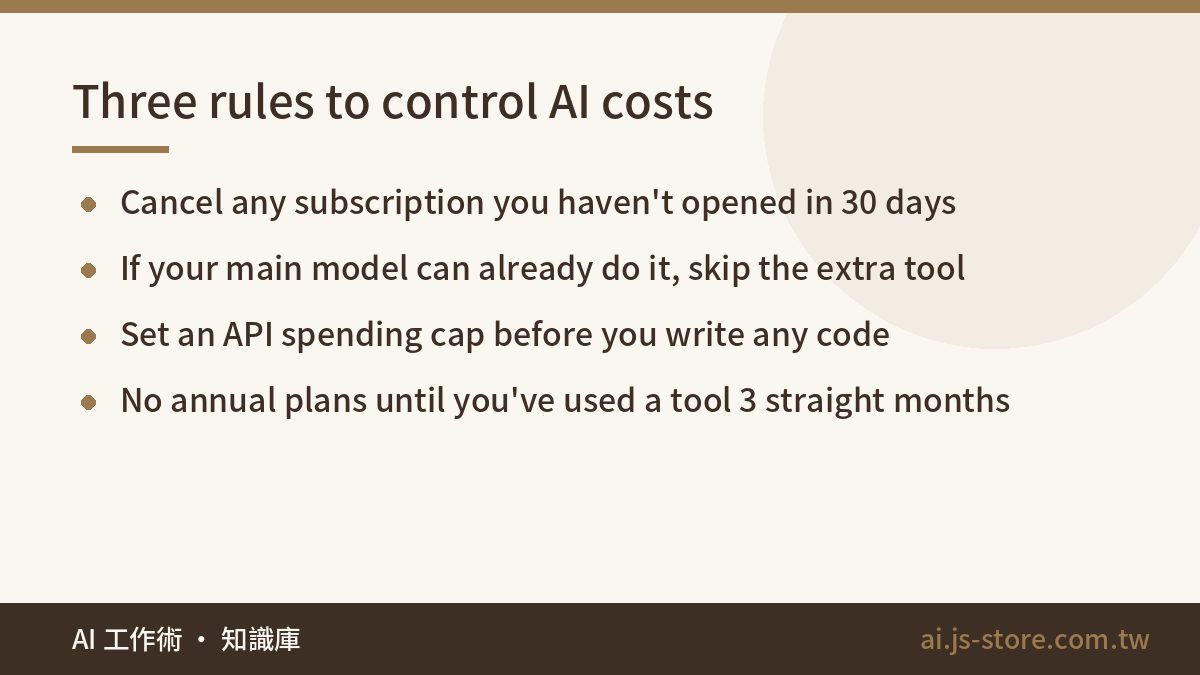
The audit has one rule: if you haven't opened it in the last 30 days, cancel it. These are the three traps we see most often:
- Overlapping features. If your main model already generates images, reads PDFs and outlines slide decks, don't pay for a single-purpose tool that does one of those things.
- The annual-billing trap. Paying yearly is usually cheaper than paying monthly, but AI tools get replaced fast. Don't commit to a year on anything you haven't used steadily for three straight months.
- Uncapped APIs. As above, runaway usage tends to happen in a single night.
For a deeper breakdown of plan tiers and hidden fees, see our AI tools cost comparison. To see where each type of tool fits before you buy, browse the ShooWork tools directory.
FAQ
Q: How much should a new solopreneur spend on AI tools per month?
Until you have steady revenue, keep it to roughly $60 a month or less. One main chat model plus the free tiers of everything else is enough. Pay for a specific tool only when one repetitive task is costing you several hours every week. Find the pain first, then buy the tool, not the other way around.
Q: Should I choose ChatGPT, Claude or Gemini?
Choose based on your most common work. Claude suits long documents and coding, ChatGPT has the broadest features, and Gemini suits heavy Google Workspace users. Personal plans are priced similarly, so pick one, use it for a full month and switch only if it isn't working. Don't pay for several at once.
Q: Can I use automation tools if I can't code?
Yes. Zapier and Make use drag-and-drop builders with ready-made templates for common workflows. When you get stuck, describe what's on your screen to your AI model and ask it to walk you through the setup step by step. That solves most problems.
Q: Is it risky to let AI reply to customers?
The risk comes from letting AI send replies on its own. Have it draft, review every reply before it goes out, and give it a fixed knowledge base covering shipping and return rules. For refunds or disputes, follow the applicable consumer rules and your platform's policies, and make the call yourself instead of leaving it to AI.