AI Security for Business: Keep Secrets Safe When Staff Use AI
Published 2026-10-22 · Updated 2026-10-22 · 8 min read · ShooWork (FREECO CO., LTD.)
Your team already uses AI, mostly without telling you. Classify your data, pick the right plans, and roll out a one-page AI policy you can actually enforce.
Here's the short version: your employees are already using AI, and most of them haven't told you. The real AI security question for a business isn't whether to allow AI. It's three things: which accounts people use, what data they paste in, and whether anyone in the company knows about it. If you ban AI outright, people switch to their phones and personal accounts, and you lose sight of what's happening.
Three moves work. First, sort your company data into levels and spell out which levels may go into AI. Second, replace the free accounts people signed up for on their own with business plans or API access that the company sets up centrally. The difference here isn't model quality. It's the contract and who controls the account. Third, write a one-page AI use policy that you actually back up with technical controls. This guide covers each one and ends with a policy template you can adapt.
We run our own AI tool platform and video-editing engine, so we handle customer uploads and account data every day. What follows is the version we actually use, including the mistakes we made along the way. It isn't a compliance document rewritten for a blog.
Where the Risk Really Is: People Pasting, Not AI Hacking
When most owners picture AI security, they imagine an AI breaking into their systems. In practice, almost every incident starts with an employee sending data out voluntarily. A few years ago, engineers at a major electronics manufacturer pasted internal source code into a chatbot to get help debugging it, and the company ended up banning the tools across the board. A salesperson at a ten-person company who pastes the full customer list into a chatbot and asks it to "turn this into a table" is doing exactly the same thing.
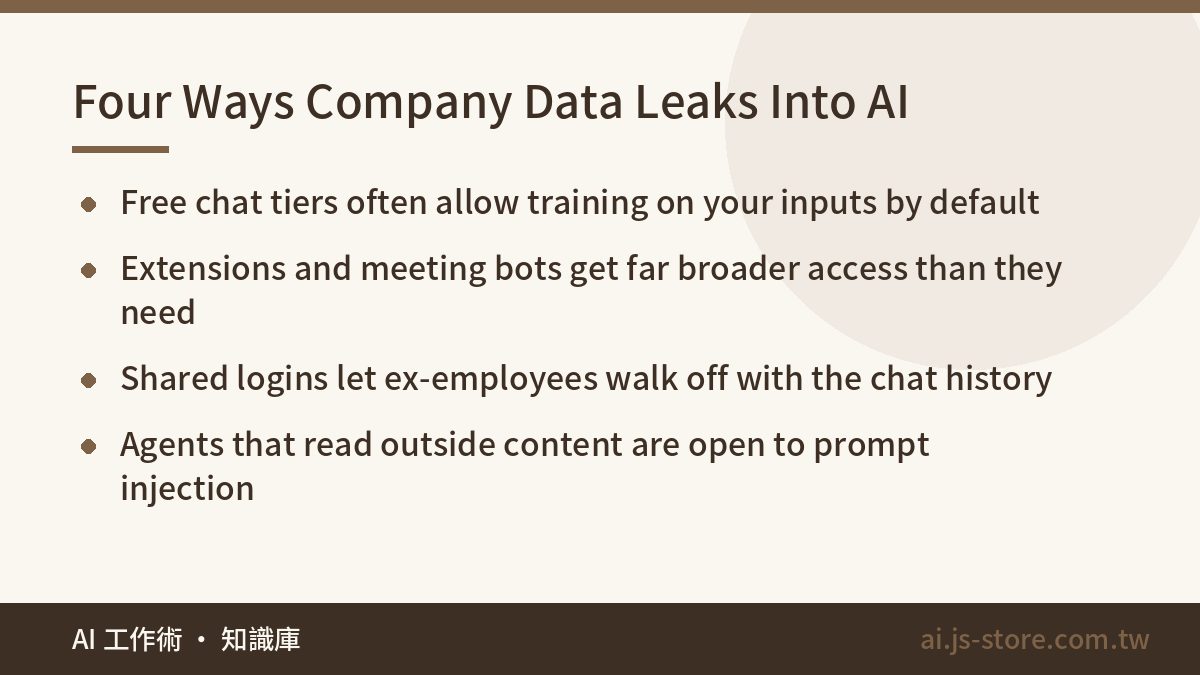
Data usually leaks through one of four paths:
| Leak path | What it looks like | The actual risk |
|---|---|---|
| Pasting into free chat tools | Contracts, financials or code pasted in for a quick summary | Free and personal tiers often allow training on your inputs by default, and conversations may be reviewed by people |
| AI extensions and meeting bots | A browser add-on that reads every page, a notetaker that joins every call | The permissions go far beyond the job. An entire inbox or drive can be exposed |
| Shared accounts and chat history | One login for the whole team, which ex-employees can still use | The chat history is effectively a company knowledge base, and one leaked login exposes all of it |
| AI agents reading outside content | An agent that reads email or browses the web and then takes actions | Instructions hidden in that content (prompt injection) can make the agent work for an attacker |
Surveys disagree on how many employees use AI tools without approval, but the figure is usually over half. Shadow AI isn't a forecast. It's already happening. Your goal isn't to catch people. It's to bring their AI use into the open, where it can be managed.
Free vs. Personal Paid vs. Business vs. API
A common assumption is "we pay for it, so it must be safe." A personal paid plan gets you a better model and higher usage limits. It doesn't give you a contractual promise about how your data is handled. The real dividing line is between business plans and the API. Their terms usually say your data isn't used for training by default, and they come with an admin console, SSO (single sign-on) and audit logs. The table below shows the typical differences. Always check each vendor's current terms.
| Plan | Trains on your data by default? | Admin control | Who it's for |
|---|---|---|---|
| Free | Often yes, sometimes with an opt-out | None | Individuals working only with public information |
| Personal paid | Often yes, sometimes with an opt-out | None | Personal use only, never company secrets |
| Team / Enterprise | Usually contractually no | SSO, member management, retention settings, audit logs | Any company with five or more people that touches customer data |
| API | Usually contractually no | Your own systems control what goes in and out | Teams building AI into products or internal workflows |
Don't let employees sign up for paid plans with personal email addresses and expense them. The company has no admin rights over those accounts. When someone leaves, their chat history leaves too, and you can't tell how many accounts you're paying for. Buy fewer seats if you need to, but make sure every account is on your company domain. If cost is the worry, we compare plan structures and hidden fees in our AI tools cost comparison.
Classify Your Data Before You Write a Single Rule
"Don't paste confidential data into AI" doesn't work as a rule, because nobody knows exactly what counts as confidential. Give people a classification table they can check in three seconds before they hit paste. We use four levels:
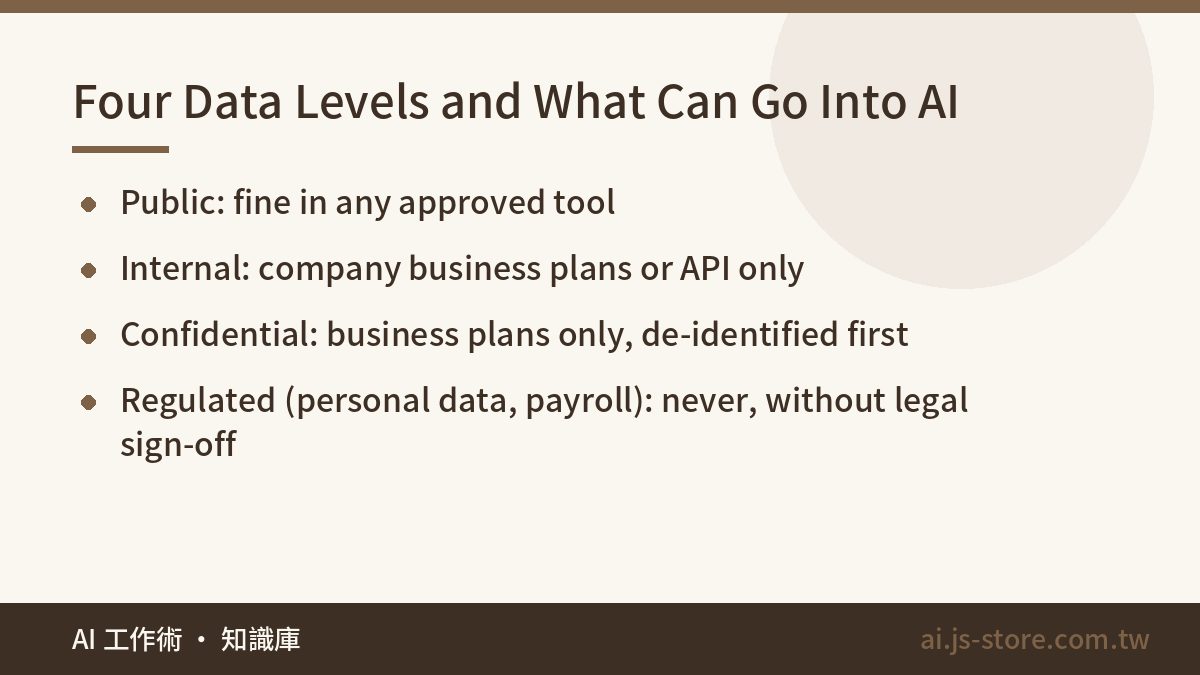
| Level | Examples | Can it go into AI? |
|---|---|---|
| Public | Website copy, published press releases, public price lists | Yes, in any approved tool |
| Internal | Meeting notes, internal processes, unreleased marketing assets | Only in company-provisioned business plans or the API |
| Confidential | Source code, financials, pricing strategy, customer contracts | Business plans only, after de-identification, or a self-hosted model |
| Regulated | Government ID numbers, phone numbers, health and financial records, salaries | Never, unless legal and security approve a specific workflow |
The regulated level deserves extra attention. Most data protection laws treat sending personal data to a third-party AI service as a transfer to another company. If something goes wrong, "an employee pasted it" won't hold up as a defense. At a minimum, your red list should include customer personal data, source code and API keys, unreleased financials, live quotes and bids, and HR or payroll data. For a quick personal habit to go with the policy, see our 3-second data masking check.
Here's how this works for us. In our video engine, customers' raw footage and scripts are classified as confidential. Internally, they can only go through processing pipelines we control. Nobody gets to drop them into a third-party chatbot just to get a quick sense of what a clip is about. The reason customers trust a product like ShooWork Clip is that their material stays inside the boundaries we promised them.
A One-Page AI Use Policy Template
Keep the policy short. Nobody reads a twenty-page legal document. Here's our structure. Swap in your own tool list and contact person and it's ready to use.
- Scope: Applies to all employees, contractors and outsourced partners, and to any generative AI that receives company data as input. That includes web apps, mobile apps, browser extensions and AI features built into other software.
- Approved tools: Use only the tools and accounts on the published list. Using a tool not on the list for Internal-level data or above counts as a violation. The list is reviewed every quarter.
- Data levels and prohibitions: Follow the four-level table. Regulated data never goes into any AI tool. Confidential data must be de-identified first and may only go into business plans. If you're unsure, treat the data as Confidential.
- Accounts: Always sign in with your company account through SSO. No shared logins and no personal sign-ups that get expensed. Access to all AI tools is revoked on your last day.
- Extensions and integrations: Any AI extension or bot that reads email, cloud storage, calendars or web pages needs approval before you install it.
- Output accountability: Before you publish or send AI-generated code, contract language, public copy or numbers, you're responsible for checking that it's accurate and properly licensed. The AI isn't accountable. Whoever hits send is.
- Incident reporting: If you or a colleague puts Confidential or Regulated data into an AI tool by mistake, report it to the security contact within 24 hours. People who report themselves won't be penalized. Covering it up will be treated as a violation.
- Violations and review: A first violation means retraining. Repeat violations, or ones that cause a leak, are handled under your employment rules and the law. The policy is reviewed every six months, or sooner if your tools change significantly.
Two clauses tend to get cut in review, and they matter most. Item 7, no penalty for reporting yourself, is what makes people report at all. Without it, you'll never hear about incidents. Item 6, the person who sends it owns it, makes people stop for a second before they copy and paste.
Technical Controls: A Policy Without Enforcement Is Just a Memo
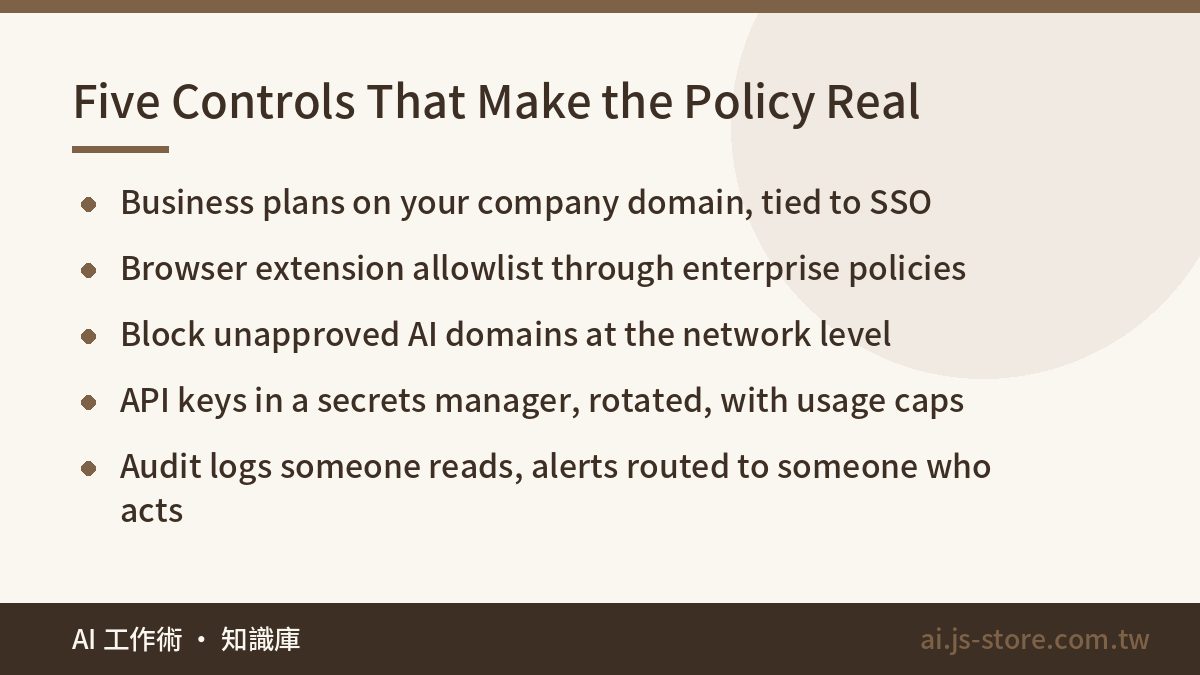
If you announce a policy without any technical controls, people will have forgotten it within three months. Here are five controls, ordered by effort. A small company can set up the first three in a day.
- Business plans on your company domain, tied to SSO: This one step gives you a full account inventory, offboarding on day one, and no training on your data. Nothing else on this list does as much for the effort.
- A browser extension allowlist: Use your browser's enterprise policies to control which extensions people can install. That handles the most common source of over-broad permissions.
- Block unapproved AI domains at the network level: Block services that aren't on your list through your network and device management tools. The goal isn't catching anyone. It's making accidents harder.
- Key and secret management: Store API keys in a secrets manager, never in prompts, code or chat windows. Rotate them regularly and set a usage cap on each one.
- Logs and alerts: Make sure someone actually reads the audit logs from your business plan. Set up an alert whenever data that looks like ID numbers or card numbers is sent to an AI service, and route it to someone who can act on it, not an inbox nobody checks.
If you have AI agents handling email or browsing the web, add one more rule: give them the fewest permissions possible. Default to read-only, and require a human to approve any action that writes or sends, because hidden instructions in outside content can turn the agent against you. When people browse our AI tools directory, the question we hear most is "will this tool store my data?" The only honest answer is to read that tool's privacy terms. Don't assume a tool is safe because it's well known.
A 30-Day Rollout, Plus Three Things Not to Do
- Week 1, anonymous survey: Send an anonymous survey asking which AI tools people use and what they use them for. Make it clear nobody will get in trouble. You need honest answers.
- Week 2, levels and tool list: Use the survey results to decide which business plans to buy. Map the four levels to each department's real work, with three concrete examples per department.
- Week 3, technical rollout: Provision company accounts, connect SSO, and set up the allowlist and domain blocks. Turn on the approved tools before you block anything. Doing it the other way around causes a backlash.
- Week 4, training and sign-off: A 30-minute hands-on session works better than a three-hour lecture. Show people live how to de-identify a customer list before pasting it, then have everyone sign the policy.
- Every quarter after that: Review the audit logs, update the tool list and collect new requests.
Three things not to do. Don't ban AI outright. People will move to their phones, and you'll lose all visibility. Don't just send an announcement. A policy without technical controls protects no one. It's just a disclaimer. Don't write the policy like a legal contract. People can't follow rules they can't understand.
FAQ
Q: We only have about 15 people. Do we really need an AI use policy?
Yes, and you may need one more than a big company does. Small teams usually have no IT department, so nobody knows which tools people are using, and a single leak of customer data could cost you a key account. The policy can be one page, but don't skip company-provisioned business accounts or the data classification table.
Q: Can we control employees using AI on personal phones and accounts?
You can't technically control personal devices, which is why blocking alone won't work. Give people company accounts that are good enough that they have no reason to work around them, state clearly that company data only goes into company accounts, and make the consequences clear. Your goal is to remove the incentive, not to monitor everyone.
Q: Do business plans really not train on our data?
The major providers' business plans and APIs usually state in their terms that customer data isn't used for training by default. The details and exceptions vary, though, such as short-term retention for abuse monitoring. Read the full data processing terms before you sign, and check the retention periods and how deletion works. The vendor's official terms are what count.
Q: An employee already pasted confidential data into an AI tool. What now?
Start by finding out which service, which account and which level of data was involved. On a business plan, an admin can usually delete the conversation and review the logs. On a personal account, have the employee delete the conversation right away and turn off training, and check whether you're legally required to report a breach of personal data. Then use the incident as a training example instead of a reason to punish someone.