AI Trip Itinerary: Turn Your Saved Places Into a 3-Day Weekend Plan
Published 2026-10-25 · Updated 2026-10-25 · 8 min read · ShooWork (FREECO CO., LTD.)
Screenshot the saved list in your maps app, give AI your constraints, and get a 3-day plan: three stops a day, one route, a rain backup for each.
If you want AI to plan a long weekend, don't ask it "what should I do in my city this weekend?" You'll get the same top-ten list every travel blog already has, full of places you never cared about. A better move: screenshot the saved list you've been building in your maps app for months. Give those screenshots to ChatGPT, Claude or Gemini along with where you're starting from, who's coming and how many hours you have. Then ask it to pick three stops a day that sit on one route (breakfast, one activity, dinner) for three days, with an indoor backup for each stop in case it rains.
That's the whole method. Below you'll get a prompt you can copy and paste, the reason behind each rule (so you can change it instead of following it blindly), a pacing pattern for three days and a checklist for before you leave. It works for a holiday weekend, a week off, or an ordinary Saturday and Sunday.
First, a limit you should know about: AI doesn't know whether a place is open today or how bad the traffic is. What it does well is take a pile of saved pins and group them into days that make sense on a map. You still have to check opening hours and reservations yourself.
Why Your Saved List Never Gets Used
Saving a place takes one tap. You scroll past a nice-looking café, tap save, and move on. Six months later the list has 40, 60 or 100 places in it. When you saved them, you never thought about where you'd be coming from, who you'd be with or what time you'd get there. So when a free weekend finally comes, you'd have to open each pin, check the address, compare distances and work out which places go together. That's exhausting just to think about, so you end up at the same brunch spot you always go to.
You're not short on information. What stops you is the two jobs that take the most thinking: choosing and ordering. Those are exactly the jobs AI is fast at. Give it the list and your limits, and it can sort places by type, group them by area and build a day's route in seconds. All you do is review it and decide.
We see this on our own team. We run the ShooWork social accounts, and our saved lists for lifestyle content keep getting longer while the number of places we've actually visited barely moves. It's the same pattern we wrote about in how an 87-item shopping cart shrank to 6: saving something isn't the same as using it. You need a way to work through the pile, and AI is very good at narrowing it down.
The 4-Step Method
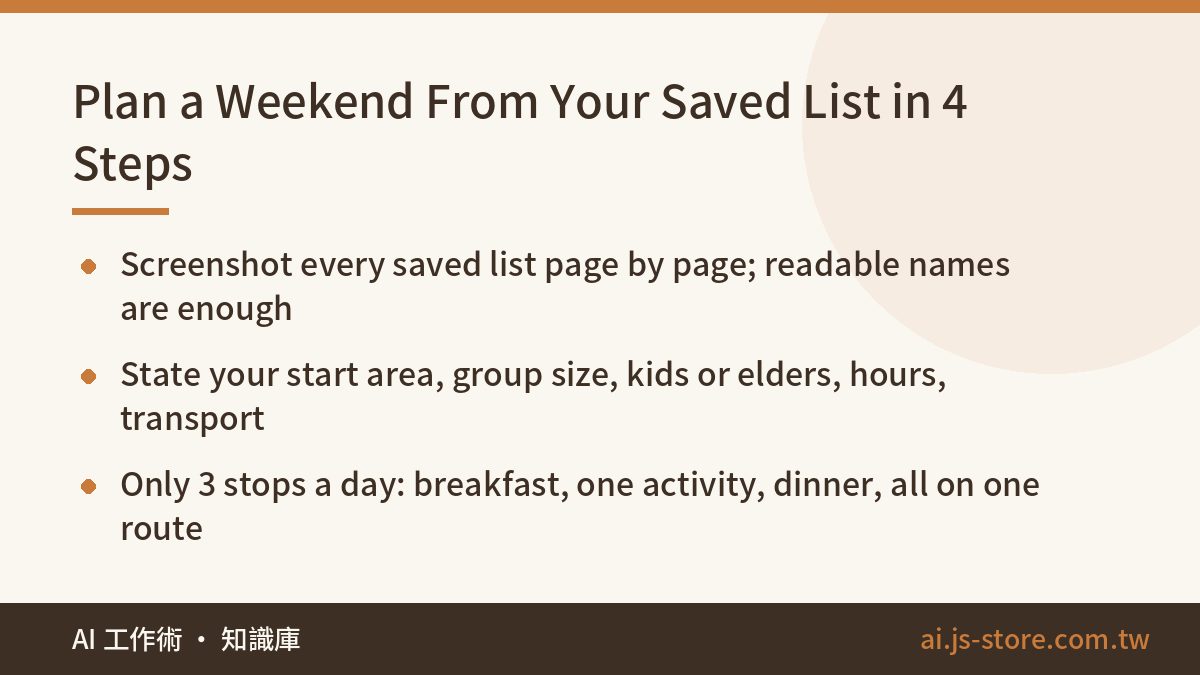
- Screenshot the list. Open your maps app, go to Saved, open your list and screenshot it page by page as you scroll. The place names just need to be readable. If you have several lists (want to eat, want to visit, cafés), screenshot all of them and send them together.
- Spell out your constraints. Where you're starting from, how many people, whether kids or older relatives are coming, how many hours you have, how you're getting around, and what you don't want.
- Three stops a day, on one route. One place for breakfast, one activity and one place for dinner, all in the same neighborhood or along a natural line. Never cross half the city in one day.
- Check things yourself before you leave. Is it open, do you need a reservation, where will you park?
Why screenshots and not a share link? When you share a list from a maps app, the link usually won't open for an AI model. It runs into login screens, JavaScript-heavy pages or a list that only shows when you're signed in. Screenshots work every time. You don't need to capture addresses either. A readable name is enough, the model will guess the area from what it knows, and the prompt below makes it flag anything it isn't sure about.
For your starting point, give the neighborhood or district, not your street address. The model doesn't need your front door to plan a route. Before you paste anything into an AI tool, it's worth doing a 3-second personal data check, and that goes for trip plans too, especially if your screenshot also shows a home or work pin.
The Prompt to Copy (and Why Each Rule Is There)
Replace the bracketed parts with your details and paste this in along with your screenshots:
These are screenshots of places I've saved in my maps app. I want to actually use this list over a three-day weekend: [Friday, Saturday, Sunday + dates]. Please plan all three days.

My constraints:
- Starting point: [neighborhood or district, not my street address]
- Group: [2 adults, 1 child aged 5]
- Getting around: [driving]
- Daily window: [10am to 8pm]
- Avoid: [anywhere with a 30+ minute line, places with lots of stairs]

Follow these rules:
1. First, list every place name you can read in the screenshots. If a name is unreadable, write "unreadable". Do not guess.
2. Based on what you know, roughly categorize each one (restaurant / cafe / attraction / other) and note which area it's in. If you're not sure, mark it "unsure".
3. Plan only 3 stops per day: breakfast or brunch, one attraction or activity, and dinner. All three must be in the same area or along one route. Don't cross the whole city.
4. Day 1: the stops closest to my starting point. Day 2: can be farther away. Day 3: only 1-2 stops, leave time to rest.
5. Give every stop an indoor rainy-day backup, ideally nearby.
6. For every stop, list what I need to confirm myself before leaving: whether it's open, whether I need a reservation, parking.

Finish with one table: Date | Time slot | Place | Area | Rain backup | To confirm.
Every rule in this prompt is there for a reason. Drop any one of them and the result usually gets worse:
| Rule | Why it's there | What happens without it |
|---|---|---|
| Write "unreadable" instead of guessing | When a screenshot is blurry, the model fills in a name that looks about right | A place you never saved ends up in your plan |
| Mark uncertain places "unsure" | The model often doesn't know where small, independent places are or what they are | Places in different parts of town end up on the same day |
| Three stops per day | Holiday crowds mean everything takes longer than you expect | Five or six stops a day, and you're rushing all day |
| Only 1-2 stops on day 3 | You need time to rest before going back to work | The weekend leaves you more tired than a work week |
| A rain backup for every stop | When the weather turns, you change one stop instead of the whole day | One shower cancels the whole day |
| Finish with a table | Easy to screenshot and send to the people you're going with | A wall of text nobody reads to the end |
Don't skip the "Avoid" line. In the example, "no 30+ minute lines, no places with lots of stairs" may sound minor. But with a five-year-old or an older parent along, those two things decide how the day goes more than whether the food is any good. Put in what actually ruins your days, not what you think a trip planner wants to hear. If you notice you keep writing rules as things not to do, our guide to custom instructions that work shows how to turn them into instructions the model follows more reliably.
Three-Day Pacing: Close First, Far Second, Light Third
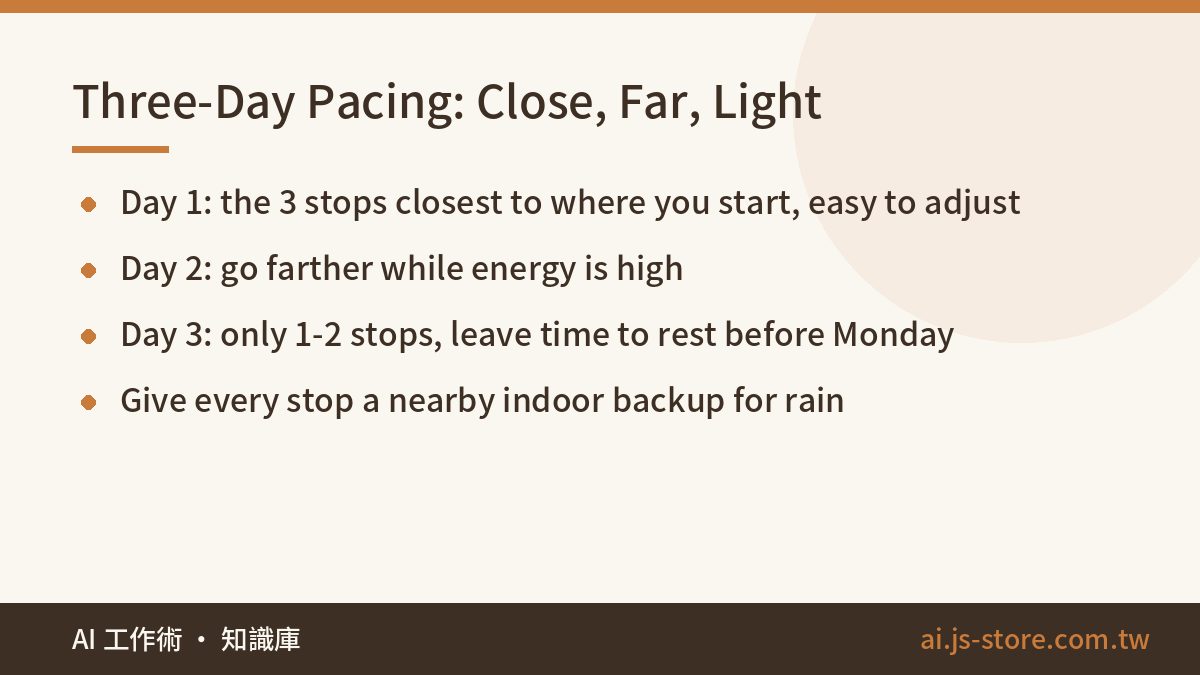
Rule 4 sets the pace on purpose:
| Day | What to plan | Why |
|---|---|---|
| Day 1 | The 3 stops closest to your starting point | An easy start. If something goes wrong, you're close to home and easy to adjust |
| Day 2 | 3 stops that can be farther away | Energy and mood are at their highest, so it's the right day for the longer drive |
| Day 3 | Only 1-2 stops | Time to rest and get ready for Monday, so you don't go back to work worn out |
The rain backup is the most useful part of this whole method. When you ask for an indoor backup near each stop, a sudden downpour doesn't mean planning the day again from scratch while everyone stands under an awning. You swap that one stop for its backup and carry on. The backups take the model a few extra seconds to produce and can save you an afternoon.
One more trick: agree on one stop each day that you're fine skipping. Holidays bring lines, traffic and surprise closures. If all three stops are must-dos, every delay turns into an argument in the car. Decide over breakfast which one is optional, and running late stops being a problem.
If several families are going together and you need to sort out who books, who drives and who brings what, keep the same chat open and ask for a second table: tasks, owners and a timeline. The model already has the route, so it can split up the work around it.
What AI Can't Do: Your Checklist Before You Leave
To be blunt: the AI gives you a sensible set of routes, not a guarantee you'll get through the door. It doesn't know if a place is open today, it can't see traffic, and it may place a small restaurant in the wrong neighborhood. We build and run ShooWork, an AI tools platform with our own video-editing engine and ads tools, and what we remind users of most often is this: a person has to check AI output before acting on it. That matters most when a wrong answer means a wasted trip with a hungry kid in the back seat.
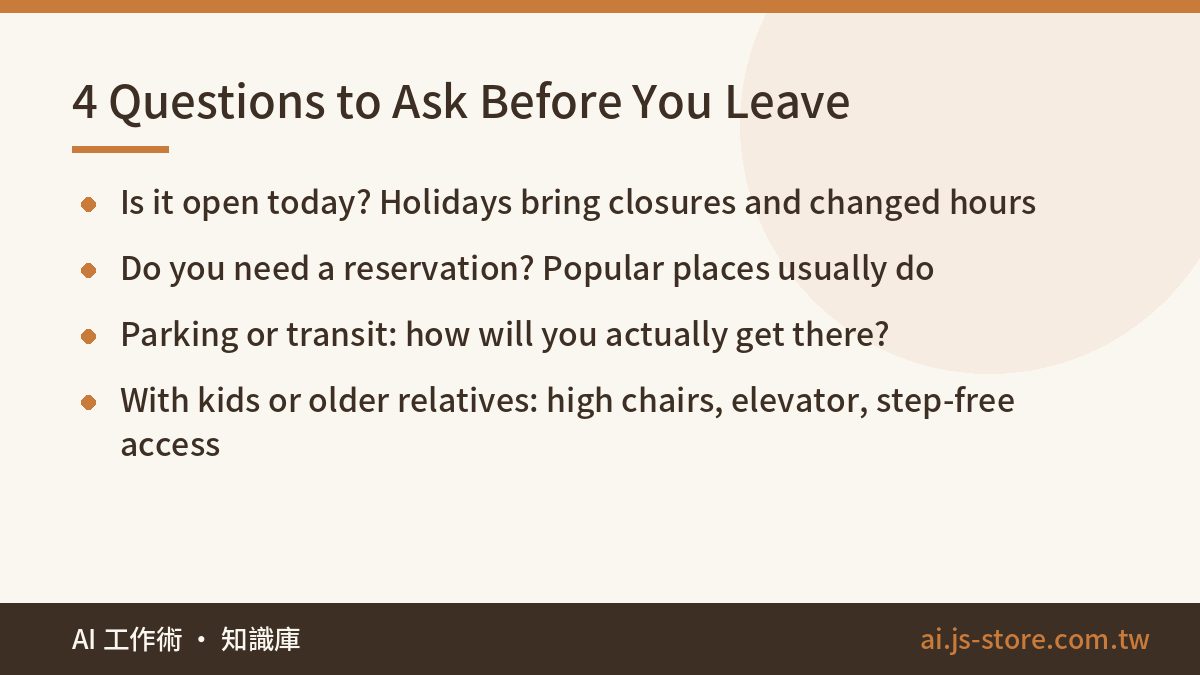
Ask these four questions about every stop before you leave:
- Is it open today? Holidays bring closures and changed hours. Call, or check the place's latest social post.
- Do you need a reservation? Popular places usually need one on a long weekend.
- Parking or transit: Is there parking nearby, and how do you get there by public transport?
- Kids or older relatives: Are there high chairs, an elevator, step-free access?
Don't trust the opening hours the AI gives you, even when it sounds certain. It may be repeating old information. The most reliable order is: the AI builds the table, you call the places that need reservations, and on the morning of each day you check each place's latest post one more time. Fifteen minutes of checking beats an hour of driving to a locked door.
Once the plan is set, send the table to whoever's coming with you and follow it. You'll finally use the list instead of adding to it. If you like turning a messy pile into a short, usable list with AI, browse more of what we've built in ShooWork's tools.
FAQ
Q: Can ChatGPT plan my weekend itinerary for me?
Yes, but the result depends on what you give it. Ask only "where should I go this weekend?" and you'll get the internet's most popular spots. Give it screenshots of your own saved list plus your constraints, and it plans around places you actually want to visit. You still need to check opening hours and reservations yourself.
Q: Can I just share my maps list link with the AI?
Usually not. Shared list links often won't open for AI models. Screenshots are the reliable option. Scroll through the list page by page, make sure the names are readable, and if you have several lists, screenshot all of them and send them together.
Q: Why only three stops a day?
Breakfast or brunch, one activity and dinner fill a day without rushing. On busy weekends, a packed plan never gets finished. Among the three, decide on one you're happy to skip if you're running late.
Q: What if the AI puts a place in the wrong area?
The prompt tells it to write "unreadable" or "unsure" instead of guessing, so check the places with those labels first. If something still looks wrong, open that place in your maps app to confirm where it is. Then ask the AI to replan only that day.
Q: Does this only work for three-day weekends?
No. Change the dates and number of days in the prompt and it works for a week off, a holiday break or a regular weekend. For a two-day trip, keep the pattern of somewhere close on day one and a light second day.