ChatGPT Free vs Paid: Is Free Enough or Should You Upgrade?
Published 2026-10-10 · Updated 2026-10-13 · 7 min read · ShooWork (FREECO CO., LTD.)
ChatGPT free vs paid isn't about a smarter AI. It's about usage limits, peak-hour priority and long-task stability. Here's who should pay and who shouldn't.
Here's the short answer so you can get on with your day. If you open ChatGPT fewer than ten times a day, and you use it to look things up, translate, fix typos, write short copy or tidy meeting notes, the free plan is enough. Don't upgrade. The people who should pay all have one thing in common. Usage limits have stopped them in the middle of real work, and it's happened more than once.
Most people assume the paid tier is the "smarter" one. That's mostly wrong now. Over the last couple of years, nearly every headline feature has reached free accounts in some form: file uploads, image understanding, voice chat, web search, data analysis and image generation. What you actually pay for is three things: how much of the top model you get, priority when the servers are busy, and stability on long jobs. The two feature lists look almost the same. Day to day, they feel very different, because the difference is how many times you can use the good stuff.
The sneaky part is that hitting your limit usually doesn't produce a big "you're out" message. ChatGPT quietly switches you to a lighter model. You think the AI is having a bad day, but you've just been downgraded. Below we cover who should pay, the differences you'll actually notice, how the silent downgrade works, how we split our own AI spend, and five things to try before you pay for anything.
Who should skip the upgrade, and who should pay today
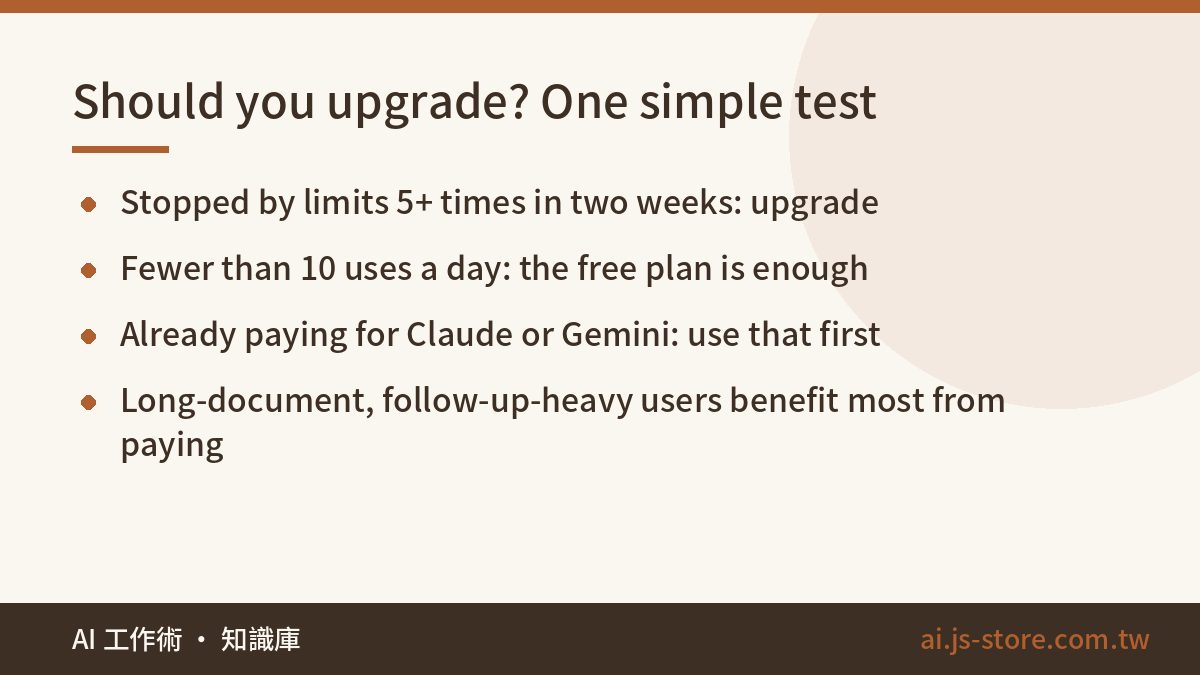
Three kinds of people who don't need to pay:
- Light users. You open it a few times a day, ask your question and leave. You'll never use up the free allowance, so a subscription is basically a monthly donation.
- Short-task people. Translating a paragraph, polishing an email, brainstorming ten headlines. Lighter models handle this well, and you won't notice the difference.
- People already paying for another AI. Maybe your Google plan includes Gemini, your company gave you Copilot, or you already subscribe to Claude. Use what you're paying for first. Each tool has its strengths, but don't buy the same capability twice.
Three kinds of people who should upgrade now:
- Heavy daily users. Engineers, marketers, strategists and researchers who use it for two or more hours straight. Add up the time you lose each month restarting after hitting a limit, value it at your hourly rate, and it almost certainly costs more than the subscription.
- Long-document people. Contracts, interview transcripts, research papers, financial reports, anything you upload and then ask about again and again. In long threads the free tier tends to forget what came earlier, so you keep re-pasting material. That's the most painful kind of blocker.
- Power-feature users. Lots of data analysis, batch image generation, custom GPTs chained into a fixed workflow. Those are the features the free plan limits most.
If you're somewhere in the middle, use one test: in the past two weeks, did a limit or a slowdown actually stop your work? If the answer is no, hold off on upgrading.
Free vs paid: the differences you'll actually feel
These are the differences that matter in daily use. We deliberately left out exact message counts. OpenAI changes its plans and limits often, so any hard number would be wrong within a few months. Check the official pricing and help pages for current figures.
| Area | Free | Paid |
|---|---|---|
| Access to the top model | Small allowance, then an automatic switch to a lighter model | Much higher allowance that normal use rarely runs out |
| Peak hours | Can slow down or queue, and some features may pause | Priority access, which is where the gap is most obvious |
| Long chats and long documents | Loses track of earlier details and needs material re-pasted | Longer usable context, more stable on long threads |
| Data analysis and file handling | Available but limited, and large files often fail | Enough runs for real trial and error |
| Image generation and new features | Rationed, and new features usually arrive later | Bigger allowance, and new features usually arrive first |
| Custom GPTs, projects, memory | Available with limits | Full access, good for building repeatable workflows |
| Training on your chats | You can switch it off in settings | Team and enterprise plans exclude your data by default |
| Price | Free | Monthly subscription, with individual, higher-priced pro and per-seat team tiers. See the official pricing page |
One common misunderstanding needs clearing up: paying does not make the AI stop making mistakes. For example, text inside generated images gets garbled on free and paid accounts alike. That's a limitation of the model, not of your quota. We tested it in our guide to fixing wrong text in AI images. Paying gets you more usage. It doesn't get you more accuracy.
The real dividing line is usage, not intelligence
Why does the same model feel so different from one account to another? Look at how usage is counted. Every time you send a message, the model doesn't just read that line. It re-reads the whole conversation from the top. The longer the thread, the more each reply costs. That's why replies around message 40 get slower and start to drift. Some languages, including Chinese and Japanese, also use up more of the budget per sentence than English does.
So the free tier's limits work like this:
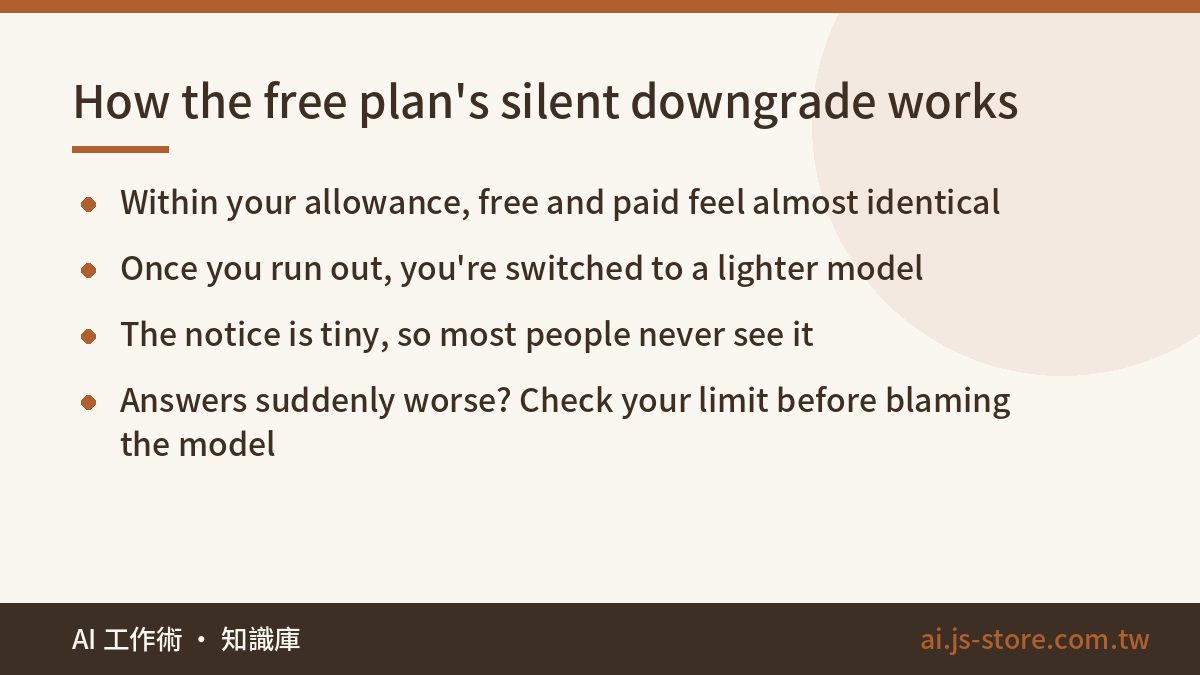
- While you're within your allowance, you get the best model, and it feels almost identical to paid.
- Once you run out, the system moves you to a lighter model. The notice is usually small and easy to miss.
- You keep asking, get shallower answers, and decide that ChatGPT has got dumber lately.
This is a textbook silent downgrade. You get no error and no red banner, and the quality just slides. It's the same failure pattern we keep running into in automation, which we cover in our silent failure checklist. Build one habit: when answers suddenly get worse, check whether you're still within your limit before you blame the model. We've been caught by this ourselves. We spent half an hour rewriting a prompt, then realized we'd simply hit the cap. An hour later everything was back to normal.
How we split it: subscriptions vs API
At ShooWork we run an AI tools platform, an automated video-editing engine (ShooWork Clip) and Google Ads tooling (ShooWork Ads). Internally we split AI usage into two buckets and pay for them separately:
- Exploratory work. This is anything where a person sits there and iterates: working out strategy, rewriting copy, debugging, reading an unfamiliar document. It belongs in the chat interface, and a subscription is worth it because it saves human time.
- Production work. This is anything like writing titles and descriptions for a hundred videos at once, sorting comments in bulk, or generating a daily report. Don't do this in a chat window. It belongs in the API or an automated pipeline, where you pay for what you use.
When we moved batch jobs out of the chat window, our chat usage dropped sharply. We'd been asking ourselves whether one account was enough or whether we needed three. The real problem was that we were forcing machine work into a chat box. So before you add a second paid seat, ask yourself: should this be typed by hand at all? ShooWork Clip came out of exactly that idea. Repetitive steps run on a schedule, and people only make the judgment calls.
Five things to try before you pay
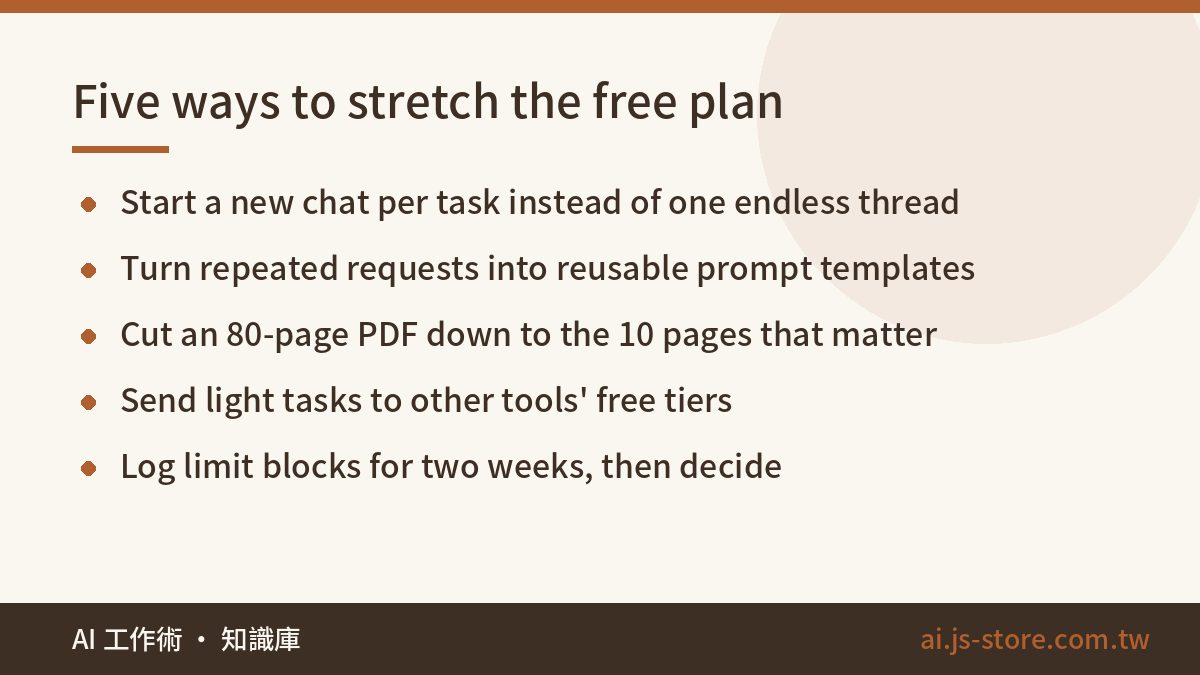
- Start a new chat for each task. Don't keep one thread going forever. Shorter conversations use less per reply, and the answers are sharper. This makes the biggest difference on the free tier.
- Turn repeated requests into templates. Stop re-explaining the same task every time. A fixed, well-structured prompt uses the least. Our 20 copy-paste prompt templates for work are a good place to start.
- Trim large files yourself. If you have an 80-page PDF, pull out the 10 pages you actually need before uploading. Uploads succeed more often and responses come back faster.
- Spread light work across tools. Send translations and summaries to other providers' free tiers, and keep your best-model allowance for the genuinely hard problems.
- Log your blocks for two weeks. Every time a limit stops you, write it down. More than five in two weeks means upgrade. Fewer than three means skip it. If you land in between, keep logging for another two weeks before you decide.
One more thing before you pay: a subscription won't fix vague questions. If your prompt is fuzzy, the answer stays fuzzy however much you pay. You're buying volume and speed, not judgment. This is the most common upgrade regret we see. People subscribe expecting to get better results automatically, change nothing about how they use it, and quietly cancel a month later.
FAQ
Q: Does ChatGPT's free plan have a usage limit?
Yes, and it changes. Free accounts get a capped number of messages on the top model within a time window. After that you're switched to a lighter model rather than locked out. The cap shifts with system load and is rarely published as a fixed number, so go by the notice in your own account.
Q: Is the answer quality really different between free and paid?
Within your allowance, the same model gives very similar answers. The gap shows up in three situations: after you've been downgraded, in very long conversations, and during peak-hour queues. If your questions are short and quick, you probably won't notice a difference.
Q: Is a subscription worth it for students and freelancers?
It depends on what your time is worth. If limits, re-pasting and re-running cost you more than about three hours a month, a subscription usually pays for itself. If you only write the occasional report or look things up, the free plan plus other tools' free tiers will do.
Q: Can I pay for one month just to try it?
Individual plans are generally billed monthly and can be cancelled mid-cycle, and you usually keep access until the period ends. Billing and refund rules can change, so check the official help pages rather than relying on what others tell you. Our advice is to log your blocks for two weeks first, then decide.
Q: I occasionally need to work with long documents. Is there a free way to do it?
There are three. First, pull out the key sections yourself before uploading. Second, split the document into parts, handle each in a separate chat, then combine the conclusions. Third, use another tool's free tier that handles long documents well. If you've tried all three and still hit walls, that's your signal to upgrade.