Deep Research Guide: How to Prompt It and Fact-Check the Report
Published 2026-10-29 · Updated 2026-10-29 · 7 min read · ShooWork (FREECO CO., LTD.)
How to use AI Deep Research in ChatGPT, Gemini, Perplexity and Claude: which tool to pick, how to write the prompt, and how to fact-check the report.
Short answer: Deep Research can replace the hour you'd spend digging through search results, but only if you ask the right question. It isn't a smarter chatbot. It's an agent that plans its own search route, spends 5 to 30 minutes reading dozens or even hundreds of pages, then hands you a long report with citations. Give it a vague question and it will carefully produce a vague report. That report will still look polished and authoritative, so the gaps get harder to spot.
At ShooWork we run our own AI tool platform, a video-editing engine and Google Ads tooling, and we use deep research almost every week. We use it for competitor pricing scans, tech stack comparisons and background reading before we write. This guide covers what we've learned from the deep research modes in ChatGPT, Gemini, Perplexity and Claude: what they're good at, where they fail, how to write a prompt that works, and how to check the report before you trust it.
By the end you'll know which research jobs to hand off and which ones you can still do faster yourself.
What Deep Research Is (and How It Differs From AI Search)
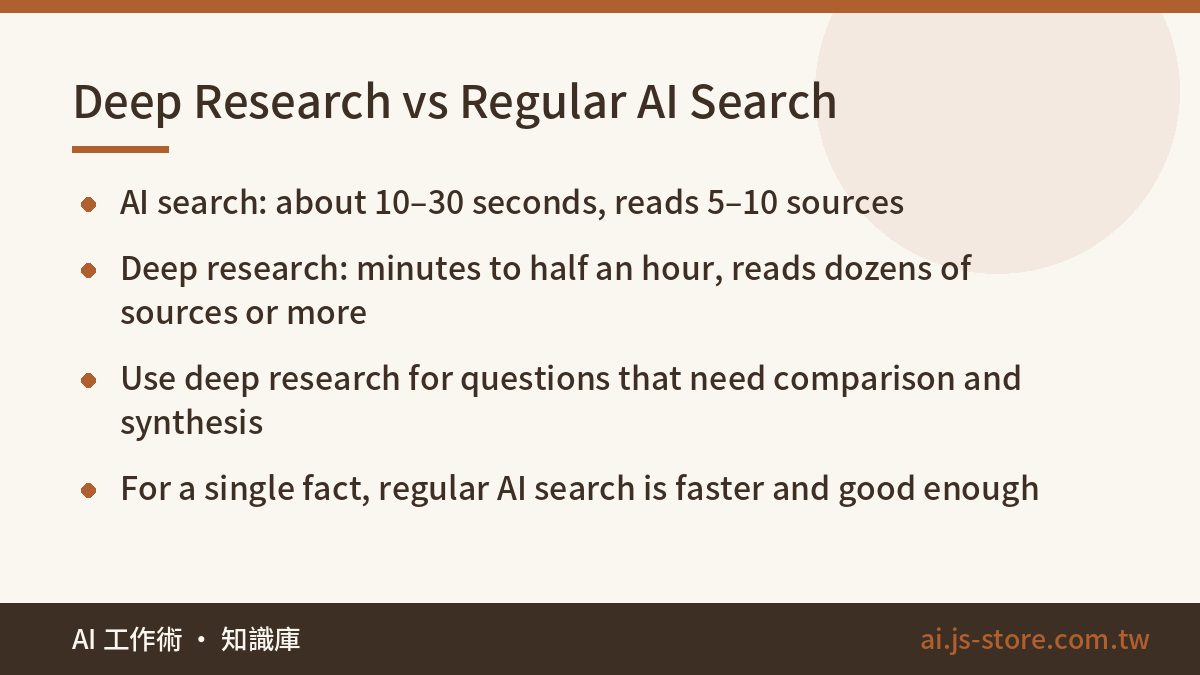
A normal AI chat is one question, one answer. AI search, like Perplexity's default mode, runs one round of searches, reads a handful of pages and summarizes them. Deep research runs several rounds of searches. It breaks your question into parts, searches, reads, notices what's still missing, then searches again. It repeats that a few times and only then writes the report. Think of the difference between telling an intern “Google this for me” and “take the afternoon and write me a research memo.”
| Regular AI chat | AI search | Deep research | |
|---|---|---|---|
| Wait time | Seconds | About 10–30 seconds | Several minutes to half an hour |
| Sources read | May not browse at all | Roughly 5–10 | Dozens to 100+ |
| Output | Conversational answer | Short summary + citations | Long report + source list |
| Best for | Rewriting, brainstorming, explaining concepts | Looking up a single fact | Comparing options, pulling many views together |
If you're still deciding whether AI search can replace Google for everyday lookups, read Perplexity vs Google first. This article covers one kind of question only: the kind where you need to read a lot before you can reach a conclusion.
ChatGPT, Gemini, Perplexity or Claude: Which Deep Research to Use
Nearly every major AI assistant now ships a deep research mode. The names vary and the core loop is about the same. The real differences are how each one checks in with you before it starts and where the finished report ends up. Here's what we've seen in daily use. Quotas and plans change constantly, so check each official pricing page for current limits and prices.
| Tool | What stands out | Best for |
|---|---|---|
| ChatGPT deep research | Often asks a few clarifying questions before it runs; long, well-structured reports | Formal reports, proposal and pitch material |
| Gemini Deep Research | Shows you a research plan you can edit before it starts; exports straight to Google Docs | People already living in Google Workspace |
| Perplexity deep research | Relatively fast, clear inline citations, limited free tries | Testing the waters cheaply, quick turnaround |
| Claude research | Depending on plan, connectors let it search your own cloud docs alongside the web | Combining outside research with internal material |
If you're only going to pay for one, our advice is simple: pick the assistant you already use every day. Deep research is one feature. Daily chat and writing are what you actually pay for, and adding a second subscription just for research is rarely worth it. For how to split a monthly AI budget, see Is an AI Subscription Worth It?
How to Write a Deep Research Prompt: 5 Things to Include
Most failed runs aren't the AI's fault. The question was too broad. Type “research the short-video market” and you'll get a 10,000-word report that starts with the history of the platforms, moves on to global market size, and contains almost nothing you can use.
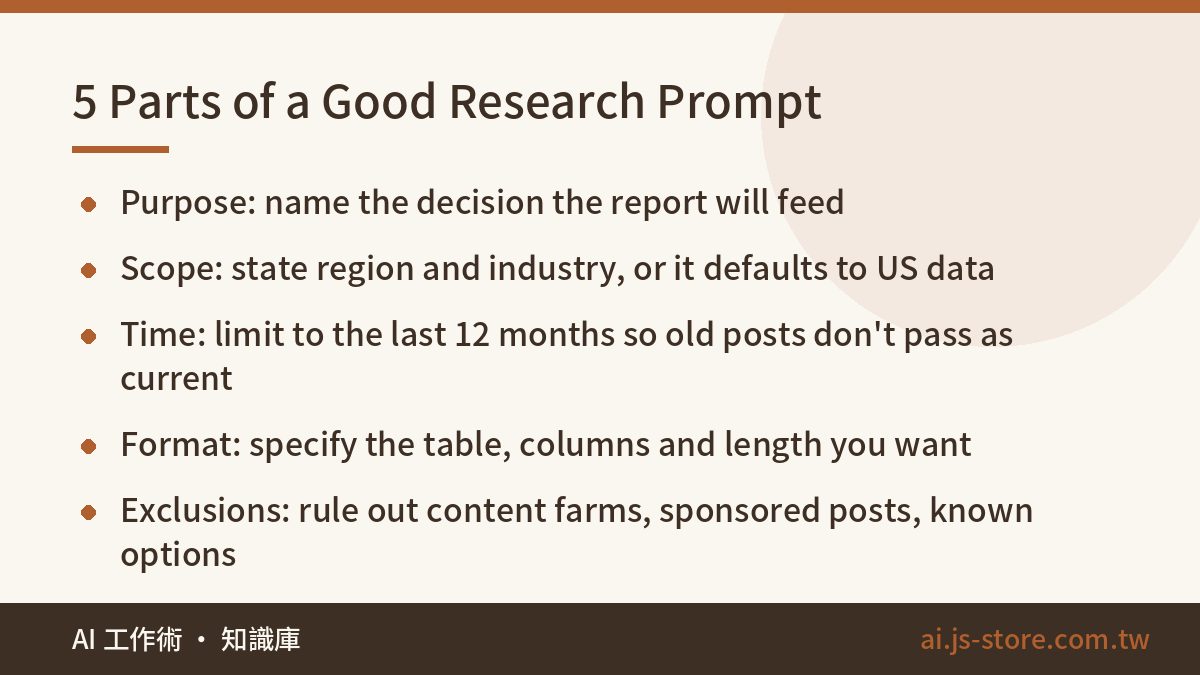
A good prompt spells out five things:
- Purpose. What decision will this report feed? “Decide whether to build feature A” is ten times more useful than “understand the market for A.”
- Scope. Region, industry, audience. If you care about Germany or Brazil, say so. Otherwise it tends to default to US sources.
- Time window. Last 12 months? Last three years? Without a limit, it will happily treat a three-year-old blog post as current.
- Output format. Comparison table or pros-and-cons list, which columns, roughly how long.
- Exclusions. What to leave out: “skip content farms and sponsored posts,” “I already know tools A and B, don't cover them.”
Here's the difference in practice.
Bad prompt: Research AI subtitle tools.
Good prompt: I'm choosing a subtitle tool for a team that publishes 20 short videos a week in English and Spanish. Compare 5–8 widely used AI subtitle tools on transcription accuracy, handling of mixed-language speech, batch export, and monthly price range. Use only sources from the last 12 months and exclude sponsored reviews. Output one comparison table, then give separate recommendations for “tight budget” and “accuracy matters most.”
One habit saves a lot of wasted runs: refine the prompt in a regular chat first. Say “I want to run a research report on X. Turn this into a clear research brief and ask me what information is missing.” Go back and forth two or three times, then launch. That's far cheaper than finding out 20 minutes in that the direction was wrong and burning another run from your quota.
What We Actually Use It For (and Where It Burned Us)
Running an AI tool platform and a video-editing product means we constantly need to know what the market is doing. Some real examples:
- Competitor pricing scans. Collecting plans and prices for a dozen-plus tools used to take a whole afternoon. Now deep research runs for 15 minutes, a person checks every number against the official pricing pages, and the total time is roughly cut in half.
- Tech selection. While building ShooWork Clip, our AI video editor, we had to compare speech recognition and subtitle engines. Deep research produced a first pass on language support, billing models and known limitations. Then our engineers only had to hands-on test the final two or three candidates.
- Pre-writing research. Before we write an article, it does a sweep to make sure we haven't missed an important angle. Every opinion and number that ends up in the published piece is one we've verified ourselves.
It has bitten us, too. Once we asked for the “latest pricing” across a category of tools, and several entries in the report were out of date. It had cited a comparison article from the previous year instead of the vendors' own pages. Deep research is good at breadth. It does not guarantee freshness, and it doesn't guarantee accuracy either. So we split the work: the AI draws the map, and a human checks the details before we act.
Fact-Check the Report in 3 Steps Before You Use It
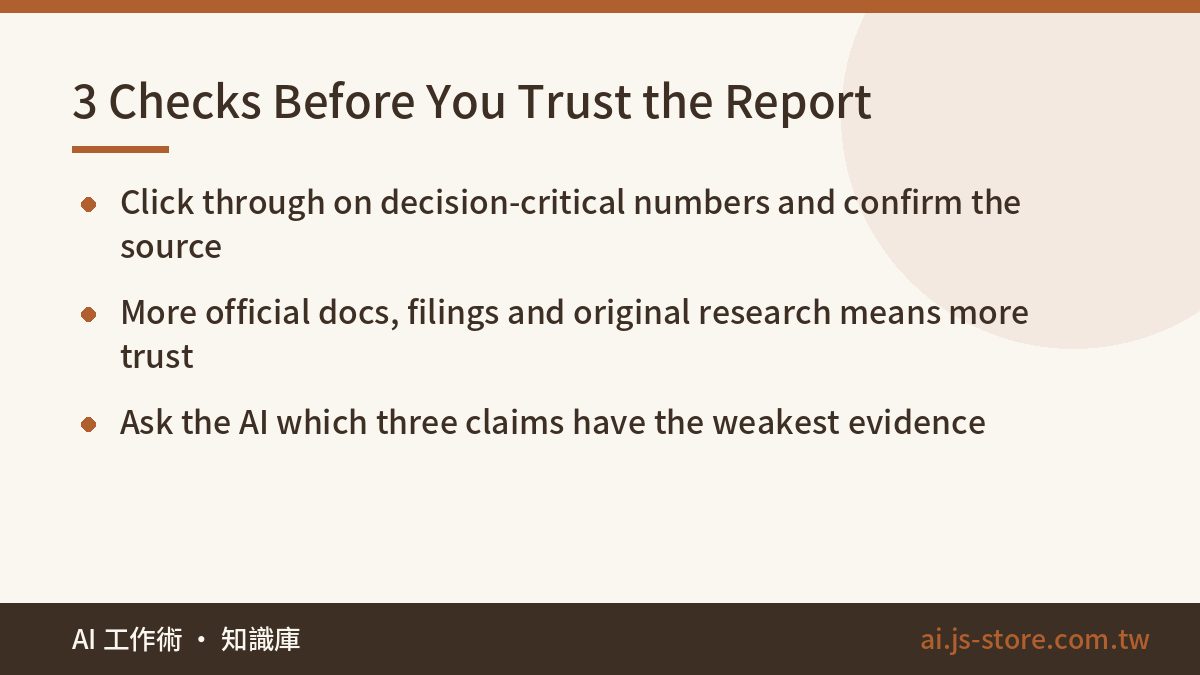
A deep research report with 40 citations feels authoritative, and that's exactly when people stop checking. AI hallucinations still happen in long reports. They're just harder to find. We run the same three checks every time:
- Spot-check the numbers that matter. Prices, market share, growth rates: anything that drives a decision. Click through and confirm the source actually says that, and that it's recent. A common failure is that the link is real but the number isn't in the page.
- Judge the source mix. If most citations are content farms, aggregators or sponsored posts, discount the conclusions. The more official docs, financial filings, government data and original research it cites, the more you can lean on it.
- Ask it to attack itself. Paste the conclusions into a fresh chat and ask: “Which three claims in this report have the weakest evidence?” This often surfaces the spots the model wasn't confident about in the first place.
For the full checklist, see AI Hallucination Explained. One more tip: when a report is very long, follow-up questions in the same thread may lose track of earlier sections. Copy the key conclusions into your own notes rather than relying on the chat to remember them.
When You Shouldn't Use Deep Research
- You need one answer. “What's the upload size limit for this service?” Check the docs or run a normal AI search. It takes 30 seconds, not 20 minutes.
- You need live data. Stock prices, exchange rates, today's news. Its sources lag, and older data slips in easily.
- The answer lives in your own data. Revenue, customer feedback and internal metrics aren't on the open web. Unless the tool connects to your sources, it will stitch together outside guesses.
- Niche topics with thin coverage. Small local industries and obscure regulations don't have enough reliable material online. The report will fill gaps with loosely related sources or speculation.
- Medical, legal or investment decisions. Use it to get oriented and learn the vocabulary. Make the actual decision with a qualified professional.
Also remember that your prompt goes to the cloud. Don't put client names, unreleased financials or other sensitive details in a research prompt. If you need to describe your situation, use placeholders like “Client A” or “a mid-size retailer.”
FAQ
Q: Can I use Deep Research for free?
Some tools, including Perplexity and Gemini, have offered a small number of free runs, but the limits change often. For regular use you'll usually need a paid plan. Check each provider's official pricing page for current quotas.
Q: How long does a deep research run take?
Usually 5 to 30 minutes, depending on the tool and how complex the question is. You can do other work while it runs, and most tools notify you when it's done. If it's still going after half an hour, the scope is probably too broad. Split it into smaller questions.
Q: Can I hand in a deep research report as-is?
Don't. It's an excellent first draft and source map, but numbers, dates and citations all need spot-checking. Anything that changes over time, like pricing, regulations or market data, should be confirmed against the original source.
Q: Does the language of my prompt matter?
Yes. Write the prompt in the language your best sources are published in. For global markets and technical docs that's usually English. Then ask for the report in whatever language you want to read. For a local topic, use the local language and state clearly that local sources should take priority.
Q: How do I split work between deep research and regular AI search?
Go by question type. For a single fact or definition, regular AI search answers in seconds. Save deep research, and your limited quota, for questions that need you to compare several options or reconcile conflicting sources.